

Etsy Bulk Listing: How to Create, Edit, and Schedule Dozens of Products Quickly


Key takeaways
Combine multiple designs with multiple products at once instead of uploading one listing at a time
Let Magic Wand write unique, search-friendly titles and tags for every listing in your batch
Use Bulk Edit to update titles, descriptions, or tags across hundreds of listings in minutes
Schedule publication with Scheduled Publish so new products go live at the right cadence
Review and adjust every creation before it reaches your shop – you stay in full control
Liam is an engineer who sees a clear path from his design skills to a realistic side income. He has 50 original t-shirt graphics and plans to offer each on tees, hoodies, and mugs. That’s 150 product combinations. He opens a spreadsheet, maps out the variations, and dives into Etsy’s listing form. After 40 minutes and only two live listings, the math hits him: at this pace, getting all 150 products online will eat up his evenings for weeks. He realizes that manual bulk listing isn’t a one-time chore – it’s a bottleneck that can suffocate his shop before it even gets going.
Etsy sellers who treat listing creation as a one-by-one task quickly find themselves trapped by volume. When you have more designs than hours, the only way out is a bulk approach that keeps quality high while shrinking the time you spend on repetitive work. This guide walks you through what Etsy bulk listing actually means, the hidden costs of doing it by hand, and how Listybox’s creation and editing tools turn a weekend of grunt work into a manageable, controlled process you can finish in minutes, not hours.
What Is Etsy Bulk Listing and Why Does It Matter for Your Shop?
Bulk listing simply means creating and uploading multiple product listings in one go – not opening the Etsy form for every single variant. In a print-on-demand business, a handful of designs quickly multiplies when you offer tees, pullovers, phone cases, and wall art. Without a bulk workflow, scaling your catalog becomes a physical impossibility. Sellers who rely on the default listing tool often stall after a dozen products and never reach the kind of catalog depth that generates consistent traffic from Etsy search.
A bulk strategy matters because Etsy rewards active, well-stocked shops. When you can publish a cohesive collection of related products in a short window, you signal to the platform that you’re a serious seller. But the real value isn’t just speed – it’s consistency. Every listing that Instagram-savvy customer lands on should have the same high-quality mockups, a clean title structure, and properly researched tags. Doing that manually across 50, 100, or 200 products is where the frustration sets in. If you’re just getting started, our Your First Etsy Listing with Listybox: A Step-by-Step Guide can help you understand the basics before you scale.
How Do You Manually Bulk List Products on Etsy?
Let’s be honest about the standard workflow so you can see where the friction lives. Etsy doesn’t offer a true native “bulk list from scratch” button, so most sellers piece together a process that looks like this:
Create or source designs and export them in the right dimensions for each product type
Open a product mockup template (or a tool like Placeit) and generate a separate mockup image for every design/product combination
Open a spreadsheet and draft titles, descriptions, and 13 tags for each listing, ideally incorporating unique keywords
Log into Etsy, open a new listing, fill in all fields manually, upload the mockups, set variations, and repeat
For a clothing line, add size and color options by hand, making sure every variation has the correct mockup
Hit “publish” or save as draft, then go back and do it again
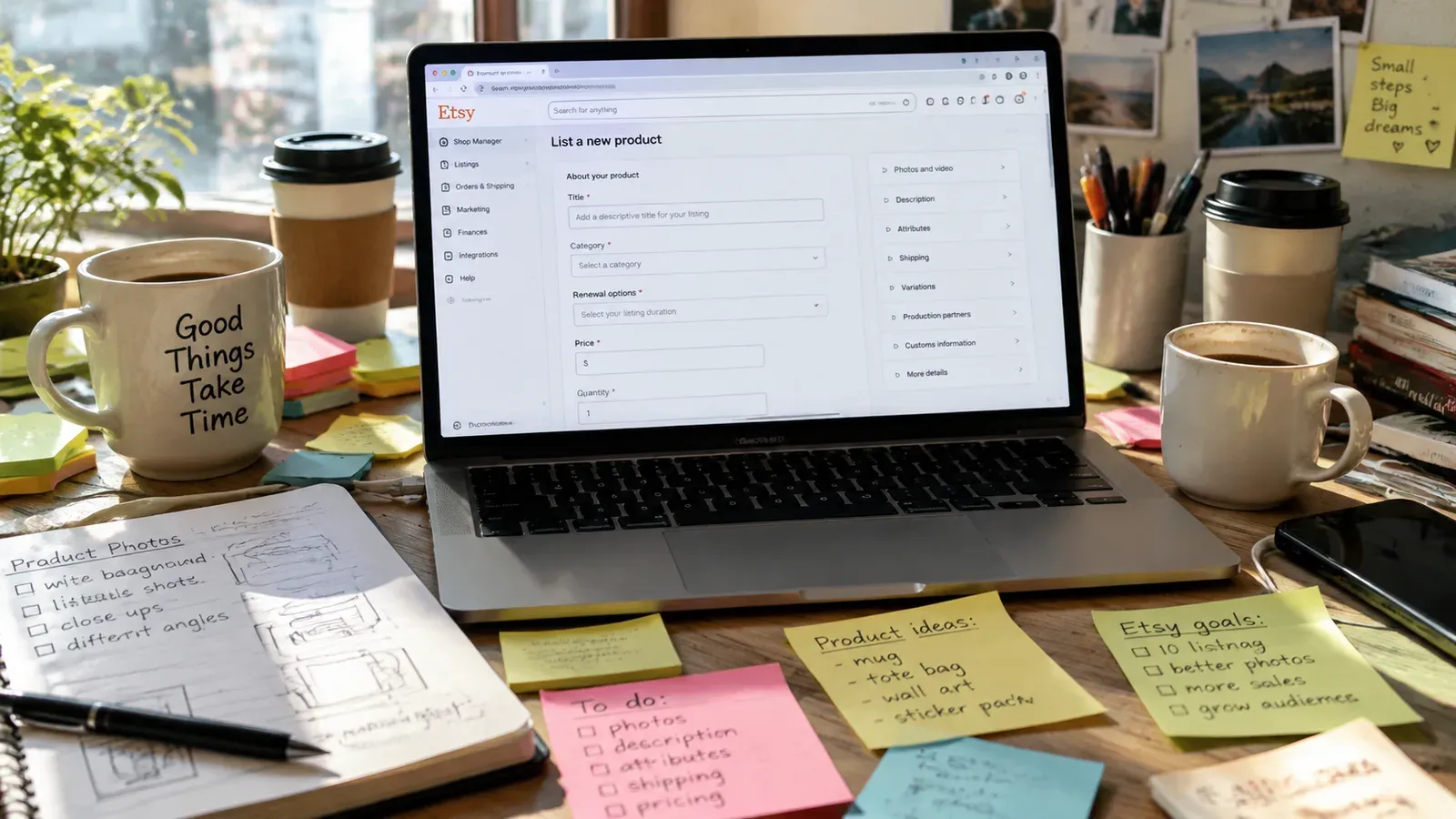
Even if you try to speed up by duplicating a listing and only changing the design, you still need to replace every mockup, adjust the SEO text, and verify that the variant images match. The mental load is heavy: after the fifth listing, errors creep in. You’ll accidentally leave “cotton tote bag” in a mug title, or forget to change tags, which means a listing that will never surface in the right search.
⚠️ Duplicating listings without fully reworking the title and tags can trigger Etsy’s duplicate content filters, which may hide your products from search results altogether.
What Are the Biggest Frustrations of Manual Etsy Bulk Listing?
Liam’s experience is common, but the pain goes deeper than just wasted hours. Let’s name the specific headaches that cause sellers to abandon their bulk publishing plans.
The Mockup Assembly Line That Never Ends
Every pod seller knows that mockups sell the product. When you’re publishing 50 designs across five product types, you need 250 unique, realistic lifestyle images. Creating those one at a time in a browser-based mockup generator turns day into night. You’re not just clicking – you’re redesigning scenes, cropping, and praying the images look cohesive. Most people give up and reuse the same mockup for multiple listings, which makes a shop feel generic and kills trust.
SEO That Suffers With Every New Listing
Writing titles and tags is a creative task that requires thought. When you’re exhausted from the mechanical work of uploading images and selecting variations, the creative part of your brain shuts down. You start copying tags from previous listings or typing the first keyword that comes to mind. The result: a shop full of products that will never be seen because the search terms don’t match buyer intent. Our guide on Etsy Listing SEO Optimization: Your Step-by-Step Guide to Visibility and Sales breaks down exactly how much a weak tag strategy costs you.
The Hidden Trap: Publishing Everything at Once
After a marathon session, it’s tempting to push 80 listings live in one afternoon. But Etsy’s algorithm may interpret a sudden flood of new products from an unproven shop as unusual behavior. Worse, you lose the chance to learn from early listing performance. If you publish 50 mugs on the same day, you can’t see which design or keyword direction resonates first and then adjust the rest accordingly. You’ve committed all your inventory at once, and correcting errors requires yet another manual editing marathon.
💡 A steady publishing rhythm – a few listings per day or spread across a week – gives you time to review shop stats and tweak underperforming titles while you’re still building momentum.
How Can Listybox Automate Your Etsy Bulk Listing Workflow?
Here’s where the heavy lifting moves from your keyboard to a coordinated set of tools. Listybox’s approach treats each listing not as a form to fill, but as a “creation” – a combination of artwork, product, mockup, and SEO content that can be assembled in bulk. You stay in control of every detail while the platform handles the assembly.
The core of bulk listing in Listybox is the Creation Wizard. You select the designs you want to sell from your own My Artworks library or from the ready-to-use Artwork Gallery, then pick the products they’ll appear on. With a single click, the Creation Wizard pairs every design with every product, generates all required mockups, and builds complete listings. What used to take a full weekend can now be done in minutes, not hours, leaving you time to review and refine.
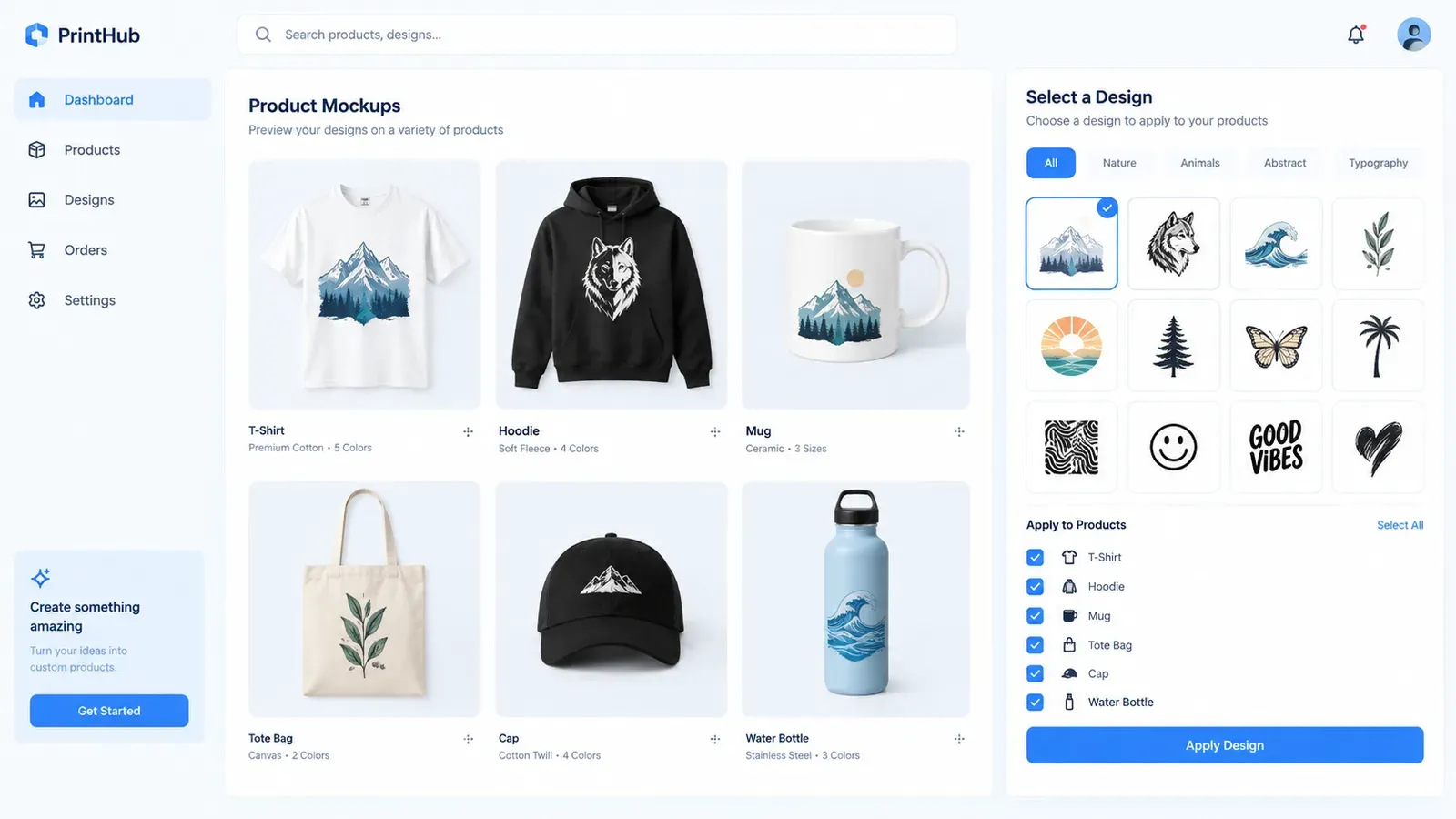
To see how this works step by step, the Creation Wizard: Your Creativity Assembly Line page shows the exact flow.
SEO That Scales With Magic Wand
Once your creations are assembled, every listing needs a title, description, and tags. Doing that manually for 150 listings guarantees inconsistency. Magic Wand analyzes each creation’s design style, product type, and target audience, then writes a unique, keyword-rich title and tag set. You can review each one before publishing, edit any keyword you don’t like, or let Magic Wand apply a batch of suggestions. Instead of copying and pasting tags from a notepad, you get tailored SEO for every listing without the mental drain.
Bulk Editing That Works Across Every Field
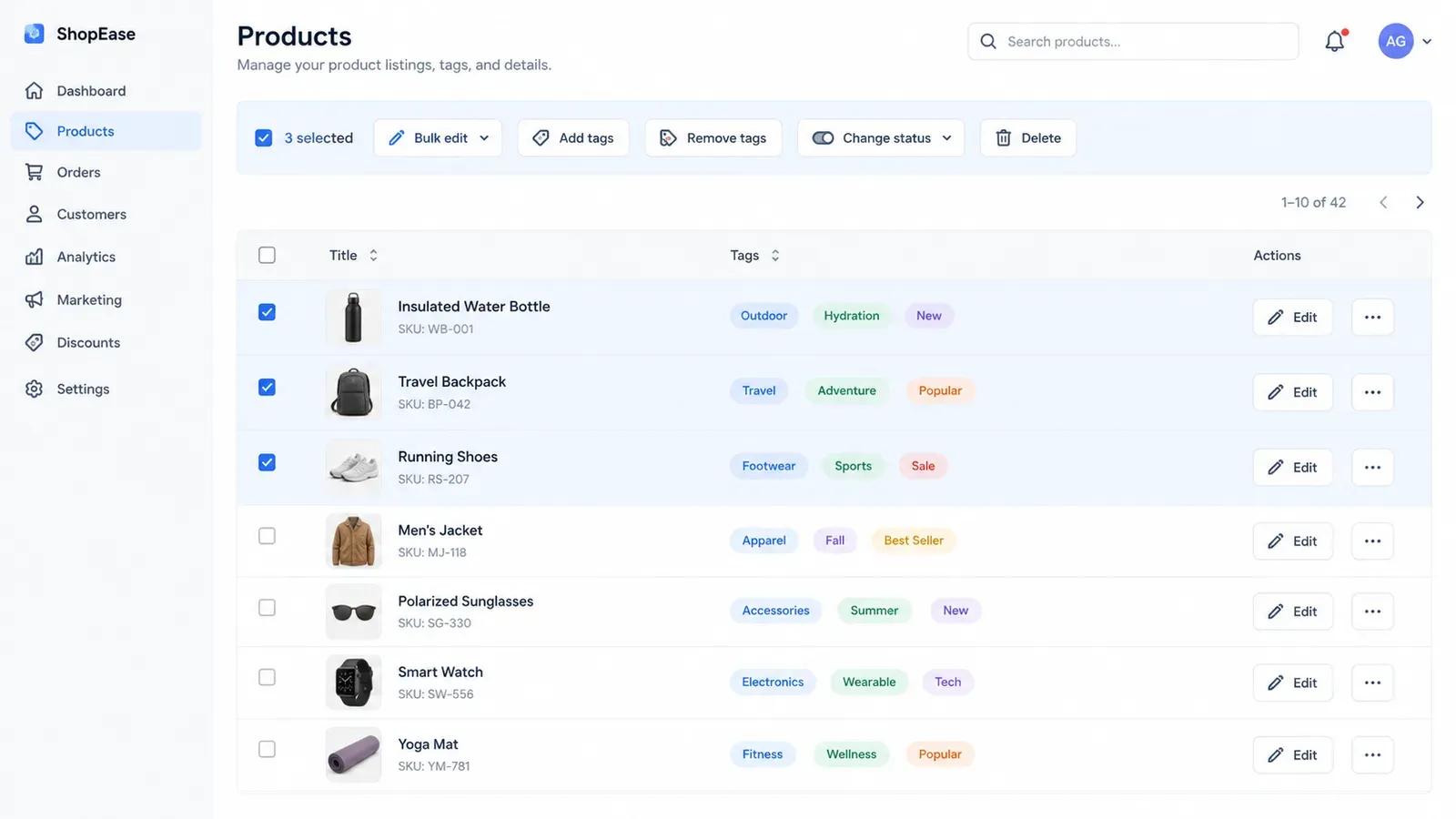
Even with automated creation, you’ll want to make last-minute changes – maybe add a shop-wide tag, tweak a title template, or remove a phrase. The Bulk Edit feature lets you select any group of listings and update their titles, descriptions, tags, or even materials in one action. You specify what to add, change, or remove, and the update applies across every selected listing in minutes. No more opening 50 tabs and hoping you didn’t miss one.
Mockups That Match Your Brand
Generic mockups can undermine your shop’s look. Listystyle creates lifestyle images that place your specific designs into realistic scenes, so a coffee mug design actually appears on a kitchen counter in natural light. For clothing, the images adapt to the product’s cut and fabric. When you’re creating 20 t-shirt listings, you get 20 distinct, on-brand images instead of the same blank tee. And if a product has multiple color variants, Combo Listing automatically swaps the mockup image when a buyer selects a different color or product type, keeping the listing clean.
Scheduled Publish: Let Your Shop Grow While You Sleep
After your creations are ready, you don’t have to dump them all at once. Scheduled Publish lets you set a release rhythm – for example, publish two new listings every 6 hours – so your shop builds its catalog steadily. Listybox handles the publishing automatically on your schedule, and you can pause or reorder the queue at any time. This avoids the algorithm concerns of a sudden flood and gives you a predictable, low-stress growth pattern.
Which Listybox Features Speed Up Bulk Listing, Editing, and Scheduling?
Let’s zoom in on the specific tools that make bulk listing feel less like a chore and more like a production line you control.
Creation Wizard: From Zero to Dozens of Listings
Select your artworks and products in the wizard, then review the auto-generated mockups. The Placement Editor inside the wizard lets you adjust exactly how a design sits on a product – drag, resize, or choose a preset fit – and then apply that custom placement to all other creations with one click. That means a design that needs to be smaller on a mug versus a hoodie gets the right treatment everywhere without manual per-product adjustments. The whole process, from artwork selection to a grid of ready-to-edit listings, takes minutes. Once creations are built, you can refine them individually or move straight to bulk editing.
Bulk Editing: The Central Command for Hundreds of Listings
The Bulk Editing: Time Machine page explains how you select listings and choose the field to modify. If you want to add a seasonal keyword like “holiday gift” to every title, you pick the “Add” action, type the phrase, and apply. The changes propagate in minutes. The same goes for tags: add a trending tag across an entire collection, or remove a tag that no longer fits your SEO strategy. Because you can preview changes before committing, you keep full oversight without the risk of breaking an existing listing.
Scheduled Publish: Algorithm-Friendly Drops
Using Scheduled Publish: The Algorithm Strategist, you set a start time and an interval. Listybox will then automatically publish the listings one by one according to that plan. This not only keeps your shop active but also lets you batch-create an entire collection on Sunday and have it trickle out over the following week while you’re at your day job. There’s no need to log in and hit “publish” on each one.
Magic Wand: Consistent, Creative SEO
We’ve touched on it, but it’s worth underlining: Magic Wand: AI SEO & Copywriter isn’t just a thesaurus. It interprets the visual and functional properties of your design and product – a humorous cat pun on a mug gets a different keyword set than a minimalist mountain silhouette on a hoodie. The result is listing copy that reads like a human wrote it, yet is systematically optimized for discovery. You can edit any part of the output, so the final text always reflects your voice.
Listystyle Video and Additional Visual Assets
Etsy listings with video can hold a buyer’s attention longer. Instead of recording and editing product videos, Listystyle Video takes your product images and automatically produces a short, professional video highlighting the design. You can download it or upload it directly to Etsy. Combining this with Listystyle lifestyle images means each bulk-created listing gets a full set of visuals that looks custom, not template-generated.
Keeping Costs in Perspective
When you bulk list a large number of products, the listing fees add up. It’s important to understand exactly what Etsy charges so you can plan your production budget.
Etsy charges a $0.20 USD fee for listing an item for sale. Taxes may also apply.
For a deeper dive into how fees affect your profit per listing, read our breakdown How Much Does Etsy Take from Sellers in 2026?. Smart bulk listing is about making every listing fee count by ensuring each one is optimized and has a real chance to sell.
Does all of this feel overwhelming when you’re starting from zero? You don’t have to build your shop alone. With Listybox Store Setup, our expert team opens your Etsy store, lists your first 10 products with SEO-optimized descriptions, and sets up your branding. See the pricing page for what this service covers and what it costs.
Manual bulk listing asks you to choose between speed and quality. Listybox removes that trade-off. The Creation Wizard assembles your listings; Magic Wand writes the words; Bulk Edit tweaks everything in one pass; and Scheduled Publish delivers them when they’ll have the most impact. You review, refine, and approve – everything else moves at the pace of a platform built for sellers who’d rather create than copy-paste.
Whether you have 20 designs or 200, the workflow stays the same. Pick your artworks, choose your products, and let the system build a collection you can browse nearly as fast as a customer would. Start Listybox now – no credit card required.
Listybox
Create listings 10x faster with Listybox.
Frequently asked questions
Put this into practice in your shop.
Every step from design to live listing, on one platform. Start on the free plan.
Related posts


Want to go deeper? Read our in-depth Etsy guides · Browse 100 Etsy niche guides