


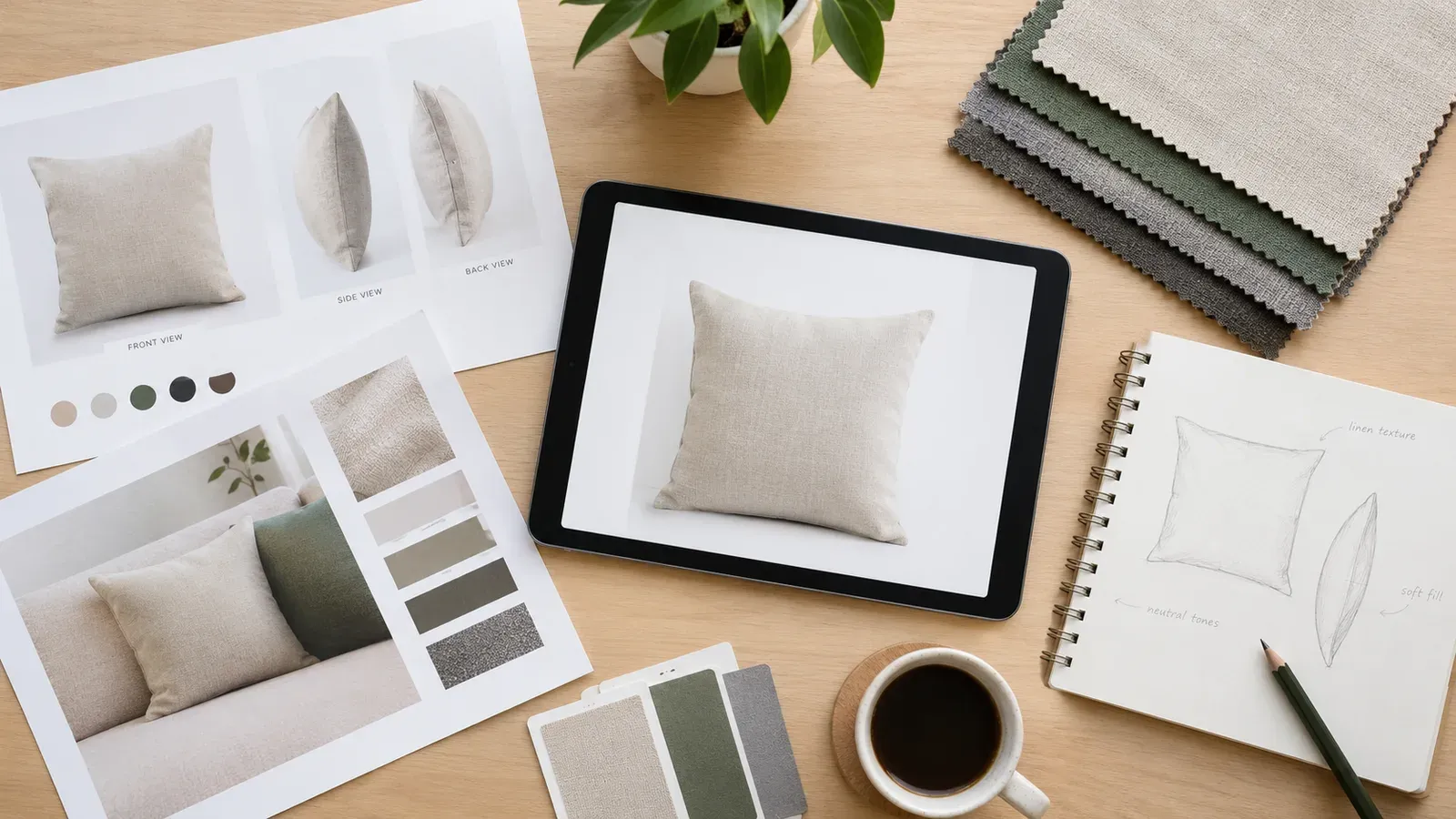
Key takeaways
Check the current Etsy image requirements in the Etsy seller help pages before you export files, since specifications can change.
Plan one master image per design and export consistent crops for every product variation.
Review each photo at thumbnail size, because most shoppers first see your listing in search results.
Use Listybox bulk tools to apply the same placement and background settings across many creations, then review each one yourself.
Keep final control over every image, title, and tag before you publish.
Noah started his online shop after a dropshipping experiment ended with unpaid bills, slow shipping, and product photos he never controlled. He switched to print-on-demand on Etsy because he wanted to own the designs, the listings, and the images. His goal was simple: build a clean catalog of t-shirts, mugs, and posters that looked consistent from the first thumbnail to the last product page.
Then the real work started. Every design needed a square main image, a few lifestyle shots, and a close-up for each product variation. Noah was resizing files by hand, cropping mockups one at a time, and discovering that a photo that looked sharp on his laptop looked blurry or cut off on his phone. If you have ever faced this, you know the frustration: the image process eats your time before you have even written a title.
Why Photo Sizes Matter More Than You Think
Your listing photos are the first thing a shopper sees. On Etsy, a listing often appears as a small thumbnail in search results before anyone clicks. If your main image is cropped awkwardly, has a busy background, or has the product sitting too small in the frame, the listing can feel less polished than the competition, even when your design is strong.
Photo problems tend to show up in three places. The first is the thumbnail, where a product that fills only a small part of the frame gets lost. The second is the full listing view, where inconsistent crops across variations make the shop look unfinished. The third is the mobile view, where fine details in a mockup disappear. A careful sizing workflow solves all three.
Publish your next batch.
Prepare your products and publish listings to Etsy in bulk. Start on the free plan.
What to Check Before You Export Any Image
Before you resize anything, check the current image guidance in the Etsy seller help center. Etsy can update recommended dimensions, file types, and the number of images allowed per listing, so treat any size number you saw in an old guide as something to verify rather than assume. Make a note of the date you checked, because that is a good habit when platform rules change.
Once you have the current guidance, build a short checklist you can reuse:
Confirm the accepted file formats and the recommended aspect ratio for your main image.
Decide on one square master size and use it for the main listing photo across the shop.
Keep the product centered with comfortable margins so nothing important touches the edges.
Use a plain or softly colored background so the design stands out at thumbnail size.
Export at a resolution that stays sharp when a shopper zooms in, without creating huge files.
Writing this checklist down matters. When you have dozens of products, the checklist keeps your shop visually consistent even when you are tired.
Building a Repeatable Photo Workflow
Start with one strong master mockup for each design. Place the artwork on the product carefully, then create variations for colors and sizes from that same master. This keeps the design proportions consistent and avoids the problem of one shirt looking larger than another in the grid.
Next, plan the image set for each listing. A typical set might include a clean front view as the main image, a back or detail shot, a lifestyle photo that shows the product in use, and a close-up that shows print quality. Order matters, because the first image does most of the selling work in search results.
After that, export files with clear names that match the product and variation, such as design name, product type, and color. Clear names save you from uploading the wrong crop to the wrong variation, which is one of the most common and frustrating mistakes in print-on-demand shops.
Where the Manual Grind Turns Into a Trap
Here is the hidden trap Noah eventually found. Each small adjustment seems harmless on its own. Shrinking one image, nudging another, and re-exporting a third takes only a few minutes each time. But across a catalog of hundreds of creations, those minutes become days. Worse, every manual step is another chance to upload the wrong size, forget a variation, or let inconsistent crops slip into a live shop.
The trap is not that resizing is hard. The trap is that repetitive, unreviewed work quietly steals the hours you wanted for designing and marketing. Many sellers only notice after their shop has grown too large to fix by hand.
How Listybox Handles the Repetitive Part
Listybox is one workspace where you run your Etsy shop: creating products, writing and publishing listings, editing many listings at once, scheduling, and print-on-demand fulfillment. For photo work, several features fit this workflow.
With My Artworks, you can upload your own designs in bulk, up to 5,000 files, into one central library. Your artwork is stored in one place, so you do not have to hunt through folders every time you build a listing.
The Creation Wizard then brings designs and products together. You select artwork from My Artworks or the Artwork Gallery, choose products from the Product Catalog, and the wizard assembles the variants and mockups into a set of creations you can review before anything goes live.
The Placement Editor is where the sizing decisions happen. In the preview screen you can apply batch placement modes such as fit or fill to all creations, or open the Placement Editor for one creation, drag and resize the artwork, and then apply that custom placement to other selected creations. You still make the visual call, but you avoid repeating the same adjustment dozens of times.
For background cleanup, the Background Remover lets you select a design in My Artworks and create a transparent version next to the original. This is useful when a design needs to sit cleanly on a product mockup without a box of leftover background.
For the rest of the image set, Listystyle can produce lifestyle photos that place your product in real-world scenes, and Listystyle Video can build a short video from your existing product images. Once images are ready, Bulk Edit lets you change titles, descriptions, and tags across many listings at once, and Scheduled Publish spaces out your launches so you are not publishing everything in one burst.
💡 Review every generated image at thumbnail size before publishing, because the small preview is how most shoppers will judge your listing first.
Listybox speeds up the production work, but it does not decide for you. You choose the placement, approve each mockup, and edit any title or tag that does not match your brand. Final control stays with you.
Real-World Checklist for Your Next Batch
Here is a simple process you can follow for your next batch of designs:
Step one: check the current Etsy image guidance and note the date.
Step two: upload your designs to My Artworks and remove backgrounds where needed.
Step three: build creations in the Creation Wizard and set placement with the Placement Editor.
Step four: generate lifestyle or video assets if your listings need them.
Step five: review each creation at thumbnail and full size, then apply any final edits.
Step six: schedule publishing so new listings go live in a steady rhythm.
Following these steps keeps your image quality consistent and makes your shop easier to manage as it grows.
⚠️ Do not assume an old size guide is still correct. Confirm the current Etsy requirements before you bulk-export a full catalog.
Common Mistakes to Avoid
Many sellers make the same few errors. They crop the main image too tightly, which hides the design edges. They use busy backgrounds that compete with the product. They export files at low resolution to save space, then wonder why zoomed images look soft. They also skip naming conventions, which leads to mismatched variations.
Another common mistake is treating the photo as finished after a single pass. Review your images after the listing is live too. Look at the search results page, check how your thumbnail compares with other shops in your niche, and refresh images when your design or product lineup changes.
Bringing It Together
Good listing photos are not about a single perfect size. They are about a clear checklist, a repeatable workflow, and careful review before publishing. Start with the current platform guidance, build a consistent master image for each design, and keep your file naming tidy. Use the tools in your workspace to avoid repeating the same manual adjustments, but always keep the final decisions in your hands.
If you are tired of resizing images one by one, you do not have to keep doing it that way. Listybox can help you organize artwork, build creations, and prepare listing assets in one place, so your time goes toward designing and selling.
Start free - no credit card required
If you want to see how the full listing process fits together, read our guide on Etsy Listing SEO Optimization: Your Step-by-Step Guide to Visibility and Sales and our walkthrough on Your First Etsy Listing with Listybox: A Step-by-Step Guide. For a broader view of how images support search visibility, see Etsy Product Photography: Free Mockups, Image Sizes & Background Removal. If you are comparing mockup approaches, our article on Free T-Shirt Mockup for Etsy Sellers: The 2026 No-Budget Guide to Product Images That Sell explains the trade-offs. And if you are still deciding which products to offer, Design Clothes to Make Money: The 2026 Guide for Etsy Print on Demand covers that step.
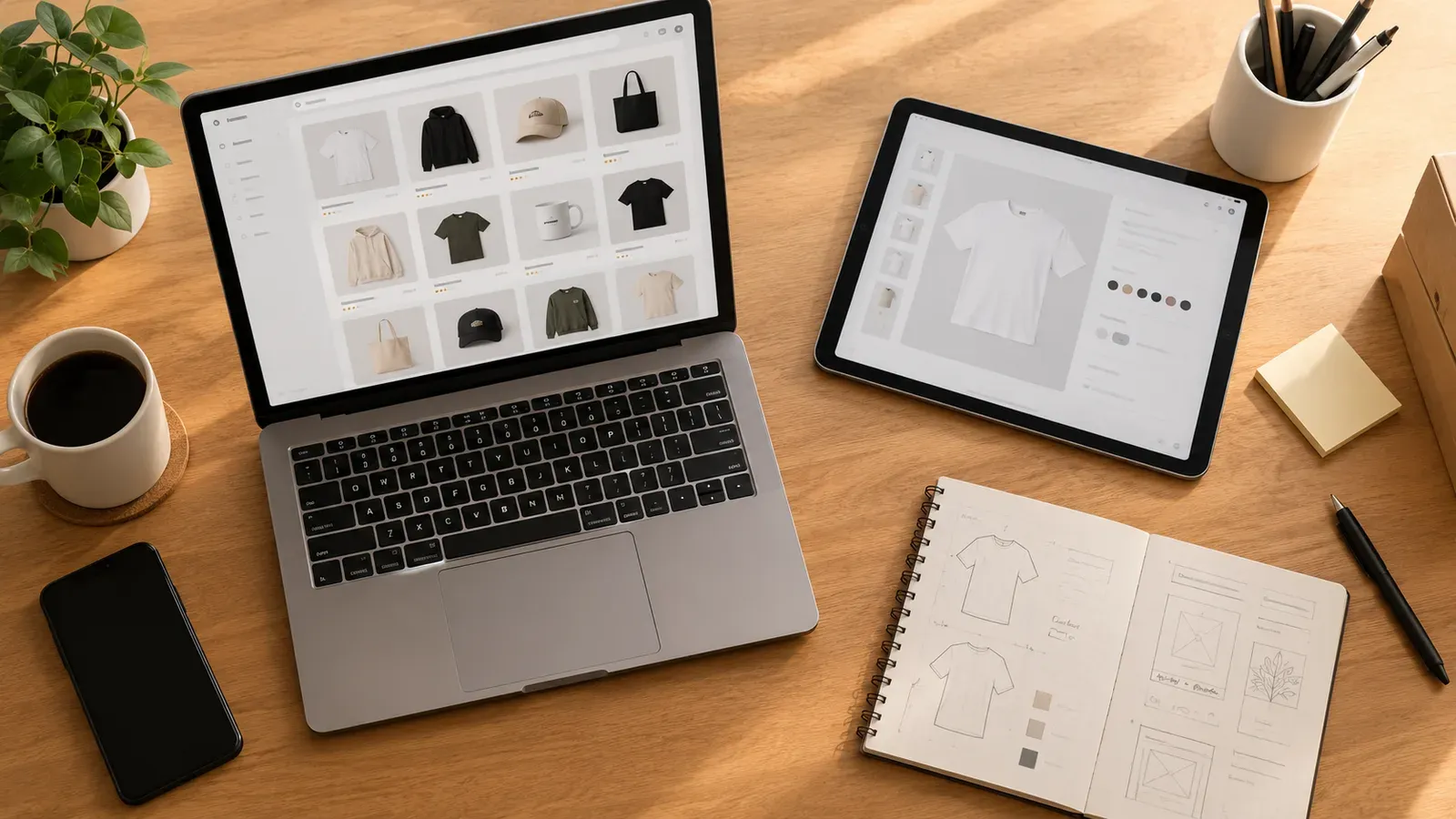
Frequently Asked Questions
Before you finalize your photo set, it helps to answer the questions sellers ask most often. The answers below focus on checking current rules and building a repeatable process rather than relying on fixed numbers that may change.
Listybox
Listybox keeps your Etsy shop work in one place. Create products, publish listings, edit them in bulk and pass print-on-demand orders to production.
Frequently asked questions
Put this into practice in your shop.
Every step from design to live listing, on one platform. Start on the free plan.
Related posts

Want to go deeper? Read our in-depth Etsy guides · Browse 100 Etsy niche guides