

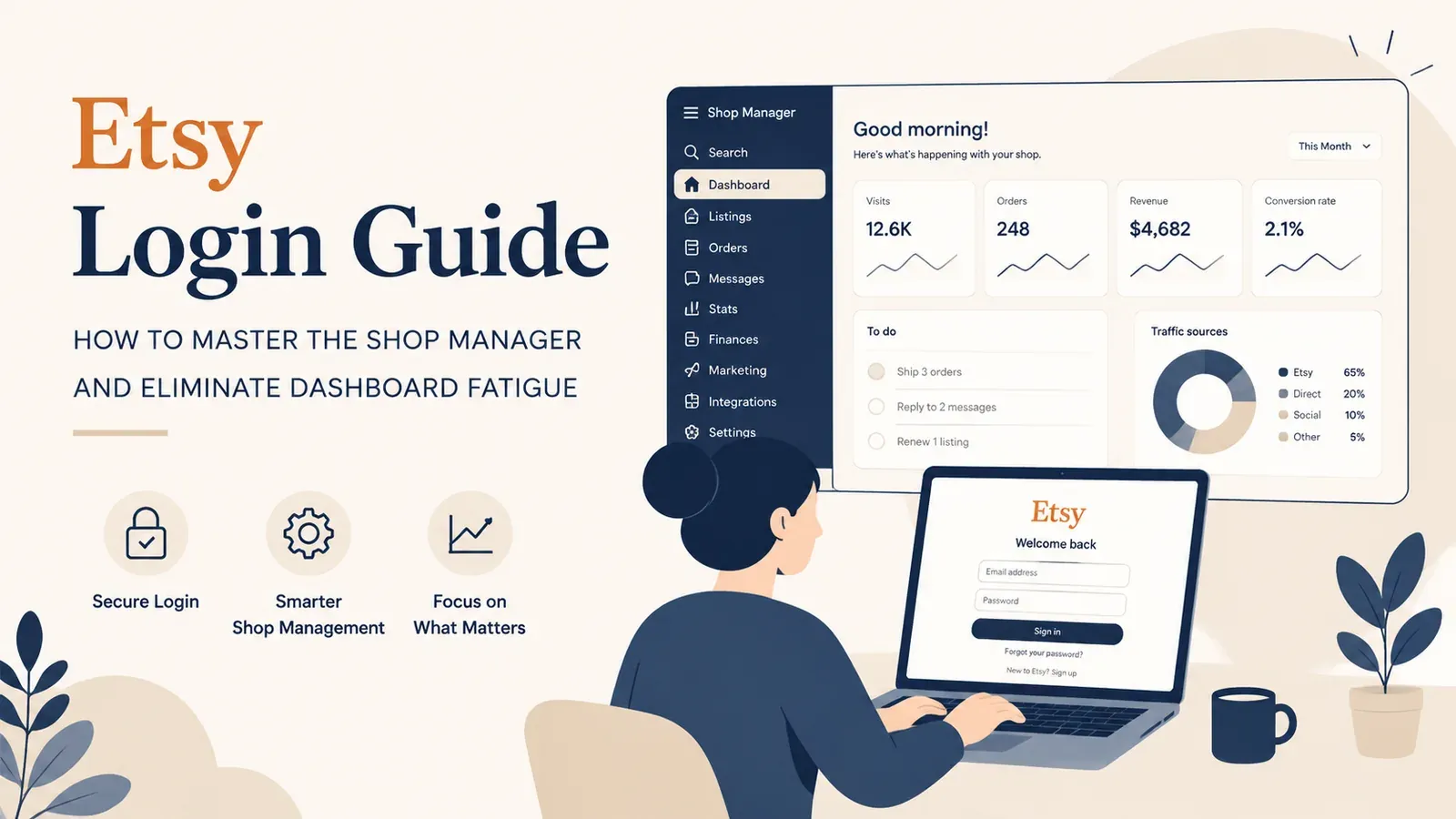
Etsy Login Guide: How to Master the Shop Manager and Eliminate Dashboard Fatigue

Key takeaways
Etsy login provides access to the Shop Manager for full account management.
You can reach the dashboard directly from ‘Shop Manager’ under your profile.
Managing several shops requires separate logins, and clearing your browser cache can help with sign-in problems.
There is no separate ‘business account’ for signing in; your seller account gives access to all management tools.
Logging into Etsy is the easy part. The moment you enter your credentials and the Shop Manager loads, the real challenge begins. For thousands of new sellers, that first glimpse of the dashboard is not a moment of excitement - it is a moment of sheer overwhelm.
Between the constantly changing menus, the scattered analytics, and the pressure to “Please update your billing info,” it is easy to feel like you need a degree in data science just to list a t-shirt. But what if you could bypass the confusion? What if your Etsy login was the gateway to a streamlined, automated command center rather than a maze of manual tasks?
The Reality of the Etsy Login: Complexity vs. Clarity
When you first click “Sign In” and access the Etsy backend, you are presented with a powerful set of tools. However, power often comes with complexity. It is easy to spend more effort figuring out where everything is located than actually creating products.
The “Tab Fatigue” Phenomenon
To run a successful shop manually, you typically need one tab for your orders, one for your listings, another for messages, and yet another for your print-on-demand supplier. This constant toggling is annoying, and it breaks your focus: every switch between screens and tools pulls you away from the actual work.
This friction is the primary reason many aspiring entrepreneurs give up before they make their first sale. They log in to work, get bogged down in administrative clutter, and log out feeling defeated.
Try it in your shop.
Every step from design to live listing, on one platform. Start on the free plan.
Transforming the Login Experience with Listybox
Imagine if logging into your business felt like stepping into a clean, well-organized office where everything you need is already in place. This is the idea behind Listybox: one workspace where you run your Etsy shop. You create products, write listings, edit many listings at once, schedule releases and handle print-on-demand orders there, so the screen in front of you shows what matters for the work at hand.
Everything in One Place
Instead of moving between scattered screens, you run your shop from one Listybox workspace. You can combine designs and catalog products in Creation Wizard, write titles, tags and descriptions with Magic Wand, check your tags with Tag Health, change many listings at once with Bulk Edit, and release listings on a plan with Scheduled Publish. You can edit everything before publishing.
This matters most when you handle orders. With Zero-Touch Fulfillment, each Etsy order appears in My Orders in Listybox. You pay the production and shipping cost for each order there, and production does not start before payment. After that, Listybox sends the required details to the selected manufacturer, retrieves tracking after shipment, and updates the Etsy order and customer. You log in to check your orders, not to copy order details by hand.
Scenario: Escaping the Dashboard Trap
1. Meet Sarah, the overwhelmed artist. Sarah is a talented illustrator who wants to sell her designs on mugs and t-shirts. She has the creativity, but she is not “tech-savvy.”
2. Her Goal: Launch a modest shop. Her plan is simple: upload her top 20 illustrations to Etsy and start a side hustle to pay for her art supplies.
3. The Manual Grind: Sarah creates her Etsy login and enters the Shop Manager. She clicks “Add a listing.” The form is endless. Titles, tags, shipping profiles, production partners… She fills in every field by hand for each mug, and when she stops, she has listed 6 items. She is exhausted.
4. The Hidden Trap: The next day, she dreads logging in. The interface feels hostile. She starts doubting herself. “If it takes this long just to list items,” she thinks, “how will I ever have time to draw?”
5. The Listybox Solution: A friend recommends Listybox. She connects her store and opens the Creation Wizard. She brings her remaining 14 designs and the mug from the catalog into one workspace and combines them in bulk, with variants and mockups prepared for review. Magic Wand writes an SEO-focused title, a full tag set and a description for each listing. Sarah edits anything she wants before publishing, then releases the 14 listings with Scheduled Publish.
6. The Transformation: Sarah’s dread turns into delight. She no longer fears the login screen. Listybox takes care of the repetitive listing steps while she keeps the final say on every listing. Her focus goes back to what she loves: creating art.
Overcoming the “New Seller” Setup Barrier
For many, the hardest part of the Etsy login journey is simply setting up the shop correctly in the first place. You need a banner, a logo, a bio, and compliant policies. If you get this wrong, you might not get any traffic - or worse, your account could be flagged by Etsy’s automated systems.
Why risk it? We have built a specific solution for this exact hurdle.
With Store Setup, the Listybox team sets up your Etsy store, prepares core branding, publishes an initial product set from the Listybox catalog with SEO-focused copy, and provides onboarding guidance. It is available inside a custom Enterprise+ offer, so plan a demo or write to [email protected].
Navigating Login Issues and Account Security
Even with the best tools, you need to ensure minimal friction when accessing your accounts. Here are a few pro-tips for managing your Etsy login securely:
Enable Two-Factor Authentication (2FA)
Etsy offers 2FA for security. While essential, it can be annoying if you are constantly logging in and out.
Avoid “IP Hopping”
Frequent logins from different IP addresses (like coffee shops or VPNs) can trigger Etsy’s security bots and temporarily lock your account.
Conclusion: Work Smarter, Not Harder
Your Etsy login should be the way into your business, not a source of daily stress. By understanding the limitations of the native dashboard and running your shop from a single workspace like Listybox, you keep product creation, listings, publishing and orders together.
Don’t let the complexity of a user interface stand between you and your dreams. Automate the difficult parts, streamline your login routine, and focus on building a brand that lasts.
Start for free - no credit card required
Listybox
Listybox keeps your Etsy shop work in one place. Create products, publish listings, edit them in bulk and pass print-on-demand orders to production.
Frequently asked questions
Put this into practice in your shop.
Every step from design to live listing, on one platform. Start on the free plan.
Related posts



Want to go deeper? Read our in-depth Etsy guides · Browse 100 Etsy niche guides