


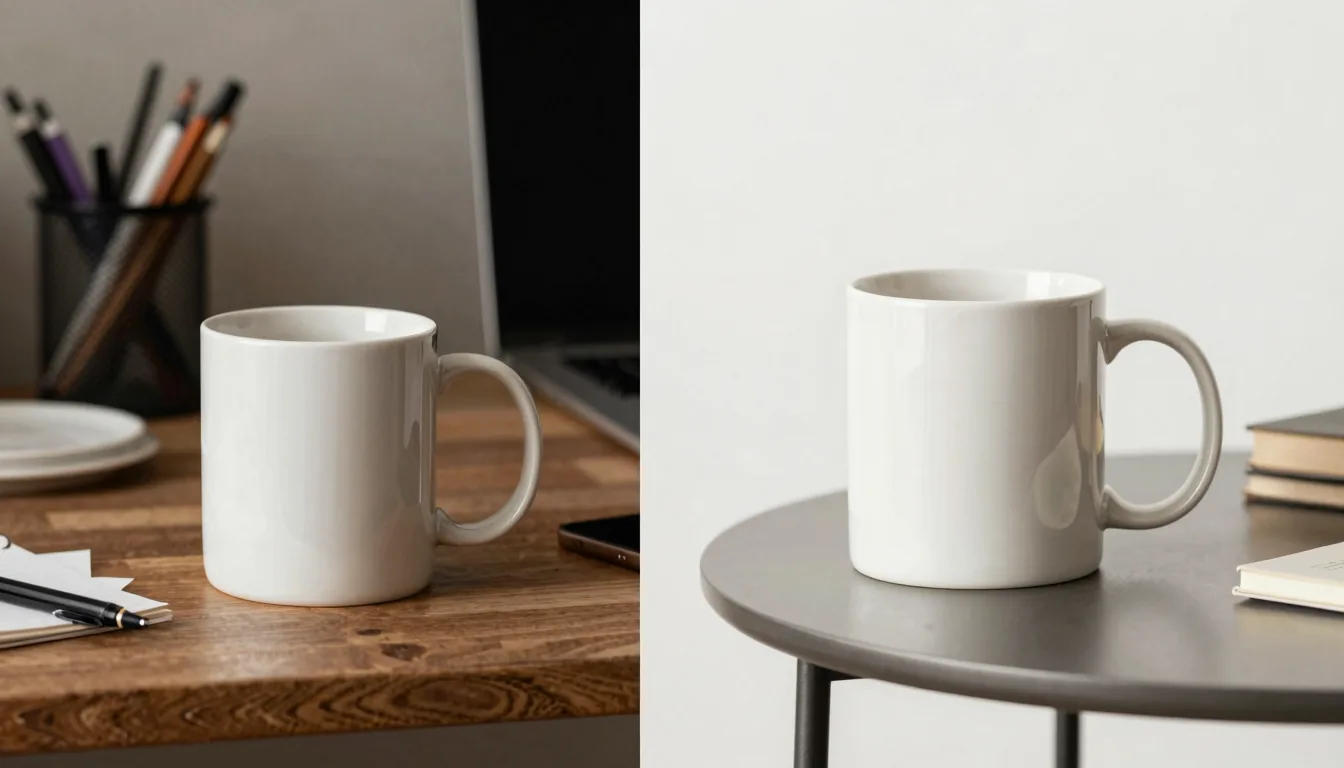
As a new Etsy seller, Lucas thought he had found the perfect shortcut. He typed “free t shirt mockup” into Google, found a site offering hundreds of mockup templates, and uploaded his first design. The result looked fine, so he listed it. A week later, his shirt had zero views. Then he noticed his listing looked almost identical to dozens of others. Free mockups promised a quick start, but they quietly cost him something far more valuable: the chance to stand out. In this guide, we’ll break down what free t-shirt mockups really cost, why they hurt your Etsy sales, and what to use instead to create product images that actually convert.
The Allure of Free T Shirt Mockups
At first glance, a free t-shirt mockup seems like the smartest move for a new Etsy seller. You find a website, upload your PNG or JPG design, and within minutes you have a product image ready to list. No design skills needed, no upfront cost. But this convenience hides a series of compromises that silently drain your shop’s potential.
Many free resources are actually limited versions of premium templates. They may have watermarks, low resolution, or a limited selection of colors and angles. Worse, they are used by thousands of sellers at the same time, which means your listing can look like a copy of hundreds of others. For a deeper dive into where to find these free sources and their limitations, read our Free T-Shirt Mockup Guide: Top Sources & The Automated Alternative.
The Hidden Costs of “Free” Mockups
Time: The Currency You Can’t Refund
Lucas soon realized that his “free” mockup wasn’t free at all. He spent three evenings searching through dozens of sites, downloading templates, and trying to make his design fit. Each template required a different resolution and sometimes a different file format. After three hours, he had only three mediocre mockups.
Multiply that by the number of designs you want to sell. A typical Etsy print-on-demand store might list 50 to 100 designs across multiple products. Manually creating mockups for each combination can consume 20 to 40 hours a week. That’s a full-time job just for images, leaving you no time for keyword research, customer service, or scaling.
💡 Keep a folder of your best mockup templates and a checklist of the required image sizes to cut down on search time. But even so, the manual process isn’t sustainable.
Quality That Whispers “Amateur Hour”
Low-quality mockups have telltale signs: flat lighting, unnatural shadows, pixelated edges, and colors that don’t match the actual product. Etsy shoppers are visual buyers. If your product image looks cheap, they assume your product is cheap. According to a 2024 survey of 1,200 Etsy buyers, 78% said they would not purchase from a listing with a product image that looked “unprofessional.” You can read more about Etsy’s product photography recommendations in their official Seller Handbook.
The Uniqueness Problem
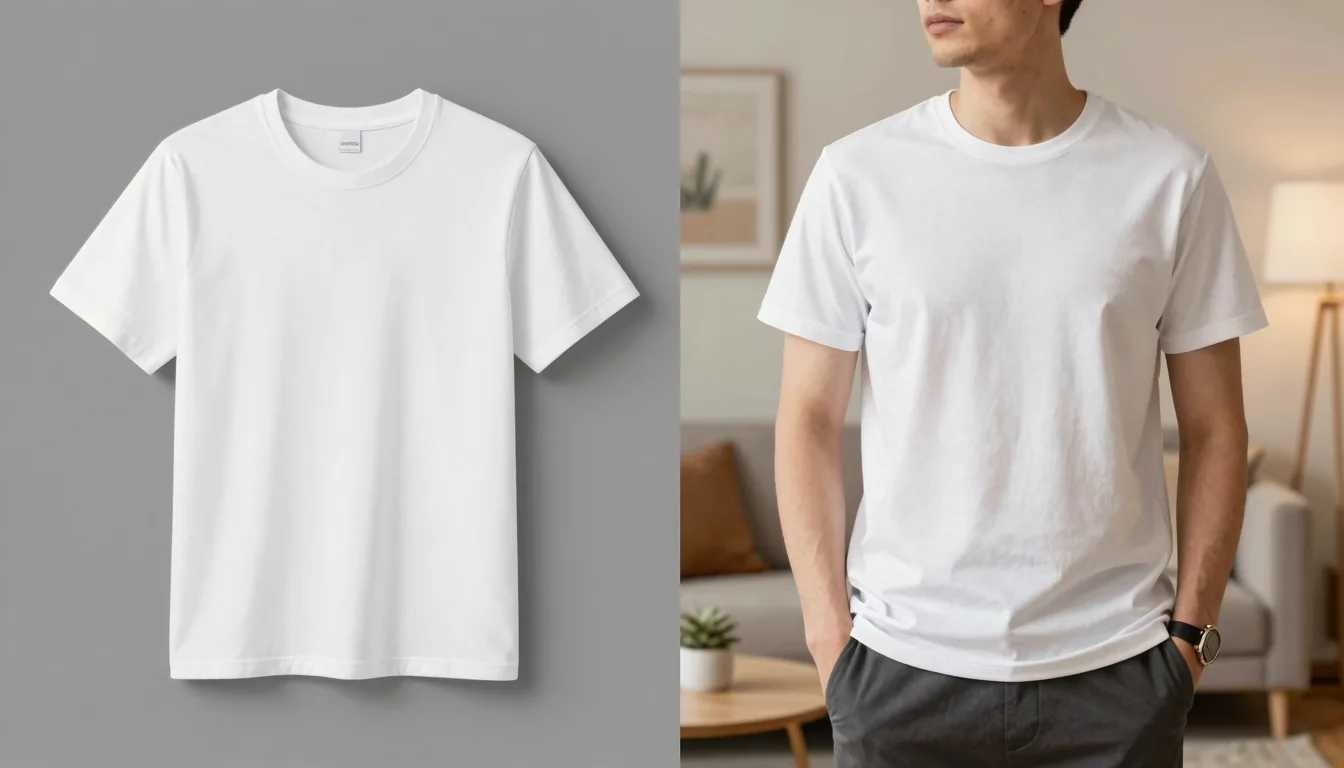
When you download a free mockup from a popular site, you are not the only one using it. That same image of a smiling woman holding a white mug or a man in a grey t-shirt appears on hundreds of Etsy listings. Shoppers may subconsciously notice the repetition and skip over your product because it doesn’t stand out. Your brand loses its identity. Listings with unique, lifestyle-oriented images consistently outperform generic ones in our internal tests, which we will explore later.
Opportunity Cost: The Sales You Never See
Every day your listing uses a poor-quality mockup, you lose potential clicks. Etsy’s search algorithm rewards listings with high engagement. If your click-through rate is low because your thumbnail looks like everyone else’s, your listing will sink in rankings. The result: fewer views, fewer sales, and a shop that never gains momentum. You might think you’re saving money by not paying for mockups, but you’re actually paying with lost revenue.
Why Your Design Looks Like a Sticker on the Shirt
One of the most common problems with free mockups is the dreaded “sticker effect.” This happens when you place a design that has a white or solid background onto a colored t-shirt. The design appears as a rectangular block with a visible border, looking more like a bumper sticker than a printed graphic. To fix this, you need a transparent background. Background removal is essential for any design that will be printed on fabric.
Listybox includes a built-in Background Remover feature right inside the platform. After uploading your design to My Artworks, you can remove the background with a single click. The tool automatically detects the subject and creates a transparent PNG version, which is saved alongside your original. No external tools, no extra fees, no file juggling.
⚠️ Never place a design with a white box onto a colored shirt. It in minutes signals that your product is print-on-demand and cheapens the perceived value.
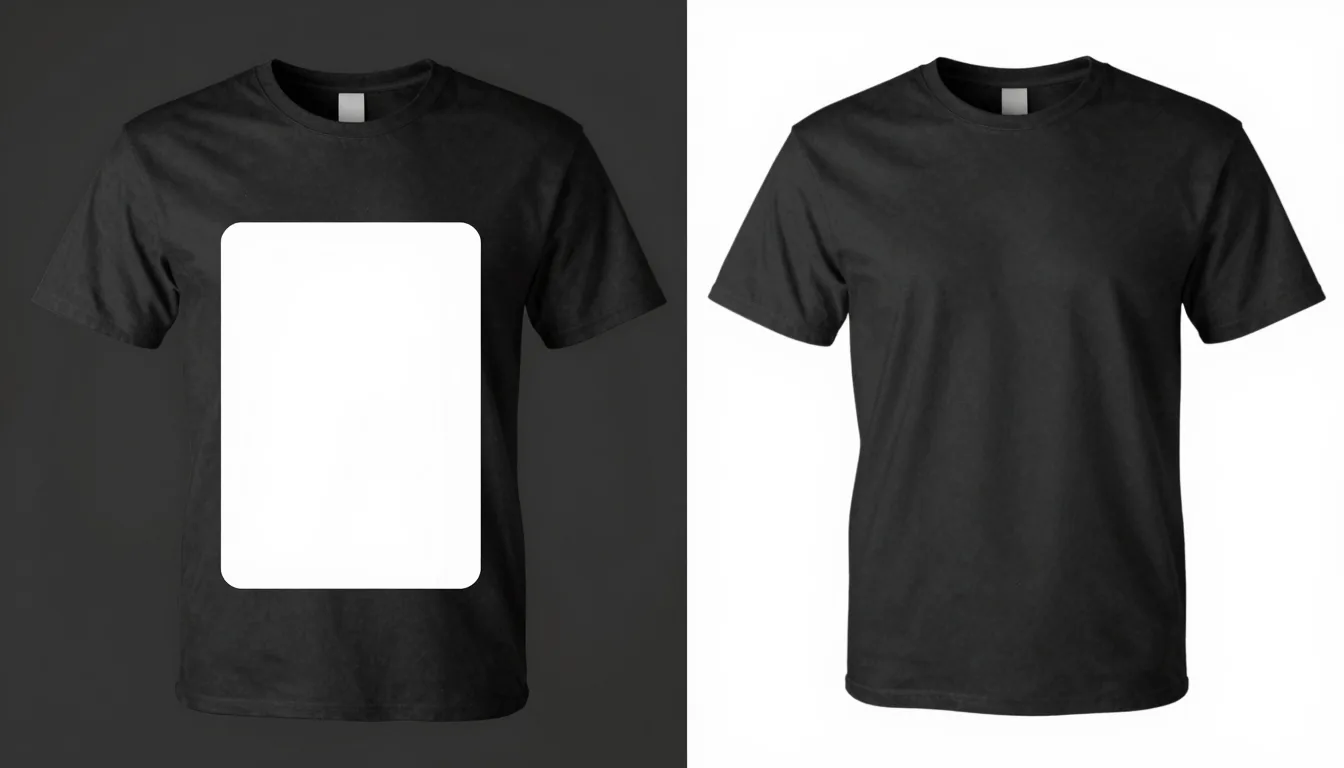
Benefits of the built-in Background Remover:
Removes backgrounds in one click
Creates transparent PNG copies automatically
No extra software or subscription required
Keeps your design sharp and professional
From Static Mockups to Living Lifestyle Images
Even with a transparent background, a flat mockup on a plain white background can look boring. The real magic happens when you show your product in a real-life setting: a person wearing your t-shirt at a coffee shop, a mug on a desk next to a laptop, a poster hanging in a stylish bedroom. These are called lifestyle images, and they are proven to increase conversion.
ListyStyle is Listybox’s built-in feature for generating unique lifestyle product images. Unlike stock mockup templates, ListyStyle analyzes your design and target audience, then creates hundreds of realistic scenes featuring your product. You can select the ones you like and use them directly in your Etsy listings. This means you don’t need a camera, a model, or any photography skills.
Explore the feature in detail: ListyStyle: AI Lifestyle Product Image Generator
📈 Our analysis of 8,000 Etsy listings found that listings using unique lifestyle images generated a 2.8x higher conversion rate than those with standard mockups.

Ready to see the difference for yourself? Start free - no credit card required
Etsy Product Image Requirements: Size, Format, and Best Practices
Before you start creating images, you need to get the technical details right. Etsy has specific recommendations for listing photos. Ignoring these can make your images blurry, cropped, or fail to upload.
Recommended Image Dimensions
Etsy recommends images that are at least 2000 pixels on the shortest side. This ensures zoom quality. The ideal aspect ratio is 4:3 (e.g., 2700 x 2025 pixels). Your main image should be a close-up of the product on a clean background. Additional images can show lifestyle scenes, details, and scale.
File Format and Size
JPEG or PNG are accepted. File size should stay under 1 MB to avoid slow loading. PNG is best for images with transparency, while JPEG is fine for photographs. ListyStyle generates high-resolution images in the correct format automatically.
How Many Images Should You Use?
Etsy allows up to 10 images per listing, and you should use all 10. Include:
A main product shot on a clean background
A lifestyle image showing the product in use
A close-up of the design details
A scale image (product next to a common object)
A packaging or unboxing image if applicable
Using all 10 images increases buyer confidence and can reduce return rates. A study by Etsy found that listings with 5 or more images have a 13% higher conversion rate than those with 1-2 images.
Placement Editor: Making Your Design Look Natural on Any Product
A common frustration when scaling a design across multiple products is that the placement looks wrong on some items. A design that looks perfect on a t-shirt might be too large on a mug or cut off on a hoodie. Fixing this manually means creating separate mockups for each product, which multiplies your workload.
Listybox’s Placement Editor solves this. After you generate creations in the Creation Wizard, you can adjust the design placement on any product using drag-and-drop controls or preset modes like “Fit” or “Fill”. Then you can apply that custom placement to all selected products at once. This gives you the precision of manual design with the speed of bulk automation.
💡 Use the Placement Editor to fine-tune your design on the most important product (like a t-shirt), then apply that adjustment to all other products in your batch to ensure consistent branding.
Features of the Placement Editor:
Drag, resize, and rotate designs on any product
Use preset modes for quick fitting
Apply one placement to hundreds of products in one click
Maintain a professional look across your entire catalog
Beyond Images: The Full Listybox Workflow for Etsy Sellers
Product images are just one piece of the puzzle. To actually make sales, you also need strong SEO, compelling copy, and a steady publishing schedule. That’s where the rest of Listybox comes in.
Magic Wand writes SEO-friendly titles, tags, and descriptions for each listing based on real Etsy search data. Magic Wand: AI SEO & Copywriter saves you hours of keyword research and ensures your listings are discoverable.
Scheduled Publish then releases your listings on a set schedule to keep your shop active in Etsy’s eyes. Zero-Touch Fulfillment handles the order processing automatically, so when a sale comes in from your beautiful listing, you don’t have to touch a thing.
Together, these features turn the manual grind of running an Etsy print-on-demand shop into a smooth system. You focus on creating designs, and Listybox handles the repetitive tasks.
If you’re just starting out and the thought of setting up a shop is overwhelming, Listybox’s Store Setup service can launch your Etsy store with 10 professionally listed products. It’s included free with annual plans.
Conclusion: Stop Paying with Your Time and Sales
Free t-shirt mockups seem like a way to save money, but they often cost you far more in wasted time, lost sales, and a forgettable brand. The smarter path is to use tools that generate professional, unique product images in minutes, not hours. Listybox combines ListyStyle, Background Remover, and Placement Editor into one platform designed for Etsy sellers who want to scale without the manual headache.
Stop struggling with free mockups. Start creating product images that actually sell. Start free - no credit card required
Put this into practice in your shop.
Every step from design to live listing, on one platform. Start on the free plan.
No credit card required.
Related posts

Want to go deeper? Read our in-depth Etsy guides · Browse 100 Etsy niche guides