



Key takeaways
Starting an Etsy shop from zero is doable when you focus on one niche and use print on demand to avoid inventory risk.
Writing SEO-friendly listings with Magic Wand removes the blank page problem without taking control away from you.
Batching products with Creation Wizard and Scheduled Publish keeps your shop active without working around the clock.
Zero-Touch Fulfillment handles routine orders so you can focus on design and customer experience.
A 30-day launch plan creates momentum and prevents the manual grind that causes most new sellers to quit.
Noah had tried dropshipping before. He spent months wrestling with overseas suppliers, inconsistent quality, and thin margins. When he finally shut that store down, he swore he would never sell physical products online again. But the itch to own something of his own never went away. Six months later, he started researching Etsy print on demand.
The difference this time was not another get rich quick promise. It was a practical question: can a burned out entrepreneur go from zero to boss on Etsy without repeating old mistakes? The short answer is yes, but only if you build on the right foundation. This article maps out the steps, the hidden traps, and the features that help you avoid them.
What Does It Really Take to Start Selling on Etsy as a Beginner?
Starting an Etsy shop is more than clicking a button and uploading a design. You need to understand Etsy’s seller policies, choose a product niche, and set up your storefront in a way that builds buyer trust. Noah learned this the hard way in his dropshipping days. Etsy shoppers expect handmade or unique items, and print on demand fits that expectation when done correctly.
Before you invest time, check the latest Etsy seller requirements in our guide on Etsy Seller Requirements 2026: What You Really Need to Start a Shop. You will need a valid bank account, a government ID, and a clear plan for what you sell. Etsy also has rules around production partners, so if you use a print on demand supplier, declare it properly. Do not assume the fee structure from a blog post. Check Etsy’s current fees page directly before you list your first item.
Picking your first product line
The best product lines for a beginner are ones that allow you to test designs without holding inventory. T-shirts, mugs, tote bags, and wall art are popular choices because they have broad appeal and simple production. With Listybox, you can browse the Product Catalog, choose items like apparel or home decor, and combine them with designs from the Artwork Gallery. This means you do not need to buy samples or store anything in your garage.

Start with one product type and two or three design styles. A cohesive shop looks more trustworthy than a random mix of everything. For example, if you choose mugs, aim for funny office mugs or personalized gift mugs. That focus helps Etsy understand what your shop is about, which improves your relevance for those searches.
Setting up your shop without getting bogged down
The manual setup process on Etsy can take a full afternoon. You have to write your shop title, upload a banner, configure policies, and create your first ten listings. Each listing needs a title, tags, description, and images. For a new seller, this is where frustration starts. Noah spent four evenings copying and pasting the same details into different listings, only to realize he had made typos in half of them.
Does all of this feel overwhelming? You don’t have to start from scratch. With Listybox Store Setup, our expert team sets up your Etsy store, lists your first 10 products, and optimizes everything for SEO. See the pricing page for what this service covers and what it costs.
💡 Practical tip: When you start, focus on one product type and one or two design styles. A cohesive shop looks more trustworthy than a random mix of everything.
How Do I Create Listings That Actually Get Found by Etsy Shoppers?
Etsy search is not like Google. Shoppers type short, specific phrases like ‘funny nurse mug’ or ‘minimalist mountain t-shirt’. Etsy’s ranking looks at how well your title, tags, and attributes match that query. If your listing is not written for the right keywords, it will sit on page ten and never get seen.

The first step is brainstorming keywords from the buyer’s point of view. Ask yourself what you would type if you were looking for this product. Use Etsy’s search bar suggestions, buyer reviews, and your own product attributes. Our guide on Etsy Search Engine Optimization: A 2026 Guide for Print-on-Demand Sellers walks through the full process.
The anatomy of a high-ranking listing
A strong Etsy listing has a title that includes the main keyword at the front, all 13 tags used, and a description that naturally repeats key phrases. The title should read like a sentence, not a string of keywords. For example, ‘Personalized Nurse T-Shirt, Funny RN Shirt, Medical Worker Gift, Custom Name Tee’ works better than ‘nurse shirt, nurse tee, gift for nurse’.
Attributes also play a role. When you choose a product in Listybox, you can set colors, sizes, and styles. Each variation creates a new URL, and Etsy indexes those separately. This means a single design can appear in multiple search results.
How Magic Wand helps you write better listings
Writing 13 unique tags and a keyword-rich title for every product is tedious. Noah tried to do it manually and spent forty minutes per listing. Then he would second-guess himself and rewrite everything the next day.
The Magic Wand feature reads the product and design together, then generates SEO-friendly titles, tags, and descriptions in one click. You still review and edit the text before publishing. The feature does not decide for you, but it removes the blank page problem. This means you can keep your own voice while saving the mental energy for product strategy.
⚠️ Important warning: Never copy another seller’s listing title or tags. Etsy’s algorithm rewards unique, relevant content, and copying can hurt your shop’s trust.
Why Do Most New Etsy Sellers Give Up in the First Few Months?
Lack of sales is rarely the only reason. Many sellers quit because the daily grind feels endless. Creating listings, editing photos, researching trends, answering messages, and fulfilling orders becomes a second full-time job. When Noah first started, he found that the more products he listed, the less time he had for anything else. The shop was not generating income yet, but it was already consuming his evenings.
The hidden trap of doing everything by hand
The biggest hidden trap is not a lack of talent. It is the belief that you must do everything yourself to keep costs low. In print on demand, the production cost is fixed. Your real cost is time. Every hour spent resizing an image or copy-pasting a description is an hour not spent improving your shop.
The realistic path for Etsy print on demand is covered in our piece on How to Make Money Online: The Realistic 2026 Path with Etsy Print on Demand. It explains why consistent, high-volume listing matters more than perfection on a single product.
Batch creating products without designer skills
The solution is batching. Instead of making one product at a time, you make twenty or fifty variations at once. The Creation Wizard lets you combine multiple designs from My Artworks or the Artwork Gallery with multiple products from the catalog in one session. You review the combinations, adjust placement with the Placement Editor if needed, and then approve the batch.
This approach means you do not need to be a graphic designer. You can start with a simple text design or a pre-made artwork from the Artwork Gallery, then let the product mockup generation handle the presentation. Your job is to curate, not to draw every pixel.
How Can I Scale My Etsy Shop Without Working Around the Clock?
Scaling an Etsy shop usually means hiring help or outsourcing. But before you reach that stage, you can use automation features to handle repetitive tasks. The key is to separate decisions from execution. You still decide what to sell and which designs to use. The tool executes the publishing and editing steps.
Using Scheduled Publish to stay consistent
Etsy’s algorithm favors active shops. Regular new listings signal that your store is relevant. But publishing one product every morning at 9 a.m. is not realistic for most people. Scheduled Publish lets you create a batch of listings and then set a schedule, such as one every six hours or one per day. Listybox then publishes them automatically according to that schedule.
This does not mean you set it and forget it forever. You should review your results, check which listings get views, and adjust your tags. Our comparison on Best Etsy Search Analytics Tool: A 2026 Comparison for Sellers helps you understand what data to watch.
Bulk editing for seasonal updates
Seasonal changes require editing many listings at once. Maybe you want to update the title on all your Christmas products, or change the price on a slow-moving collection. Bulk Edit lets you select multiple listings, choose a field like title, description, or tags, and apply a change across all of them. You can add a phrase, remove a word, or replace a term.
For Noah, this meant he could turn his Halloween designs into Christmas designs in one afternoon instead of a full weekend. He still had to write the new text, but the copying and pasting was handled for him.
Combo Listing for more value per listing
Another way to scale without extra work is Combo Listing. This feature combines multiple product types, such as a t-shirt and a hoodie, into one Etsy listing. The customer chooses the product type from a variation menu, and the images update automatically to show the correct item. This gives you more search coverage from a single listing and reduces the number of separate products you need to manage.
What’s the Smartest Way to Handle Order Fulfillment as a New Seller?
When an order comes in, you have two choices: forward the details to your print on demand supplier manually, or set up an integration. Manual forwarding works for one or two orders a day, but it breaks down when you are asleep or away from your computer. A single missed message can lead to a late shipment and a bad review.
Zero-Touch Fulfillment
Zero-Touch Fulfillment connects your Etsy shop to a production partner. When a customer buys, the system detects the order, routes it to the best performing manufacturer, and sends the production details. Once the item ships, the tracking number is returned to Etsy and the order is marked as complete. You still see every order in your dashboard, but you do not have to copy-paste shipping addresses at midnight.
This feature is not about avoiding work entirely. It is about making sure routine orders are handled accurately while you focus on product development and customer service. The guide on Sell Products Without Inventory: The 2026 Print on Demand Guide for Etsy Sellers explains how the workflow fits together.
Custom Product Hub for unique products
If you want to sell beyond the standard print on demand catalog, Custom Product Hub lets you upload your own mockups, variations, and SKUs. You can clone existing products, edit costs and suppliers, or build a completely new product from scratch. These custom products then work with Magic Wand, Creation Wizard, and fulfillment features. This gives you control without losing the automation layer.
💡 Practical tip: Start with the built-in catalog to validate demand, then add custom products once you know what your customers want. You do not need to create a unique product from day one.
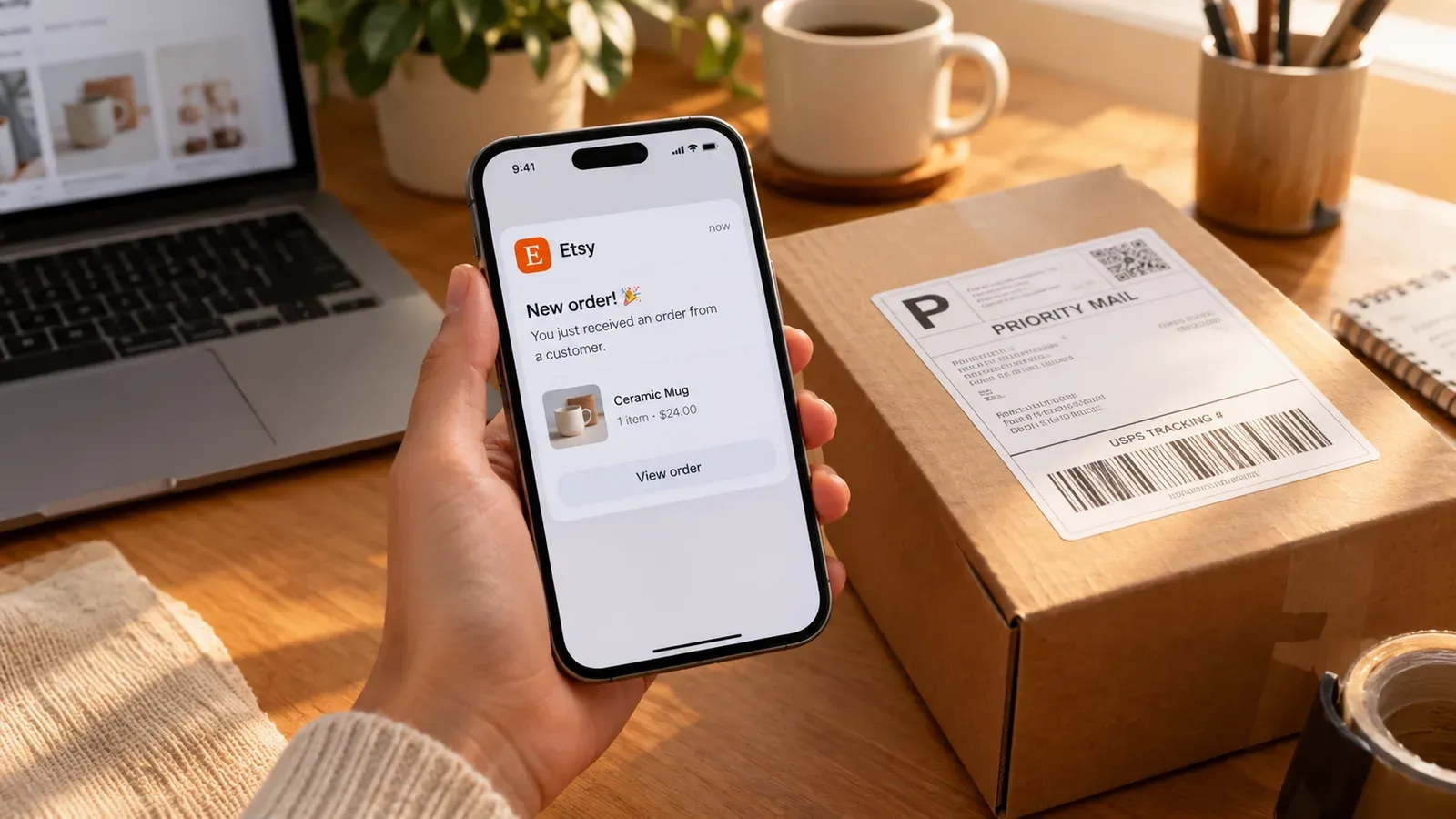
Your 30-Day From Zero to Boss Launch Plan
Now that you understand the core building blocks, here is a simple 30-day sequence. Follow it and you will avoid the burnout that kills most new shops.
Week 1: Open your shop, complete branding, choose one product line, and set up your first ten listings using Store Setup or manually.
Week 2: Publish five new listings every day using Creation Wizard and Scheduled Publish. Use Magic Wand for all titles and tags.
Week 3: Review your Etsy search analytics. Identify which listings get impressions and which do not. Use Bulk Edit to refresh underperforming tags.
Week 4: Set up Zero-Touch Fulfillment and process your first few orders. Create a batch of new products for the next month.
This plan does not promise overnight success. But it gives you a repeatable system. The goal is to build momentum without burning out.
Conclusion
From zero to boss on Etsy is not about working harder. It is about working on the right things and letting tools handle the repetitive parts. Noah eventually realized that his dropshipping failure was not a character flaw. It was a workflow problem. With print on demand and Listybox, he could finally focus on creating designs and connecting with customers instead of drowning in manual tasks.
Ready to start your own journey? Start free - no credit card required.
Listybox
Create listings 10x faster with Listybox.
Frequently asked questions
Put this into practice in your shop.
Every step from design to live listing, on one platform. Start on the free plan.
Related posts



Want to go deeper? Read our in-depth Etsy guides · Browse 100 Etsy niche guides