


Key takeaways
- Build a fixed packing station so every order follows the same steps.
- Check packaging, labels, and tracking before each parcel leaves your hands.
- Confirm current Etsy shipping and policy rules in your shop settings before you ship.
- Use Listybox workflow tools to reduce repeated manual steps while you approve every decision.
Shipping an Etsy order looks simple from the outside: wrap the item, print a label, drop it at the carrier. Anyone who has run a busy shop knows the reality is different. Each order adds small decisions about packaging, labels, tracking, and buyer messages, and those decisions pile up fast when orders arrive every day. This guide is written for sellers who want a steady, repeatable process rather than improvising each parcel.
We will follow Ava, an illustrator who sells hand-drawn designs on Etsy and fulfills a growing number of print-on-demand orders. Her goal is simple: every parcel should arrive intact, every tracking number should reach the buyer, and she should not spend her evenings hunting for labels. Her story shows where the manual grind starts and how a clear workflow can take it apart.
Why Packing and Shipping Gets Harder as Your Shop Grows
When Ava had a handful of orders a week, she packed everything at her kitchen table. She could remember which mailer she used for which size, and she typed tracking numbers into messages by hand. That worked until orders doubled. Suddenly she was searching her inbox for buyer addresses, copying tracking codes into the wrong threads, and running out of the right mailers on the day she had the most parcels to send.
The pain is rarely one big failure. It is a stack of small slips: a wrong size insert, a label printed for the wrong address, a tracking number that never reached the buyer, a parcel shipped without a checked packing list. Each slip creates a support message, and each message takes time away from creating new designs.
Ava also felt the pressure of getting shipping details right under the marketplace rules. Etsy sellers need to keep their shipping profiles, processing times, and policy pages accurate, and those settings change. Relying on memory is risky. Check your current settings directly in your Etsy shop manager, and review the platform’s own help pages whenever you are unsure.
Try it in your shop.
Every step from design to live listing, on one platform. Start on the free plan.
The Hidden Trap: Treating Every Order as a Fresh Start
The biggest trap is improvising. When each order is handled from scratch, quality drifts. One day the tape is thin, the next day an address line is cut off, and nobody notices until a buyer writes in. Improvising also hides the real cost of your time, because you never see the minutes you spend re-checking the same details.
A second trap is fulfilling orders with no clear record. If you cannot quickly see which orders are packed, labeled, shipped, or waiting on a supplier, you end up double-checking everything. That habit turns a two-minute task into a twenty-minute one.
⚠️ Before you change any shipping profile, processing time, or return rule, confirm the current requirements in your Etsy shop settings and the platform’s policy pages. Rules can change, and an out-of-date setting can cause problems with buyers.
Step One: Set Up a Packing Station That Stays the Same
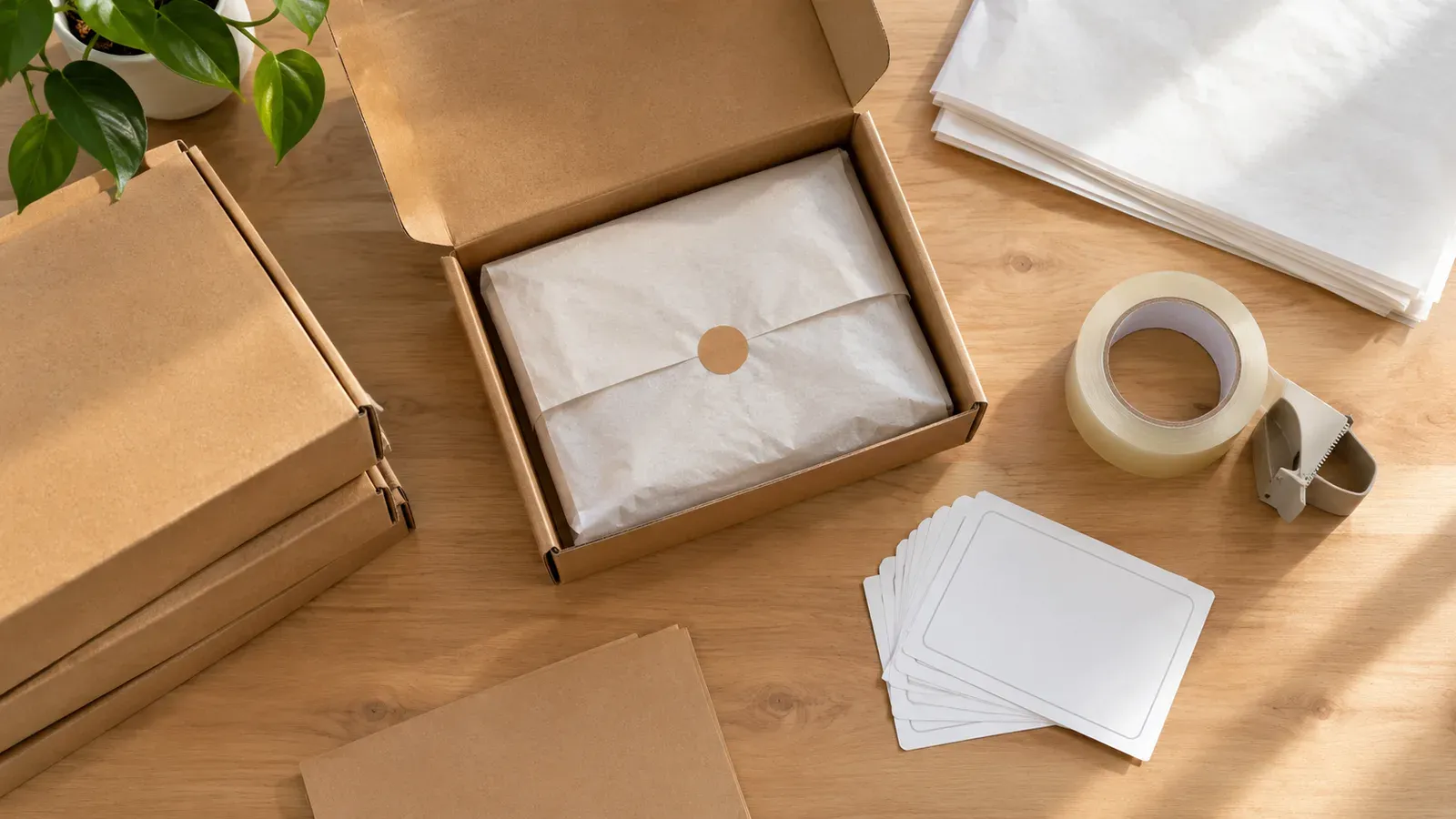
Pick one spot in your home or studio and keep it stocked. Store mailers, boxes, tissue paper, inserts, labels, and tape in the same places every time. A fixed station means you stop searching for supplies, and your hands learn the same rhythm for each parcel.
Sort your packaging by size and product type. Make a simple reference card that lists which mailer or box fits which product. This matters even more for print-on-demand items, where a poster, a framed print, and a t-shirt can all need different protection. Ava taped a small card to her shelf showing each product and its matching packaging, and she checked it weekly against her stock.
Keep a small checklist at the station. A good checklist covers the item condition, the correct size of protective material, any inserts you include, the label, and a final review of the buyer’s shipping address before sealing.
Step Two: Build a Repeatable Packing Routine
Once your station is set, follow the same order every time. Inspect the item first. Wrap it in a way that stops it from moving inside the box or mailer. Add the packing slip or thank-you note if you use one. Seal the parcel firmly, and check that the label is straight and fully visible.
Use a consistent method for protecting fragile items. For framed prints or ceramics, use more cushioning and a rigid box. For flat, lightweight items like stickers or flat prints, a sturdy mailer with a backing board may be enough. Test your method on a few sample packages before you rely on it for real orders, and note any damage you see during transit.
Ava started photographing a finished parcel before she sealed it. The photo gave her a quick reference if a buyer later reported damage, and it made her review each parcel more carefully before it left.
Batch Your Packing Sessions
Instead of packing one order at a time throughout the day, batch similar orders together. Print labels for a group of orders, then pack them in one session. Batching keeps your attention on one task, reduces the number of times you open and close supply drawers, and makes it easier to spot mistakes across similar items.
Set a fixed daily or twice-weekly packing window. Tell your buyers your processing schedule clearly in your shop policies so expectations match reality.
Step Three: Get Labels and Tracking Right
Labels are where many small errors happen. Double-check the buyer’s name, street address, city, postal code, and country against the order before printing. Make sure the label is fully attached and that nothing covers the barcode. A label that peels off in transit is one of the most common causes of delayed parcels.
Tracking matters for buyers and for you. Enter the tracking number on the order as soon as the parcel is handed to the carrier. Buyers who see tracking updates tend to contact sellers less often, and you have a clear record if a parcel goes missing.
Ava used to copy tracking codes by hand from her carrier’s website, and she often pasted them into the wrong order. She now keeps a simple daily log that matches each order number to its tracking code before she marks anything as shipped. The extra thirty seconds at the end of a session saved her from several confused buyers.
Step Four: Keep Your Shop Records Accurate
Shipping is only one part of the order lifecycle. Keep your processing times honest, update your shipping profiles when your costs or carriers change, and review your shop policies regularly. If you sell print-on-demand products, check how your supplier’s production times fit into the processing time you show buyers.
Taxes, fees, and shipping charges can also change over time. For current listing fees and any applicable taxes, check the official Etsy fee information directly rather than relying on older articles. Etsy charges a $0.20 USD fee for listing an item for sale. Taxes may also apply.
If you want a broader view of how fees add up across a shop, read our guide on How Much Does Etsy Take From Sellers? The 2026 Fee Breakdown. Our walkthrough of How to Open an Etsy Shop: Fees, Costs, and Setup Guide also covers the setup steps that affect shipping from day one.
Where Listybox Fits in Your Shipping Workflow
Packing and shipping are physical tasks, and they always need your hands and judgment. Listybox does not replace that. What it can do is take some of the repetitive back-office work off your plate, while you stay in control of every decision.
Listybox is a single workspace where an Etsy seller runs the shop, from creating products and writing listings to editing many listings at once and scheduling them. Its Zero-Touch Fulfillment feature is designed to route Etsy orders to a print-on-demand production partner, pass along the order details, and update the order when tracking is available. You can review the order flow yourself, and you keep final control over what is sent and when.
For the listing side, Bulk Edit lets you change titles, descriptions, or tags across many listings at once, so your shipping details and processing information stay consistent. Scheduled Publish can release new products on a timetable you choose, which helps you spread out your fulfillment load instead of getting hit by a sudden wave of orders.
Ava did not hand her shop over to automation. She reviewed her order flow, checked each packaging choice, and kept her own quality standards. What changed was that the repeated steps stopped eating into her design time.
💡 Start with one product line and map its full order flow before you expand. Confirm each step works the way you expect, then add more products.
Common Mistakes to Avoid
Many sellers run into the same problems. Avoid shipping before you have checked the address on the label. Avoid promising processing times you cannot consistently meet. Avoid using packaging that is too small, which causes crushed corners, and packaging that is far too large, which increases your cost and can damage items as they shift inside.
Another common mistake is ignoring returns and damage claims. Keep your photos, tracking records, and order notes organized so you can respond clearly if a buyer reports a problem. A clear policy, stated accurately in your shop, sets expectations for both you and your buyers.
Build Your Routine One Step at a Time
Packing and shipping Etsy orders well is a skill that improves with a repeatable system. Set up a stable station, follow the same packing routine, batch your labels, record tracking carefully, and keep your shop settings current. Each habit removes one source of stress and one potential support message.
If you want to see how a dedicated workspace can handle the repetitive parts of running your shop, you can explore it when you are ready. There is no need to change everything at once.
Start free - no credit card required
Start with the workflow in this guide, test it on your next batch of orders, and adjust it as your shop grows.
Listybox
Listybox keeps your Etsy shop work in one place. Create products, publish listings, edit them in bulk and pass print-on-demand orders to production.
Frequently asked questions
Put this into practice in your shop.
Every step from design to live listing, on one platform. Start on the free plan.
Related posts


Want to go deeper? Read our in-depth Etsy guides · Browse 100 Etsy niche guides