
Jan 28, 2026
Print on Demand Quality Control: The Complete Checklist for Sellers
A practical quality control checklist for print-on-demand sellers. Covers design file checks, sample ordering, color accuracy, sizing verification, print placement, packaging inspection, and how to handle defective products.
Bullet Points (TL;DR)
Always order samples before selling a new product to customers
Check design files for correct resolution (300 DPI minimum), color mode, and dimensions
Compare printed colors against your screen - calibrate expectations for CMYK vs RGB differences
Test sizing across the full range before listing all size options
Document defects with photos immediately for provider claims
Build a 2-3% quality budget into your pricing to cover replacements
Switch providers if defect rates consistently exceed 5%
Quality control is the difference between a POD business that grows and one that drowns in returns and bad reviews. This checklist walks you through every step - from design file preparation to final delivery inspection.
If you're building a print-on-demand business, quality control isn't optional. It's what keeps customers coming back.
This checklist is part of our print on demand guide, your go-to resource for every stage of the POD journey.
Before You List: Design File Checklist
Every quality issue starts with the design file. Get this right, and you prevent most problems before they happen.
Resolution: Minimum 300 DPI at the actual print size. A design that looks great on screen at 72 DPI will print blurry. If your design is 12x16 inches, the file should be at least 3600x4800 pixels.
Color mode: Design in sRGB for most providers. Some accept CMYK files. Check your provider's specific requirements. Avoid using neon or very bright colors - these rarely translate well from screen to print.
File format: PNG with transparent background is the standard. Some products (like all-over prints) may require specific templates from your provider.
Bleed area: Add at least 0.25 inches of bleed on all sides. This prevents white edges if the print shifts slightly during production.
For detailed specs by product type, check our POD design file requirements guide.
The Sample Order Process
Never sell a product you haven't seen in person. Order samples before listing anything new.
What to check when your sample arrives:
Print clarity - Is the image sharp? Are fine details visible? Hold it at arm's length - does it still look good?
Color accuracy - Compare against your design file on a calibrated monitor. Note any significant differences.
Material quality - Feel the fabric weight, check the paper thickness, test the mug's coating. Does it feel like a $25+ product?
Print placement - Is the design centered? Is it the right size? Check alignment on the front, back, and sleeves.
Sizing - Try on apparel. Measure dimensions against the provider's size chart. Order at least 3 sizes (S, M, XL) to verify consistency.
Packaging - How does it arrive? Is there protective packaging? Would you be happy receiving this as a customer?
Keep your samples as reference. When customers report issues, you can compare against your original sample to determine if it's a production defect or an expectation gap.
Color Accuracy: Managing Expectations
Color differences between screen and print are the #1 source of customer complaints in POD. Here's how to minimize issues.
The reality: Your screen uses RGB light (millions of colors). Printers use CMYK ink (fewer colors). Some colors simply can't be reproduced in print. Bright reds may appear darker. Neons will look muted.
What you can do:
Use your provider's ICC color profile if available
Avoid gradients from very light to very dark - these can show banding
Test critical colors (brand colors, skin tones) with sample orders
Add a note in your listings: "Colors may vary slightly due to monitor settings and printing process"
This small disclaimer sets realistic expectations and reduces complaints significantly.
Sizing and Fit Verification
Sizing issues cause the most returns in POD apparel. Different providers use different blanks, and sizes aren't universal.
Before listing a new apparel product:
Order samples in at least 3 sizes
Measure each sample yourself (don't trust the provider's chart blindly)
Create your own size chart based on actual measurements
Include measurements in your listing (chest width, body length, sleeve length)
Specify whether the fit runs true to size, small, or large
Pro tip: Add a "How to Measure" section to your listings. Tell buyers to measure a shirt they already own and love, then compare to your size chart. This one addition can cut sizing-related returns by half.
Ongoing Quality Monitoring
Quality control isn't a one-time thing. Set up a system to catch problems early.
Track these metrics monthly:
Metric | Target | Red Flag |
|---|---|---|
Defect rate | Under 3% | Above 5% |
Return rate | Under 5% | Above 8% |
Review score | 4.5+ stars | Below 4.0 |
Replacement cost | Under 2% of revenue | Above 4% |
When to switch providers:
Defect rate stays above 5% for 2+ months
Multiple complaints about the same issue (fading, cracking, wrong sizes)
Provider changes blanks or materials without notice
Quality inconsistency between orders
Compare options with our Printful vs Printify comparison if you're considering a switch.
Handling Defective Orders
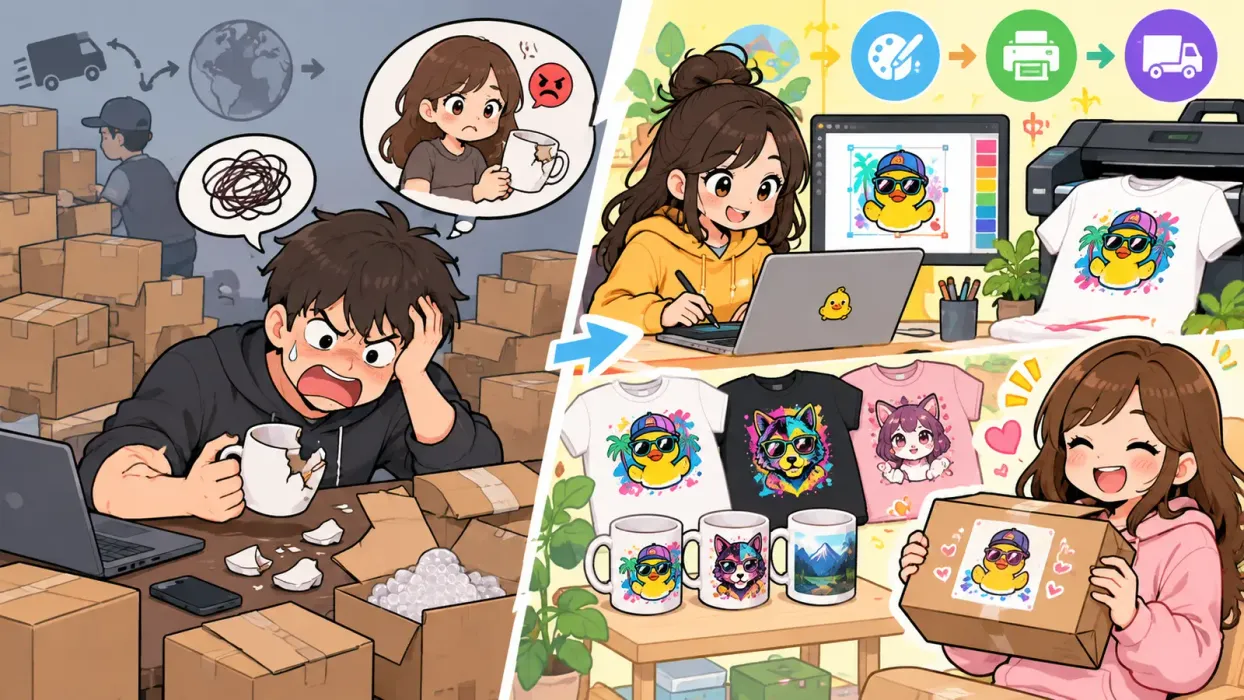
Defects will happen. How you handle them determines whether you get a 1-star review or a loyal repeat customer.
Step 1: Respond within 24 hours. Apologize and ask for photos of the defect.
Step 2: Don't argue. If the defect is clear in photos, offer a replacement or refund immediately. Don't ask the customer to return the item - it costs more than it's worth.
Step 3: File a claim with your print provider. Most providers replace defective items for free when you submit photo evidence within their claim window (usually 14-30 days).
Step 4: Log the defect. Track the product, provider, and defect type. If patterns emerge, address them with the provider or switch.
Build a 2-3% "quality budget" into your pricing. If you sell 100 items and 2-3 need replacement, the cost is already covered. This keeps your margins healthy even when issues come up.
For more on handling customer issues, see our POD returns and refunds guide.
The Complete Quality Control Checklist
Use this checklist for every new product before it goes live:
Once a product passes this checklist, you can list it with confidence. Revisit the checklist every 6 months or whenever you get quality-related complaints.
Tools That Help
Listybox helps you manage the entire POD workflow: from design upload to listing optimization to order fulfillment. When you automate the operational side, you free up time to focus on quality control and customer satisfaction - the parts that actually grow your business.
Never Miss an Update
Get actionable Etsy tips delivered to your inbox every week. No spam, unsubscribe anytime.