


Key takeaways
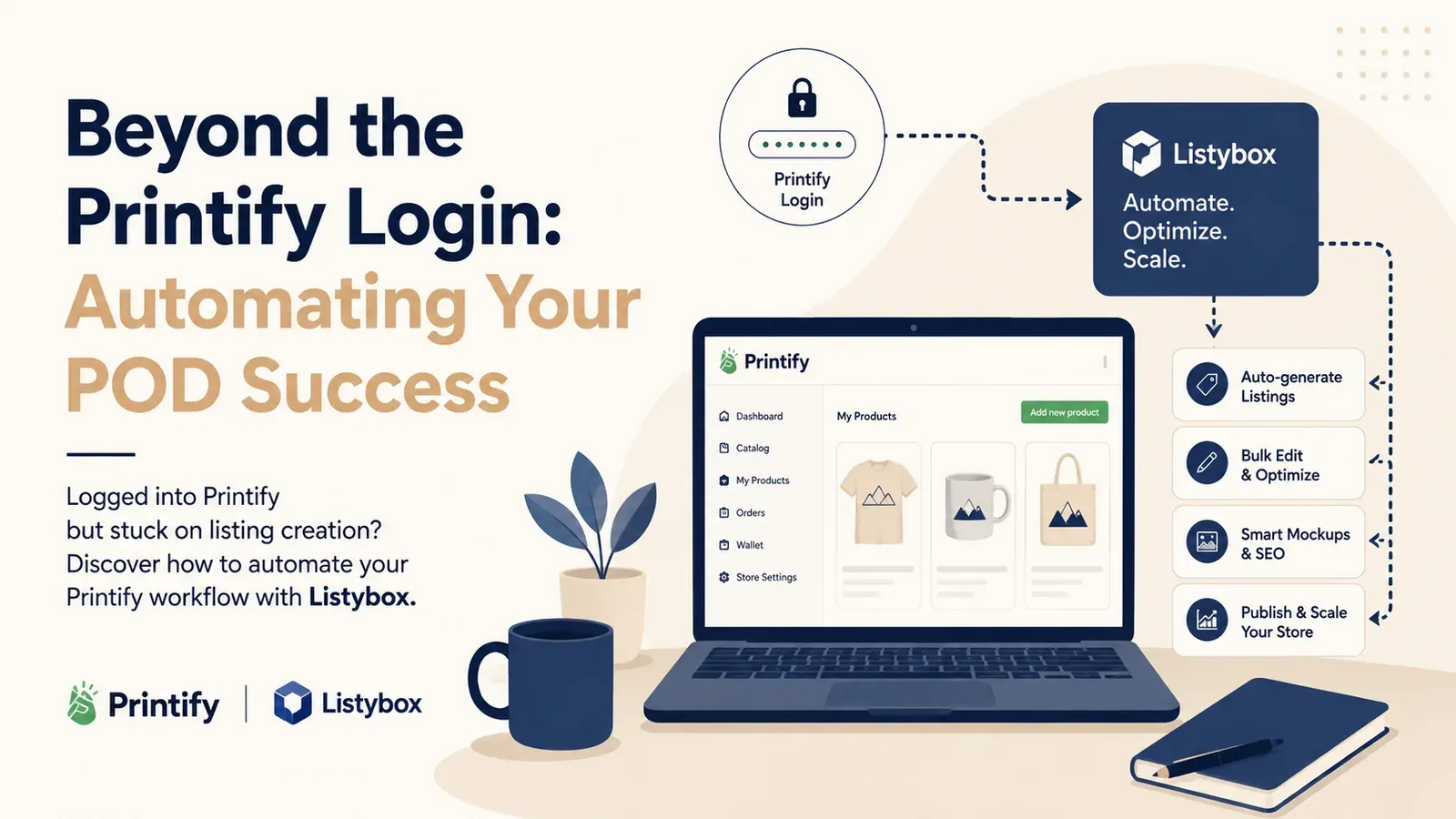
Master the Setup: The Printify login is just the beginning; true success comes from optimizing what happens after you log in.
Automate SEO: Stop writing descriptions manually. Listybox’s Magic Wand generates listing text in seconds.
Scale with Mockups: Ditch generic images. Listystyle creates unique lifestyle photos.
Bulk Create: Turn one design into dozens of products instantly with the Creation Wizard, saving hours of manual data entry.
Logging into Printify for the first time feels like unlocking a door to financial freedom. You see the catalog, the potential products, and the dream of passive income starts to feel real. It is the standard starting point for thousands of Print-on-Demand (POD) entrepreneurs, and for good reason - it connects you to a global network of manufacturers.
However, many sellers confuse access with automation. Once you pass the login screen, the reality sets in. Printify is a manufacturing engine, not a marketing team. Relying on it for your SEO, your product descriptions, and your mockups is a strategic error that keeps countless stores stuck on page 10 of Etsy search results.
This guide will walk you through the essentials of the Printify login and setup, expose the hidden manual traps that slow you down, and show you how to layer intelligent automation on top of your account to build a business that actually scales.
Getting Started: The Printify Login & Setup Process
The barrier to entry is low, which is accessible but also means competition is high. Accessing your account is straightforward.
Creating Your Account
You simply navigate to the site and sign up. You will be asked a few questions about your business goals. Once inside the dashboard, your first step is connecting your Etsy store. This authorizes the platform to push products to your shop and pull orders for fulfillment.
Understanding the Plans: Free vs. Premium Most new sellers start on the Free plan. It allows you to connect up to 5 stores and access the standard catalog prices.
As you scale, you will see the “Premium” option, which costs from $39/month ($24.99/month billed yearly). The main hook here is a discount of up to 20% on production costs. This is crucial because margins in POD can be thin.
Try your first design.
Try your design on a product and prepare its Etsy listing in Listybox.
The Hidden Struggle: Where Printify Falls Short
Once you are logged in and ready to create, the “manual grind” begins. Printify is built to fulfill orders, not to help you rank or sell them. If you rely solely on their internal tools, you are operating with a handicap.
1. The SEO Blind Spot
When you create a product in Printify, it generates a generic description. It might say, “This t-shirt is made of cotton.”
Etsy’s algorithm ignores generic text. To rank, you need 13 specific tags, a keyword-rich title, and an emotive description. Doing this manually for every product involves hours of switching between keyword tools and copy-pasting.
- The Fix: The Magic Wand SEO tool scans your product and design, then instantly writes data-driven titles, tags, and descriptions.
2. The Mockup Problem
Printify provides the same default mockups to everyone. When a customer searches for “nurse mug,” they see 50 listings with the exact same photo. This “banner blindness” kills your Click-Through Rate (CTR).
- The Fix: You need unique visuals to stand out. The Listystyle mockup creator places your design into hundreds of professional, hyper-realistic lifestyle scenes. No Photoshop required.
3. The One-by-One Nightmare
Want to put your new design on a T-shirt, a Hoodie, and a Mug? In Printify, you have to create each product individually. You upload the file, position it, write the text, and publish. Repeat three times.
- The Fix: This is where automation changes the game. Our Creation Wizard allows you to select a design and apply it to multiple products simultaneously, generating all listings in one click.
Real-World Scenario: The “Login to Burnout” Pipeline
To understand the difference, let’s look at a realistic scenario.
Meet Sarah. She is a graphic designer who wants to turn her art into a side hustle.
Her Goal: Launch a “Retro Summer” collection with 10 designs across 3 product types (T-shirt, Tank Top, Tote Bag).
The Manual Grind:
Sarah completes her Printify login. She starts with Design #1 on a T-shirt. She positions the art. She spends 20 minutes researching keywords on eRank. She writes the description. She publishes. Then she does the Tank Top. Then the Tote Bag.
By the time she finishes Design #1, an hour has passed. To launch her full collection of 30 products, she is looking at 30 hours of boring data entry. She gets discouraged and stops after 5 listings.
The Hidden Trap: A week later, she gets a sale! But because she was so tired, she forgot to check the shipping settings on the Tote Bag, and she actually loses $2 on the sale.
The Listybox Solution: Sarah decides to integrate. She uses the Creation Wizard. She uploads her 10 designs to My Artworks upload. She selects “T-shirt,” “Tank Top,” and “Tote Bag” from the catalog.
She clicks “Generate.”
The Magic Wand automatically writes unique SEO for all 30 listings. Listystyle generates unique beach-themed mockups for the “Summer” vibe.
The Transformation: Instead of 30 hours, the entire process took 15 minutes. Sarah’s store is fully stocked, her SEO is professional, and she hasn’t typed a single word manually.
How to Integrate for Maximum Growth
You do not have to leave Printify to use Listybox. In fact, they work best together. Think of Printify as your factory and Listybox as your headquarters.
1. Keep your Printify account: It remains your connection to the physical production. 2. Connect Listybox: We integrate with your Etsy store and your production partners. 3. Centralize Operations: You stop logging into Printify daily. Instead, you use Listybox to create, manage, and optimize. When a sale comes in, we can route it seamlessly.
Conclusion
The Printify login is your gateway to production, but it shouldn’t be the limit of your capabilities. The most successful Etsy sellers treat their time as their most valuable asset. They don’t spend it copy-pasting descriptions or manually adjusting images.
By wrapping your Printify account with Listybox’s intelligent automation, you move from being a data entry clerk to being a business owner. You get the best shipping and production, combined with the best marketing and management tools in the industry.
Does all of this feel overwhelming? You don’t have to start from scratch. With Listybox Store Setup, our team helps you set up your Etsy store. It is available inside a custom Enterprise+ offer, so plan a demo or write to [email protected].
Ready to turn that login into a legacy? start Listybox now - no credit card required.
Frequently asked questions
Put this into practice in your shop.
Every step from design to live listing, on one platform. Start on the free plan.
Related posts



Want to go deeper? Read our in-depth Etsy guides · Browse 100 Etsy niche guides