


Key takeaways
Generic product images make your Etsy shop invisible among thousands of identical listings.
Listystyle generates hundreds of realistic lifestyle scenes that make your products feel unique and desirable.
The Placement Editor ensures your designs fit perfectly on any product, eliminating stretched or off-center prints.
Background Remover turns any artwork into a clean, professional design ready for any mockup in one click.
Combo Listings let you showcase a single design across multiple product types with automatically updated visuals.
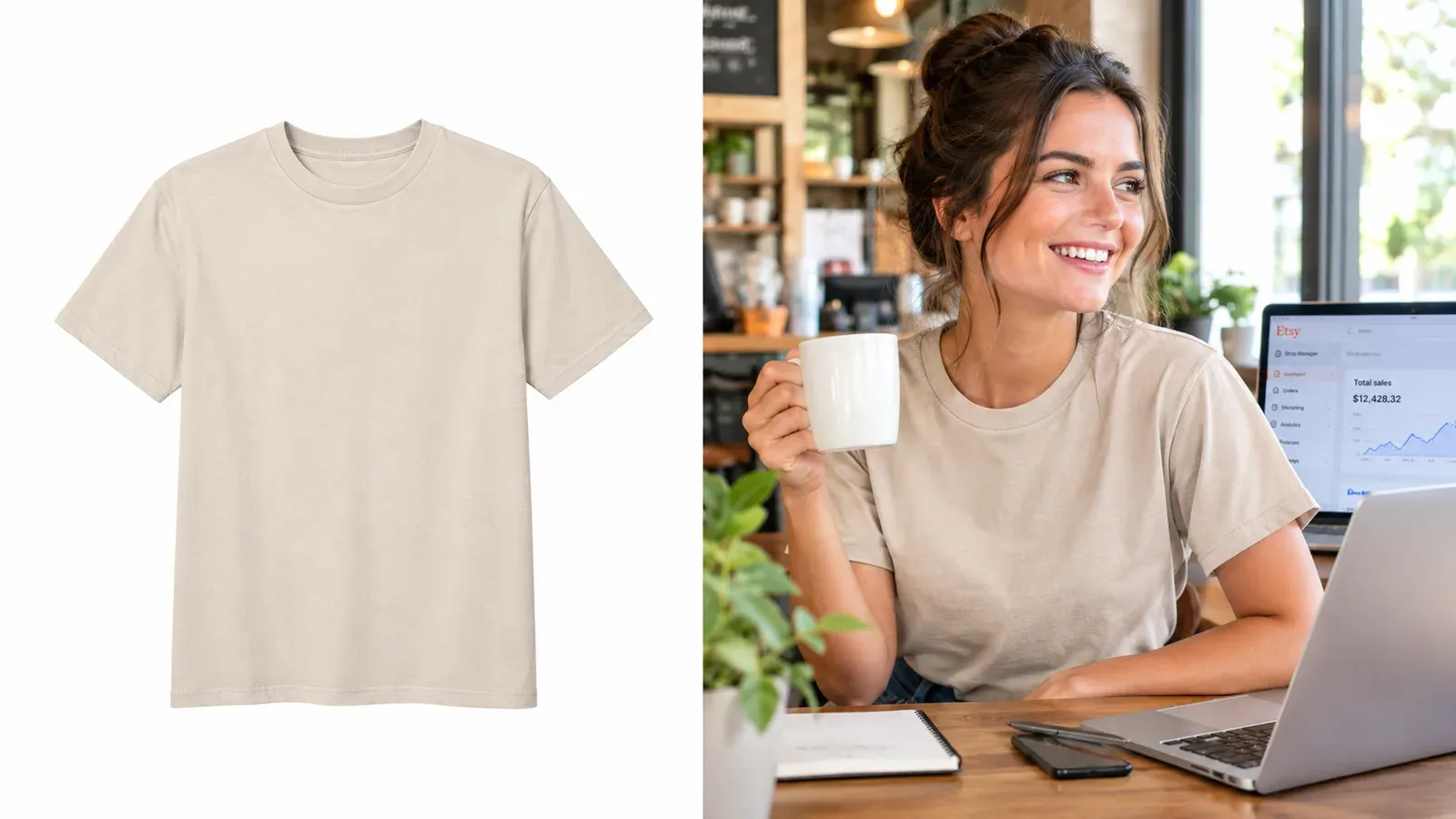
Maya stared at her Etsy dashboard. She had uploaded twenty new t-shirt designs last week, all original artwork she was proud of. The listings were live, the tags were researched, and the descriptions were clear. But the sales? Zero. The problem was obvious the moment she compared her shop to the top sellers in her niche. Their product images looked alive. Models smiled in sunlit rooms, mugs sat on rustic wooden tables, and tote bags hung from shoulders in busy city streets. Maya’s listings showed a flat t-shirt on a plain white background, the design floating in digital emptiness. Her products had no style.
She spent the next three days trying to fix it. She downloaded free mockup templates, wrestled with Photoshop layers, and tried to make the lighting look natural. Every mockup she found was already used by dozens of other sellers. Her t-shirt started to look exactly like everyone else’s. The more she worked, the more her shop blended into the background noise of Etsy. Maya had fallen into the trap that catches thousands of print-on-demand sellers: she was selling a product without style, and style is what stops a scroller and makes them click.
Etsy charges a $0.20 USD fee for listing an item for sale. Taxes may also apply.
When every listing costs you money and time, sending a product live without visual appeal is like paying for a billboard in the dark. The design might be great, the SEO might be perfect, but if the first image doesn’t tell a story, the buyer scrolls past. This isn’t about being a professional photographer. It’s about understanding that Etsy shoppers buy into a lifestyle, not just a product.
Why Do Your Etsy Listings Look Generic?
The most common reason is simple: sellers rely on the same free mockups that thousands of others use. A quick search for “free t-shirt mockup” gives you a handful of templates that have been downloaded millions of times. When you upload that image to Etsy, your listing in minutes looks identical to hundreds of competitors. The buyer’s eye skips over it because they’ve already seen that exact pose, that exact background, that exact lighting a dozen times today.
But the problem runs deeper than just the mockup source. Many sellers place their designs on a product without adjusting the placement, so the artwork looks stretched, off-center, or poorly scaled. A beautiful design can look amateurish if it’s not positioned correctly on the shirt. Backgrounds matter too. A design with a busy background competes with the product, while a transparent background looks sterile and unfinished. The result is a listing that screams “template” instead of “must-have.”
⚠️ Free mockups often come with licensing restrictions. Some require attribution, others forbid commercial use. Using them without checking can put your Etsy shop at risk.
Even if the mockup is legally safe, the visual sameness kills your click-through rate. Etsy’s algorithm pays attention to how often people click on your listing in search results. If your thumbnail looks like everyone else’s, you get fewer clicks, lower quality scores, and eventually your listing sinks to page ten. Your product without style isn’t just unappealing, it’s invisible.
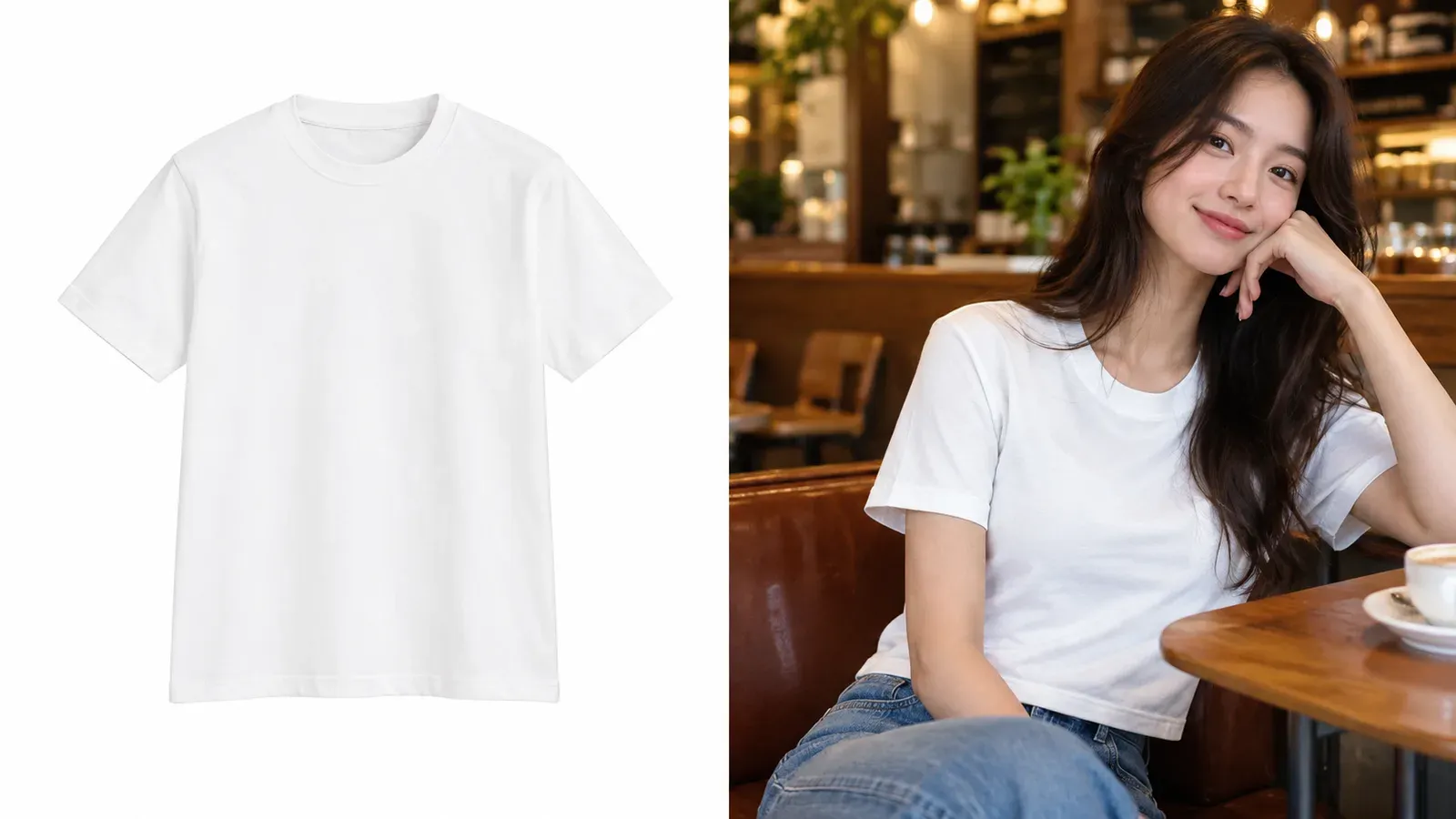
This is where many sellers give up or spend hundreds on custom photography, which isn’t feasible for a print-on-demand business testing dozens of designs. But there is a smarter way that doesn’t require a studio, a model, or hours of editing. It starts with rethinking how you create product images from the ground up.
How Do I Make My POD Products Look Stylish?
The answer isn’t to become a graphic designer overnight. It’s to use tools that handle the heavy lifting while you keep creative control. The first step is to move from static mockups to dynamic, realistic lifestyle scenes that show your product in context. That’s exactly what Listystyle does. Instead of placing your design on a flat template, Listystyle analyzes your artwork and generates hundreds of unique, photorealistic images of your product in real-world settings. You keep the ones you love, discard the rest, and never worry about another seller having the same image.
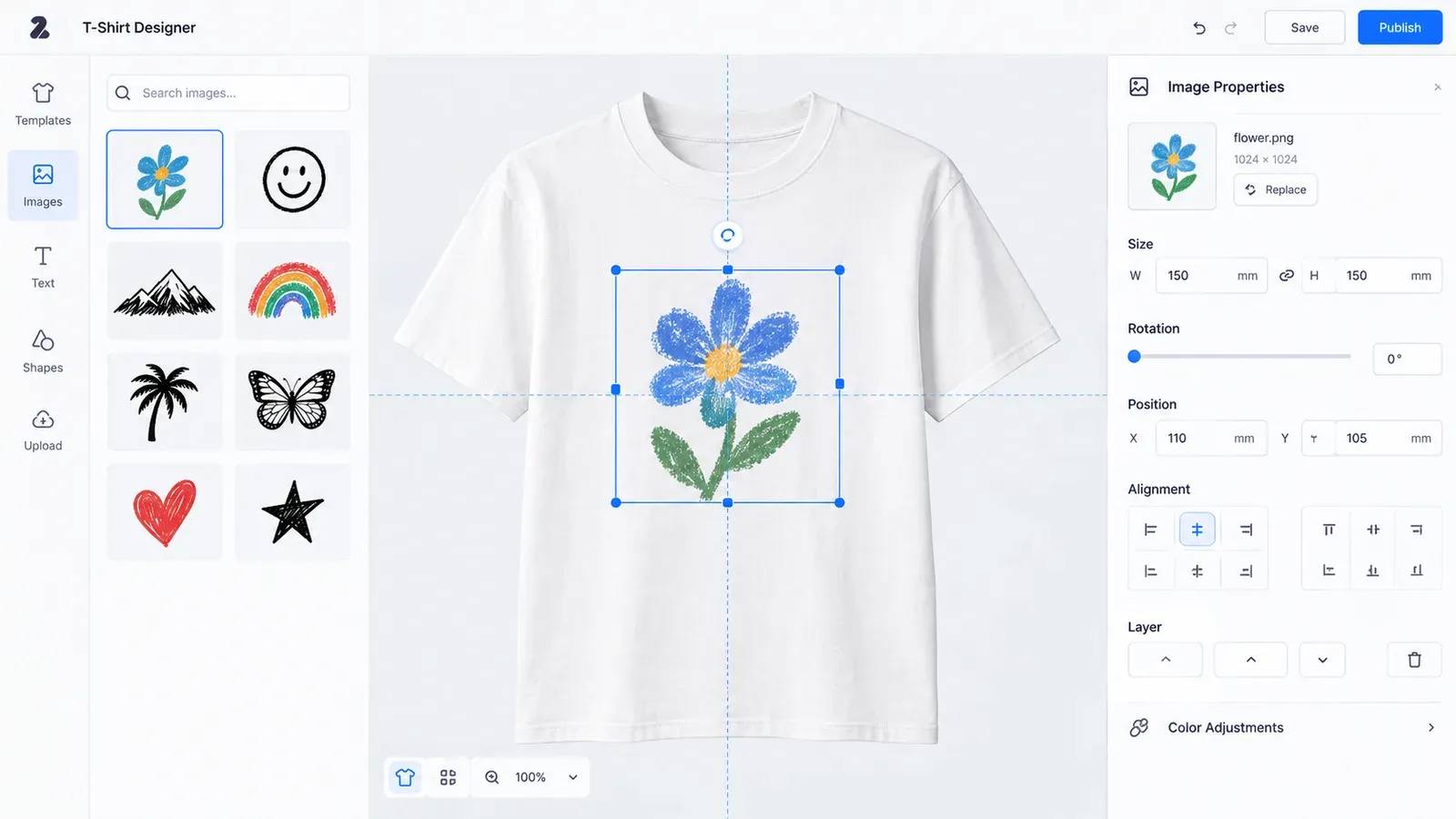
But style isn’t just about the background. It’s also about how the design sits on the product. A crooked or poorly scaled print can ruin the whole look. The Placement Editor inside Listybox lets you drag, resize, and position your design on any product with precision. You can use smart fit modes like “Fill” or “Fit” to get the perfect coverage, then apply that exact placement to all your other products with one click. No more guessing if the design will look right on a hoodie versus a tank top.
Another often overlooked aspect of style is the artwork itself. Many designs come with busy backgrounds that clash with product mockups. The Background Remover lets you turn any design into a clean, transparent PNG in one click. That gives you the freedom to place the artwork on any product, any color, any background without that awkward white box around it. It’s a small step that makes a huge difference in how professional your final image looks.
💡 Before uploading a design to Etsy, run it through the Background Remover even if you think it looks fine. Transparent designs blend seamlessly into any mockup and look more premium.
Once your artwork is clean and your placement is perfect, you can push the style even further with Combo Listings. This feature lets you bundle multiple product types under one Etsy listing. When a buyer selects a t-shirt, they see the t-shirt mockup. When they switch to a hoodie, the image automatically updates to show the hoodie. This keeps your listing visually consistent and makes it easy for shoppers to imagine the design in their life. It’s a powerful way to turn one design into a full product line without cluttering your shop with repeated listings.
If you’re ready to see how these pieces fit together, read our guide on The Listystyle Revolution: How AI is Killing Traditional Product Photography. It walks you through the shift from static mockups to AI-generated scenes and why it matters for your Etsy sales.
What Is the Best Way to Style Product Mockups for Etsy?
The best way isn’t to chase the trendiest mockup pack. It’s to build a system that lets you create unique, on-brand images for every design without starting from scratch each time. Traditional mockup tools force you to manually insert your design into a fixed scene. If you want a different background, you need a new template. If you want a different product angle, you’re out of luck. This is why shops that rely on stock mockups all start to look the same.
Listystyle flips this model. Instead of picking a mockup and hoping it fits, you describe the vibe you want, and it generates scene after scene tailored to your product. You might say “cozy autumn living room with warm lighting” and get a dozen images of your mug or pillow in that exact setting. Or “urban street style with a model on a sunny day” for a t-shirt. Every image is unique, so no other seller will ever have the same photo. This gives your shop a distinct visual identity that buyers remember.
For a detailed comparison of this approach versus conventional tools, check out Listystyle vs Smartmockups: Why AI-Generated Realistic Scenes Are the Future of POD Product Images. It breaks down the differences in flexibility, uniqueness, and speed.
But great mockups are only half the battle. Even the most beautiful lifestyle image falls flat if the product listing itself isn’t optimized. Your title, tags, and description need to match the style you’re projecting. If your images scream “premium handmade” but your title reads “funny cat shirt gift,” there’s a disconnect that confuses buyers. Listybox’s Magic Wand solves this by analyzing your design and product together, then writing SEO-optimized titles, 13 tags, and descriptions that align with the visual style you’ve created. The copy and the image work together to tell one cohesive story.
To dive deeper into the copy side of things, read Etsy SEO in 2026: The Complete Guide to Ranking Higher (Without Losing Your Mind). It shows you how to align your listing text with your visual branding for maximum impact.
How Can I Create Lifestyle Images Without a Studio?
You don’t need a camera, a model, or even a physical product. Listystyle generates photorealistic lifestyle images using your design file and a few simple preferences. Here’s how it works: you select the creation (your design on a product) inside Listybox, click “Generate Lifestyle Images,” and choose how many variations you want. Within minutes, you have a gallery of professional photos showing your product in real-world contexts. You can pick the ones that match your brand and discard the rest. No lighting setup, no editing, no expensive equipment.
This is a game-changer for sellers who want to test multiple designs quickly. Instead of spending hours hunting for a mockup that kind of fits, you generate exactly the scene you imagine. A coffee mug on a desk with morning sunlight? Done. A hoodie worn by a model in a snowy park? Done. The variety means you can A/B test different visual styles and see which ones get more clicks, all without any extra cost.
💡 Use Listystyle to create seasonal variations of your best-selling designs. A pumpkin spice mug for fall, a beach towel for summer, the same design can be re-styled in minutes.
For a complete walkthrough of how product images drive sales, visit Etsy Product Photography: The Complete Guide to Images That Sell (Without the Studio). It covers everything from image sizing to the psychology of the first photo.
What Features Does Listybox Offer for Product Styling?
Listybox isn’t just one tool, it’s a complete styling toolkit built directly into your Etsy workflow. Here are the core features that turn a product without style into a scroll-stopping listing:
Listystyle: Generates hundreds of unique, realistic lifestyle images for any product. You stay in control, selecting the scenes that fit your brand.
Placement Editor: Gives you pixel-perfect control over how your design sits on each product. Drag, resize, and apply consistent placement across your entire catalog.
Background Remover: Strips the background from any artwork in minutes, giving you a clean, transparent design ready for any mockup or product color.
Combo Listing: Bundles multiple product types into one listing with automatic image switching, so buyers see the right mockup for their selection.
Magic Wand: Writes SEO-optimized titles, tags, and descriptions that match the style and emotion of your images, creating a unified brand experience.
Each of these features works together to eliminate the manual grind that burns out sellers. You don’t have to spend your evenings in Photoshop or your weekends hunting for mockups. You can focus on designing and let Listybox handle the technical heavy lifting.
For a closer look at the individual tools, you can explore the feature pages: Listystyle: AI Lifestyle Product Image Generator, Placement Editor: The Art Director of Your Creativity, Background Remover: Unleash Your Designs, and Combo Listing: The Bestseller Formula.
If you’ve been struggling with the frustration of flat, generic listings, you don’t have to keep fighting the same battle. The tools exist to make your products look as good as they deserve. Start free - no credit card required and see how quickly your shop can go from invisible to unforgettable.
Listybox
Create listings 10x faster with Listybox.
Frequently asked questions
Put this into practice in your shop.
Every step from design to live listing, on one platform. Start on the free plan.
Related posts

Want to go deeper? Read our in-depth Etsy guides · Browse 100 Etsy niche guides