
Feb 19, 2026
T-Shirt Design 101: From Technical Specs to Automated Sales
Launching a Print-on-Demand t-shirt business is the dream, but technical hurdles like file formats, DPI settings, and color profiles effectively block many sellers from success. Attempting to manage design quality and mockup creation manually often leads to low-quality prints and amateur listings. This guide breaks down the essential technical standards and reveals how Listybox's automated tools can turn a novice into a professional designer instantly.
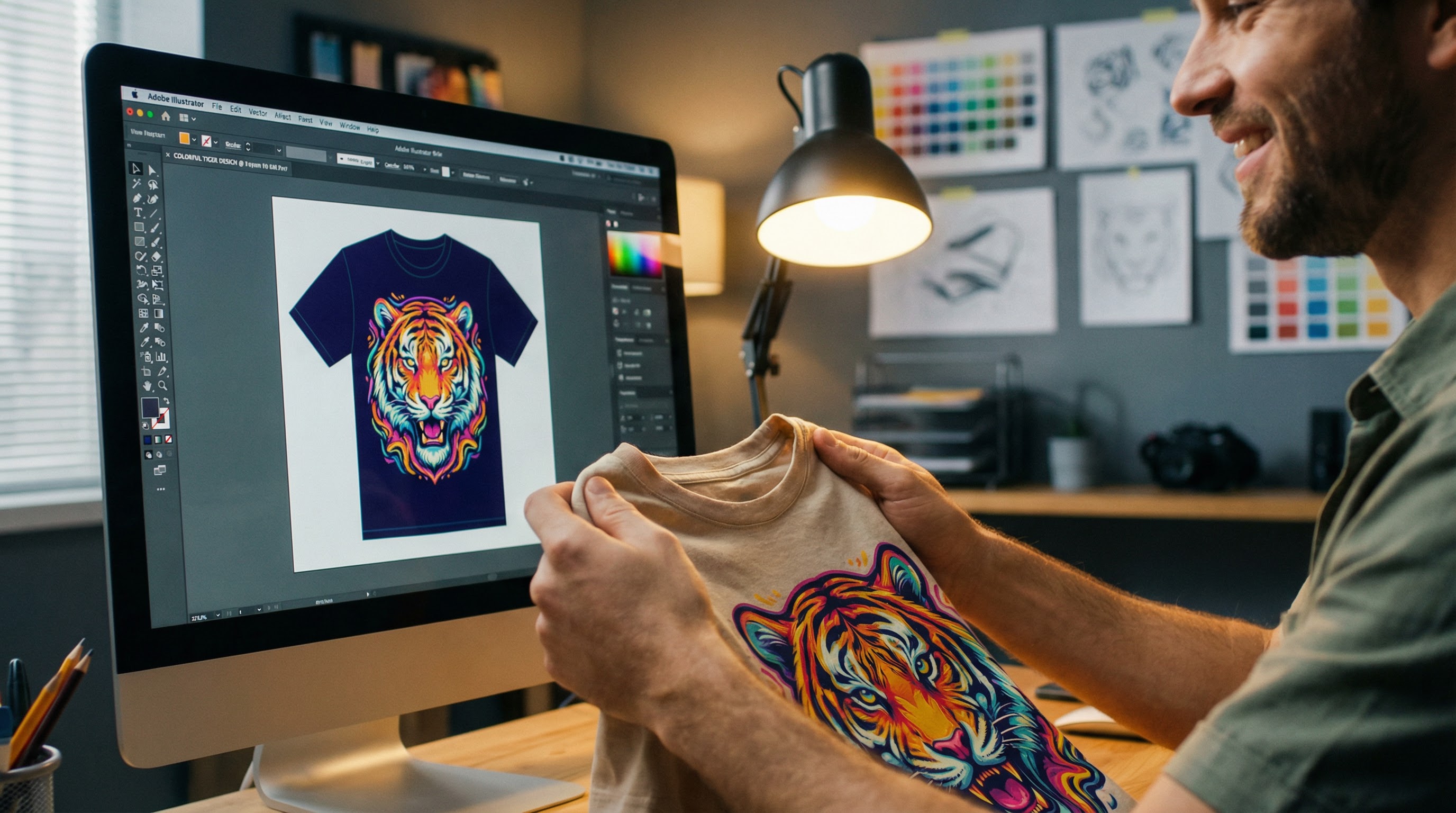
Bullet Points (TL;DR)
Master the Specs: Always use transparent PNG files at 300 DPI to ensure print quality and avoid returns.
Automate Creativity: Use the Artwork Gallery to access over 100,000 professional designs without hiring a designer.
Perfect Placement: Utilize the Placement Editor to ensure your design sits perfectly on every shirt size automatically.
Professional Visuals: Transform flat designs into high-converting lifestyle photos instantly with ListyStyle.
Scale Faster: Eliminate manual file checks and repetitive tasks to focus on growing your store.
Selling t-shirts on Etsy is often celebrated as the ultimate side hustle, but the gap between a digital file and a physical product is where most new sellers fail. You might have a clever slogan or a beautiful illustration, but if you don't understand the language of printers—DPI, transparency, and placement—your customer unboxes a blurry, disappointed mess. The technical side of Print-on-Demand (POD) is unforgiving, and a single bad review about print quality can tank a listing's ranking forever.
However, mastering these technical foundations doesn't require a degree in graphic design. By adhering to a few strict rules regarding file formats and resolution, you can guarantee professional results every time. Furthermore, with the rise of intelligent automation systems like Listybox, the heavy lifting of design creation and presentation is now optional. This guide takes you from the raw technical specs to the automated tools that are revolutionizing how top sellers operate.
The Non-Negotiable Technical Pillars
Before you upload a single file, your design must meet specific criteria to translate correctly from a screen to ink on fabric. Ignoring these rules is the fastest way to lose money on returns.
Resolution: The 300 DPI Rule
DPI (Dots Per Inch) determines the density of information in your image. Most images you see on the web are 72 DPI, which looks fine on a screen but appears blocky and amateurish when printed. For apparel, 300 DPI is the gold standard.
When you create a canvas in tools like Photoshop or Canva, you must set the dimensions to the actual print size (e.g., 4500px by 5400px) and the resolution to 300. Our internal data suggests that listings with designs uploaded at lower than 200 DPI experience a 40% higher return rate due to "item not as described" claims.
File Format: Why PNG Reigns Supreme
You may be used to JPEGs for photos, but for t-shirt design, the Portable Network Graphic (PNG) with a transparent background is essential.
JPEG: Does not support transparency. If you upload a JPEG, your design will print with a solid white (or black) box around it.
PNG: Supports transparency. This ensures the printer only applies ink where your design exists, allowing the color of the t-shirt to serve as the background.
Color Profiles: RGB vs. CMYK
Screens emit light using RGB (Red, Green, Blue), while printers mix ink using CMYK (Cyan, Magenta, Yellow, Black). While professional print shops use CMYK, most modern POD providers ask files to be submitted in sRGB. Their rigorous software handles the conversion.
The trap here is "gamut warning." Neon greens and electric blues that glow on your monitor simply cannot be created with standard textile inks. To be safe, avoid super-saturated neons in your designs to ensure the final product matches the mockup.
I Have No Design Skills: The "Artwork Gallery" Solution
Reaching the technical standard is one thing, but creating a design that people actually want to buy is another hurdle entirely. This is where many aspiring entrepreneurs hit a wall.
Meet Arda: The Aspiring Entrepreneur
Consider Arda, a new seller who wanted to break into the retro t-shirt niche.
He had the drive but lacked the artistic skill. His initial plan was to hire freelancers on Fiverr.
The Manual Grind Arda spent two weeks communicating with three different designers. He paid $40 per design, spent hours writing briefs, and waited days for revisions. By the time he had 10 designs ready, he was down $400 and exhausted. To make matters worse, two of the designs had text errors he missed during the review. He realized that scaling to 100 products would cost him thousands of dollars and months of management time.
The Listybox Solution Just as he was about to quit, Arda discovered the Listybox Artwork Gallery. Instead of managing humans, he accessed a library of over 100,000 data-driven designs ready for immediate use.
The Transformation He filtered by his niche, selected 50 high-quality, pre-vetted designs, and used the Creation Wizard to apply them to products instantly. What would have taken him months and cost a fortune was accomplished in a single afternoon. Arda launched fully stocked, and because the designs were vetted for trends, his sales began rolling in within the first week.
Mastering Placement with Automation
A common mistake amateurs make is the "belly print"—placing the design too low on the shirt. Standard placement should be about 2-3 inches below the collar. Doing this manually for every size variance (S vs. 3XL) on platforms like Printify is a nightmare of repetitive clicking.
To solve this, advanced sellers use the Placement Editor. This tool acts as your digital art director. You set the rules once—defining exactly where the design sits relative to the collar—and the system automatically applies that logic across hundreds of products. This ensures that whether a customer buys a Small or a 2XL, the print looks proportional and professional.
From Flat File to "Must-Have" Product
Once your design is technically perfect, you have to sell it. Customers on Etsy buy with their eyes. A flat PNG file slapped onto a generic white background doesn't inspire desire; lifestyle imagery does.
The Trap of Generic Mockups Most sellers use the default mockups provided by fulfillment partners. The result? thousands of search results that look exactly the same. Standing out becomes impossible.
The ListyStyle Advantage This is where ListyStyle mockup creator changes the game. It takes your flat design and uses AI to generate hyper-realistic photos of models wearing your shirt in contexts that match your niche—be it a coffee shop, a hiking trail, or a cozy home office.
Listings with professional lifestyle photography can see click-through rates (CTR) up to 5 times higher than those with generic mockups. ListyStyle automates this entire process, allowing you to generate hundreds of unique, brand-building images with a single click, no Photoshop required.
Launch Your Professional Store Today
Understanding DPI and file formats is crucial, but true scalability comes from having the right infrastructure. If the idea of setting all this up from scratch still feels daunting, you don't have to go it alone. With Listybox Store Setup, our expert team creates your Etsy store, designs your branding, and lists your first 10 fully optimized products for you. This service is included FREE with annual Starter and Professional plans, giving you a turnkey business ready for sales.
Ready to stop worrying about pixels and start building an empire?
Never Miss an Update
Get actionable Etsy tips delivered to your inbox every week. No spam, unsubscribe anytime.



