
T-Shirt Design Masterclass: Techniques & Tools to Scale Your Etsy Store
Creating high-converting t-shirt designs is the number one bottleneck for new Etsy sellers, often leading to burnout before the first sale. Instead of spending weeks learning complex software like Photoshop, top sellers are now leveraging automated systems to streamline the entire creative process. This guide explores the modern tools and techniques that turn design from a manual chore into a scalable automated engine.
Bullet Points (TL;DR)
Bypass the Learning Curve: Use pre-vetted design libraries and Canva integrations to launch professional products without graphic design skills.
Automate Trend Research: Stop guessing what sells and let AI tools heavily analyze social signals to find viral niches for you.
Scale With Speed: Utilize bulk creation engines to turn a single artwork into hundreds of listings in minutes rather than days.
Professional Presentation: Instantly generate high-end lifestyle photography that improves click-through rates by up to 500%.
Seamless SEO: Let AI handle the tagging and titling of your designs automatically as you upload them.
The Print-on-Demand (POD) revolution has democratized e-commerce, allowing anyone with an internet connection to start a global t-shirt brand. However, as the barrier to entry lowers, the barrier to success rises. The market is flooded with generic clip art and poorly executed concepts. For years, the advice has been the same: "Learn Photoshop, spend hours on YouTube tutorials, and hope your first design doesn't look like a mistake."
But for the modern entrepreneur, time is the most expensive currency. Spending weeks mastering vector paths and layer masks is weeks spent not selling. The most successful Etsy sellers in 2026 aren't just better designers; they are better strategists who use smart tools to automate the creative grunt work. This guide covers the essential techniques and tools you need to build a high-volume, high-quality t-shirt business without getting bogged down in pixels.
What Are the Best Tools for T-Shirt Design in 2026?
The landscape of design tools has shifted dramatically. While traditional software still has its place, integrated ecosystems are taking over for efficiency-focused sellers.
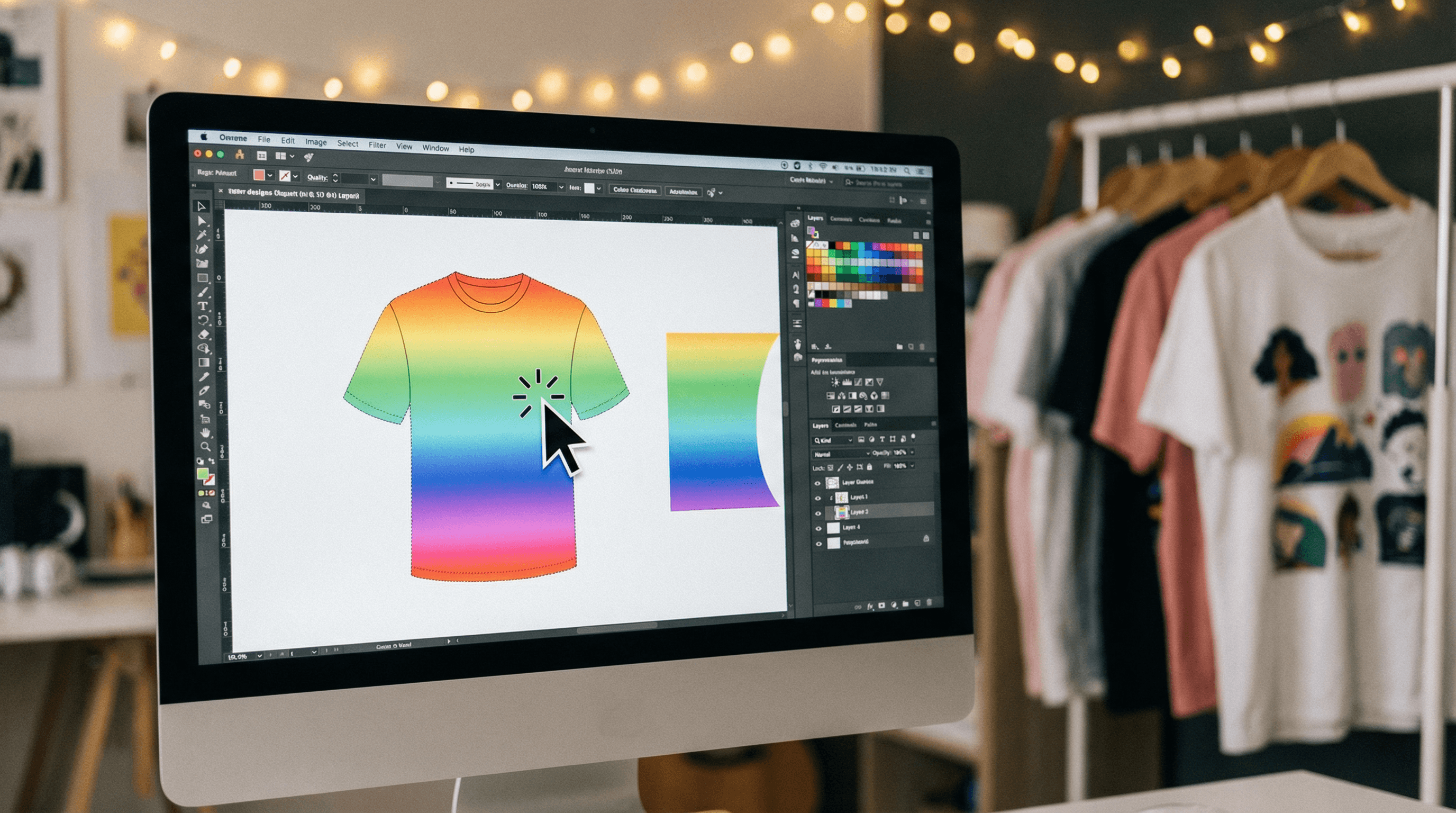
The Traditional Route: Adobe Creative Cloud For decades, Photoshop and Illustrator were the gold standards. They offer unlimited control but come with a steep monthly price tag and a learning curve that can take months to climb. For a POD seller who needs to launch 10 designs a day to gather data, these tools can often be overkill—like using a Ferrari to drive to the grocery store.
The Accessible Route: Canva Canva revolutionized design for non-designers. Its drag-and-drop interface is intuitive, and its asset library is vast. However, the disconnect between designing in Canva and listing on Etsy creates friction. You design, download, re-upload to a POD provider, resize, and repeat. This manual "file shuffling" is where errors happen and time is lost.
The Integrated Route: Listybox The new standard for POD sellers is an all-in-one ecosystem. Connect your workflow with Canva integration to bridge the gap between creation and execution. This allows you to design in Canva and sync directly to your product management system, eliminating file handling entirely. Furthermore, for those who want to build a unique brand beyond standard catalogs, the Custom Product Hub lets you apply these designs to your own sourced items, giving you true independence.
How Can Beginners Design without Skills?
Meet Sarah. She has a great eye for slogans and niche jokes but panics when she opens a blank canvas. Her goal: launch a "Dog Mom" store on Etsy.
Sarah tries to draw a paw print manually. It looks crooked. She tries to find free commercial-use vectors but gets confused by licensing terms. Three days pass, and she hasn't listed a single shirt. Her motivation evaporates.
This "blank canvas paralysis" kills more businesses than bad niches do. The pressure to be an artist stops great entrepreneurs from being sellers.
The solution lies in leveraging assets that are already proven. Instead of drawing from scratch, smart sellers utilize resources like the Artwork Gallery. This is a repository of over 100,000 data-driven designs that are ready to go. You can search for a concept, reserve it so it becomes yours, and launch it immediately. It turns the question of "Can I draw this?" into "Does this fit my brand?"
How Do I Find Trending Ideas?
Designing a beautiful shirt is only half the battle; designing a shirt that people actually want *right now* is the other half.
The Trap of Manual Research Most sellers spend hours scrolling through TikTok, Pinterest, or Etsy search bars looking for inspiration. By the time they spot a trend, design for it, and list it, the wave has often passed. This reactive approach leaves you constantly chasing crumbs behind the leaders.
The Power of Predictive Data Imagine having a radar that scans the internet for you. Listybox's Trend Compass functions exactly like this. It analyzes thousands of news sources and social media signals 24/7. When it detects a rising topic, it suggests designs and strategies immediately.
Our internal data suggests that sellers who utilize automated trend detection launch products 85% faster than those relying on manual research, often capitalizing on the peak of a viral trend while others are still brainstorming.
What is the Fastest Way to Create and List?
Once you have your design file, the real grind begins: placing it on a t-shirt, then a hoodie, then a mug. Adjusting the size. Centering it. Doing this for 50 designs across 10 products equals 500 manual actions.
This manual scaling is sustainable for a hobbyist, but impossible for a business owner.
This is where the Creation Wizard changes the game. It acts as an assembly line for your creativity. You upload your artwork once into the My Artworks command center, where AI analyzes the image and generates SEO tags automatically. Then, with a few clicks, you apply that single design to dozens of products simultaneously. The system handles the resizing and placement for each variant, turning hours of clicking into a coffee break.
How Do I Make My Mockups Look Professional?
Your design might be a masterpiece, but if the product photo looks fake, no one will click.
The "Sticker" Effect A common mistake is uploading a square design file onto a product mockup without processing. The result often has a visible white box around it, or it looks like a flat digital sticker floating on top of a wrinkled shirt. It screams "amateur."
Refining the Visuals First, transparency is key. Using a tool like the Background Remover ensures your design blends seamlessly with the fabric color. It removes the "box" effect instantly.
Next, you need context. Customers want to imagine themselves wearing the shirt. Instead of paying for expensive photoshoots, use ListyStyle to generate lifestyle images. This AI generates unique, high-resolution photos of your product in real-world scenarios—a coffee shop, a park, a cozy living room. Better visuals lead to higher trust and conversion rates.
Start Your Store the Right Way
Does all of this feel overwhelming? You don't have to start from scratch. With Listybox Store Setup, our expert team sets up your Etsy store, lists your first 10 products, and optimizes everything for SEO. This service is included FREE with annual Starter and Professional plans!
The era of manual t-shirt design management is over. The tools available today allow you to focus on being a creative director rather than a pixel pusher. By automating the technical and repetitive parts of the process, you free yourself to build a brand that lasts.
Never Miss an Update
Get actionable Etsy tips delivered to your inbox every week. No spam, unsubscribe anytime.



