

How to Turn One Design into a Multi-Product Goldmine on Etsy (Without the Burnout)

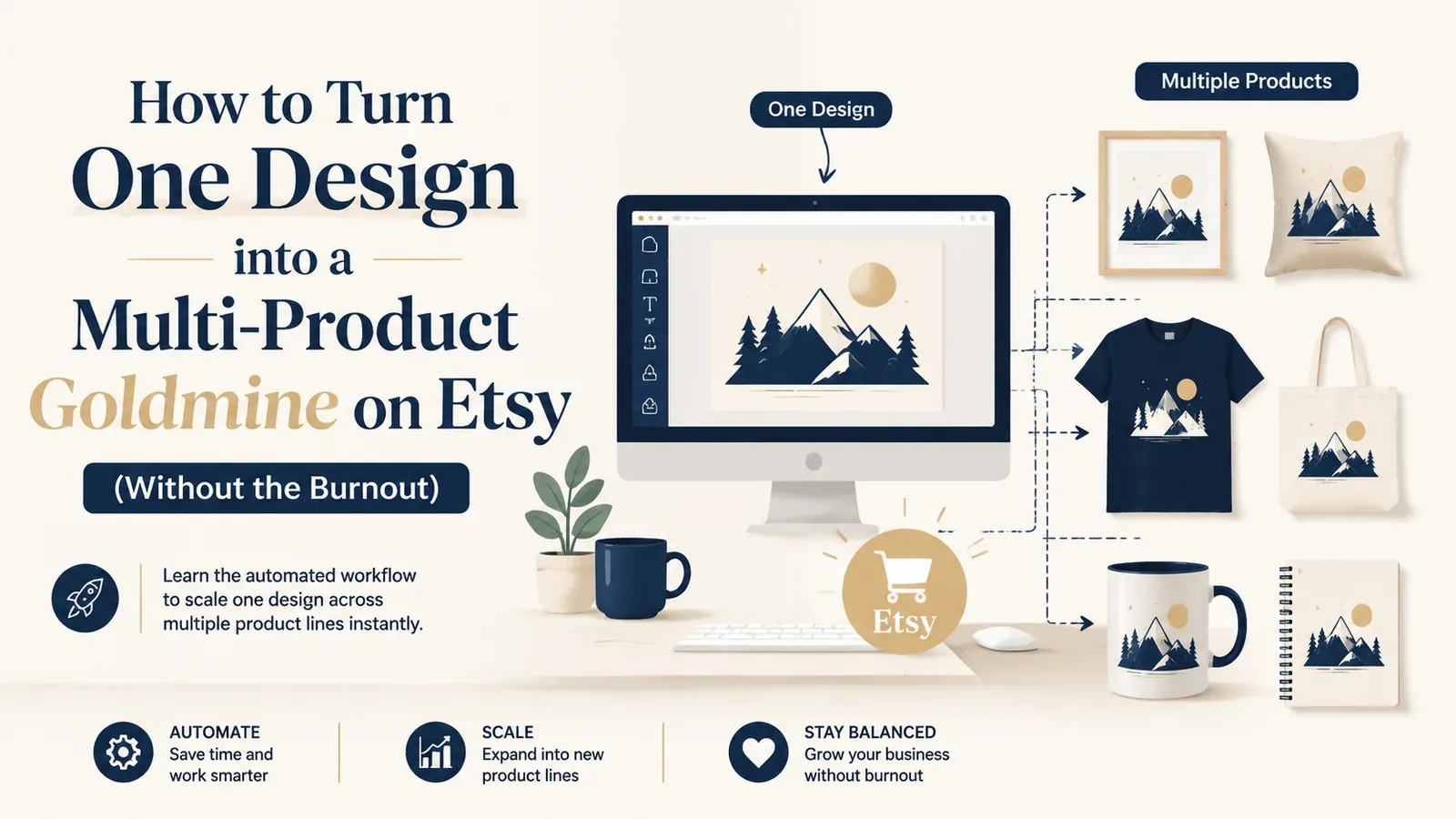
Key takeaways
More Products: Don’t limit a winning design to one SKU; apply it to more product types.
Escape the Manual Trap: Stop wasting hours on repetitive uploads. Use the Creation Wizard to build full catalogs in minutes.
Master Design Placement: Ensure professional consistency across all products with the Placement Editor.
Merge Product Types: Use Combo Listings to merge product types into one listing.
Automate Keywords: Let Magic Wand generate product-specific tags so your mugs do not carry t-shirt keywords.
You’ve just finished a killer design. It’s witty, the typography is perfect, and you know it’s going to sell. You upload it to a t-shirt, publish it on Etsy, and… that’s it. You move on to the next design. If this sounds like your workflow, you are leaving massive amounts of money on the table.
Limitng a winning concept to a single product type is one of the biggest mistakes a Print-on-Demand (POD) seller can make. A customer who loves your slogan might hate t-shirts but live in hoodies. Another might only buy mugs. By restricting your design to one canvas, you are ignoring entire segments of your audience. The solution isn’t working harder; it’s working smarter with automation.
The Hidden Cost of the “One Design, One Product” Mindset
Why do most sellers stop at t-shirts? It’s rarely a strategic choice. It’s usually exhaustion.
Meet Lisa: A Case Study in Missed Opportunity Let’s introduce a relatable scenario. Meet Lisa, a talented illustrator who just started her POD journey.
The Ambition: Lisa has 20 incredible, hand-drawn floral designs. She dreams of a bustling shop selling apparel, home decor, and accessories.
The Manual Grind: She starts listing. She uploads Design #1 to a t-shirt provider. She spends 15 minutes adjusting the placement, 10 minutes writing the description, and 10 minutes researching tags. That’s 35 minutes for ONE product.
The Wall: She looks at the clock. To add that same flower to a mug, a tote bag, and a hoodie, she has to repeat the entire process three more times. The mockups need to be downloaded and re-uploaded. The tags need to change from “cotton tee” to “ceramic mug.” She does the math: 20 designs x 4 products = 80 listings. At 35 minutes each, that’s nearly 47 hours of boring data entry.
The Result: Lisa gives up. she lists the 20 t-shirts and scraps the rest. She saves time, but she caps her earning potential before she even begins.
This is the “Manual Trap.” It kills scaling. But what if Lisa could have finished all 80 listings in the time it took to drink a cup of coffee?
Try your first design.
Try your design on a product and prepare its Etsy listing in Listybox.
How to Automate Your Multi-Product Expansion
The key to breaking out of the manual trap is shifting your mindset from “listing products” to “deploying assets.” You need a system that treats your design as a core asset and the products as mere variations.
This is where Listybox’s Creation Wizard changes the game. It acts as your creativity assembly line. instead of uploading a file to a t-shirt, you upload it to the Wizard. You then select “T-Shirt,” “Hoodie,” “Mug,” and “Tote Bag.”
The Power of Bulk Processing
With a single click, the Creation Wizard takes that flowery design and applies it to all selected SKUs simultaneously. It doesn’t just slap the image on; it generates the mockup files and prepares the drafts.
That is the difference between working on your business and working in your business.
Ensuring Quality at Scale: The Placement Problem
One valid fear sellers have about automation is quality control. “If I bulk list, won’t my design look weird on the mug?”
It’s a fair question. A design centered on a chest looks terrible if centered on a tote bag handle. This is where the Placement Editor comes in.
Instead of treating every item the same, the Placement Editor allows you to act as an art director. You adjust the placement once for the “Mug” category, and that rule applies to every mug you create in that batch. You maintain high-quality standards without the manual labor of pixel-peeping every single listing.
The SEO Challenge: Different Products, Different Keywords
Listing the product is only half the battle. You also need to be found. If you copy-paste your t-shirt description to your mug listing, Etsy’s algorithm will be confused. A customer searching for “coffee cup” won’t find your item if the tags say “soft cotton shirt.”
Doing this manually is a nightmare. You have to rewrite titles and tags for every variation.
The solution is the Magic Wand SEO tool. This intelligent feature understands the context of the product. When you scale your flower design to a mug, the Magic Wand Feature automatically adjusts your 13 tags and description. It swaps “fit” for “volume” and “shirt” for “drinkware,” without you typing a single word.
Advanced Strategy: Bundling Your Products
Once you have your design on multiple products, you have a unique strategic advantage: Bundling.
Etsy rewards listings that have high engagement and sales velocity. If you split your sales between a t-shirt listing and a hoodie listing, you are diluting your power.
Enter Combo Listings
Combo Listings allow you to merge these products into one “Super Listing.” When a customer visits your page, they see “Flower Design” and can choose “T-Shirt,” “Hoodie,” or “Sweatshirt” from the dropdown menu.
Consolidated Traffic: Every click and sale counts toward one listing.
One Page: Customers can choose the product type they want without leaving the page.
Reduced Fees: You pay one listing fee (0.20$) instead of three.
Combo Listings let you sell one design as a set of products in one listing.
Start for free - no credit card required
Don’t Forget the Fulfillment
Scaling your product line means scaling your orders. If you successfully turn one design into 100 products, you might start getting orders for items you have never sold before.
The fear of fulfillment errors - copying the wrong address or picking the wrong supplier - can be paralyzing. With Zero-Touch Order Management, the order appears in My Orders; after you pay for it there, it goes to production and the tracking number is written back to your Etsy order.
Ready for the Next Step?
Does all of this feel overwhelming? You don’t have to start from scratch. If the technical side of setting up a multi-product store feels like too much, we can help build the foundation for you. With Listybox Store Setup, our team helps you set up your Etsy store. It is available inside a custom Enterprise+ offer, so plan a demo or write to [email protected].
It’s time to stop working harder. Use your designs to their full potential.
Frequently asked questions
Put this into practice in your shop.
Every step from design to live listing, on one platform. Start on the free plan.
Related posts



Want to go deeper? Read our in-depth Etsy guides · Browse 100 Etsy niche guides