
Background Remover: Unleash Your Designs
"Stop paying for Remove.bg and breaking your creative flow. With the built-in Background Remover, you can transform a boxed-in, amateur-looking design into a professional, integrated piece of art with a single click, right inside your Listybox workflow.”
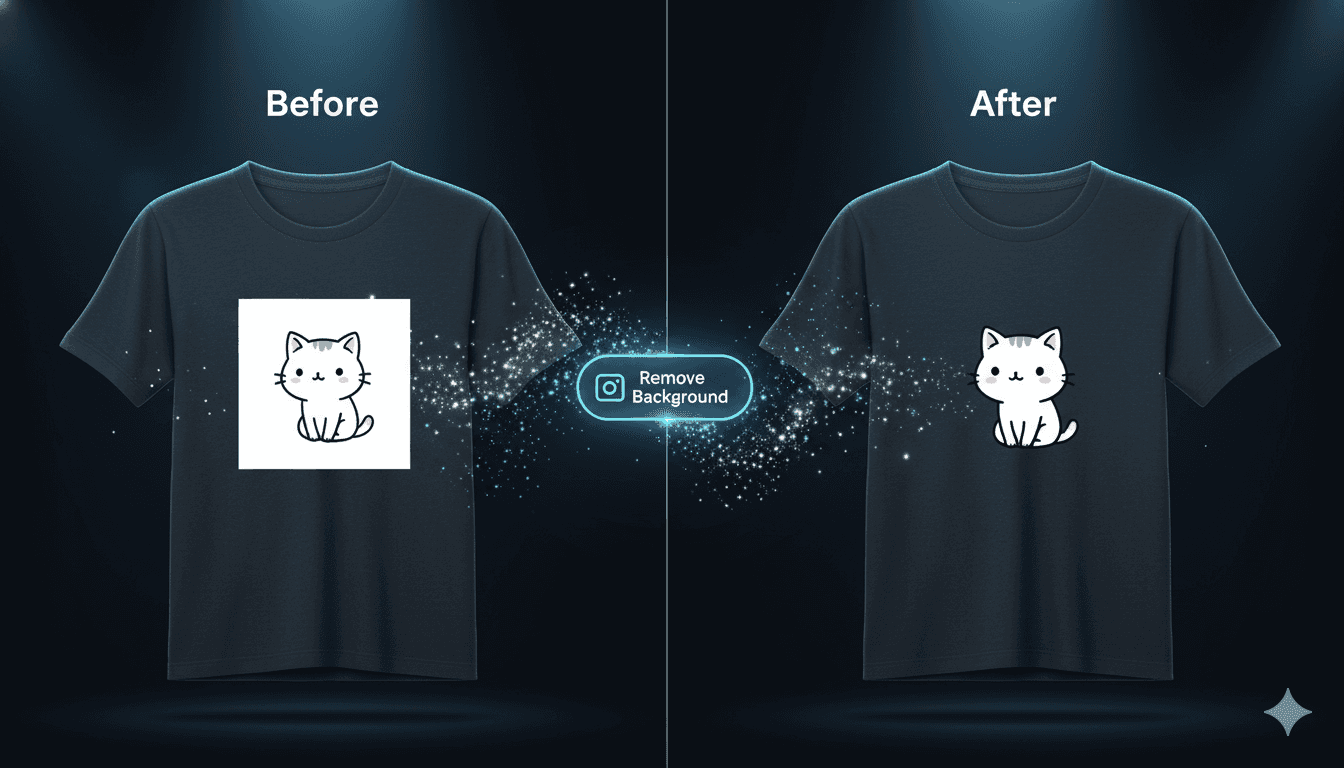
Get Rid of That "Sticker" Look. Step into the Professional League.
You have a great design. You place it on a colored t-shirt, and the result is... disappointing. Your design is trapped inside an unwanted square or rectangular box, looking like a sticker that's just been slapped onto the fabric. This is the #1 mistake that screams "amateur" on Etsy.
Professional sellers know that for a design to look integrated, the background must be removed. Traditionally, this means using extra, paid tools like Canva Pro or Remove.bg, switching between tabs, and wasting time.
The Background Remover feature in Listybox was designed to eliminate this extra step, extra cost, and wasted time. It is your one-click professionalism filter, built to free your designs from their "boxes" and let them breathe.
How It Works: A One-Click Transformation
Using this feature is, in true Listybox fashion, incredibly simple.
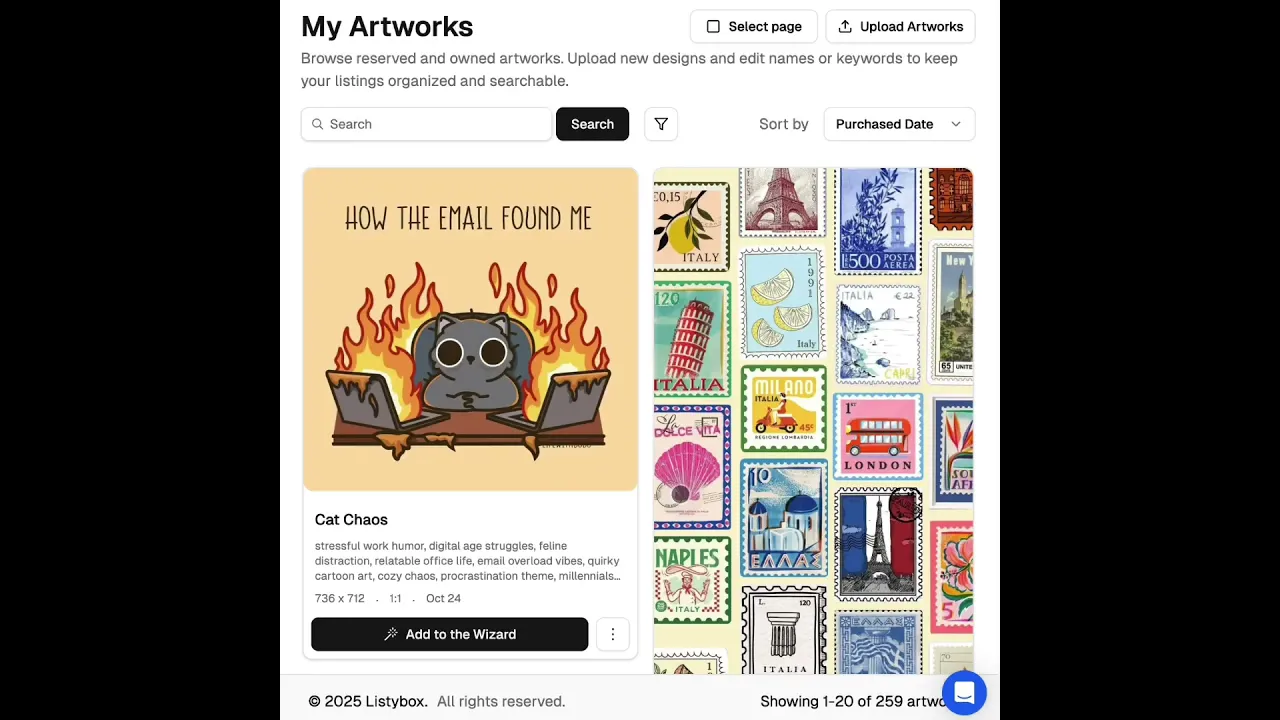
Select Your Design: In your My Artworks panel, navigate to the design you want to edit.
Click Remove: From the three-dot menu, select "Remove background."
Done: In a few seconds, the system automatically removes the background and saves a new, transparent version of your design as a copy right next to the original.
That's it. You now have both the original and the background-free version, and you are free to use whichever one you want, on any product.
Pro-Tips: More Than Just a Tool
Pro-Tip 1: Unlock Creative Placement Opportunities
Sometimes, the power of a design is revealed when it breaks free from a square frame.
Scenario: You have a cat design with a square background.
Transformation: When you remove the background, you're left with just the cat itself—an irregularly shaped object.
The Opportunity: Now, using the Placement Editor, you can place this cat vertically along the side of a t-shirt, or have it wrap around a mug. Removing the background opens up unexpected and creative placement possibilities.
Pro-Tip 2: Dominate the Sticker Market
Selling stickers is one of the most profitable niches in POD. But customers don't buy stickers with a big white square around them; they buy perfectly cut "die-cut" style stickers that follow the shape of the character or object. The Background Remover is the perfect tool to instantly turn your designs into highly desirable, premium-looking stickers that people race to buy.
The Listybox Ecosystem vs. "Tab Hell"
"Why should I use this instead of Remove.bg?" The answer is simple: Speed, Cost, and Flow.
Life Without Listybox: You find a design in the Artwork Gallery. You download it. You open a new tab for Remove.bg, use one of your monthly credits. You download the new version. You go back to Listybox and re-upload it to "My Artworks." This is at least a 5-minute "tab hell."
Life With Listybox: You click the menu on the design in My Artworks. You click "Remove background." Done. No extra fees. No extra tabs. No wasted time.
This feature reinforces the core promise of Listybox: to eliminate all the unnecessary steps that slow you down, cost you money, and break your creative flow, giving you the freedom to focus only on growing your business.
(Note: With our upcoming "Advanced" update, you will be able to manually fine-tune the sensitivity of the background removal process, and even use a brush to select areas you want to erase or restore. You will have complete control.)