

THE FLOW FROM THE VIDEO
Your design goes in.
A ready Etsy listing comes out.
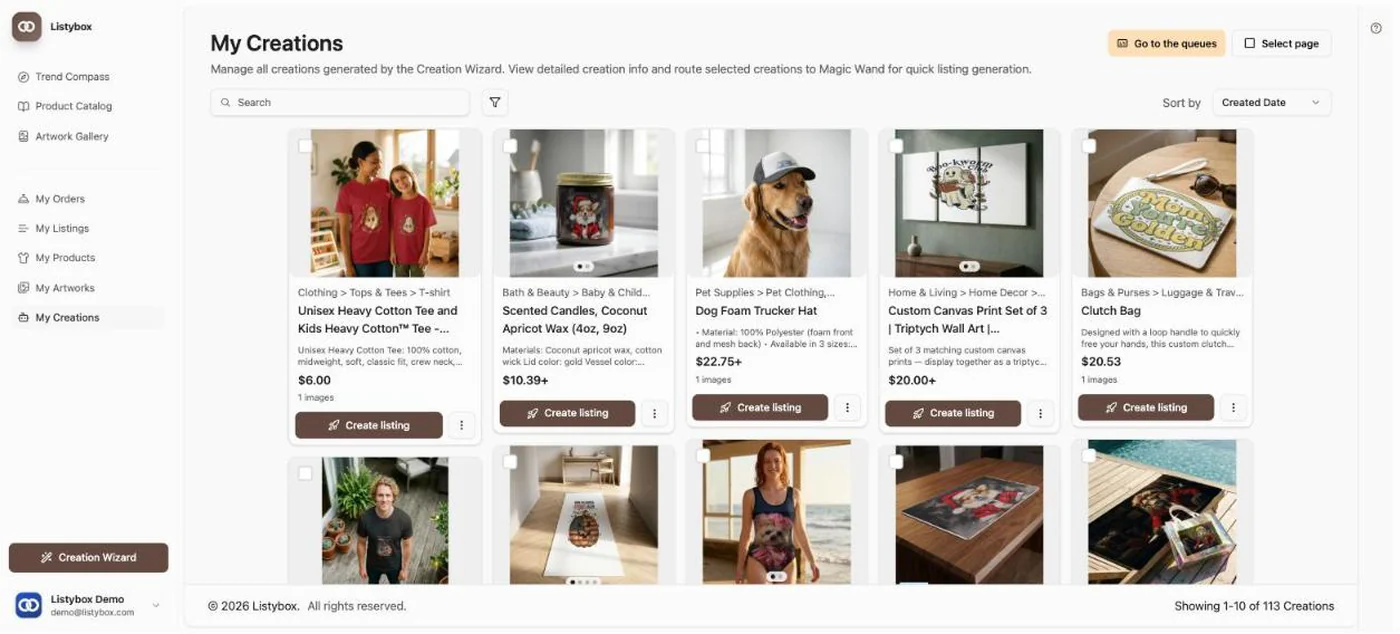
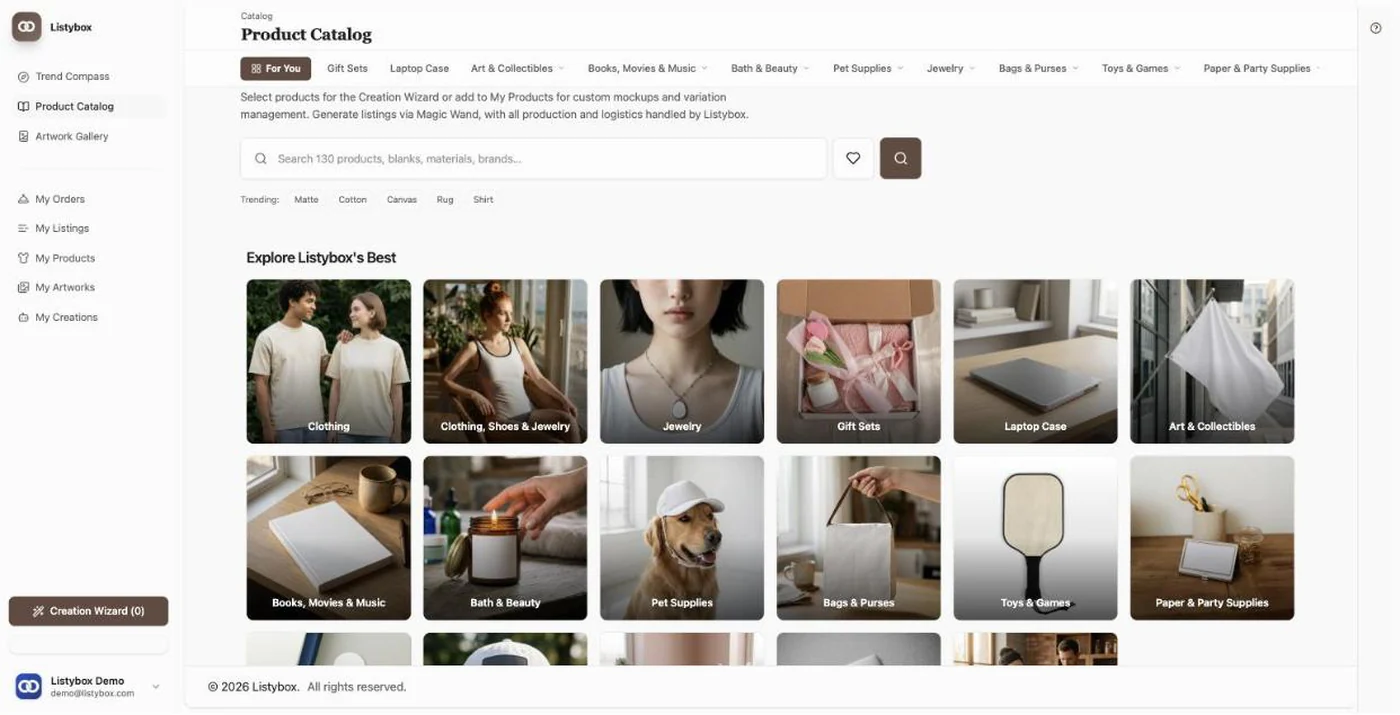
Same three steps, same order. Nothing new to learn: upload your design, pick the mockup, send the listing to your shop.
THREE STEPS
The same three steps, in the same order
You see how the design sits on the product. No downloading and re-uploading files in between, no writing the title and tags from scratch.
- 01
Upload your design
Bring the file you finished in Canva into Listybox.
- 02
Pick your mockup
See the design on real products and mark the shots you want.
- 03
Send it to Etsy
The listing lands in your shop with its title, tags and description.
ONE SELLER
Mustafa uploaded the same way
Mustafa Furkan Bulut sells decorative home products on Etsy. He was late for the season and uploaded his products here. In his own words, from his own video:
Even though I was late for the holiday season, the products I uploaded quickly here caught on, and my listings started getting sales.
Mustafa Furkan Bulut · Decorative home products, Etsy
Read the full storyFREE PLAN
Nothing to pay to start
Start on the free plan and move up when the shop grows.
- You publish real listings on the free plan.
- No card needed.
- You upload your own design and put it on real products.
- Magic Wand writes the title, tags and description.
- Your daily capacity sits on the dashboard.
The design is done. Three steps left.
Open an account, upload your first design, send the listing to your shop.