


Key takeaways
Stop copy-pasting SEO data: let Magic Wand generate tailored titles, tags, and descriptions for each resume template
Replace generic screenshot mockups with unique lifestyle scenes created by Listystyle in minutes
Use Canva Integration to edit designs directly from your Listybox Artwork Gallery and keep everything in one place
Scale your shop with Scheduled Publish to drip new template listings daily without manual intervention
Save hours of manual edits by updating hundreds of descriptions, tags, or titles at once with Bulk Edit
Sofia is a high-school teacher who started designing clean, modern resume templates on weekends. A friend’s Etsy shop inspired her, so she uploaded three minimalist CV templates. Within weeks, a few sales trickled in. Encouraged, she decided to turn her side project into a proper revenue stream. But as her catalog grew from 5 to 50 templates, the excitement faded. Each new listing meant a fresh round of SEO research, title writing, tag hunting, and mockup creation. Soon, Sofia was spending more time on repetitive admin than on actual design.
She had fallen into a common trap: manually listing digital products one by one, assuming that passion alone would carry her. The truth was, her shop’s growth was stalled by invisible time sinks. She needed a way to automate the busywork without losing the personal touch that made her templates special.
What Makes a Resume Template Best-Selling on Etsy?
A top-selling resume template isn’t just a pretty layout. It solves a specific problem for the buyer, often someone who needs a professional-looking CV without hiring a graphic designer. Templates that rank well on Etsy share a few key traits: modern typography, easy-to-edit text layers, ATS-friendly formatting, and helpful instruction files. But the first thing any seller should know is what the market actually wants.
Our guide Best Products to Sell Online in 2026: A Data-Driven Guide for Etsy Sellers breaks down trending digital goods, including resume templates that shoppers search for month after month. Knowing demand helps you pick niches like creative CVs for designers, simple one-page resumes for entry-level jobs, or bilingual templates for international applications.

Once you’ve identified a niche, think about the buyer’s end goal. They want to edit the template quickly and hit “apply.” So your template should be compatible with free software like Canva or common tools like Microsoft Word and Adobe InDesign. Clear, well-organized layers and a short video showing how to customize go a long way. Listings that include a preview of the file structure and a help PDF can convert better because they reduce the buyer’s anxiety.
Real-world scenario: Marta’s minimalist buyer
Marta is a recent graduate applying for her first corporate job. She needs a resume that looks professional but doesn’t take hours to edit. If your template includes a 2-minute setup video and pre-filled ATS keywords, Marta is far more likely to purchase and leave a glowing review. You don’t need to create dozens of different template families right away. A small collection of well-executed templates that solve clear problems can outperform a huge shop full of scattered styles.
How to Create Resume Templates That Stand Out (Without Design Overwhelm)
You might worry that you need advanced design skills to compete. That’s not the case. Many successful resume template sellers start with a free design tool and learn as they go. The real secret is consistency: a cohesive visual brand makes your shop recognizable and builds trust.
Start by picking a color palette, font pairing, and a design structure that matches your niche. For example, a soft pastel palette with round-serif fonts works well for a handmade or lifestyle brand, while a monochrome palette with geometric sans-serifs suits a corporate audience. Use the same set of icons, dividers, and section headers across all templates. This not only looks professional but also lets you reuse design elements, speeding up your creation process.
💡 Stick to a uniform color scheme and typography kit across all your resume templates. This will create a recognizable shop aesthetic and save you design time.
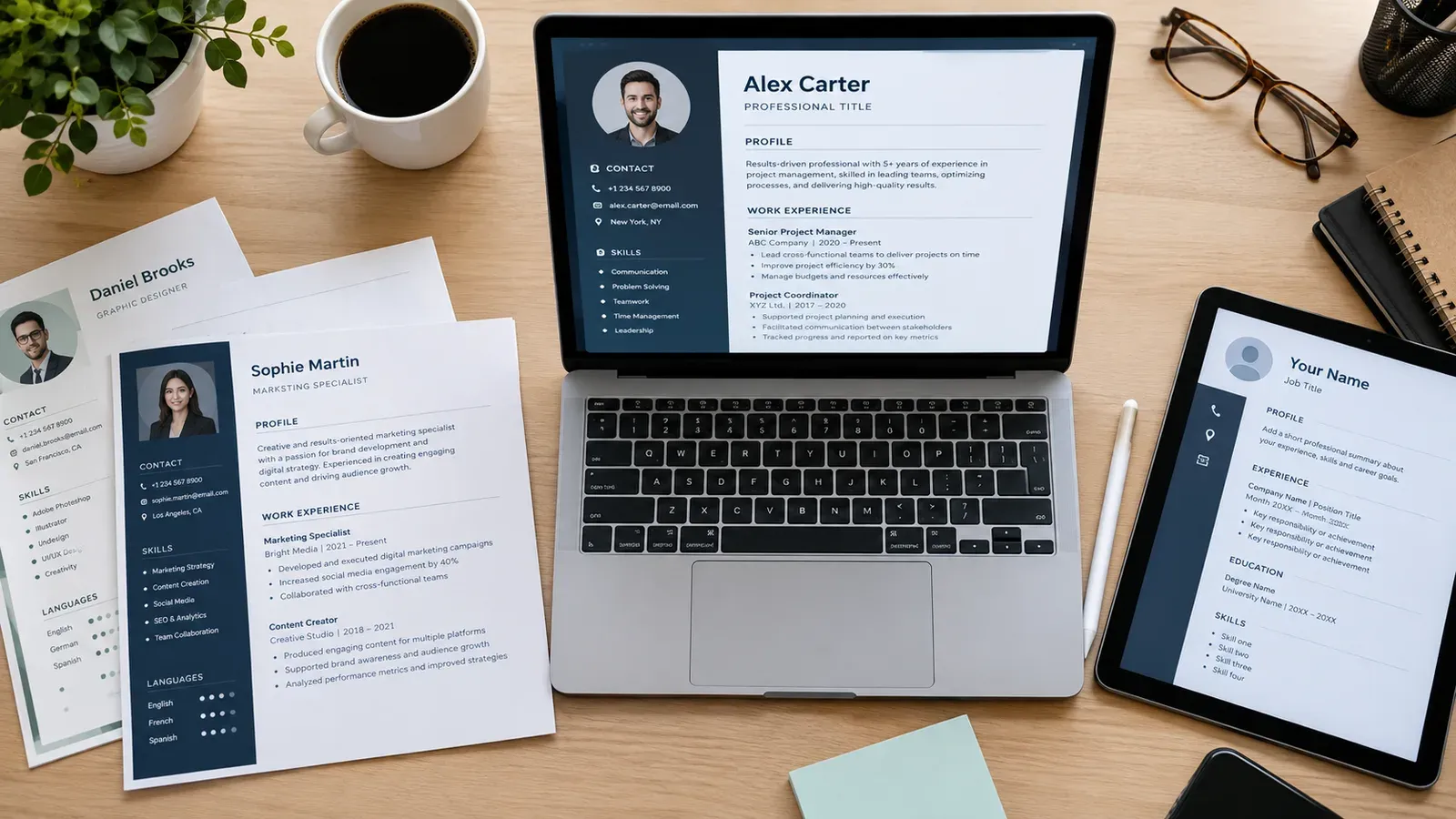
When you have your template file ready, you’ll need to display it in a way that catches the eye. Generic flat file images rarely stand out in search results. Instead, consider showing the template in use: on a tablet screen, printed on high-quality paper, or displayed on a laptop at a coffee shop. These lifestyle scenes help buyers imagine using the template themselves.
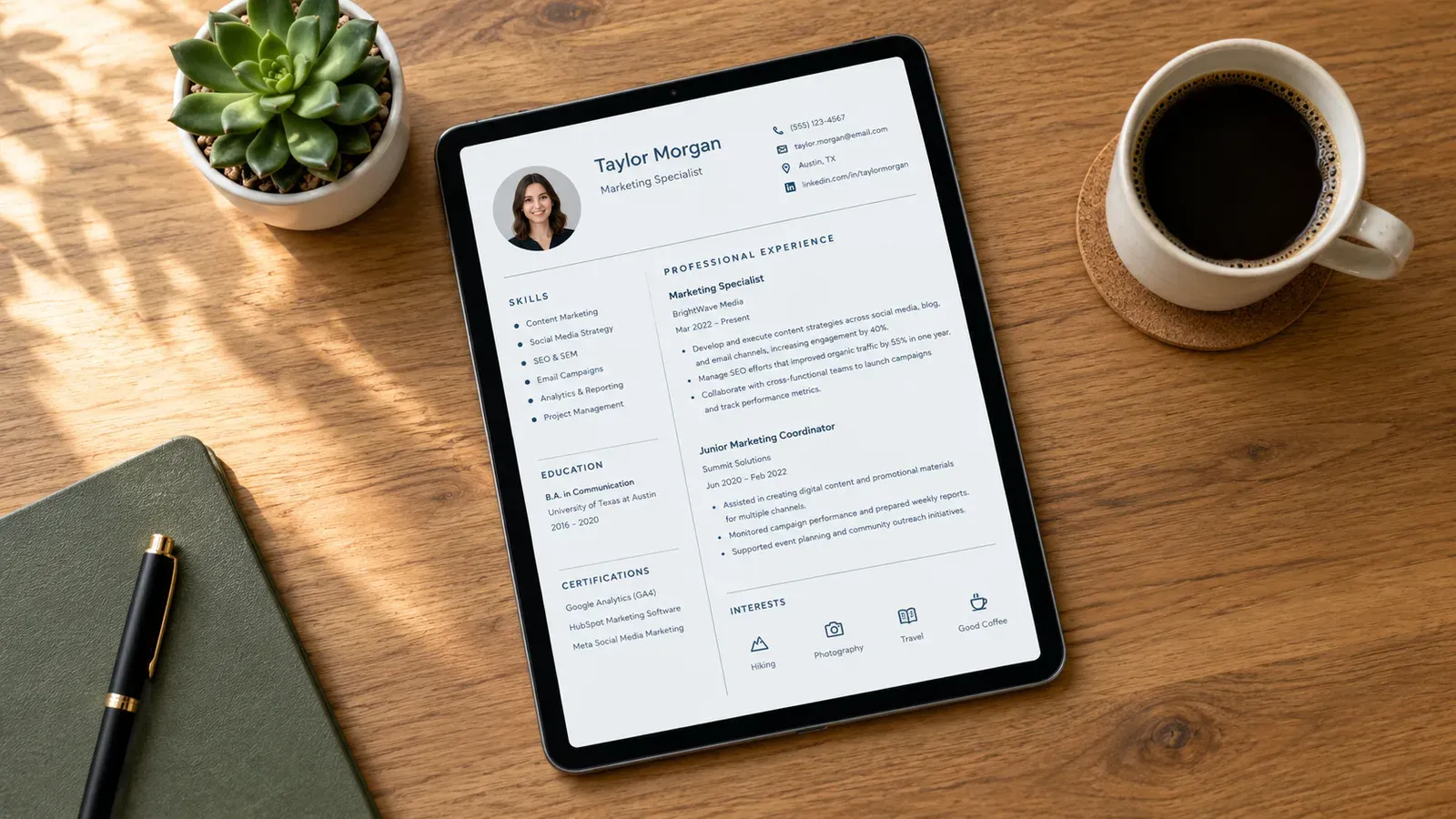
Listystyle, a built-in feature on Listybox, automatically generates such realistic scenes. You select how many images you want, and it creates unique, non-generic variations of your template placed in relevant environments. No more hours spent searching for stock images or arranging props. With a few clicks you get a batch of mockups ready for your listing.
⚠️ Selling resume templates doesn’t mean you can set a blanket no-refund policy. Check Etsy’s digital downloads policy to avoid disputes.
The Hidden Trap: Why Manually Listing Templates Drains Your Time and Sales
Let’s return to Sofia. She got excited about design and quickly built 20 beautiful templates. But then she had to list them. Each listing required:
A keyword-rich title that reads naturally
13 targeted tags reflecting long-tail search queries
A persuasive description explaining file compatibility, editing instructions, and what’s included
High-quality images and possibly a video showing the template in action
Doing this manually felt like a second job. She often reused the same tags and descriptions across listings, a practice that can hurt your Etsy SEO. Etsy’s algorithm may see duplicate content as low value and fail to rank multiple listings from the same shop. Sofia realized she was not only wasting time but also shooting herself in the foot.
The agony deepens when you consider mockups. Scanning the same flat mockup background across 30 listings makes your shop look like a template mill. Buyers are savvy; they notice stock imagery and may question the uniqueness of your designs.
Now think about scaling. What happens when Sofia has 100 templates and needs to correct a typo in her “compatible software” section? Updating each listing one by one is a nightmare. Without bulk editing, she must open each listing, edit, and save. The repetitive process kills momentum and often leads to procrastination.
Etsy’s listing fee also adds up. When you list each template, Etsy charges a listing fee per item.
Etsy charges a $0.20 USD fee for listing an item for sale. Taxes may also apply.
This means that if you upload 50 templates without a proper strategy, you’re investing money upfront with no guarantee of sales. The manual method doesn’t just eat your time; it eats your budget.
How to Optimize Etsy SEO for Resume Templates – The Smart Way
SEO for digital products follows the same core principles as physical items, but with a twist: your keywords must signal that the item is a downloadable file. Phrases like “instant download,” “editable template,” “resume template for Word,” and “ATS-friendly CV” help signal intent.
Before writing a listing, gather relevant search terms by looking at the autocomplete suggestions in Etsy’s search bar and analyzing top competitor listings. Identify the long-tail phrases that have manageable competition but clear buyer intent. Then, place your most important keyword in the title, ideally at the beginning, and weave variations naturally into the description.
But if you’re running a large catalog, doing this manually for every template is unsustainable. This is where the Magic Wand feature comes in. Magic Wand analyzes the visual elements and product type and then generates an SEO-friendly title, 13 tags, and a persuasive description tailored specifically to that template. Instead of starting from a blank box, you get a draft ready to review and tweak.
For a seller like Sofia, this means she can open Magic Wand, review the suggested listing copy for her new minimalist CV template, adjust a phrase or two, and publish. The foundational SEO heavy lifting is done in minutes rather than hours.
For an in-depth look at how ranking works, read our article How to Get Your Etsy Listing on the First Page: The 2026 Playbook. You’ll find practical steps to improve your listing quality score and shop visibility.
Using Bulk Edit to maintain consistency
Once your listings are live, SEO is not a one-time task. Seasonal trends change, new search terms emerge, or you might decide to rebrand your shop. If you need to update a common piece of information, like adding “2026 updated” to titles or changing a tag from “modern resume” to “modern CV,” Bulk Edit lets you select multiple listings and apply changes at once.
This works across titles, descriptions, and tags. You choose which field to modify, pick add, change, or remove, and the platform edits all selected listings in minutes. You stay in control and can review every change before it goes live.
Scaling Your Resume Template Shop: From 10 to 100 Listings Without Burning Out
Growing a template shop requires more than just adding new designs. You need a system that publishes consistently, keeps inventory fresh, and reduces the mental load of everyday management.
Sofia’s turning point came when she decided to create a bundle of “Creative Career Templates” with 10 variations. Under the old way, she would have listed all 10 on the same afternoon, then experienced a sales spike followed by a long silent period. With Scheduled Publish, she can stage all 10 listings at once and set them to go live one per day or every other day. This approach signals to Etsy that the shop is active regularly, which can positively influence shop quality scores.
She selects her creations, picks a publishing interval like “every 24 hours,” and Listybox handles the rest. She can still log in and adjust anything manually, but she’s no longer chained to her laptop at a specific time every day.
The power of Canva Integration
For many template sellers, the design tool of choice is Canva. Instead of jumping between browser tabs, you can open any artwork from your My Artworks panel directly in Canva by clicking “Edit in Canva.” Once you’ve made changes, clicking “Save to Listybox” sends the edited file back to your gallery. This closes the loop between design and listing creation.
You can also bulk upload your template files to My Artworks. The system automatically analyzes each image and enriches it with relevant SEO keywords. Then, using Creation Wizard, you can pair your designs with product types (even digital) and prepare listings for Magic Wand optimization.
Moving from manual to systematic
The shift from manual to systematic work doesn’t mean handing over creative control. It means removing the friction that slows you down. Sofia now spends her mornings designing two or three new templates. After lunch, she opens Listybox, drags her updated files into My Artworks, runs Magic Wand on the new creations, generates a few Listystyle lifestyle images, and schedules their release over the coming week. What used to take her entire Saturday now wraps up in a single focused afternoon.
If you’re building your first shop, you might feel overwhelmed by the setup itself. That’s where Store Setup can help. The Listybox team opens your Etsy store, configures branding, lists your first 10 templates with SEO optimization, and gives you basic onboarding training. This service is included in the yearly plan for Starter and Professional tiers.
Does all of this feel overwhelming? You don’t have to start from scratch. With Listybox Store Setup, our expert team sets up your Etsy store, lists your first 10 products, and optimizes everything for SEO. See the pricing page for what this service covers and what it costs.
If you’d rather explore on your own, you can start with a free plan.
Start free - no credit card required
The tools we covered - Magic Wand, Listystyle, Bulk Edit, Scheduled Publish - are available inside the platform. They’re built to speed up the repetitive parts of selling digital products so you can spend more time on the creative work that originally drew you to Etsy.
For a broader look at the tool landscape, see Best Etsy Tools 2026: Why Smart Sellers Are Ditching Their Tool Stack for an All-in-One Solution. You’ll find a realistic comparison of point solutions versus an integrated platform.
If you’ve ever wondered about the fees that eat into your profits, we’ve broken them down in What Percentage Does Etsy Take in 2026? A Complete Fee Breakdown for Sellers. Knowing the numbers helps you price your templates correctly from day one.
💡 Always include a detailed instruction PDF with your resume template files. This can dramatically cut down customer support messages and returns.
And keep this in mind: you don’t have to use generic mockups that look like everyone else’s shop. We covered the hidden downside of free mockups in Free T-Shirt Mockup: The Hidden Costs That Are Silently Killing Your Etsy Sales. The same principle applies to digital products - unique visuals matter.
Sofia’s story ended with her shop growing steadily, not because she worked harder, but because she stopped doing everything by hand. You can do the same by choosing the right tools for the heavy lifting and keeping the creative decisions where they belong - in your hands.
Listybox
Create listings 10x faster with Listybox.
Frequently asked questions
Put this into practice in your shop.
Every step from design to live listing, on one platform. Start on the free plan.
Related posts


Want to go deeper? Read our in-depth Etsy guides · Browse 100 Etsy niche guides