

Best Etsy Tools 2026: Why Smart Sellers Are Ditching Their Tool Stack for an All-in-One Solution

Key takeaways
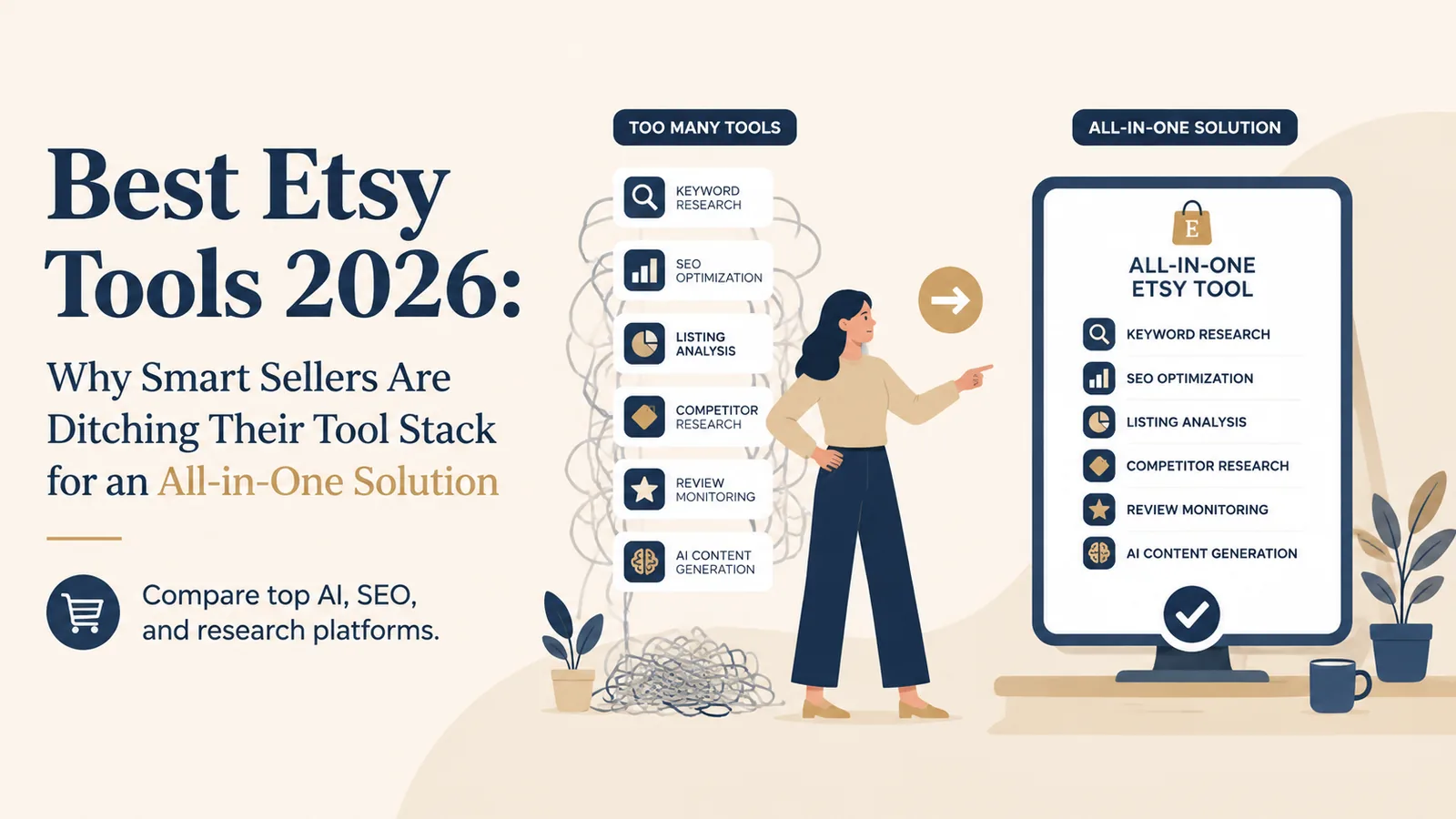
Modern Etsy sellers are abandoning fragmented, multi-app tool stacks for unified all-in-one platforms.
The top all-in-one solution merges AI-powered SEO, automated mockups, niche research, and POD integration into a single dashboard.
AI writing and optimization features in 2026 are now standard expectations, not luxury add-ons for Etsy sellers.
Integrated keyword and product research tools give sellers a competitive edge by linking niche discovery directly to listing creation.
If you’ve searched for the best Etsy tools, you’ve probably found dozens of articles listing eRank for SEO, Printify for production, Canva for graphics, Placeit for mockups, and maybe Outfy for social media. Each tool costs money. Each has its own learning curve. And none of them actually work together.
The result? You spend more time managing your tools than actually growing your business. That’s time you could spend designing, marketing, or simply enjoying the income your shop generates.
What Are the Best Etsy Tools for Keyword Research and SEO?
Every successful Etsy listing starts with the right keywords. Without them, your beautiful products remain invisible to the 95 million active buyers searching on the platform.
The Traditional Approach: Tool Overload
Most guides recommend tools like eRank, Marmalead, EverBee, or Alura for keyword research. These platforms offer valuable features including keyword search volume data, competition analysis, and listing audits. eRank, for instance, provides trend tracking and regional search data that can help you understand what customers in specific markets are searching for.
The problem isn’t that these tools don’t work. The problem is the workflow they create.
Here is how the tools compare side by side. Plan details were read from each vendor’s own pricing page on 29 August 2026 (Alura and EverBee rechecked on 6 October 2026). Vendors change prices without notice, so check the link for current pricing before you buy.
| Tool | What it does | Free plan | Lowest paid plan | Billed yearly |
|---|---|---|---|---|
| Listybox | Tag competition scoring plus design, listing and production in one platform | Yes, you publish real listings | Monthly plan | - |
| eRank | Keyword and market research | Yes | Basic monthly · Pro monthly | Pro, billed yearly |
| Marmalead | Predictive keyword research | Not shown on the pricing page | Monthly plan | Yearly option |
| Alura | Product research and shop analytics | Yes | Basic monthly | Basic, billed yearly |
| EverBee | Listing analytics and sales estimates | Yes (Hobby) | Growth monthly | Yearly option |
| Sale Samurai | Keyword and tag research | Yes | Monthly plan | Yearly option |
| Vela | Bulk listing editing | Not shown on the pricing page | Lite monthly per shop | No yearly option shown |
| Printify | Print-on-demand fulfillment network | Yes | Premium monthly | Premium, billed yearly |
| Printful | In-house print-on-demand fulfillment | Yes | Growth monthly | No yearly option shown |
The real difference in that table is not price, it is how many columns each tool covers. None of the research tools publishes to Etsy. None of the fulfillment networks writes your listing. Want research plus listing content plus mockups plus publishing plus production? That is four subscriptions and the copy-paste work between them is yours.
Here’s what a typical SEO optimization session looks like: You open eRank to research keywords. You copy the best ones to a spreadsheet. You switch to your listing and manually type in titles and tags. You check another tool for description ideas. You repeat this process for every single product.
For sellers with hundreds of listings, this becomes a full-time job. Manual keyword optimization takes an average of 12-18 minutes per listing. Multiply that by 200 products, and you’re looking at 60+ hours of pure data entry.
The Intelligent Alternative
Imagine clicking a single button and having your entire listing optimized, with a title, all 13 tags, and a product description.
This is what the Magic Wand SEO tool does inside Listybox, the workspace where you create products, write listings and publish them. Magic Wand studies relevant products and trends. It then writes an SEO-focused title, a full tag set and a sales-focused description for each product and design combination, and you can edit everything before publishing.
Try it in your shop.
Every step from design to live listing, on one platform. Start on the free plan.
How Do I Choose Between Different Print-on-Demand Platforms for Etsy?
The Printful versus Printify debate has dominated POD conversations for years. Both platforms have loyal followers, and both offer legitimate pathways to building a successful Etsy shop.
Understanding the Trade-Offs
Printful operates its own fulfillment centers, which means consistent quality control and predictable shipping times. The trade-off is higher base costs, which can squeeze your profit margins on competitive products.
Printify connects you to a network of 90+ print providers worldwide, offering lower prices and more product variety. The challenge is variability. Quality and shipping times depend on which provider fulfills your order, creating an inconsistent customer experience that can hurt your reviews.
Many successful sellers use both platforms, choosing Printify for price-sensitive products and Printful for premium items where quality matters most. But managing two POD platforms means twice the complexity: separate accounts, different mockup generators, inconsistent pricing structures, and no unified order management.
Beyond the Binary Choice
What if your POD platform didn’t just fulfill orders but actually helped you create, optimize, and scale your entire product line?
In Listybox, the one workspace where you create products, write and publish listings and handle print-on-demand fulfillment, you work from a curated product catalog. You can also clone catalog products in Custom Product Hub to adjust costs and suppliers.
When your POD catalog integrates directly with your listing creation, SEO optimization, and mockup generation, you eliminate the friction that slows down scaling. One platform means one workflow, one learning curve, and one place to manage everything.
What Tools Can Automate My Etsy Listing Creation?
Let’s meet Sarah, a graphic designer who left her agency job to launch a POD business selling her illustrations on t-shirts, mugs, and wall art.
Sarah had 50 original designs she was proud of. Her goal was simple: apply each design to 20 different products and launch with 1,000 listings. Using traditional methods with Printify’s interface and Canva for mockups, she estimated this would take about two weeks of full-time work.
After three days and only 75 completed listings, Sarah was exhausted. The process was crushing her enthusiasm: upload a design, adjust placement, choose colors, create mockups, download them, write title and description, add tags, repeat. Her eyes hurt from screen time, and she hadn’t even started thinking about SEO optimization.
Then Sarah discovered the Creation Wizard.
She uploaded her 50 designs in bulk using the My Artworks upload feature. She selected her 20 target products from the catalog. Creation Wizard combined every design with every product in bulk, generating 1,000 creations with variants and mockups prepared, ready for SEO copy, and she could edit everything before publishing.
Instead of repeating the same steps for each listing, she worked through the whole batch in one workspace.
The repetitive steps moved into one workflow, and she kept control over every listing. For a solo seller, that changes how a large catalog gets built.
How Can I Save Time Managing My Etsy Shop Operations?
Creating listings is just the beginning. The real time sink comes after your first sales start rolling in.
The Hidden Cost of Manual Fulfillment
Every order triggers a cascade of tasks: check the order details, log into your POD platform, verify the design and product are correct, enter customer shipping information, place the production order, wait for tracking information, update Etsy with the tracking number, and send a shipping notification to your customer.
Experienced sellers can handle this in 5-7 minutes per order. But when you’re getting 20 orders a day, that’s over two hours of pure administrative work. And if you make a mistake, a wrong address, a typo in the tracking number, you’re dealing with customer complaints and potential negative reviews.
This is where most sellers hit a ceiling. They can’t grow beyond what they can personally manage, and hiring help means training someone on multiple disconnected platforms.
The Zero-Touch Revolution
Zero-Touch Fulfillment changes this.
When an order comes in on Etsy, it appears in My Orders in Listybox, in the same workspace where you created and published the listing. You pay the production and shipping cost for that order from this screen, and production does not start before payment. Listybox then sends the required details to the selected manufacturer, retrieves tracking after shipment, and updates the Etsy order and customer.
Is There an All-in-One Solution for Etsy Sellers?
This is the question that matters most. And the honest answer is: most tools marketed as “all-in-one” aren’t.
Alura offers SEO and product research but doesn’t handle production or fulfillment. Printify handles production but offers no SEO optimization. eRank provides analytics and drafts listing text, but nothing it writes reaches your shop on its own. Each tool solves one piece of the puzzle while creating new integration headaches.
What a True All-in-One Platform Looks Like
A genuine all-in-one solution covers the complete seller journey:
Discovery and Design: Browse curated, single-use, market-informed designs in the Artwork Gallery or upload your own creations. The Trend Compass trend finder reviews relevant US news and social sources and prepares single-use design directions with a marketing plan.
Product Creation: The Listystyle mockup creator studies your design and intended audience, then creates a selected set of realistic lifestyle scenes for your products.
SEO Optimization: The Magic Wand SEO tool writes titles, tags, and descriptions for your listings.
Strategic Publishing: The Scheduled Publish feature releases your listings on the schedule you set.
Automated Fulfillment: Orders you pay for go to production, and the tracking number is written back to your Etsy order.
Continuous Optimization: Bulk Edit lets you add, remove, or replace text in the titles, descriptions, or tags of hundreds of selected listings when seasons change or trends shift.
When every element works together in one workspace, the steps connect. You stop switching between tools and moving data from one platform to another, and you keep control over every listing.
The Real Cost Comparison
Let’s do the math that most comparison articles avoid.
The Fragmented Tool Stack
eRank Pro: monthly plan
Printify Premium: monthly plan
Placeit: monthly plan (for mockups)
Canva Pro: monthly plan (for design work)
Outfy: monthly plan (for social scheduling)
Total: five separate monthly subscriptions
And this doesn’t include your time cost: around 15 hours a week of tool management, switching between tools and copying data from one platform to another.
The Integrated Approach
With Listybox, you run the shop from one workspace and one subscription: Magic Wand for listing copy, Listystyle for lifestyle scenes, Creation Wizard for bulk listing, Scheduled Publish for releases, Bulk Edit for changes and Zero-Touch Fulfillment for orders. You can edit everything before publishing. No juggling multiple logins. No copying and pasting between platforms.
More importantly, your work stays in one place. You can focus on creating designs, researching new niches and building the business you actually envisioned when you started.
Getting Started: Your Path Forward
Does all of this feel overwhelming? You’re not alone. The complexity of launching an Etsy shop is exactly why so many talented creators never get past their first few listings.
With Listybox Store Setup, the Listybox team sets up your Etsy store, prepares core branding, publishes an initial product set from the Listybox catalog with SEO-focused copy, and provides onboarding guidance. It is available inside a custom Enterprise+ offer, so plan a demo or write to [email protected].
For established sellers ready to consolidate their workflow, the transition can be straightforward. You can upload design batches to My Artworks or import existing designs through Design Editor Integration. You can work from the catalog or create custom products in Custom Product Hub.
The most successful Etsy sellers aren’t the ones who find the “best” individual tools. They’re the ones who build efficient systems that let them focus on what actually matters: creating products people love and building a brand that lasts.
Ready to see what a unified approach can do for your shop? Start for free - no credit card required
Listybox
Listybox keeps your Etsy shop work in one place. Create products, publish listings, edit them in bulk and pass print-on-demand orders to production.
Frequently asked questions
Put this into practice in your shop.
Every step from design to live listing, on one platform. Start on the free plan.
Related posts


Want to go deeper? Read our in-depth Etsy guides · Browse 100 Etsy niche guides