


Key takeaways
Start with a core palette of neutral and trusted colors that buyers already search for - black, white, navy, heather gray - before experimenting with trends.
Use the Creation Wizard to apply one design to dozens of t-shirt colors in minutes, creating a visual lineup that makes it easy to spot which combinations look best.
Validate color demand without spending money on inventory by listing mockups and gathering real Etsy data on views and favorites.
Listystyle lifestyle images show how your design feels on a real person, helping shoppers connect with a color emotionally and buy with confidence.
Trend Compass surfaces emerging color and design shifts early, so you can add trending shades before your niche becomes oversaturated.
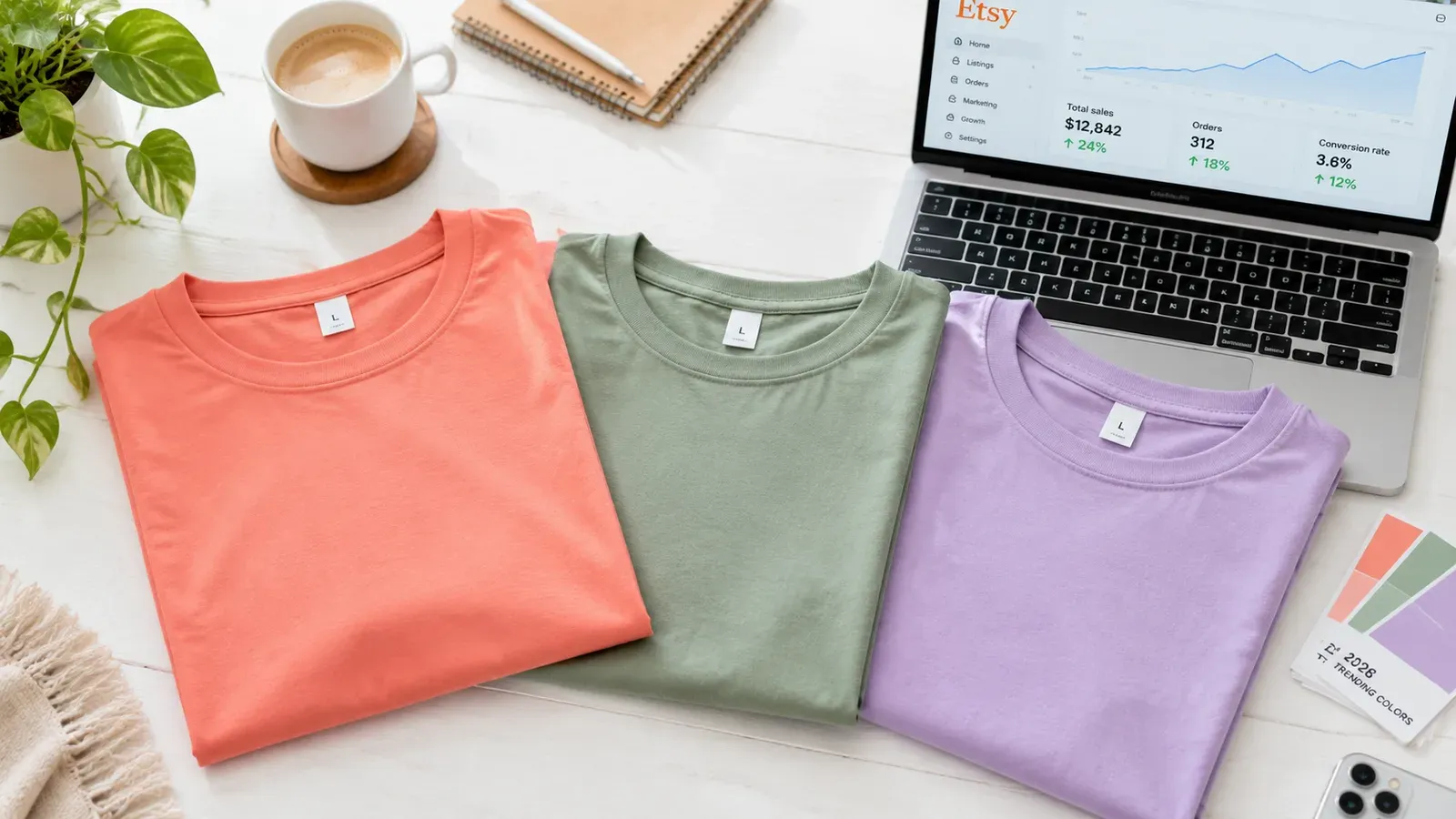
Mia spent a full weekend searching “best selling t-shirt colors 2026” and “what colors sell best on Etsy.” She read outdated listicles, scrolled through bestseller pages, and still ended up staring at her screen. Her designs were sharp, but she had no idea whether to print them on a coral tee, a sage green hoodie, or just stick to black. Every color felt like a gamble, and she was afraid of wasting the little startup budget she had.
The truth is, most new print-on-demand sellers get stuck in the exact same place. They pick colors based on personal preference, not on what their target audience actually clicks on. The result is a shop full of listings that look good but never get traction. This guide will walk you through a practical, no-guesswork method for choosing t-shirt colors that align with real buyer behavior - and how to turn that research into live listings without the usual grind.
How do I choose the best t-shirt colors for my new Etsy shop?
Choosing colors for a new shop isn’t about following a master list of “bestsellers” that someone else compiled last year. Buyer preferences shift, and what worked for a summer-trend shop might flop for a spiritual niche brand. The smarter approach is to build a color-selection framework that works for any design, any audience, and any season.
Start by anchoring your color palette around the three most important factors: the mood of your design, the skin tone of your ideal customer, and the visual weight of the product mockup. A design that feels calm and minimalist often gets lost on a bright orange shirt, while a bold, retro graphic might look flat on a muted olive green. You need to see the combination, not just imagine it.
💡 Before you commit to a color, look at how your design appears on a light, medium, and dark tee. The same graphic can look like three different products, and you’ll often find that one version stands out as the obvious winner.
This is where the Creation Wizard changes the game. Instead of manually mocking up one color at a time in a design tool, you can select your design from My Artworks or the Artwork Gallery, pick a product from the catalog, and choose multiple color variants all at once. In minutes, you have a full set of preview images - black, white, heather gray, navy, and beyond - all lined up side by side. You can immediately compare which background color makes the artwork pop, which one feels most cohesive with the niche, and which one might get scrolled past.
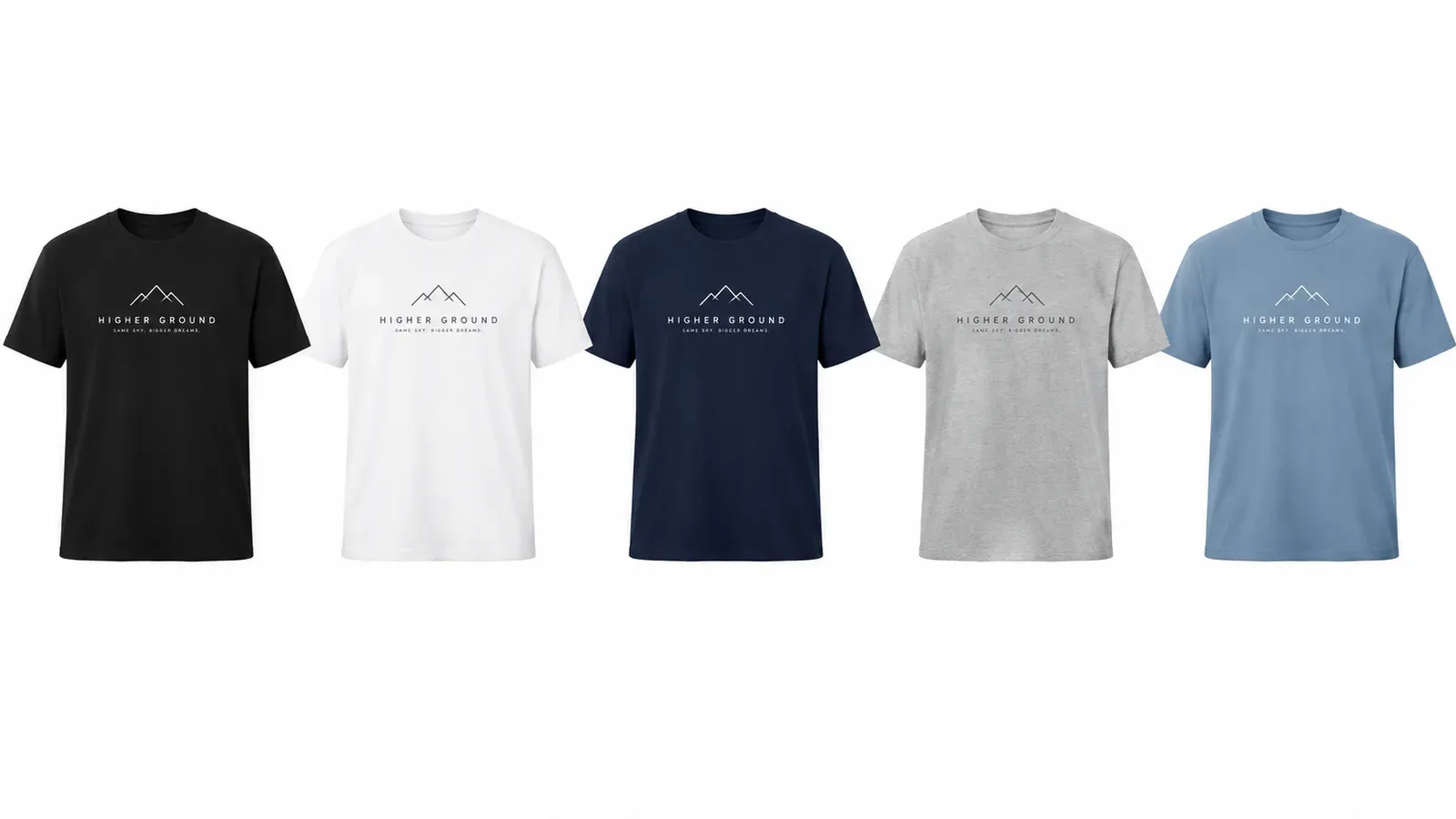
Once you have your visual lineup, the next step is narrowing down to the three to five colors that give you the strongest product variety without overwhelming your shop. For a new store, a focused color range helps you build a recognizable brand faster than a rainbow of options. Pick a core neutral that fits every design, then add one or two accent colors that match your niche’s vibe - think earthy tones for outdoor adventure, soft pastels for baby shower gifts, deep jewel tones for gothic fantasy.
If you’re still unsure, lean on data. The Trend Compass scans news sources to identify emerging design and color trends. If a particular shade is starting to appear in viral content, the tool can surface it early, giving you a chance to test it before it becomes common. You don’t have to guess which pastel is rising; the system points you in a direction and lets you make the final creative call. For more on how to build a data-driven product selection, check out our guide on Best Selling Products in Ecommerce 2026: The Data-Driven Guide to High-Margin POD Niches.
Try it in your shop.
Every step from design to live listing, on one platform. Start on the free plan.
What are the most popular t-shirt colors for 2026?
When shoppers type “t-shirt” into Etsy, they rarely search for a specific color. They look for a vibe, an occasion, a style. But the color they see in the first thumbnail is the silent decision-maker. While no seller can predict the future, certain colors consistently perform well because they are versatile, photograph well, and match a wide range of designs.
For 2026, the most reliable foundation colors remain unchanged: black, white, navy, heather gray, and charcoal. These are the workhorses of any print-on-demand wardrobe. They work for text-heavy designs, photo-based prints, and intricate illustrations. They also photograph cleanly, which matters because a messy mockup with a weird color cast can kill a sale faster than a weak design.
⚠️ Avoid relying on free mockups that show colors inaccurately. A heather gray that looks warm and textured on a cheap mockup file might appear flat and muddy on a real product, leading to buyer disappointment and returns.
Beyond the basics, the “second-tier” colors that are gaining traction in 2026 include soft, muted tones like sage green, dusty blue, and warm sand. These colors appeal to the minimalist and “clean girl” aesthetics that continue to dominate lifestyle content. They also serve as excellent backgrounds for design styles that are taking off, such as delicate line art, botanical illustrations, and subtle vintage typography. To see what design trends are pairing with these colors, read our breakdown of 2026 T-Shirt Design Trends: How to Spot & Sell the Next Big Thing.
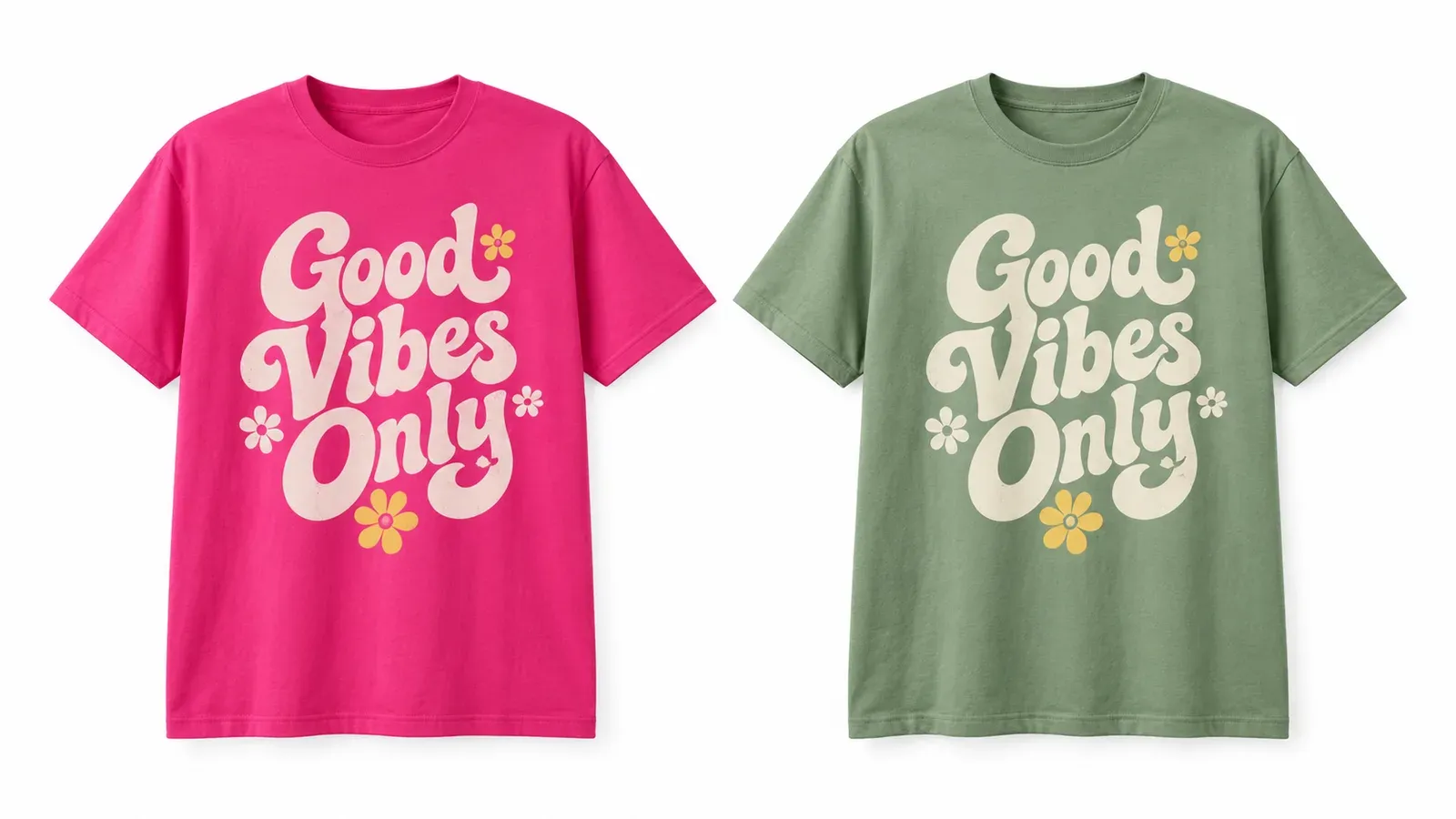
For bolder niches, bright colors like vivid pink, electric blue, and safety orange are not going anywhere, but they require a more careful match with the design’s energy. A neon yellow tee with a grunge metal font might work perfectly, while the same tee with a watercolor floral design would look confused. When you use the Creation Wizard, you can quickly generate that exact comparison - same design, two wildly different color backgrounds - and make a decision based on what you see, not on what you hope.
How can I test t-shirt color demand without inventory?
The biggest advantage of print-on-demand is that you don’t have to pre-purchase stock. But that advantage disappears if you use it as an excuse to guess. Instead of buying samples, you can test color demand directly on Etsy using mockups that you list as live products.
Here’s how the testing loop works. You create a design you believe in. You use the Creation Wizard to generate mockups on three different colored shirts - say, a classic black, a trending dusty blue, and a wildcard mustard yellow. You list all three as separate products on your new Etsy shop, each with its own title and keywords that reflect the color. Then you watch the data for a week or two.
Which color gets the most views? Which gets the most favorites? Are shoppers clicking on the mustard yellow but not buying, while the black version gets steady favorites? These patterns tell you, without spending a dollar on samples, which color resonance your audience has. You can then double down on the winner and pause the others, or keep them all if they each attract different buyer segments.
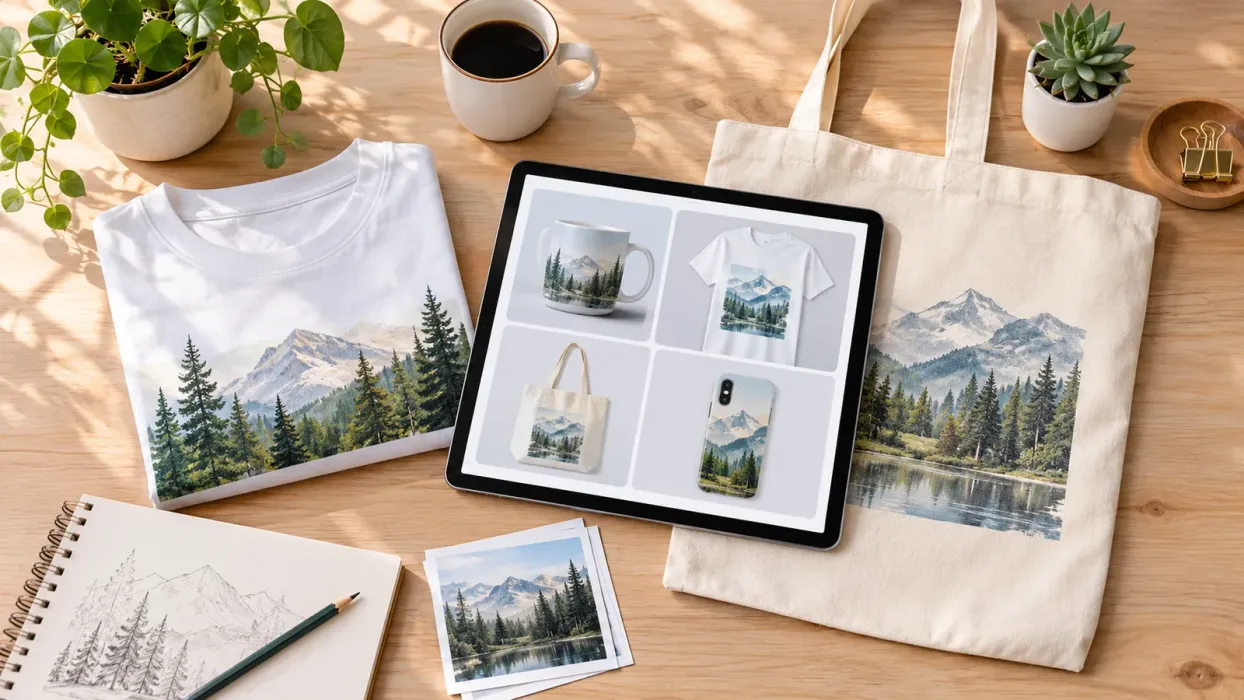
To make the listings attractive, you need more than a flat mockup on a white background. A shopper needs to see the t-shirt in a context that matches their life. This is where Listystyle becomes invaluable. Instead of spending hours searching for lifestyle photo overlays or hiring a model, you can generate realistic images that place your design into a real-world scene - a coffee shop, a sunny park, a cozy living room. The color of the shirt interacts with the lighting and environment, giving the buyer a preview of how it will actually look when worn.
For each color variant you’re testing, you can generate a few Listystyle images that show the shirt on a person. The difference between a flat mockup of a sage green tee and a lifestyle image of someone wearing it while holding a ceramic mug in morning light is enormous. One feels like a product; the other feels like a piece of someone’s life. If you want to dive deeper into how mockup quality impacts your sales, our guide The Truth About Free T-Shirt Mockups: Why They’re Costing You Sales (And What to Use Instead) breaks down the hidden costs of cutting corners on visuals.
What colors sell best on Etsy for print-on-demand?
Etsy is a visual marketplace, and color is the first thing a buyer processes before they even read your title. But “best-selling” doesn’t mean one universal color; it means the color that best matches the intent of the shopper who lands on your listing.
A customer searching for “minimalist gift for new mom” is likely to click on a soft cream or dusty rose shirt before they click on a neon green one. A customer searching for “funny gym t-shirt for men” might gravitate toward a bold red or a dark heather gray. The color that sells best is the color that aligns with the buyer’s emotional state at the moment of search.
To apply this on Etsy, look at the top five search results for your target keyword. What colors dominate the first page? If you’re targeting “boho sunflower shirt,” and the first page is filled with warm rust, mustard, and cream tees, then listing a cool ice blue version might struggle to get clicks, even if the design is beautiful. The Etsy algorithm rewards click-through rate, and a color that visually matches the search intent leads to a higher chance of being clicked.
Once you’ve identified the color tone that fits your niche, you can use the Magic Wand to ensure your listing copy reinforces that choice. The Magic Wand analyzes your product and design, then writes SEO-optimized titles, tags, and descriptions that naturally include the color name and related search terms. Instead of a generic title like “Sunflower T-Shirt,” you get something like “Boho Sunflower Shirt, Rust Orange Floral Tee, Vintage Nature Lover Gift.” That color descriptor becomes a powerful search modifier that helps motivated buyers find you.
For sellers who are just starting out and want to see what products and colors are available without endless supplier research, the Product Catalog offers a curated range of t-shirts, hoodies, and other apparel in dozens of colors. You can browse by color, fabric, and style, and immediately see the base cost. This makes it easy to pick a color that not only looks good but also fits your target profit margin. For a full walkthrough of how to build a shop from scratch, see How to Start Selling on Etsy: The 2026 Beginner’s Guide.
How can I avoid color oversaturation in my niche?
There’s a trap that catches many new sellers. They find a niche that’s working, they see a bestseller in a specific color, and they think, “I’ll just do the same thing, but slightly different.” The result is a flood of nearly identical products, all in the same color, fighting for the same keywords. The niche becomes a race to the bottom on price, and the seller who spent hours perfecting their design is suddenly invisible.
Color oversaturation is easy to spot but hard to escape if you’re manually researching. To avoid it, you need to look at the color palette of the entire niche, not just the top seller. If every listing for “retro teacher t-shirt” is on heather red, then a heather red version of your design, no matter how good, will be the hundredth one the buyer sees. The opportunity is to offer a color that still fits the theme but stands out in the search results - maybe a heather dusty blue or a soft lavender that no one else has used.
Again, the Creation Wizard is your ally here. You can take your existing design, clone it, and quickly generate mockups in alternative colors that are rare in your niche. You don’t need to order a sample; you can see immediately if the color combination works and if it creates a listing that looks different from the crowd. Then you can schedule those new listings to go live using the Scheduled Publish feature, which lets you set a drip-feed release (e.g., every 6 hours) so your shop appears active and fresh to the Etsy algorithm.
For new sellers who feel overwhelmed by all these strategic decisions, you don’t have to start from scratch alone. With Listybox Store Setup, our team helps you set up your Etsy store. It is available inside a custom Enterprise+ offer, so plan a demo or write to support@listybox.com.
As you scale, continued monitoring of your niche’s color landscape is essential. The Trend Compass acts as an early warning system, flagging rising design and color themes before they hit the mainstream. If a new color is starting to dominate a related niche, you can pivot your mockups in minutes and be among the first to offer that fresh option. This keeps your shop ahead of the saturation curve instead of reacting to it.
Color decisions are never final. The brands that thrive on Etsy are the ones that treat their product line as a living, evolving portfolio. They test, they watch the data, and they adjust. With the right tools, that cycle happens in days, not weeks. For a broader look at how to scale your entire operation, read How to Scale Your Etsy Shop: The Complete Automation Blueprint for 2026.
Start free - no credit card required and see how the Creation Wizard, Listystyle, and Trend Compass can turn your color research into a ready-to-test product line in minutes.
Listybox
Listybox keeps your Etsy shop work in one place. Create products, publish listings, edit them in bulk and pass print-on-demand orders to production.
Frequently asked questions
Put this into practice in your shop.
Every step from design to live listing, on one platform. Start on the free plan.
Related posts


Want to go deeper? Read our in-depth Etsy guides · Browse 100 Etsy niche guides