

Creatsy vs Placeit: Which Mockup Tool Really Sells Your Etsy POD Products?

Key takeaways
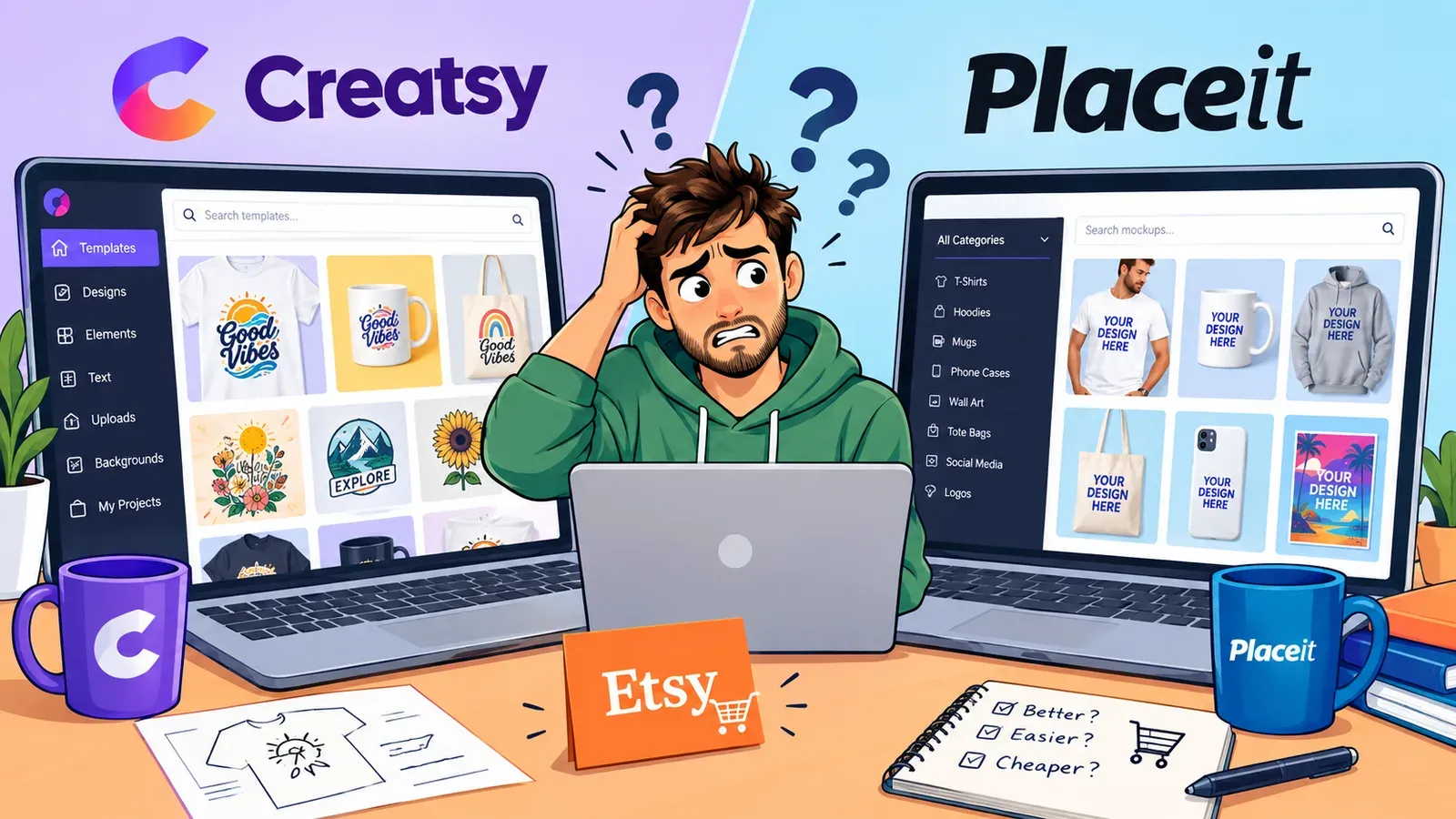
Creatsy and Placeit both offer template-based mockups, but those templates show up across hundreds of Etsy shops, making it hard to build a distinct brand.
Unique lifestyle images are not just about beauty; Etsy buyers consistently click on visuals that show a product in a real-life context.
Listystyle generates hundreds of realistic lifestyle mockups from your design and audience data, so you never have to use the same scene as another seller.
Beyond mockups, you need SEO-optimized titles, tags, and descriptions for every listing, and tools like Magic Wand can create them from your product and design in minutes.
The full workflow - combining designs, mockups, and SEO text, then scheduling and fulfilling orders - can be done without leaving Listybox.
Maya runs a small graphic design studio and just opened her first Etsy print-on-demand shop. She has ten original designs she believes in. The next step, she figures, is easy: drop those designs onto a few t-shirt mockups and hit publish.
She signs up for one of the two big names she keeps seeing in ads - Creatsy or Placeit. The interface is friendly. She picks a model, adds her design, downloads the image. But a week later, while browsing Etsy, she spots three other shops using the exact same brick-wall background and the exact same model. Her shop already looks like a copy. That is the moment she realizes the mockup tool she chose did not help her stand out - it hid her in the crowd.
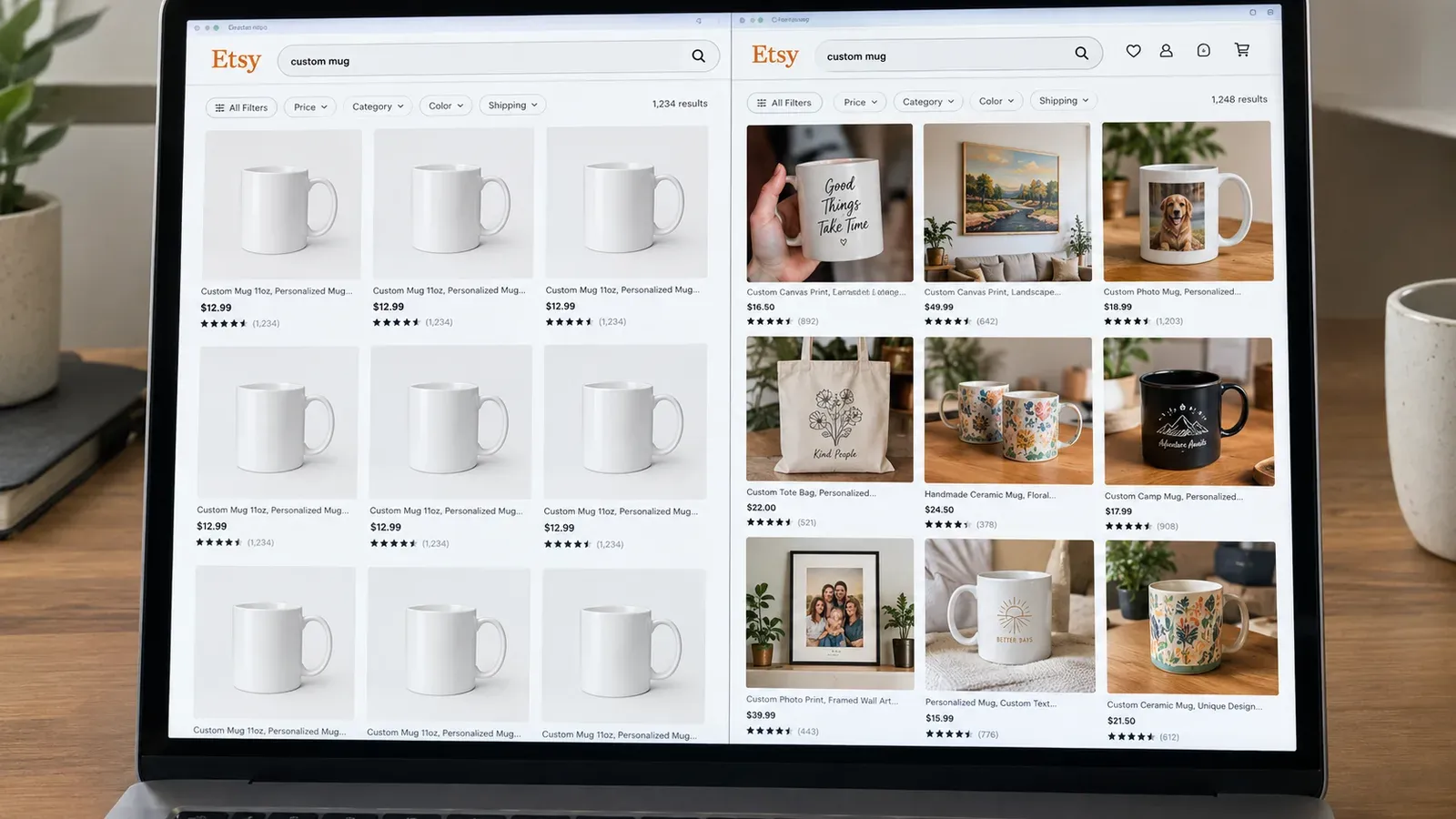
Millions of Etsy listings use the same mockup templates because the barrier to entry is low. With Creatsy or Placeit, you get access to thousands of scenes, but access is not the same as ownership. These are not your images; they are templates anyone can use. And on a marketplace where a split-second scroll decides a click, that sameness is a quiet sales killer.
This article walks you through the real difference between Creatsy and Placeit, why neither solves the uniqueness problem, and how to produce mockups that work as hard as your designs. We will also look at the rest of the workflow - because a good image is only one part of a listing that sells.
Creatsy vs Placeit: What Each Tool Actually Offers
When sellers compare Creatsy and Placeit, they usually look at catalog size, interface, and price. Both platforms promise that you can create product mockups without a photographer or graphic designer. Their libraries are large, often with fresh releases tied to seasonal trends. You can find standard apparel mockups (t-shirts, hoodies, baby onesies), home decor (cushions, canvas prints), and digital product screens.
Placeit has long been the go-to for many POD sellers because of its massive template library and video mockup options. Creatsy positions itself as a leaner alternative with a focus on simplicity and lower-cost subscriptions. On the surface, either seems like a good place to start.
💡 Practical tip: Before paying for any mockup tool, grab a few free downloads and drop your design onto them. Then search for those images on Etsy. If you see the same scene in the first two rows of search results, you already know your product will blend in.
However, once you look past the catalog size, you notice a few things. First, both tools work on a template model. You drop your design onto a pre-defined scene, adjust a few sliders, and export. The scene, the model, the lighting, the pose - they are the same for every user who picks that template. Second, even though new templates are added, the popular ones remain popular. A best-selling mockup scene will be used by thousands of sellers across the same product categories.
This matters because Etsy shoppers are visual scanners. They do not read listing titles on first contact; they see a wall of thumbnails. If your thumbnail looks like ten others in the same row, the shopper will not stop to check your pricing or quality. They will scroll on. Our detailed look at The Hidden Cost of a Free T Shirt Mockup: Stop Losing Etsy Sales in 2026 explains why this blending-in problem hurts even more with free mockups - and the same principle applies to reused premium templates.
Template Limits and Repetition
Creatsy and Placeit both rely on a shared resource: scenes that are designed once and used many times. You can change the color of a garment, you can adjust the placement, but you cannot change the mood, the setting, or the emotional story the image tells. That story is baked into the template.
A yoga mantra t-shirt on a laughing model in a bright living room tells one story. The same t-shirt on a person meditating in soft morning light tells another. Template tools rarely let you switch that story. You are stuck with whatever scene a designer thought was versatile.
The Real Cost of Generic Images
There is a cost that goes beyond the subscription fee. It is the cost of being invisible. Etsy’s algorithm considers clicks and favorites. A listing that fails to attract clicks in its early days will have a harder time climbing search rankings. Our guide on How to Get Your Etsy Listing on the First Page: The 2026 Playbook shows how early engagement signals matter. If your mockup does not stop scrolling thumbs, you are not just losing that one view - you are signaling to Etsy that your listing might not be what shoppers want.
Why Neither Creatsy Nor Placeit Solves the Uniqueness Problem
Let’s step into Maya’s shoes again. She needs mockups not just for ten designs, but for each product variation: the t-shirt, the hoodie, the canvas, the mug. If she lists each design on five products, that is 50 mockup scenes. With Creatsy or Placeit, she downloads 50 images. Then she has to upload them, write 50 unique titles, 50 descriptions, and 650 tags across her listings. The mockup tool helps with exactly the first step. Everything else is still a manual grind.
This is where the hidden trap lies. The promise of a mockup tool is that it saves time. But time saved on mockups is quickly eaten up by the rest of the listing creation process, and the mockups themselves look generic. So you end up spending hours on copywriting and optimization for visuals that do not help you stand out. It is an uneven trade.
The SEO Gap After the Mockup
A stunning mockup does not sell a product alone. On Etsy, the listing’s title and tags are what get it in front of shoppers. A creative t-shirt design with a mediocre title will be buried. A good title with the right keywords is what connects your image to a shopper’s search.
Both Creatsy and Placeit focus on the visual. They do not offer tools that look at your design, understand its style, and then write SEO-friendly titles and tags for it. You still need to do keyword research manually, or open another tool, or guess. Our post about Etsy Search Engine Optimization: A 2026 Guide for Print-on-Demand Sellers lays out just how much work that is if you take it seriously.
The Variations Nightmare
Now think about product variations. You have a design that looks great on a navy t-shirt, but you also want to offer it on a black hoodie and a white canvas. With template mockups, you generate separate scenes for each product. That is fine. But on Etsy, a Combo Listing - where a shopper can pick t-shirt, hoodie, or canvas from a dropdown and see the correct mockup - is far more effective than three separate listings that cannibalize your own keywords.
Neither Creatsy nor Placeit helps you create such a combined listing. You are left stitching things together, making sure each variation’s mockup matches the dropdown option, and dealing with Etsy’s variation interface manually. It is time-consuming and error-prone.

How Listystyle Creates Images That Are Yours Alone
Here is where things change. Instead of picking from a library of scenes that thousands of other sellers also use, you let an engine analyze your design and then create lifestyle images that fit that design specifically.
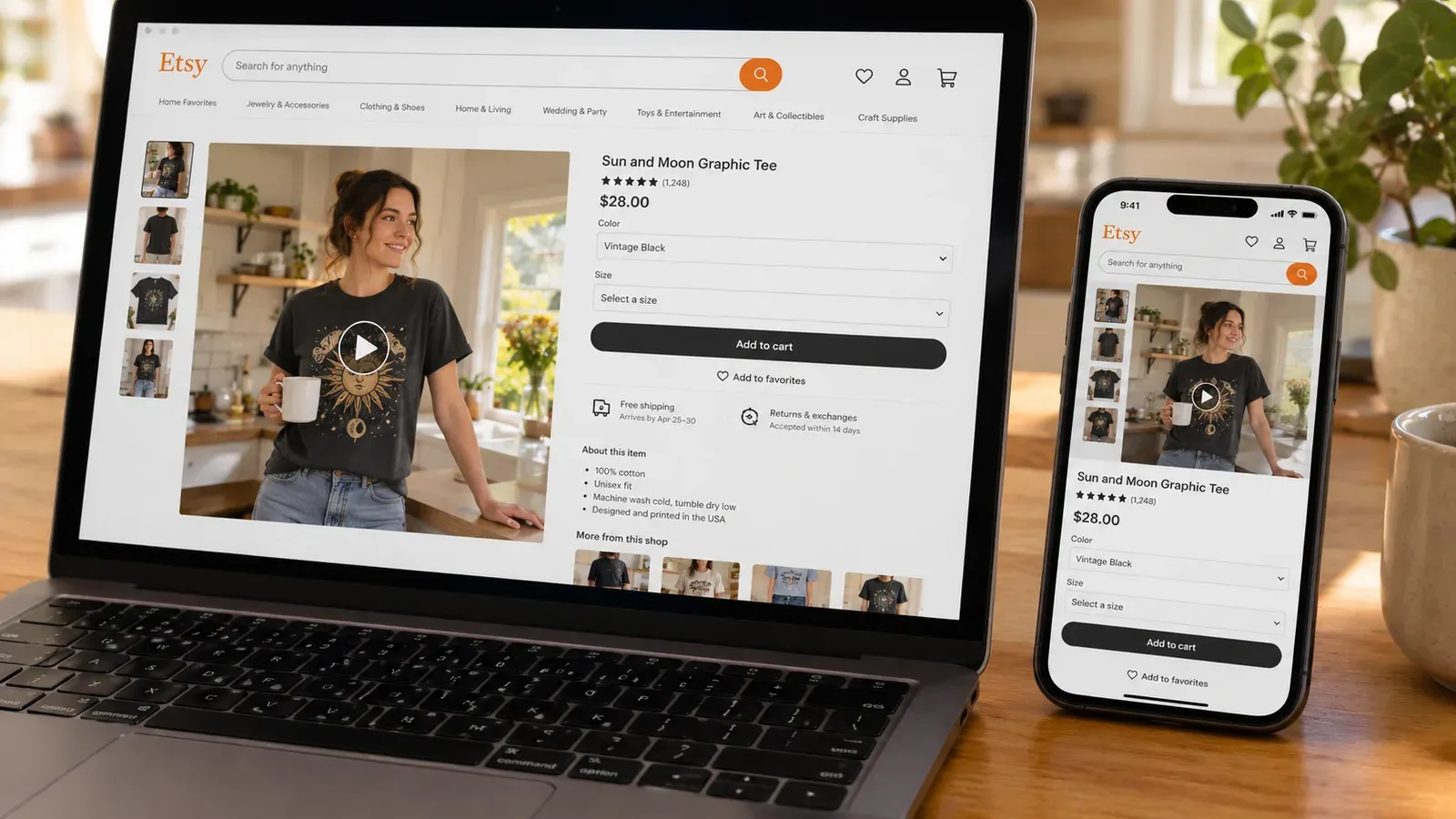
Listystyle, a feature inside Listybox, takes your design and your target audience information, and then generates realistic scenes from scratch. The same design can appear on a person walking a dog in a park, sitting in a café with a book, or posing in a sunlit loft - each scene unique and never used by another seller. You are not downloading a template. You are generating a fresh image.
This matters because it solves the blending-in problem at its root. When every image is original, Etsy shoppers see something they have not seen before in the first three search results. They stop. They click. And the algorithm notices.
Read our hands-on walkthrough in the Listystyle Tutorial: How to Create High-Converting Lifestyle Mockups in minutes (Better than Placeit) to see exactly how it works, step by step. The important part is that you keep creative control. You select how many variants you want, review them, and decide which ones to use. No design gets published without your approval.
💡 Practical tip: When generating lifestyle mockups for clothing, request both close-up shots that show the print detail and full-body scenes that tell a story. Use the close-up as your main thumbnail and the full-body scene as one of your additional listing photos to build trust.
Beyond Mockups: The Full Workflow
The real advantage of moving beyond Creatsy and Placeit is not just better images. It is that the image creation connects to everything else you need for a listing. Inside Listybox, after you create images with Listystyle, you can use Magic Wand to generate the title, 13 tags, and a description that speaks to the exact product and design combination. This is not generic copy. It is written for that specific t-shirt with that specific graphic in a style that matches Etsy search intent.
Then, if you have multiple products, you can use the Creation Wizard to combine one design with many products at once. All mockups, all variations, and the copy for each combination are prepared in one session. You review, you tweak, you publish. What took Maya an entire weekend with mockup templates plus manual listing work now happens in one focused block of time.
Our How to Make Money Online in 2026: A Realistic No-Inventory Blueprint explores how reducing the manual load on each listing is what makes it possible to scale a POD shop without burning out.
The Workflow Creatsy and Placeit Cannot Offer
Let’s compare the steps a seller goes through with a typical mockup tool versus with a full ecosystem.
The Creatsy or Placeit Path
Open the mockup tool and browse templates.
Select a few scenes for each product.
Adjust design placement manually on each scene.
Download each image individually.
Upload images to Etsy.
Write a title from scratch or use a separate keyword tool.
Research and write 13 tags manually.
Write a description that sells.
Repeat for every variation and every listing.
The Listybox Path
Upload your design to My Artworks. The system auto-tags it with relevant SEO keywords.
Open Creation Wizard, select the design and all the products you want.
Let Listystyle generate unique lifestyle mockups for each product-design pair.
Let Magic Wand write titles, tags, and descriptions for each combination.
Review, edit if needed, and publish - or schedule them one by one to keep Etsy’s algorithm happy.
⚠️ Important: No matter how good a mockup is, an Etsy listing also needs shipping profiles, pricing that accounts for production and Etsy fees, and a shop policy. Always check the current Etsy fee structure before setting your prices. Etsy charges a $0.20 USD fee for listing an item for sale. Taxes may also apply.
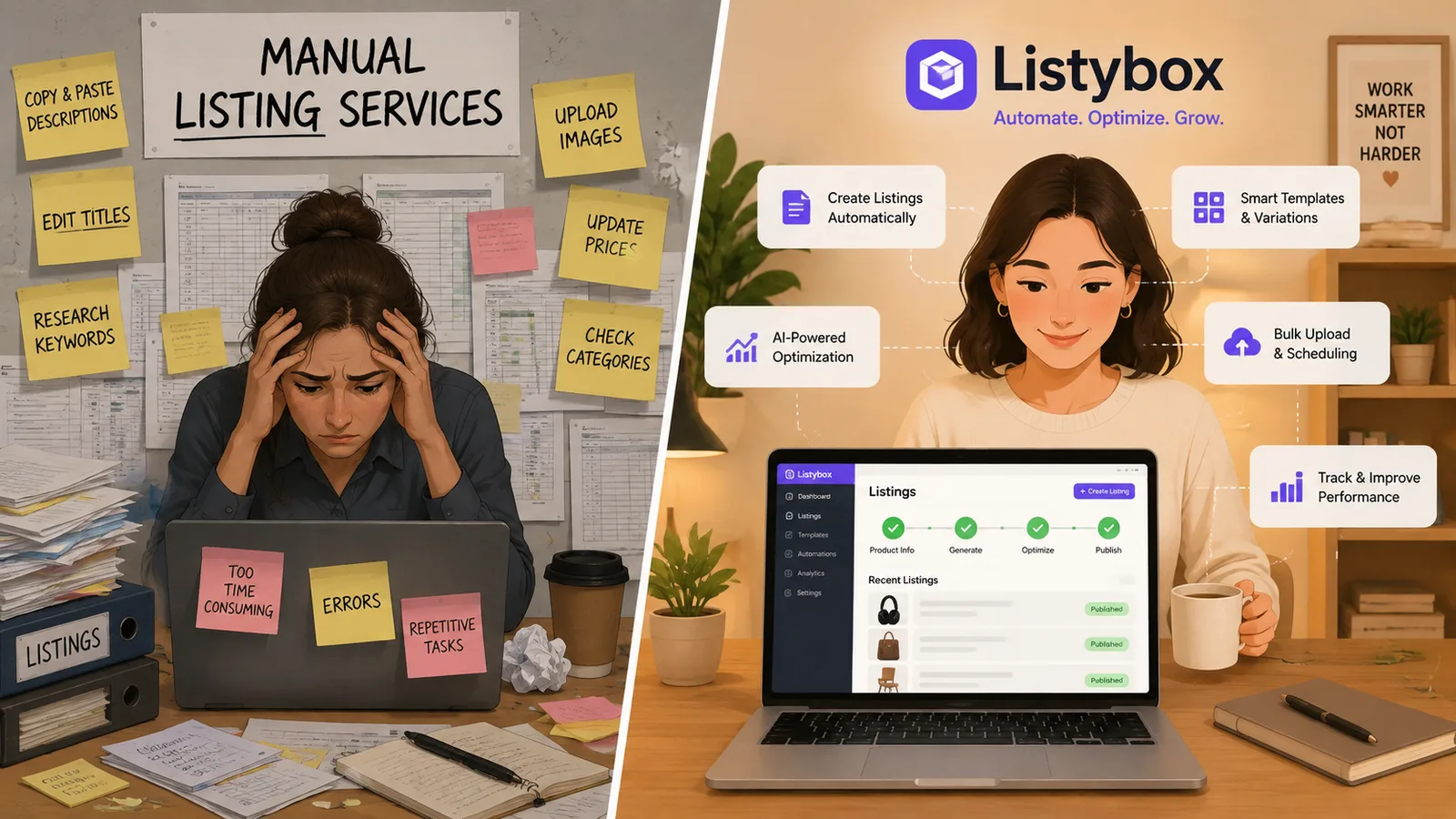
This workflow difference is the real reason to look beyond a standalone mockup generator. The mockup is one piece. The SEO text, the variations, the scheduled publishing, and the order fulfillment are the other pieces. When they are all connected, you stop being a person jumping between ten tabs and start being a shop owner who manages a brand.
We have a Listystyle vs Placeit: Why Unique AI Images Outsell Generic Templates on Etsy comparison that digs deeper into the image quality and CTR (click-through rate) gap between template scenes and generated lifestyle shots. The takeaway is consistent: uniqueness wins the first click, and the first click opens the door to a sale.
What About Video? The Missing Element in Creatsy and Placeit
Video is becoming non-optional for Etsy listings. Shoppers want to see a product in motion, especially apparel. Placeit does offer video mockup templates, while Creatsy focuses on static images. But again, the template issue applies. A short video of a t-shirt with a waving flag background or a model walking down a generic hallway will look like the last three videos your shopper just scrolled past.
Listystyle Video in Listybox takes your existing product images - the ones you already generated with Listystyle - and turns them into short product videos. You do not film anything. The system uses your static lifestyle images and creates motion, zoom effects, and scene transitions that feel like a commercial. You then download the video or push it directly to your Etsy listing.
For a seller deciding between Creatsy and Placeit, the question should not just be “which mockup tool is cheaper?” It should be “which approach gives me images, copy, and video that no other seller has?”
How to Transition from Creatsy or Placeit to a Scalable Etsy Workflow
If you already have mockups downloaded from Creatsy or Placeit, you do not have to throw them away. You can start by using them for existing listings while you test new approaches for upcoming releases.
Audit Your Current Mockups
Go to your active listings and look at your thumbnail images alongside your closest competitors. Ask yourself: if you were a buyer, would you be able to pick out your listing? Or does it blend into a sea of sameness?
If the answer is that it blends, that listing is a candidate for a refresh. A listing with a few sales but a low click-through rate can be revived with a new set of unique lifestyle images and an optimized title.
Start a Fresh Batch with a New Design
Pick one new design. Upload it to My Artworks in Listybox. Run it through Creation Wizard with two or three products. Let Listystyle generate 10-15 unique lifestyle shots per product. Pick the best ones, approve the magic-wand-written titles and tags, and publish.
That single listing now has:
Original images no other shop has.
SEO copy built for that design.
Correctly tagged attributes that Etsy can index properly.
Observe how that listing performs over the first two weeks compared to your older template-mockup listings. That real-world feedback will tell you more than any spec sheet.
If you are still setting up your first shop and all of this feels like a lot, you do not have to start from zero. With Listybox Store Setup, our team opens your Etsy store, configures your branding, lists your first 10 products with full SEO optimization, and provides your onboarding training. See the pricing page for what this service covers and what it costs.
To go deeper into the product research side - , what to sell, not just how to mock it up - browse the Best Products to Sell Online in 2026: A Data-Driven Guide for Etsy Sellers. Pairing the right product with the right image is the strategy that turns a side project into consistent revenue.
Your Mockup Is Your First Impression - Make It Yours
The Creatsy vs Placeit debate distracts from the real question: do you want to be one of hundreds of sellers using the same assets, or do you want a shop that looks like a brand?
Maya, the designer from the start, eventually moved her workflow to Listybox. She still designs everything herself, but she no longer spends hours fighting with templates and manually writing listings. Her shop looks like her, not like a template catalog. And the difference showed in the way shoppers reacted - they stopped scrolling and started clicking.
Creating a standout Etsy shop is not about finding the cheapest mockup tool. It is about building a visual identity, connecting it to strong SEO, and then automating the repetitive parts so you can stay creative.
If you are ready to stop blending in, you can start Listybox now - no credit card required. Upload your first design, generate unique lifestyle mockups with Listystyle, and see what your products actually look like when they are the only ones in the room.
Listybox
Create listings 10x faster with Listybox.
Frequently asked questions
Put this into practice in your shop.
Every step from design to live listing, on one platform. Start on the free plan.
Related posts
Etsy Listing Creation and Optimization Services: The Real Cost and a Smarter Path to Effortless Sales
Aug 28, 2026

The Best Placeit Alternative for Etsy Sellers: Unique Mockups That Actually Sell
Aug 26, 2026
The 9 Best Printful Alternatives for Etsy Sellers in 2026: Cheaper, Faster, and More Profitable
Aug 23, 2026
Want to go deeper? Read our in-depth Etsy guides · Browse 100 Etsy niche guides