


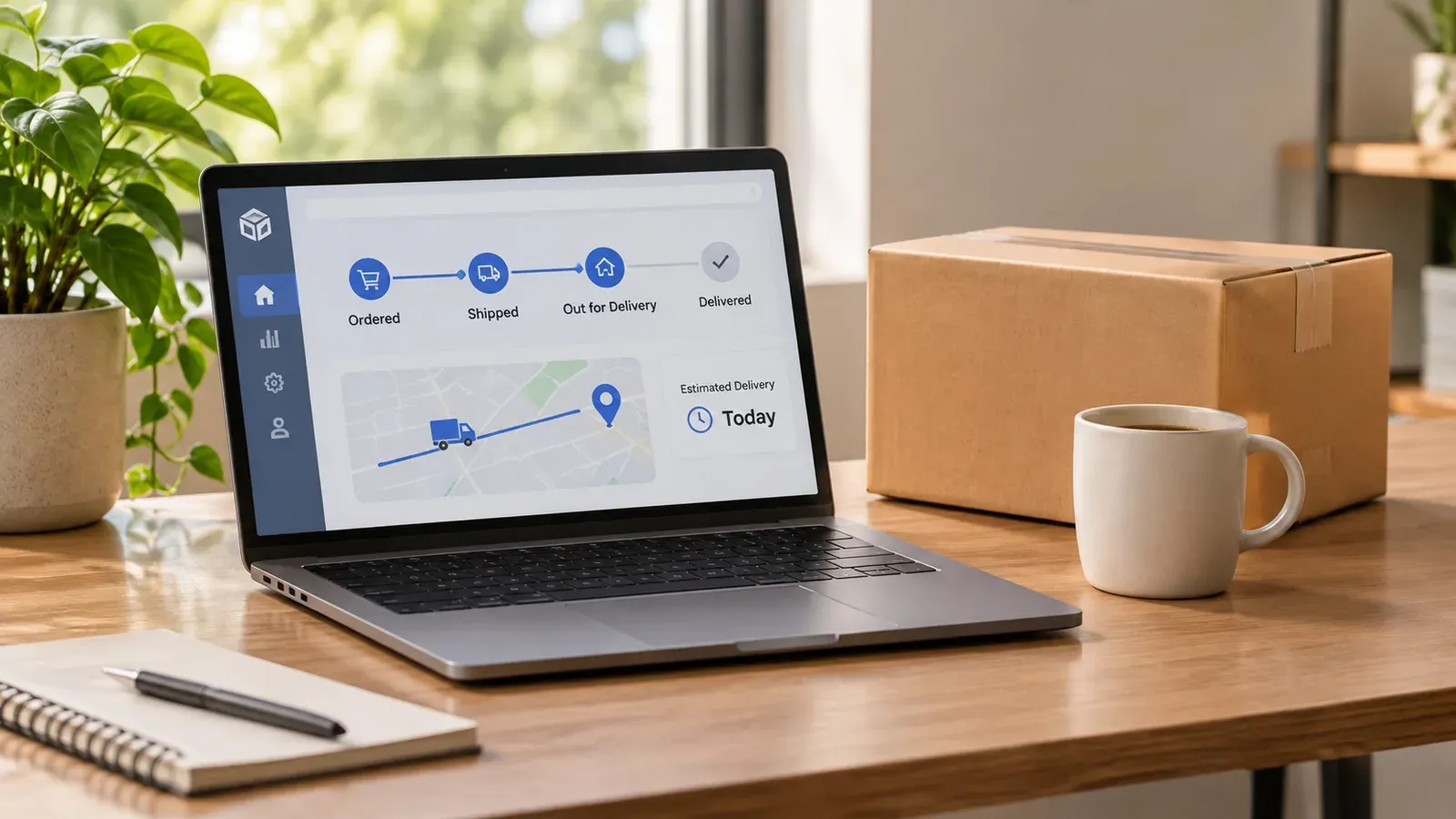
Key takeaways
Start with the order record: confirm whether the order was marked shipped and whether a tracking number was added.
Compare the carrier scan history with the expected delivery window before contacting the buyer or the carrier.
Separate three causes: never shipped, stuck in transit, or marked delivered but not received.
Document every check so you can answer buyer messages and carrier claims with facts.
Use one workspace to keep order, tracking and fulfillment details together, and keep final decisions in your hands.
Few messages make a seller’s stomach drop like “my order never arrived.” The buyer is waiting, the review is at risk, and you may not know yet whether the parcel is lost, delayed, or never left your hands. Before you refund, reship, or argue with a carrier, you need to know which situation you are in.
This guide is written for sellers who run print-on-demand shops and need a calm, repeatable way to check what happened. We will walk through the three most common causes, the checks that tell them apart, and the next steps for each. Along the way we will point out where a single workspace can save you from digging through separate tabs.
Why an Order Can Seem to Vanish
When a buyer says an order never arrived, the parcel is not always lost. In most cases the problem falls into one of three groups, and each one needs a different response.
The first group is orders that never shipped. The item may still be in production, a supplier may have delayed the job, or the order may have been missed during fulfillment. The buyer sees no movement, and from their side the order is simply stuck.
The second group is orders that shipped but are stuck in transit. A tracking number exists, but the scans have stopped, or the parcel sits at a regional facility. This case is often a carrier issue, but it still needs your attention because the buyer is waiting on you.
The third group is orders marked as delivered that the buyer insists they never received. This can be a delivery to the wrong address, a parcel left in an unexpected spot, or in rare cases a theft or a dispute. It is the hardest case, because the scan says delivered and the buyer says otherwise.
Naming the group early keeps you from treating every complaint the same way. A seller who reships a parcel that was simply delayed may lose money for no reason, while a seller who waits on a parcel that was never shipped may lose the customer completely.
Start With the Order Record, Not the Inbox
The fastest first step is to open the order itself. Check its status, the date it was marked shipped, and whether a tracking number is attached. If there is no tracking number, the order probably never left your hands, and the problem sits in your production or fulfillment process rather than with the carrier.
Next, look at the dates. Compare the day the order was placed with the day it was marked shipped. A long gap usually points to a production or supplier delay. A short gap followed by no scans points toward a carrier problem.
Write down what you see before you reply to the buyer. A simple note with the order date, shipped date, and tracking status gives you a clear picture and keeps your message factual.
Try it in your shop.
Every step from design to live listing, on one platform. Start on the free plan.
Check the Carrier Scan History
If a tracking number exists, open the carrier’s tracking page and read the full scan history, not just the latest status. Look for the last scan, the location, and the time. A parcel that has not moved for several days is a different situation from one that was delivered to a local facility yesterday.
Pay attention to the wording. “In transit” and “out for delivery” are normal. “Exception” or “delivery attempted” means something blocked the delivery, such as a wrong address or a closed business. Each of these needs a different reply to the buyer.
Also check the expected delivery window that the carrier shows. Many carriers give a window rather than an exact date, and a parcel can be late within that window without being lost. Waiting for the full window before escalating is often the right move.
💡 Save a screenshot or PDF of the tracking history the first time you check it. Carrier pages can change, and a dated record helps if you need to file a claim later.
Separate “Delivered” From “Not Received”
When tracking says delivered but the buyer says the parcel is missing, slow down. Ask the buyer a few specific questions: Did they check with neighbors, a front desk, or a mailroom? Did they confirm the shipping address on their order? Did they see a delivery photo or a note from the carrier?
Compare the delivery address on the order with the address on the label. A mismatch can explain a lot. Also check whether the buyer used a different address at checkout than the one they normally use.
If the evidence points to a delivery failure you cannot resolve with the carrier, follow the current shop and platform rules for lost or undelivered orders. These rules change over time and differ by situation, so read the current policy in your shop settings or the platform’s seller help pages rather than relying on a memory of what worked before.
⚠️ Do not promise a refund or reship before you have checked the scan history and the address. Acting too fast can cost you money on orders that were only delayed.
Build a Simple Decision Path
Once you have the facts, a short decision path keeps you consistent across orders. Here is one way to think about it, though you should always confirm the current rules for your shop.
If there is no tracking number and the order is past its expected production window, check your production record and contact your fulfillment partner.
If tracking shows a stalled scan within the expected window, wait and check again, then message the buyer with a clear update.
If tracking shows an exception or failed delivery, read the carrier’s reason and follow its instructions for redelivery or pickup.
If tracking shows delivered but the buyer disputes it, review the address, the delivery photo if one exists, and the carrier’s notes before deciding on next steps.
Keep a short log of what you did and when. A consistent record makes it much easier to handle the next case quickly.
Keep Buyer Messages Calm and Specific
Buyers who have waited for a parcel want two things: to know what is happening and to know when they will hear from you again. Reply with the facts you have checked, the next step you are taking, and a time frame for your next update. Avoid guessing about the cause, and never blame the buyer or the carrier in a way that sounds dismissive.
A short template helps. Confirm the order number, state the last tracking scan you saw, explain the next step, and say when you will reply. This keeps the conversation factual and reduces back-and-forth.
Where Listybox Fits in the Workflow
Most of the work above is about finding information quickly and keeping it in one place. If your orders, tracking details, and product records live in five different tabs, a simple missing parcel becomes a long search. A single workspace makes the check faster and reduces mistakes.
Listybox is built for sellers who run the shop from one place. With Zero-Touch Fulfillment, an order that arrives from Etsy is routed to the production partner you set up, and the tracking number is brought back to the order so you can see the status without switching tools. You still review each order, decide what needs attention, and control every buyer reply yourself.
Listybox also helps when a problem is with the product record rather than the shipment. Custom Product Hub lets you keep your own product details, variations, and production SKUs in one place, so when you need to check which version of an item was ordered, you can find it without guessing. Bulk Edit can then update many listings at once if a supplier change affects several products.
If you already sell on Etsy and want a clearer way to track orders from sale to delivery, you can start Listybox and set up your fulfillment flow at your own pace. Start free - no credit card required
Prevent the Next Missing Order
Most lost-order complaints are easier to prevent than to fix. Check the shipping address at checkout every time, and make sure your production partner returns a tracking number for every parcel. Set a reminder to review any order that has been in production longer than you expected.
Set up a standard message for orders that are running late, so you respond within a day rather than letting the buyer wonder what is happening. A short, honest update often prevents a bad review more effectively than any apology.
It also helps to read the current order management guidance for your shop. Our guide on Etsy Order Status and Tracking walks through the status labels, and Etsy Order and Shipping Management covers the full path from sale to delivery. If a customer asks you to cancel, our walkthrough on How to Cancel an Etsy Order Before It Ships explains the seller side of that process.
Delivery times vary by carrier, destination, and season, so the most useful habit is checking the current expected window rather than assuming one. For a broader view of how long orders usually take, see Etsy Order Tracking and Delivery.
Build a Repeatable Routine
A missing order will happen to most sellers at some point, so the goal is a routine that makes each case quicker. Each week, review orders that are past their expected window and close the loop on any that are resolved. Each month, look for patterns: a particular supplier, a particular region, or a particular product type that generates more delivery issues than others.
Patterns are valuable. If one production partner is consistently late, you can decide whether to keep working with them. If a product type generates more address errors, you can add a reminder to the checkout flow or a line in the product description asking buyers to confirm their address.
When you combine a clear diagnostic routine with one workspace for orders and listings, a missing parcel becomes a manageable task instead of a crisis. You stay in control of every decision, and the buyer gets a clear, timely answer.
What to Do Next
Start with the order record today. Confirm whether the order was marked shipped, whether a tracking number exists, and what the last carrier scan says. Then decide which of the three causes you are dealing with and reply to the buyer with a specific update.
If you want one place to handle orders, tracking, and product details, you can explore Listybox at your own pace. Read the current shop policies for lost or undelivered orders, check the expected delivery window, and keep your own records. The final call on every order always stays with you.
Listybox
Listybox keeps your Etsy shop work in one place. Create products, publish listings, edit them in bulk and pass print-on-demand orders to production.
Frequently asked questions
Put this into practice in your shop.
Every step from design to live listing, on one platform. Start on the free plan.
Related posts



Want to go deeper? Read our in-depth Etsy guides · Browse 100 Etsy niche guides