


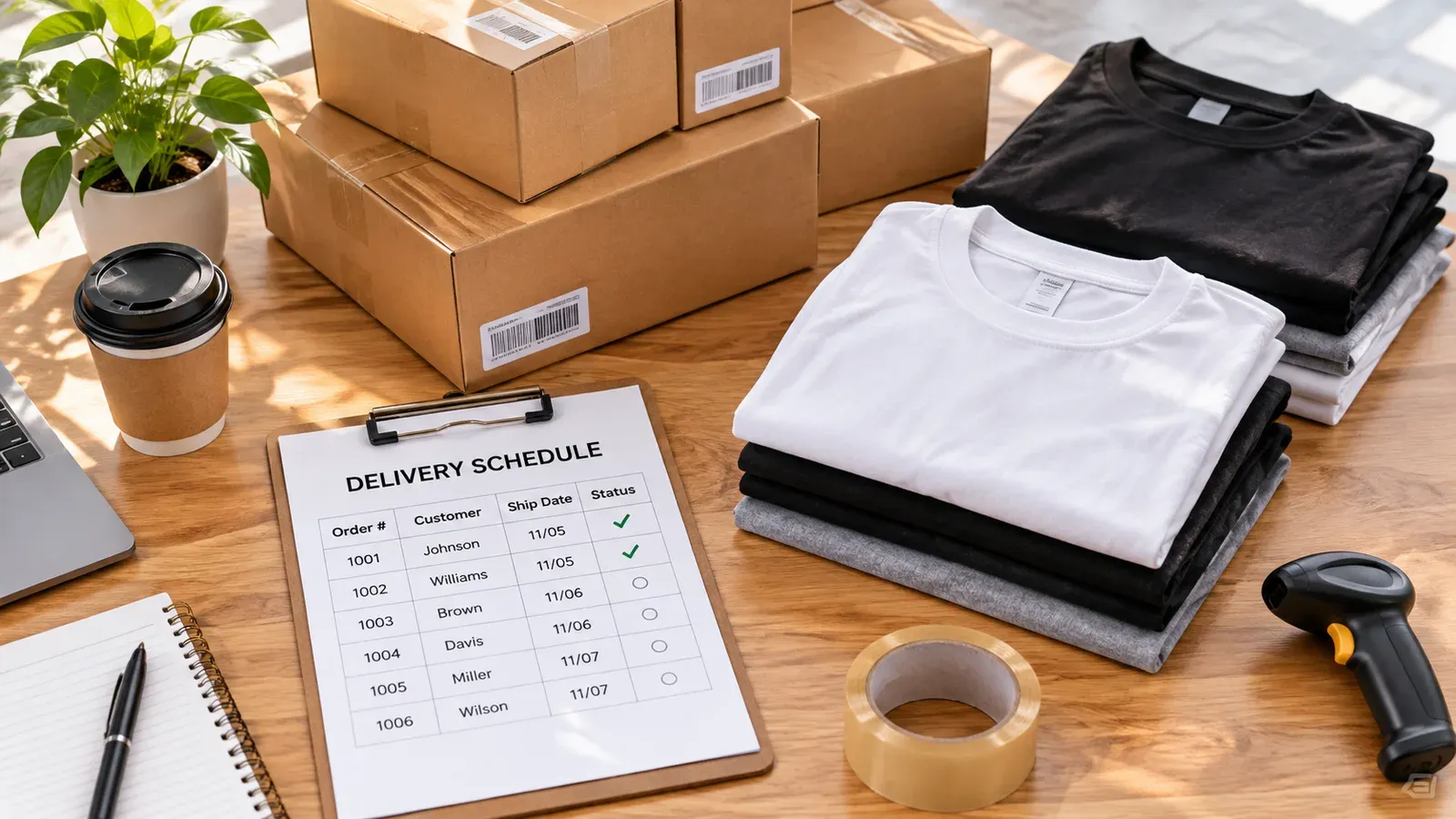
Key takeaways
Delivery time depends on your production time, the carrier, and the buyer’s location, so plan with ranges you can check rather than fixed promises.
Read the current shipping and processing settings in your Etsy shop and the Etsy fee and policy pages before you set expectations.
Tracking every order by hand becomes the hidden trap as your shop grows, so build a routine for checking status.
Listybox can manage print-on-demand fulfillment and order updates while you keep control over listings, policies, and final checks.
Buyers rarely write back to say a package arrived on time. They write when it has not arrived yet, and that message often lands in your inbox before you have even checked the order. If you sell on Etsy, the question “how long do Etsy orders take to arrive” is one you will hear again and again, and the honest answer is that it depends on several moving parts you can actually see and manage.
Think about a seller we will call Mira, an illustrator who started with a handful of printed posters and tea towels. In her first month, every sale felt exciting. By her fifth month, she had orders from three countries, two print partners, and a shared spreadsheet that never quite matched what the carriers showed. Customers asked where their orders were, and Mira spent her evenings opening tracking pages one by one. This article walks through how delivery timing actually works, where the time goes, and how to build a calmer routine around it.
Why There Is No Single Delivery Time
Etsy orders move through stages, and each stage has its own clock. First the order is placed and paid. Then it is produced or packed, which is the processing time you set on your listing or in your shop settings. After that the parcel is handed to a carrier and travels through transit, customs if it crosses a border, and final delivery to the buyer’s door. Each stage can be fast or slow, and the total is the sum of all of them.
This is why a seller who ships in two days can still see a package arrive in two weeks. The shipping stage is only part of the story. Production time for custom or print-on-demand items often adds several days before anything leaves the building. Buyers do not see those internal steps, so they judge the whole timeline by the date on the tracking page.
Set Expectations You Can Actually Keep
The safest way to handle delivery questions is to set expectations that match your real process. Start by writing down, for each product type, how long you need to produce it and how long your usual carriers take in your main shipping regions. Use ranges rather than single dates, and keep the same wording in your listing descriptions, your shop policies, and your replies.
Before you publish any delivery promise, check the current settings in your Etsy shop and read the Etsy policy and fee pages directly. Platform rules and shipping features change over time, so do not rely on a number you saw in an old forum thread. Look at your own shop’s processing time, the shipping profiles you have configured, and any regional options that apply to your buyers. Those are the details that determine what your customers will experience.
💡 Write delivery ranges into your shop policies once, then point every customer reply back to that wording so answers stay consistent.
Where Delays Usually Start
Most delays come from a small number of places. Production queues can fill up during busy seasons, especially in the last months of the year when many sellers ramp up for gift buying. Carriers can slow down during regional peaks or weather disruptions. International orders add customs checks that you do not control. And sometimes the problem is simply a tracking number that was never updated, which makes a perfectly normal parcel look lost.
Knowing these patterns helps you respond with facts rather than guesses. When a buyer writes in, you can tell whether the order is still in production, already in transit, or waiting for a scan that has not appeared yet. That context makes your reply calmer and more accurate, and it keeps you from promising a date you cannot control.
The Hidden Trap of Checking Orders by Hand
The hidden trap is not any single late package. It is the slow drain of manual checking. When you have five orders a week, opening each tracking link takes a few minutes and feels manageable. When you have fifty, the same routine eats whole afternoons, and you start missing updates. A tracking number copied into the wrong order, or a status you forgot to refresh, quietly turns into a complaint.
Manual routines also make it hard to notice patterns. If one print partner is consistently slower for one product type, you may not see it until several buyers have already written in. A structured process helps you spot those trends early, so you can adjust processing times before they become a problem.
How Listybox Helps You Stay on Top of Orders
Listybox is the workspace where an Etsy seller runs the shop, from creating products and writing listings to handling print-on-demand fulfillment. For order timing, the relevant part is Zero-Touch Fulfillment. When an Etsy order comes in, Listybox detects it, routes the production details to the print provider you have set up, and receives the tracking number when the order ships. It then updates the Etsy order and notifies the customer, which removes much of the copying and checking that eats up your evenings.
Zero-Touch Fulfillment does not decide your processing times for you. You still choose which products you offer, which providers you work with, and what delivery ranges appear in your policies. Listybox handles the repetitive status steps so you can focus on those decisions, and you can review and override anything that looks wrong before a customer ever sees it.
Scheduled Publish and Bulk Edit help from the listing side. If you need to update processing times or shipping wording across many listings at once, Bulk Edit lets you select the listings, choose the field, and apply the change in one pass. Those changes take minutes to prepare rather than hours of clicking through each listing, and you still review the selection before you apply it. Scheduled Publish can space out new listings so that your production and shipping load does not spike all at once.
If you want to see how this fits your own shop, you can start Listybox now - no credit card required and explore the workspace at your own pace.
Step-by-Step: Build a Simple Order Timing Routine
You do not need a complicated system to manage delivery expectations. A few steps, repeated consistently, will do most of the work.
First, list every product you sell and write down its production time as a range. Include the time you need to prepare, print, and pack it. Second, check your shipping profiles for each main region you serve, and note the typical transit range you see from your carriers. Third, combine those two ranges into a delivery window for each region, and use those windows in your listings and shop policies.
Fourth, set a weekly review. Look at orders that are past their expected window, and check whether the problem is production, transit, or a missing update. Fifth, adjust your ranges when you see a pattern. If a product type is consistently slower, widen the window honestly rather than hoping buyers will not notice. Finally, keep your reply templates aligned with your policies so every customer hears the same clear information.
⚠️ Avoid promising a specific arrival date in listings. Carriers and customs timing vary, so ranges and clear tracking updates protect both you and your buyer.
Handling Questions Without Losing Your Evenings
When a buyer asks where their order is, start by checking the order status in your Etsy dashboard, then look at production and tracking. Reply with what you know and when you expect the next update. If a parcel is genuinely delayed, say so plainly, share the tracking link, and explain the next step you will take. Buyers respond well to honesty and a clear plan far more than to vague reassurance.
Keep a short list of standard situations, such as production delays, carrier scan gaps, and customs holds. Having a ready reply for each one saves time and keeps your tone steady. Over time, your replies become more consistent, and the number of repeat questions tends to drop because buyers trust the information they receive.
Planning for Peak Seasons
Peak seasons put the most pressure on delivery timing. If you know a busy period is coming, review your production capacity, confirm your providers’ current timelines, and update your processing ranges before the rush begins. Consider scheduling new listings earlier so that your catalog is ready and your production schedule is not overloaded during the busiest weeks.
Your Etsy Analytics view and your order history can show you when your sales usually rise, which helps you plan. Even without precise numbers, the pattern of your own past seasons is a reliable guide to what to prepare for.
Where to Go Next
Delivery timing connects closely to the rest of your shop. If you are still learning how the platform works, our guide on How to Start Selling on Etsy: The 2026 Beginner’s Guide walks through the basics. If you want to understand how fees affect your planning, read How Much Does Etsy Take from Sellers in 2026? for a breakdown you can compare against your own numbers. For packing and handling, see How to Package and Ship Etsy Orders: Best Practices for Sellers. If a missing order has you worried, our article on Fix Missing Etsy Orders: Why Purchases Aren’t Showing Up & How to Resolve It covers the usual causes. And if you are building a shop around print-on-demand, How to Sell Products Without Inventory in 2026: The Complete Etsy Print-on-Demand Blueprint explains how production timing fits into the bigger picture.
Checking the Current Rules Before You Commit
Platform rules, shipping features, and fee structures can change, so it is worth checking the official pages yourself before you finalize any policy. Look at your Etsy shop settings for processing time and shipping profiles, and read the current Etsy legal and fee pages for the rules that apply to your account. If a rule matters to your business, confirm it on the source page rather than relying on a summary.
For Listybox plans and what they include, see our pricing page, and review the terms of service to understand how the workspace works. If you are unsure which setup fits your shop, you can take our 2-minute quiz to get a recommendation based on where you are now.
Putting It All Together
Delivery time is not one number. It is a chain of production, shipping, and customs steps, and each link can be measured, communicated, and improved. Mira’s turnaround came not from a magic setting but from writing honest ranges, reviewing her order status on a set schedule, and letting automation handle the repetitive status updates while she kept control of her products and policies. Your shop can follow the same path. Start with ranges you can keep, build a weekly review, and use tools that remove the copy-and-check work so your attention goes to the parts of the business that need a human decision.
Listybox
Listybox keeps your Etsy shop work in one place. Create products, publish listings, edit them in bulk and pass print-on-demand orders to production.
Frequently asked questions
Put this into practice in your shop.
Every step from design to live listing, on one platform. Start on the free plan.
Related posts



Want to go deeper? Read our in-depth Etsy guides · Browse 100 Etsy niche guides