



Key takeaways
Start with the simplest explanation: check the order status filters, the date range, and whether the sale was actually completed before assuming a platform fault.
Separate payment problems from display problems, since an order marked as not paid can look missing even when it exists.
Check notifications, the Orders page, and your shop settings in a fixed order so you do not repeat the same steps.
Keep your listings and fulfillment records organized so you can match each order to its product and design quickly.
Write down the order number, date, and what you checked before contacting Etsy support, so the conversation starts with facts.
Opening your Etsy shop and finding that a sale you expected is not there is one of the most stressful moments for a print-on-demand seller. You may start wondering whether a listing broke, whether a customer changed their mind, or whether something is wrong with your shop. The panic is understandable, but the fastest way through it is a calm, ordered set of checks. Most missing-order situations have a handful of causes, and you can rule them out one at a time.
This guide walks through those checks as a diagnostic sequence. It is written for sellers who run their shop alone and need a repeatable routine rather than guesswork. Where the process touches Etsy’s own rules, check the current shop and platform pages directly, because policies and fee details can change and this article does not state them as fixed facts.
Start With the Simplest Explanation
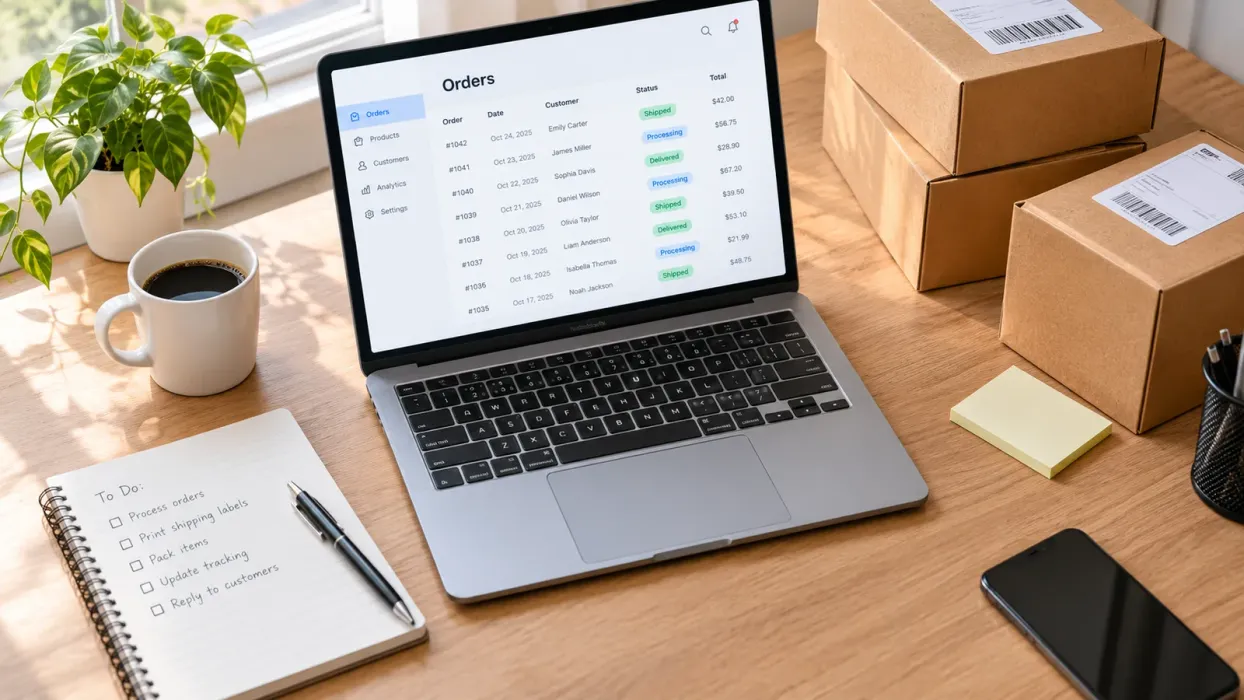
Before you assume anything is broken, confirm what you are looking at. Many missing orders are simply outside the view you have selected. A date range set to the wrong period, a status filter that hides certain orders, or a search term that does not match the order can make a real sale vanish from the screen.
Begin by clearing every filter on your orders page and setting the date range to a wide window that covers the day you expect the sale. Then search for the buyer’s name and the order number if you have one. This takes a few minutes and resolves a surprising share of cases.
Check the Order Status
An order can exist without appearing where you expect because of its status. Etsy orders move through stages such as paid, not yet paid, shipped, and completed. An order that has not been paid yet may not look like a finished sale, and some sellers read that as a missing order.
Look at each order’s status rather than only the list. If an order says it is not paid, the issue is usually on the payment side rather than your shop. Your next step is to check the order details and the payment information the order page shows, instead of changing your listing or shop setup.
💡 Keep a simple log with the order number, the date you noticed the problem, and the status you saw. A log turns a vague feeling into a clear timeline you can share if you need help.
Confirm the Sale Was Completed
A buyer can start checkout and never finish it. In that case no order exists yet, and nothing is missing from your shop. Check whether the buyer actually completed payment before you spend time on troubleshooting.
If you received a notification that a customer added something to their cart or messaged you about a product, that is not the same as a completed order. Keep those two situations separate in your head so you do not chase a sale that never happened.
Try it in your shop.
Every step from design to live listing, on one platform. Start on the free plan.
Separate Display Problems From Real Problems
Once you have ruled out filters and status, you can ask whether the order is truly missing or only hard to see. Display problems and real problems need different responses. Mixing them up leads to edits that do nothing useful.
Look at Notifications and Email
Order notifications are a second source of truth. If the email or in-platform alert arrived, the order exists, and you should find it in the orders list even if the page is slow to refresh. Compare the order number from the notification with what the orders page shows.
Also check your spam or promotions folder for notification emails. Sellers often miss important messages because they landed in the wrong place, and a filter rule can move them without anyone noticing.
Refresh and Re-Check Carefully
Reload the page, sign out and back in, or try a different browser or device. A stale cached view can show an old list. This sounds basic, but it is quick, and it rules out a common display issue before you move on.
Avoid repeatedly changing listings or settings while you are still diagnosing. Each change makes it harder to tell what caused what. Run the check, note the result, and only then decide on the next step.
Check Your Shop Settings and Listings
If the order exists but still looks wrong, look at what the order is connected to. A problem in a listing, a variation, or a shop setting can affect how the sale appears in your workflow, even when Etsy itself is working as expected.
Review the Listing Connected to the Order
Open the listing that the order refers to. Confirm that the listing is still active, that the variations match what the buyer chose, and that the product details are correct. A deactivated or edited listing can make a sale harder to trace back to your product records.
If you manage many products, a mismatch between your records and the live listing is easy to miss. Keeping each listing linked to its design and product type makes this check faster. In Listybox, the Custom Product Hub lets you keep product details and SKUs organized in one place, so you can compare the live listing against your own records without digging through separate files.
Review Your Shop Status and Settings
Look at your shop’s status and any notices Etsy shows on your dashboard. Shop settings such as payment setup, vacation mode, or listing availability can change how buyers can purchase, which affects whether orders come in at all. Check these settings against the current Etsy seller pages rather than relying on memory of how they used to work.
Because platform rules and settings can change, treat the official Etsy seller help and policy pages as the reference for any specific setting. This article does not state a fee, a payout timing, or a rule as fixed, since those depend on the current shop terms you can see in your account.
⚠️ Do not change payment methods, shop policies, or listing prices in a panic. These edits can create new problems and make the original order harder to trace.
Build a Repeatable Order-Check Routine
The best defense against missing orders is a routine you run the same way every time. A consistent check takes the emotion out of the process and makes it easy to spot real trends, such as a single listing that never shows sales or a notification gap that repeats.
A Weekly Order Review Routine
Set a fixed time each week to review orders. Start by checking the full order list with a wide date range, then compare the count against your notification emails. Note any order that has a status you did not expect, and open it to confirm the details.
Next, review your active listings for anything that changed recently. A new variation, a copied listing, or an edited title can create confusion later. If you use a bulk tool to update listings, record which listings you changed so you know where to look when something seems off.
Keep Your Fulfillment Records in Sync
Missing orders often turn into fulfillment confusion later. If an order appears in your shop but not in your production records, you may fail to make the product or may send the wrong item. Keeping fulfillment records in sync with your orders is the best way to catch these gaps early.
Listybox’s Zero-Touch Fulfillment can route Etsy orders to a production partner and send the order details along, then update the Etsy order when the item ships and share the tracking number. You still review the setup and can check each order yourself. The feature is meant to reduce manual copying, not to replace your own monitoring of orders.
When to Contact Etsy Support
If you have run the checks above and the order still does not appear or its status does not make sense, it is time to contact Etsy support. Going in prepared makes the conversation faster and more productive.
Gather the order number, the date and time you noticed the issue, the status you saw, the listing involved, and a screenshot of the orders page with filters visible. Write down the steps you already took so you do not have to repeat them. Support teams can act on specific facts far more quickly than on a general description of a problem.
Turn the Checklist Into a Habit
Missing orders are unsettling, but they are usually a diagnosis problem rather than a sign that your shop has failed. Work through the simplest explanation first, separate payment and display issues from real problems, check the listing and shop settings, and keep a routine that catches gaps early. Each step is quick on its own, and together they remove most of the guesswork.
If you want to keep listings, product records, and order handling in one workspace, you can start with Listybox to see how the pieces fit. Start free - no credit card required
For more context on how sellers manage their shops day to day, you can read our guide on Etsy Listing SEO Optimization: Your Step-by-Step Guide to Visibility and Sales. If an order problem turns out to be about a shop that is not getting views, our article Etsy Shop Not Selling? Fix Zero Views and Optimize Your Listing Count walks through that separate issue. For a broader troubleshooting view, see Etsy Orders Not Showing, Delayed, or Stopped: A Troubleshooting Guide.
Sellers who find an order marked as not paid can also review Why Your Etsy Order Says Not Paid and How to Fix It. If you are still deciding how to organize your listings before you troubleshoot further, our piece on Your First Etsy Listing with Listybox: A Step-by-Step Guide shows how a clean listing setup makes later checks simpler.
The next check to run is simple: open your orders page with a wide date range and no filters, then compare the order count against your latest notification emails. That single comparison will tell you whether you have a display problem or a real gap to investigate.
Listybox
Listybox keeps your Etsy shop work in one place. Create products, publish listings, edit them in bulk and pass print-on-demand orders to production.
Frequently asked questions
Put this into practice in your shop.
Every step from design to live listing, on one platform. Start on the free plan.
Related posts


Want to go deeper? Read our in-depth Etsy guides · Browse 100 Etsy niche guides