



Key takeaways
A quiet shop usually has a visibility problem, a click problem, or a trust problem, and each one has its own checks.
Titles, tags, and the first photo decide whether a shopper even opens your listing.
Check your listing fees and the current shop rules on Etsy directly before changing prices or policies.
Editing many listings one by one takes time, so batch tools such as Bulk Edit can help you apply consistent fixes.
Fix one area at a time and record what you changed so you know what worked.
Few things feel worse than opening your Etsy shop dashboard and seeing the same empty sales chart day after day. You have picked designs you like, written listings, and maybe even paid for product samples. Still, the orders do not come. That gap between effort and results is where most sellers start doubting their niche or their skill.
The good news is that a slow shop is rarely a mystery. It usually comes down to a small number of fixable issues. This guide walks through them in the order you should check them, so you can work through your shop like a diagnostic checklist instead of guessing.
Start by Confirming Who Is Seeing Your Shop
Before you change anything, find out whether shoppers are arriving at all. A shop with almost no views has a different problem from a shop with plenty of views and no sales. Those two situations call for different fixes, so separating them saves time.
Open your shop statistics and look at visits, views, and orders over the last few weeks. If your listing views are very low, the issue is usually discovery: titles, tags, categories, and attributes that do not match what shoppers type. If views are steady but sales are not, the problem is more likely the listing page itself, meaning photos, pricing presentation, or trust signals.
For a deeper walkthrough of reading those numbers, see our guide on Etsy Analytics Explained: How to Read Your Shop Stats and Make Data-Driven Decisions That Actually Grow Sales. It explains which metrics point to which kind of problem.
💡 Write down your current numbers before you edit anything. Without a baseline, you cannot tell later whether a change helped.
Try it in your shop.
Every step from design to live listing, on one platform. Start on the free plan.
Check Whether Shoppers Can Find Your Listings
Etsy search depends heavily on the words in your title, tags, and attributes. If a shopper types “funny nurse coffee mug” and your title says “Gift for Her Cup,” your listing may never appear. This mismatch is one of the most common reasons a shop with good products stays invisible.
Start with your top ten listings by traffic potential, which are the ones whose designs fit a clear niche. Read each title as if you were a shopper typing a search, and ask whether a stranger would understand what the product is within the first few words. Make titles specific, include the product type early, and avoid stuffing unrelated keywords.
Next, review your tags. Each listing can carry a limited set of tags, and many sellers repeat the same words across every listing, which wastes the opportunity. Use each tag slot for a different phrase that a real buyer might search. If you want a step-by-step method for improving search visibility, our guide on Cracking the Code: How to Get Your Etsy Shop on the First Page (2025 Guide) covers the process in detail.
Test Your Keywords Against Real Searches
Type a few of your main phrases into the Etsy search bar and see what autocomplete suggests. Those suggestions reflect what shoppers actually type. Compare them to your titles and tags, then update the listings where the wording differs.
Review Your Categories and Attributes
Listings placed in the wrong category or missing attributes such as color, occasion, or recipient can be filtered out of search results. Go through each listing and confirm it sits in the most accurate category and that every relevant attribute is filled in.
Judge Your Photos as a Shopper Would
Etsy is a visual marketplace. Shoppers usually decide whether to click within a fraction of a second, based mainly on your first image. If your thumbnail is dark, cluttered, or shows only a flat design file, many people will scroll past even if your title is perfect.
Look at your main image in the search grid on a phone. Can you tell what the product is, what the design looks like, and why it is worth a click? If not, that is your priority. Clear product photos, consistent lighting, and one main idea per image tend to read better than busy collages.
Lifestyle images can help shoppers picture the product in use. Listystyle can generate lifestyle scenes from your design and product, and you control the number of images and which ones you publish. Listystyle Video can turn your existing product images into a short video for your listing. Review every result before it goes live, because you are the one responsible for how your shop looks.
⚠️ Avoid photos that show a product or quality your fulfillment partner cannot match. A mismatch between the picture and the item is a reliable way to get returns and bad reviews.
Make Your Design Easier to Read at Thumbnail Size
Many designs look great on a large monitor and disappear at thumbnail size. Thin lines, small text, and low-contrast colors are common culprits. Test your main image by viewing it small and by asking whether the design still reads clearly.
Look at the Listing Page From Top to Bottom
Once a shopper clicks, they are deciding whether to trust you. The listing page needs to answer their questions quickly: what exactly is this, what does it look like, what sizes or options exist, how long does it take, and what happens if something is wrong.
Read your description as a first-time buyer. Is the product type stated plainly in the first lines? Are sizes, materials, and print methods explained? Are there any claims that are vague, exaggerated, or unclear? Clear, honest descriptions usually convert better than long paragraphs full of generic praise.
If you are unsure how to write strong copy, the Magic Wand feature can draft SEO-focused titles, tags, and descriptions based on your creation. You still review and edit every line, because your shop voice and the accuracy of your details are your responsibility.
Review Your Shop Policies and Trust Signals
Shoppers often leave without buying when they cannot quickly tell how shipping works, how returns are handled, or who they are buying from. These details live in your shop policies and About section, and many sellers either leave them generic or copy a template without checking it.
Read your shipping profile, return policy, and processing times as a customer would. Are the timeframes realistic for a print-on-demand workflow? Does your policy match what your production partner can actually do? Mismatched expectations lead to cancellations and negative feedback, and both hurt future visibility.
For a closer look at building policies that protect you, see our guide on Etsy Shop Policies Guide for Print-on-Demand Sellers: Returns, Refunds, and EU Compliance. It covers the reasoning behind common policy choices.
Check the Current Rules Before You Change Them
Platform rules and policies can change, and the details that apply to your shop depend on your location, your account, and the product types you sell. Rather than relying on what you read in an older post, check Etsy’s current seller policies and fee pages directly before you edit a policy or adjust your prices.
The same applies to costs. Look up the listing fee, transaction fee, and any payment or tax charges on Etsy’s official fee page, and confirm how they apply to your shop before you calculate your margins. Use those official figures in your own spreadsheet rather than anyone else’s estimate.
Etsy charges a $0.20 USD fee for listing an item for sale. Taxes may also apply.
Audit Your Pricing and Offer Structure
Price is a common reason for hesitation, but it is not always the cause. A product priced higher than similar items can still sell when the photos, title, and trust signals are strong. A product priced lower can still struggle when the listing does not explain its value.
Compare your product price with listings that serve the same shopper, paying attention to what is included, such as materials, print quality, shipping, and packaging. Then decide whether a change would fix a real problem or just lower your margin without solving anything. Keep your own cost of goods, platform fees, and any shipping charges in view so every price decision leaves room for profit.
Bundles and combined listings can also make an offer more appealing. For example, Combo Listing lets you present several product types inside one listing, so a shopper can choose the item they prefer from one page. That can reduce the number of separate listings you need to maintain, although you should still check that each variation is accurate and well photographed.
Find the Gaps in Your Catalog
Sometimes a shop does not sell because it does not offer enough of what shoppers want. A catalog of fifty near-identical designs can look like a single idea, which makes it harder to build trust and harder for search to match you to different searches.
Review your shop as a whole. Which niches do you cover? Which ones have only one or two listings? Are there designs that clearly share an audience and could be grouped into a themed set? Building focused collections often works better than scattering products randomly.
For ideas on choosing niches that fit your interests and the market, read Etsy Shop Ideas for 2026: Print-on-Demand Niches Worth Testing and How to Validate One. It walks through a simple way to test a niche before you invest heavily.
Make Batch Fixes Without Losing Control
Once you know what to change, the next challenge is applying those changes across many listings. Editing titles, tags, and descriptions one at a time can take an entire weekend. That kind of manual grind is exactly what causes sellers to put off fixes, which keeps the shop stuck.
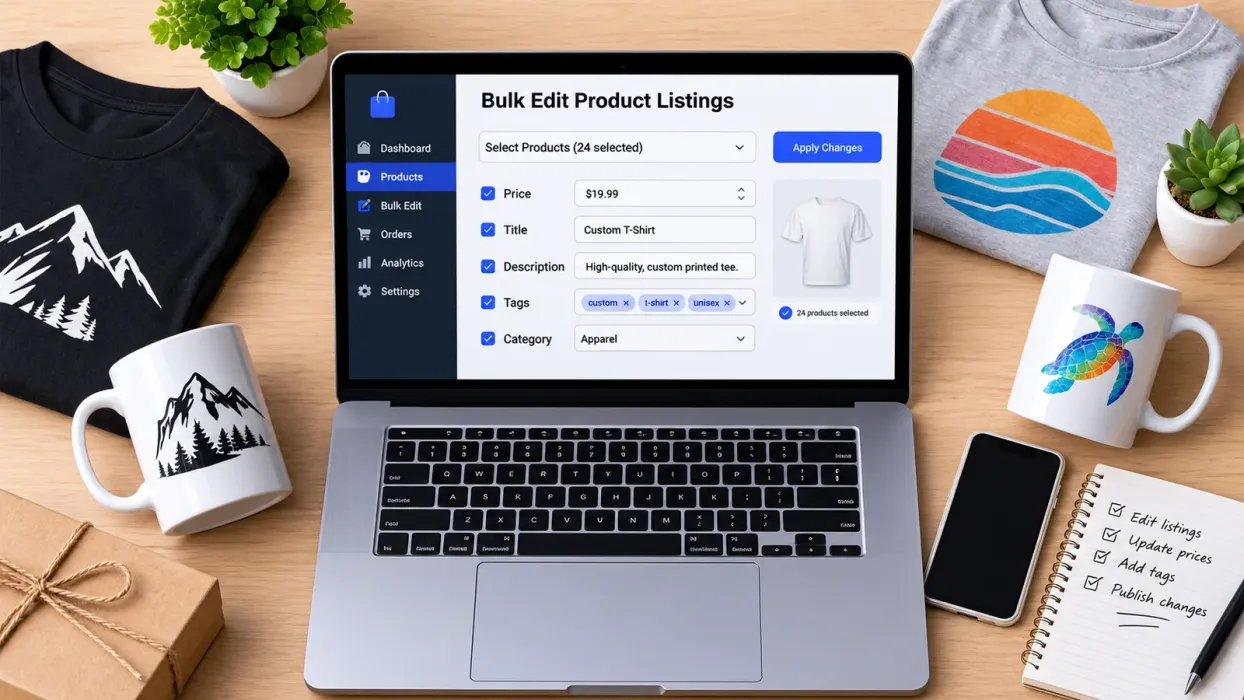
Bulk Edit lets you select many listings, choose the field you want to change, and apply an add, replace, or remove action across the group. You can review the results before you move on, and you decide which listings get which changes. Listing creation and edits in Listybox are measured in minutes rather than hours, but the seller stays in charge of every decision.
Scheduled Publish can help you spread new listings across a set timeframe, such as every few hours or once a day, so your shop does not look inactive after a big upload. Choose the cadence that fits your production and customer service capacity.
Listybox is the one workspace where an Etsy seller runs the shop, from creating products and writing listings to editing many listings at once, scheduling publication, and handling print-on-demand fulfillment. Zero-Touch Fulfillment can send new Etsy orders to your chosen production partner and pass tracking information back, while you keep control of the shop and the decisions behind it.
Build a Simple Weekly Review Routine
Fixing a quiet shop is not a single afternoon project. The sellers who turn things around usually follow a steady routine rather than making random changes. Here is a practical sequence you can repeat each week.
Step One: Review Your Numbers
Check views, visits, favorites, and orders. Note which listings got attention and which did not. Keep the notes short and factual.
Step Two: Pick One Area to Improve
Choose one focus for the week, such as titles, main images, or policies. Changing everything at once makes it impossible to learn what worked.
Step Three: Make the Changes Carefully
Apply your edits to a small batch of listings first. Double-check spelling, product details, and pricing before you publish. Confirm that each listing still matches what your production partner delivers.
Step Four: Wait and Compare
Give the changes time to show results before judging them. Compare the same metrics next week and record what moved. Patience matters because search and shopper behavior do not respond overnight.
Step Five: Repeat With the Next Priority
Move on to the next weak spot. Over a few weeks, the cumulative effect of clearer titles, better photos, honest descriptions, and accurate policies is usually much stronger than any single trick.
Know When Your Shop Needs a Bigger Reset
If your shop has been quiet for months despite careful fixes, you may need to reconsider your niche, your product mix, or your overall approach. That is a bigger decision, and it deserves a calm review rather than panic. Look at what competitors in your niche offer, how they present their listings, and what their policies say, then decide what you could do differently without copying anyone.
If you are still early in the process, it may help to revisit fundamentals. Our guide on How to Start Selling on Etsy: The 2026 Beginner’s Guide walks through the setup steps that many quiet shops skipped or rushed.
Does managing all of this across dozens of listings feel like too much to handle alone? You do not have to rebuild everything from scratch. Listybox can help you organize your products, draft and batch-edit listings, and keep publishing on a schedule you choose, while you stay in charge of the final decisions. You can start Listybox - no credit card required and explore the workspace at your own pace.
For brand-level questions, such as whether your shop feels consistent from banner to product photos, our article on Etsy Branding: The Complete Guide to Building a Powerful Visual Identity for Your Print-on-Demand Shop is a useful next read.
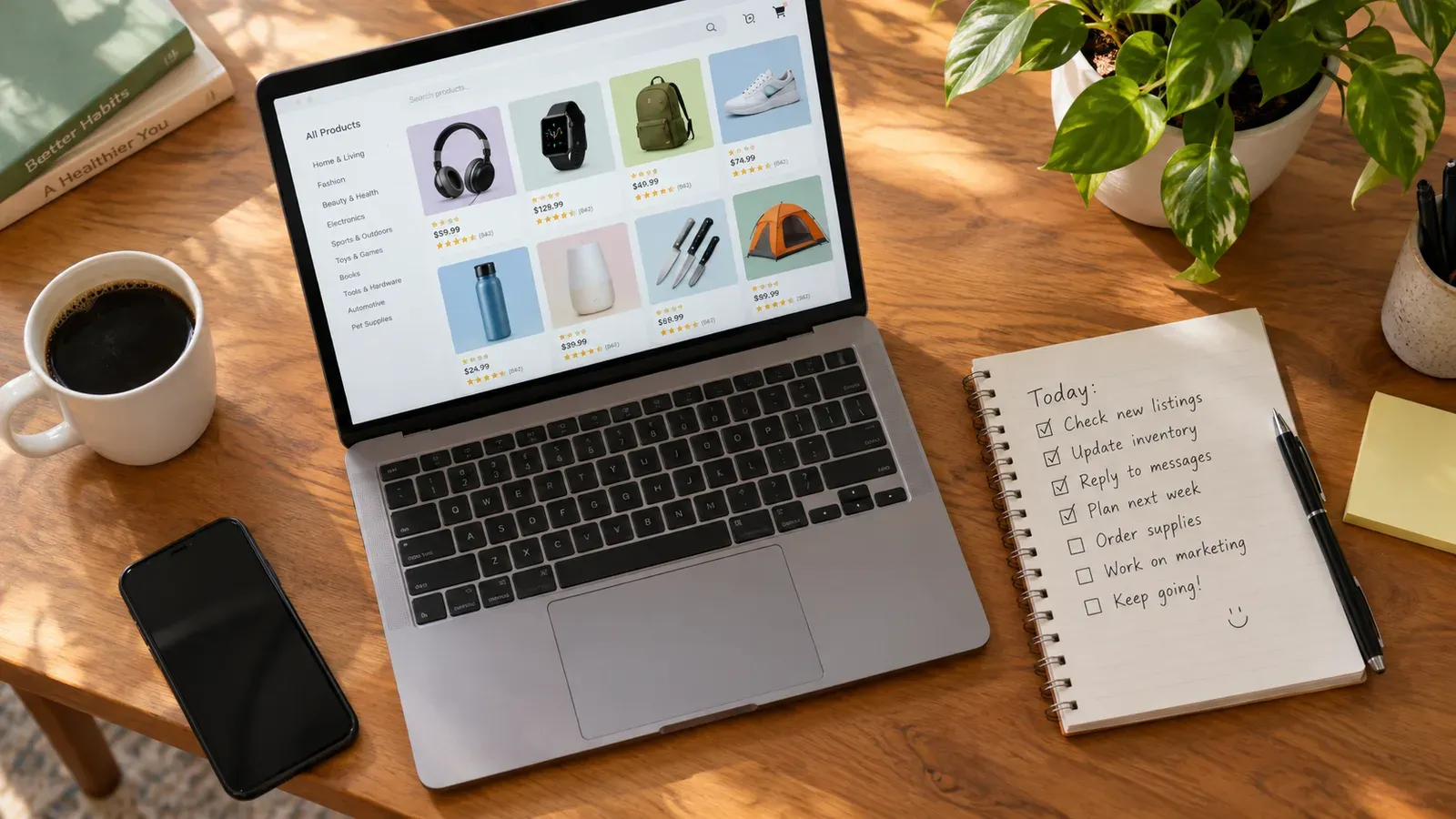
Your Next Step
A slow Etsy shop is a signal, not a verdict. Work through visibility, photos, listing copy, policies, and pricing in order, change one area at a time, and track what happens. With a repeatable routine, the problem becomes a series of manageable fixes rather than a source of constant worry.
Start this week by opening your analytics and listing one clear problem to solve. Then take the first small step.
Listybox
Listybox keeps your Etsy shop work in one place. Create products, publish listings, edit them in bulk and pass print-on-demand orders to production.
Frequently asked questions
Put this into practice in your shop.
Every step from design to live listing, on one platform. Start on the free plan.
Related posts


Want to go deeper? Read our in-depth Etsy guides · Browse 100 Etsy niche guides