


Key takeaways
Use the Etsy Seller app for quick, routine tasks like answering customer messages and monitoring new orders while you are away from your desk.
Avoid the trap of trying to do heavy listing work, keyword research, and professional photo editing solely on a phone; the small screen makes these tasks painfully slow.
Pair the app with a desktop platform to design products, write SEO-optimized listings, and manage your shop in a fraction of the time.
Listybox’s desktop features, such as the Creation Wizard and Magic Wand, are built to handle the complex bulk work that a mobile app cannot do efficiently.
A combined mobile-and-desktop workflow keeps you connected to your customers while protecting your time for growth.
Noah stared at his phone screen, a familiar knot of frustration tightening in his chest. He had just received a glowing message from a customer who loved her new graphic hoodie, and he wanted to quickly thank her. The Etsy Seller app made that part easy. But as he swiped over to his shop stats and saw only a handful of listings, the reality of his stalled print-on-demand business hit him. He had spent the entire previous evening hunched over his phone, trying to write a single product description for a new mug design. The tiny keyboard, the constant autocorrect errors, and the struggle to research keywords on a five-inch screen left him with a headache and a half-finished listing. Noah’s story is a common one. The Etsy Seller app is a powerful tool for managing a shop on the go, but relying on it to build a business from scratch is a recipe for burnout.
Understanding what the app is truly for, and where it falls short, is the first step in creating a workflow that actually works. This guide will walk you through the real purpose of the Etsy Seller app, the specific tasks where it shines, and the critical point where you need to switch to a desktop platform. You will see how to pair the app’s convenience with a tool like Listybox to manage your shop in minutes, not hours.
What Is the Etsy Seller App and What Is It For?
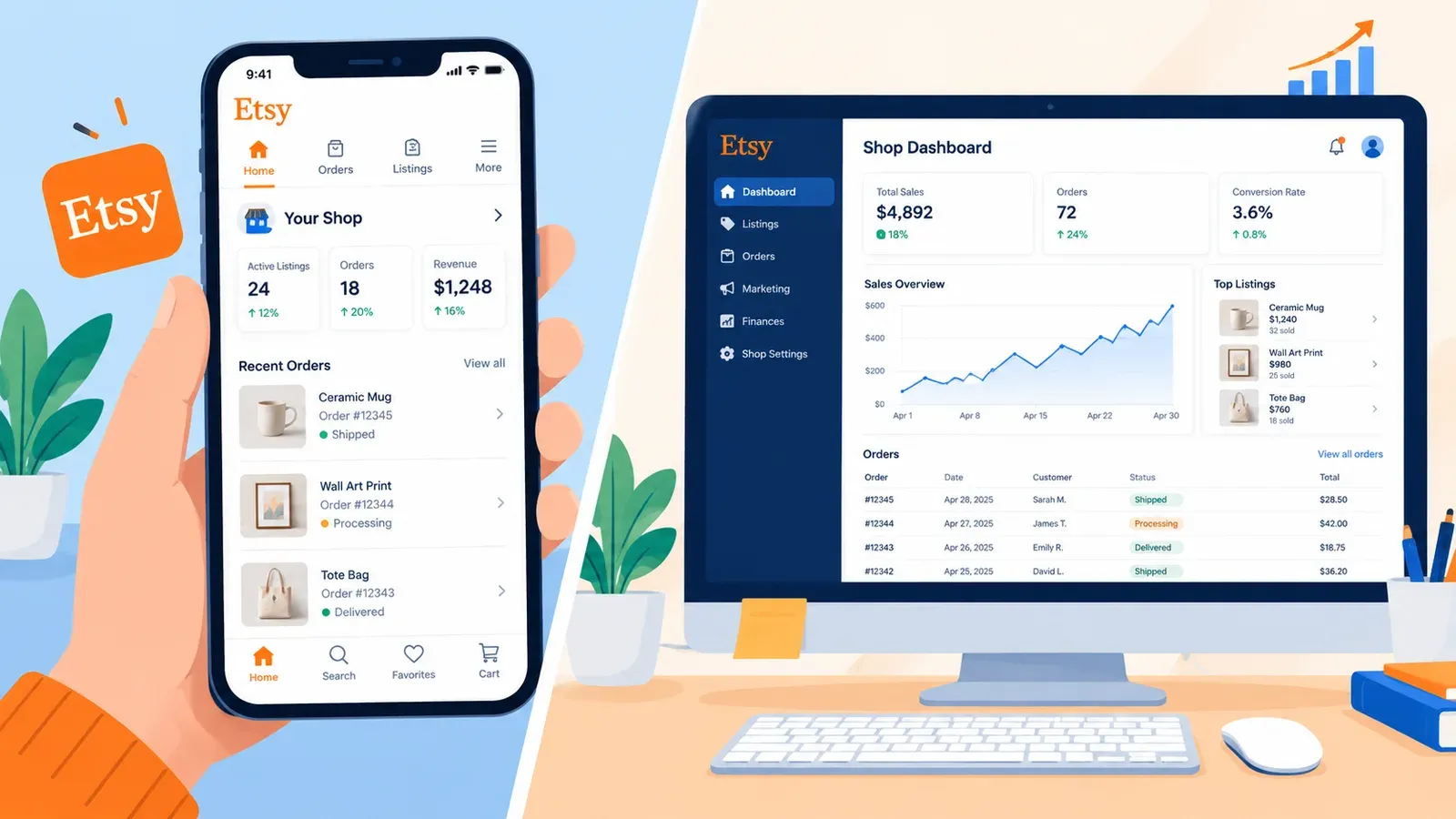
The Etsy Seller app is a free mobile application provided by Etsy, available for both iOS and Android devices. Its core purpose is to help you manage the daily, time-sensitive operations of your existing Etsy shop from anywhere. Think of it as your shop’s remote control. It is not designed to be a full-scale product creation or shop-building studio. According to Etsy’s own help pages, the app is built around helping you handle routine tasks quickly when you are not at your computer.

Core Functions of the App
The app focuses on a few key operational areas. First, it allows you to manage orders and fulfillment. You can view new orders, see what needs to be shipped, and mark items as dispatched. Second, it serves as a direct communication line with your customers. You can read and reply to messages in minutes, which is vital for providing good customer service. The app also lets you monitor your shop’s basic performance through simplified stats, giving you a quick glance at views, visits, and revenue. Finally, you can make minor edits to existing listings, such as updating a price or changing a single photo, directly from your phone.
💡 Practical tip: Use the app’s notification settings to get real-time alerts for new orders and messages. This helps you maintain a fast response time, a key factor for the Star Seller badge, without being tied to your desk.
What Tasks Are Best Suited for the Etsy Seller App?
Thinking of the app as a monitoring and communication tool will set you up for success. The tasks that are genuinely efficient on a phone are those that require a quick reaction rather than deep creative work. For a print-on-demand seller, this distinction is critical. Your daily routine likely involves checking if your production partner has shipped an item and answering a few pre-sale questions about sizing or materials. These are perfect mobile tasks.
Quick Customer Service and Order Monitoring
The app excels at helping you provide a personal touch. Replying to a thank-you message or answering a simple question about a color variant takes only a minute on your phone. This is also where you can quickly scan your orders tab to ensure everything is processing smoothly. If you use a service for automated fulfillment, like Listybox’s Zero-Touch Fulfillment, the app becomes an even more powerful monitoring tool. You can simply watch as orders are automatically detected, routed to the best-performing producer, and updated with a tracking number, all while you receive a notification that the job is done.
⚠️ Important warning: Avoid writing long, detailed product descriptions or researching tags on your phone. The small screen and lack of a full keyboard make extensive typing slow and error-prone, leading to typos that can hurt your shop’s professional image.
Where Does Phone Work Get Painfully Slow for POD Sellers?
The moment you try to move from managing a shop to building one, the Etsy Seller app’s limitations become a serious obstacle. This is the hidden trap Noah fell into. The pain point is not the app itself; it is the nature of touch-screen interfaces and small displays for complex, repetitive work. Building a print-on-demand shop requires creating dozens, if not hundreds, of product listings. Each listing needs multiple high-quality mockup images, a keyword-rich title, all 13 tags, and a compelling description. Trying to do this on a phone is like trying to paint a detailed mural with a single, tiny brush.
The Agony of Manual Listing Creation on Mobile
Imagine a typical task for a POD seller: launching a new t-shirt design on five different product colors and three different apparel types like a hoodie and a long-sleeve shirt. On a phone, you would need to manually upload each mockup image for each variation, type out a unique SEO-optimized title, and attempt to copy and paste tags between listings. The process involves constant zooming, scrolling, and switching between apps to check a keyword’s search volume. A task that should take a coordinated hour on a desktop can easily swallow an entire evening on a phone, with a far worse result.
This is where a desktop platform changes the game. Instead of building one listing at a time, you can use Listybox’s Creation Wizard. This feature acts as an assembly line for your creativity. You select your design from your My Artworks cloud-based design vault, choose all the products you want to sell it on from the product catalog, and with a single click, it creates hundreds of ready-to-list “creations” with all variants and mockups generated for you in minutes.
How Does a Desktop Workflow Change the Listing Game?
A desktop or laptop provides the screen real estate and processing power needed to run a professional e-commerce business. It allows you to use multiple tabs for research, access full-featured design tools, and use platforms specifically built for bulk work. The difference is not just about a bigger screen; it is about a fundamental shift from a reactive mode to a proactive, creative mode.
The Power of Bulk Editing and SEO Tools
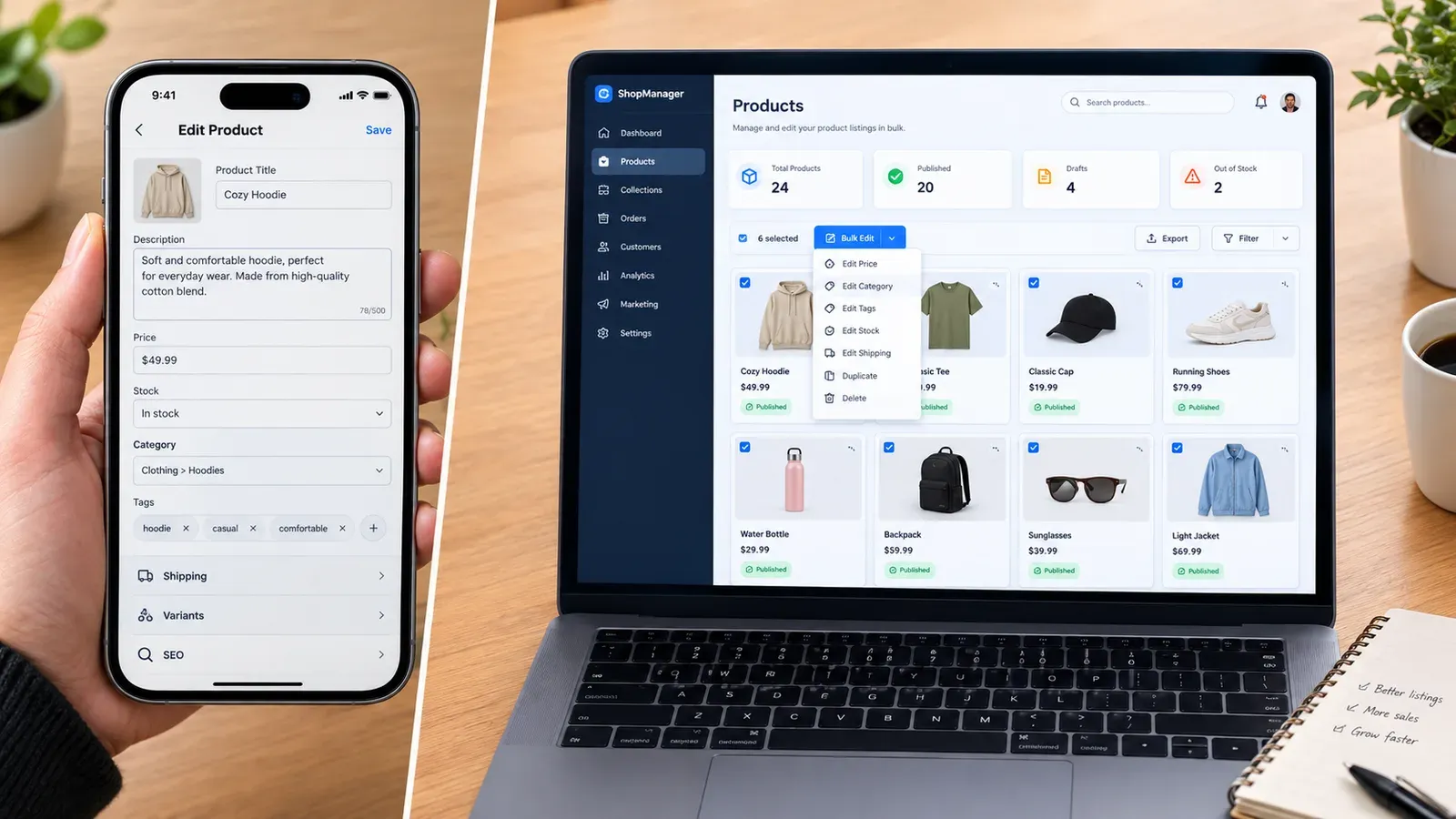
Once you have created your listings, the need for editing never stops. You might want to add a new tag to a hundred listings or update a material description across your entire shop. On the Etsy Seller app, this is a manual, one-by-one nightmare. A desktop platform like Listybox provides a Bulk Edit feature that turns this hours-long chore into a task that is done in minutes. You simply select the listings you want to change, specify the field like title or tags, and apply the change to all of them at once. This capability is simply not possible on a mobile app.
Equally important is the writing of the listing content itself. A listing with weak SEO will never be found. On a desktop, you can use a tool like Listybox’s Magic Wand. This feature analyzes your product and design combination and generates SEO-compatible titles, all 13 tags, and a sales-focused description with a single click. You stay in full control to review and edit the text, but you skip the slow, manual research and writing process. This kind of heavy lifting is a desktop-only task, and it is essential for getting your products found in Etsy’s search results, a topic we cover in our guide on Etsy Listing SEO Optimization: Your Step-by-Step Guide to Visibility and Sales.
How Can You Combine the App and a Desktop Platform for a Perfect Workflow?
The most successful sellers do not choose between the Etsy Seller app and a desktop platform; they use both for their respective strengths. The goal is to create a hybrid workflow where the app handles the urgent, and the desktop handles the important. This approach keeps you connected to your customers while giving you the space to grow your shop strategically. The app is your shop’s nervous system, reacting to stimuli, while the desktop platform is the brain, planning and creating.
A Practical Daily Routine
Start your day with a quick check of the Etsy Seller app. Scan for any new orders, answer any customer questions, and take a glance at your shop stats to see if any listings are trending. This should take no more than ten minutes. Then, when you are ready to work on your business, move to your laptop. This is where you open Listybox to create new products, research trends, and optimize your existing listings.
For example, you might spot a trending theme on social media. You can quickly use Listybox’s Artwork Gallery, a library of over 100,000 data-driven, ready-to-use designs, to find a relevant graphic. You can then use the Creation Wizard to put that design on a dozen products in minutes. After reviewing the mockups and using Magic Wand to write the listings, you can use the Scheduled Publish feature to drip-feed these new products onto Etsy over the coming days. While this automated publishing happens, you can return to your daily life, with the Etsy Seller app in your pocket to monitor the new orders as they come in.
💡 Practical tip: Use the Scheduled Publish feature to set a release schedule, like one new listing every six hours. This tells Etsy’s algorithm that your shop is consistently active, without requiring you to manually publish listings throughout the day.
What Are the First Steps to Move Beyond a Phone-Only Workflow?
Transitioning from a phone-only struggle to a smooth desktop workflow is simple. The first step is to stop trying to force your phone to be a full creation studio. Acknowledge that it is a phenomenal communication tool and a poor product design tool. The second step is to find a desktop platform that consolidates all the heavy-lifting tasks into one place, so you are not juggling ten different browser tabs for design, SEO, and publishing.
Listybox is built specifically for this purpose for Etsy print-on-demand sellers. It connects your designs, products, and Etsy shop in one integrated system. To see how a platform can change your entire approach to selling, read our guide on How to Make Money Online: The Realistic 2026 Path with Etsy Print on Demand.
Does all of this feel overwhelming? You don’t have to start from scratch. With Listybox Store Setup, our expert team sets up your Etsy store, lists your first 10 products, and optimizes everything for SEO. See the pricing page for what this service covers and what it costs.
If you are ready to start creating and managing your listings in minutes, not hours, start Listybox now - no credit card required.
Listybox
Create listings 10x faster with Listybox.
Frequently asked questions
Put this into practice in your shop.
Every step from design to live listing, on one platform. Start on the free plan.
Related posts



Want to go deeper? Read our in-depth Etsy guides · Browse 100 Etsy niche guides