

Lifestyle Product Photo Generator: The Smarter Way to Create Product Images That Sell

Key takeaways
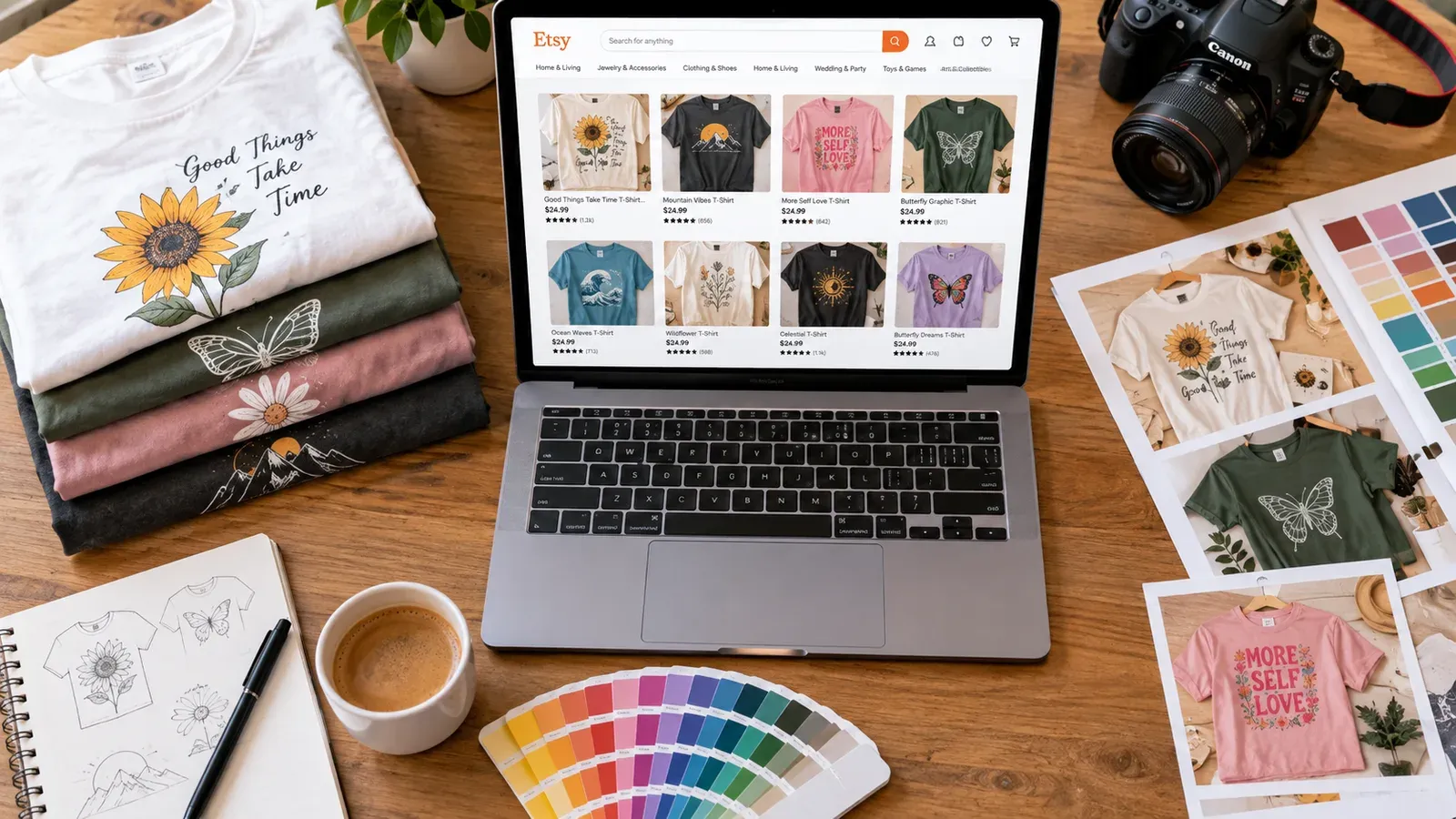
Lifestyle product photos show your item in a real-world setting, helping shoppers visualize ownership and increasing purchase confidence.
Free mockup sites often produce generic, overused images that make your Etsy shop look like every other POD store.
A dedicated lifestyle product photo generator like Listybox’s Listystyle creates unique, on-brand scenes without a camera, studio, or modeling costs.
Integrating photo generation with your listing workflow saves hours of manual editing and lets you publish listings in minutes, not hours.
You keep full control: generate multiple angles and settings, pick the best, and still edit placements with the Placement Editor before going live.
Lucas opened his Etsy shop three weeks ago with ten print-on-demand t-shirt designs he was proud of. He had read that product photos make or break a sale, so he spent hours downloading free mockups, watching Photoshop tutorials, and trying to make his shirts look like they belonged in a real person’s wardrobe. After days of work, his shop still looked like every other new POD store - sterile, generic, and forgettable. The problem wasn’t his designs; it was the way he presented them.
Most Etsy sellers hit the same wall. They know a white-background shot won’t stop a shopper mid-scroll, but they don’t have a studio, models, or a photography budget. A lifestyle product photo generator changes that equation. It lets you create product images that tell a story, without a camera or a costly setup. In this guide, you’ll see why lifestyle photos matter, where free mockups fall short, and how to generate unique, sales-ready images that fit your brand - all in minutes, not hours.
What Is a Lifestyle Product Photo Generator?
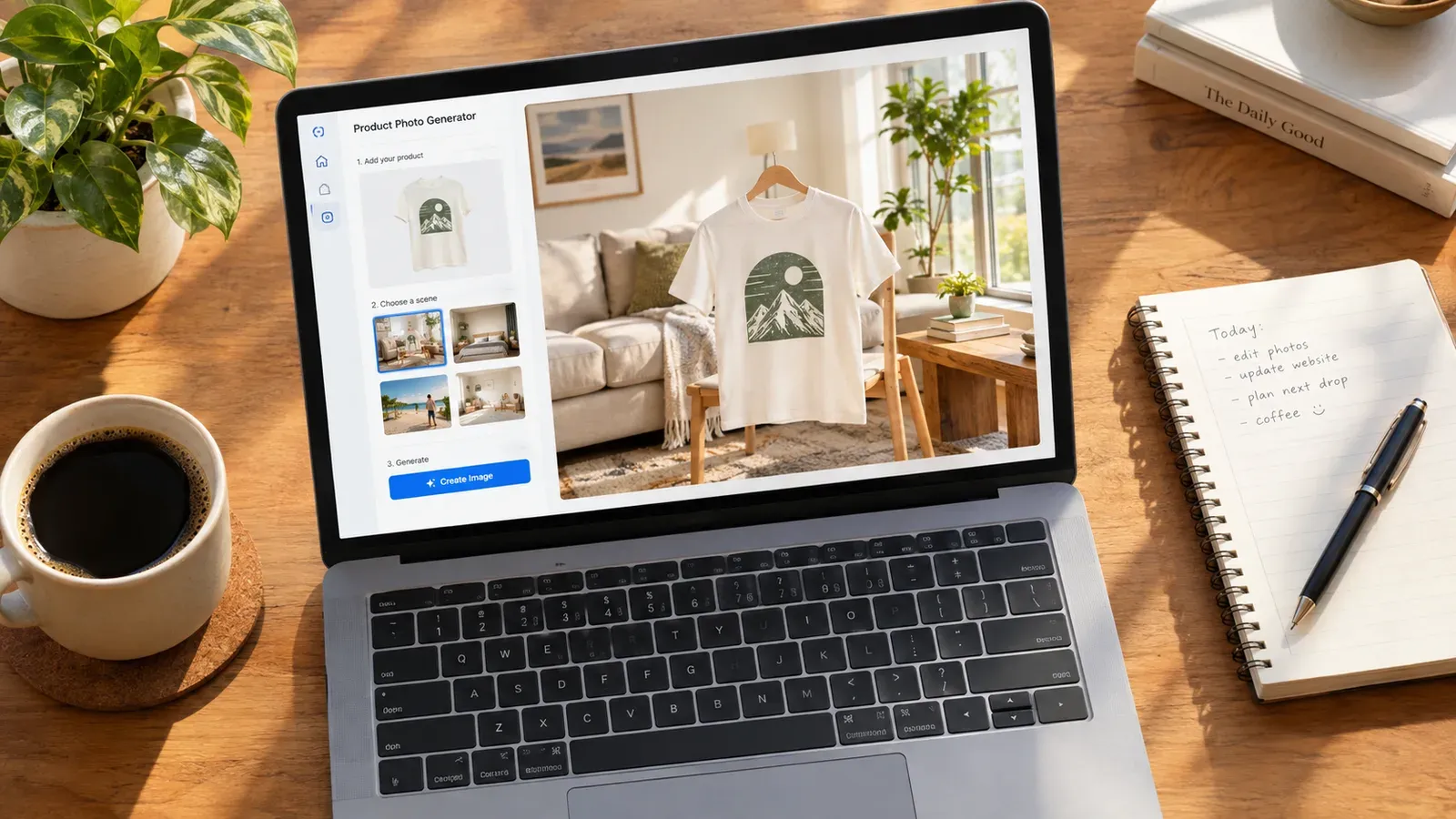
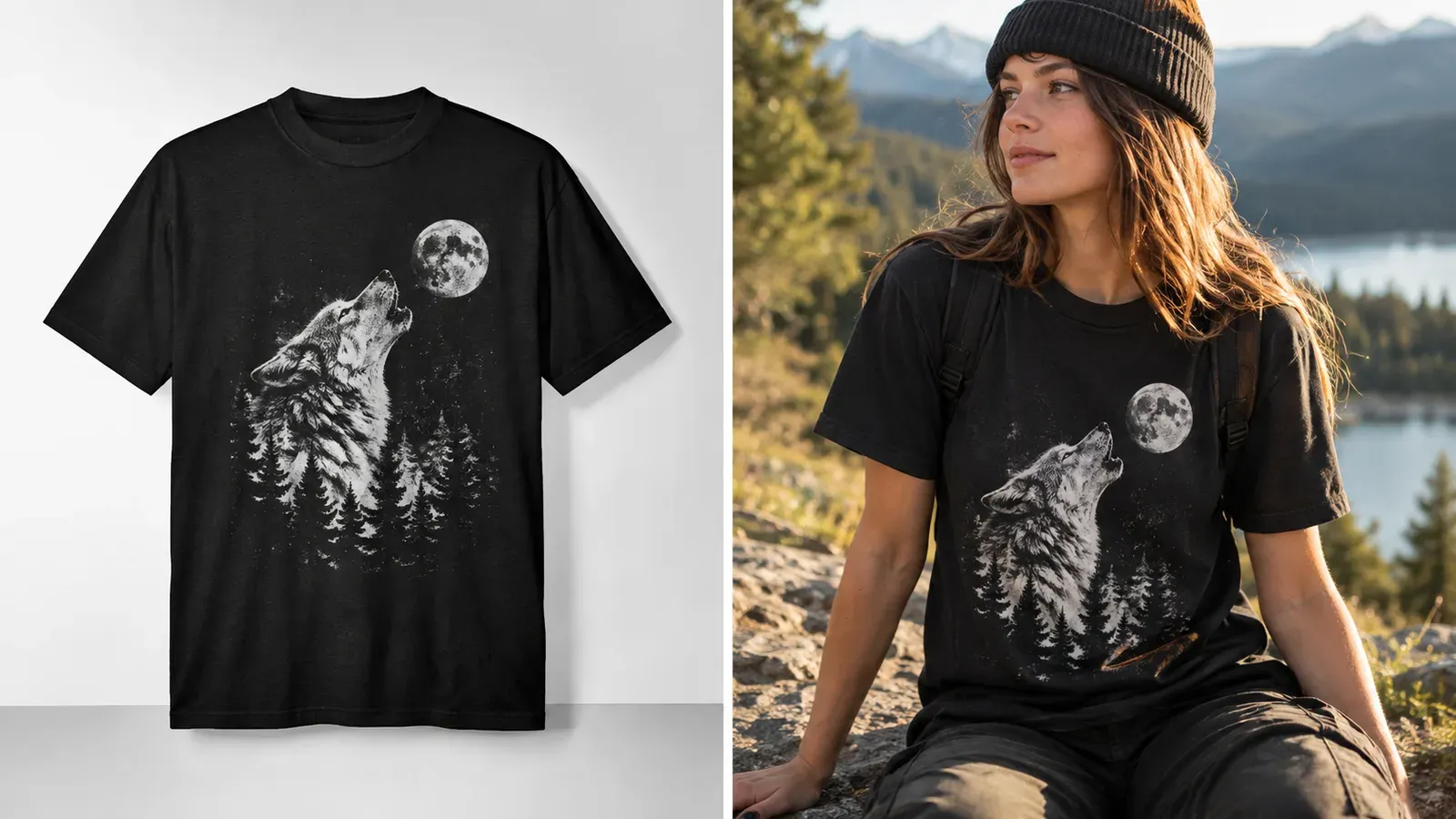
A lifestyle product photo generator is a tool that takes your flat design artwork and places it into a realistic, contextual scene. Instead of a t-shirt floating on a white background, the generator shows that shirt being worn by a person in a sunlit living room, draped over a chair in a cozy café, or folded neatly on a wooden dresser. The output is a photograph-like image that helps a buyer imagine the item in their own life.
These generators rely on advanced image synthesis that understands lighting, shadows, fabric draping, and perspective. You don’t need to rent a location, hire a model, or master complex editing software. You upload your design file, pick a product type and a scene style, and the system produces a batch of ready-to-use lifestyle photos. The result is a product image that feels authentic and original, not a template that a thousand other sellers are already using.
How It Differs from Traditional Mockups
Traditional mockups are static template files - usually PSD or PNG - where you paste your design onto a pre-set smart object layer. They require software like Photoshop, and the results are limited to the exact angles and environments the template creator chose. A lifestyle product photo generator, on the other hand, creates new scenes each time. You can request a modern apartment setting, an outdoor park, a rustic kitchen, or a minimalist studio, and the tool generates a fresh composition that matches your request.
This flexibility matters on Etsy, where standing out is a daily battle. When every competitor is using the same three free mockup files, a shopper subconsciously tunes out. A unique, well-composed lifestyle image stops the scroll and signals that your brand is professional and thoughtful. It also gives you more material to work with - multiple listing images, social media posts, and even Etsy video clips - all from a single design.
💡 Practical tip: Use at least two different lifestyle scenes per listing to show the product in varied contexts. A close-up lifestyle shot paired with a wider environmental shot helps buyers understand both detail and scale.
How Do Lifestyle Photos Affect Etsy Sales?
Etsy is a visual marketplace. Shoppers cannot touch, try on, or hold your product, so the images must do all the convincing. A plain product-on-white photo answers “what is it?” but a lifestyle photo answers “how will it fit into my life?” That emotional connection is what moves a browser from “maybe” to “add to cart.”
When a buyer sees a mug on a clean desk next to a laptop and a notebook, they don’t just see a mug - they picture their own morning routine. A tote bag slung over a shoulder at a farmer’s market suggests weekend errands and fresh produce. These subtle associations build perceived value and reduce the uncertainty that stops a purchase. For print-on-demand sellers who can’t physically handle inventory, lifestyle images are the closest thing to letting a customer experience the product before buying.
Etsy’s search algorithm also pays attention to image quality and engagement signals. Listings with compelling photos tend to earn higher click-through rates and longer view times, which can improve search ranking over time. While no single image guarantees a first-page spot, consistently using lifestyle photos across your shop can contribute to stronger overall listing performance. For a deeper look at how mockups influence buyer behavior, see our guide on The Visual Edge: How Product Mockups Boost Etsy Sales Conversion.
⚠️ Important warning: Using only supplier-provided generic mockups can make your shop look like a dropshipping storefront. Etsy buyers value handmade and unique presentation - a lifestyle photo generator helps you deliver that even when you’re using a POD supplier.
Why Do Free Mockups Fail for Etsy Sellers?
Free mockups promise a quick fix. Search “free t-shirt mockup,” download a PSD file, drop in your design, and you’re done - in theory. In practice, free mockups bring a host of problems that quietly drain your time and hurt your shop’s credibility.
The Overuse Problem
Popular free mockup sites distribute the same files to thousands of sellers. When you use that trendy apartment mockup with the fiddle-leaf fig plant, so do hundreds of other t-shirt shops. A shopper browsing for “funny cat shirt” might see the exact same background four times in a row. They won’t remember your brand; they’ll remember the repetitive, impersonal presentation. Standing out on Etsy requires visual uniqueness, and free mockups work directly against that goal.
The Quality and Editing Trap
Many free mockups are low-resolution, poorly lit, or use outdated product shapes that don’t match modern POD garments. Fixing these issues demands Photoshop skills, color correction, shadow adjustment, and sometimes hours of trial and error. For a seller like Lucas, who isn’t a graphic designer, this learning curve eats into the time he could spend on new designs or market research. The “free” mockup ends up costing evenings and weekends of frustration.
Licensing and Usage Restrictions
Not all free mockups are truly free for commercial use. Some licenses forbid use on print-on-demand products, require attribution, or limit the number of items you can sell with that image. An Etsy seller who unknowingly violates these terms risks a takedown notice or even account suspension. Verifying the license for every free file adds another layer of administrative work that most new sellers overlook.
If you’ve ever spent an afternoon chasing free mockups only to end up with unusable files, you’re not alone. We’ve covered the hidden costs of free mockups in detail - including the time, legal, and branding risks - in our article Free T Shirt Mockup: Hidden Costs and Smarter Alternatives for Etsy Sellers. The bottom line: what seems free often costs more in lost sales and wasted hours than a dedicated generator ever would.
How Can I Create Lifestyle Product Photos Without a Studio?
You don’t need a photography background, a lighting rig, or even a physical product sample. A purpose-built lifestyle product photo generator handles the heavy lifting so you can focus on designing and selling. Here’s how the process works when you use Listybox’s Listystyle feature.
Step 1: Upload Your Artwork
Start by uploading your design file to the My Artworks panel. This is your cloud-based design vault where you can store up to 5,000 files. The system automatically analyzes each upload and enriches it with relevant keywords, making it searchable and ready for listing creation. If your design has a background you want to remove, use the Background Remover with one click - no external editor needed.
Step 2: Choose Your Product and Scene Style
Open the Creation Wizard and select your uploaded design along with the product you want to sell - a unisex tee, a hoodie, a tote bag, or any item from the product catalog. Then activate Listystyle. You’ll see options for scene type: modern home, outdoor, studio, rustic, and more. Pick the one that matches your brand’s vibe. You can also specify the number of images you want to generate.
Step 3: Generate and Review
Listystyle analyzes your design’s colors, style, and target audience, then creates unique, realistic lifestyle photos that place your product in the chosen setting. The process takes minutes, not hours. You’ll get a batch of images - each with different angles, lighting nuances, and compositions. Review them, pick your favorites, and discard the rest. You stay in control of what goes live.
Step 4: Fine-Tune Placement and Publish
If a design sits slightly off-center on a shirt or you want the graphic larger on a tote, open the Placement Editor. You can drag, resize, and adjust the design position on any product, then apply that custom placement to all your creations with one click. Once the images and placements look right, use the Magic Wand to generate an SEO-optimized title, tags, and description, and you’re ready to list.
Etsy charges a $0.20 USD fee for listing an item for sale. Taxes may also apply.
That means every listing you publish has a small upfront cost. By generating lifestyle photos and listing content in one workflow, you avoid wasting that fee on listings with weak visuals. You also skip the back-and-forth between multiple tools - design software, mockup sites, photo editors - and keep your entire process inside a single platform.
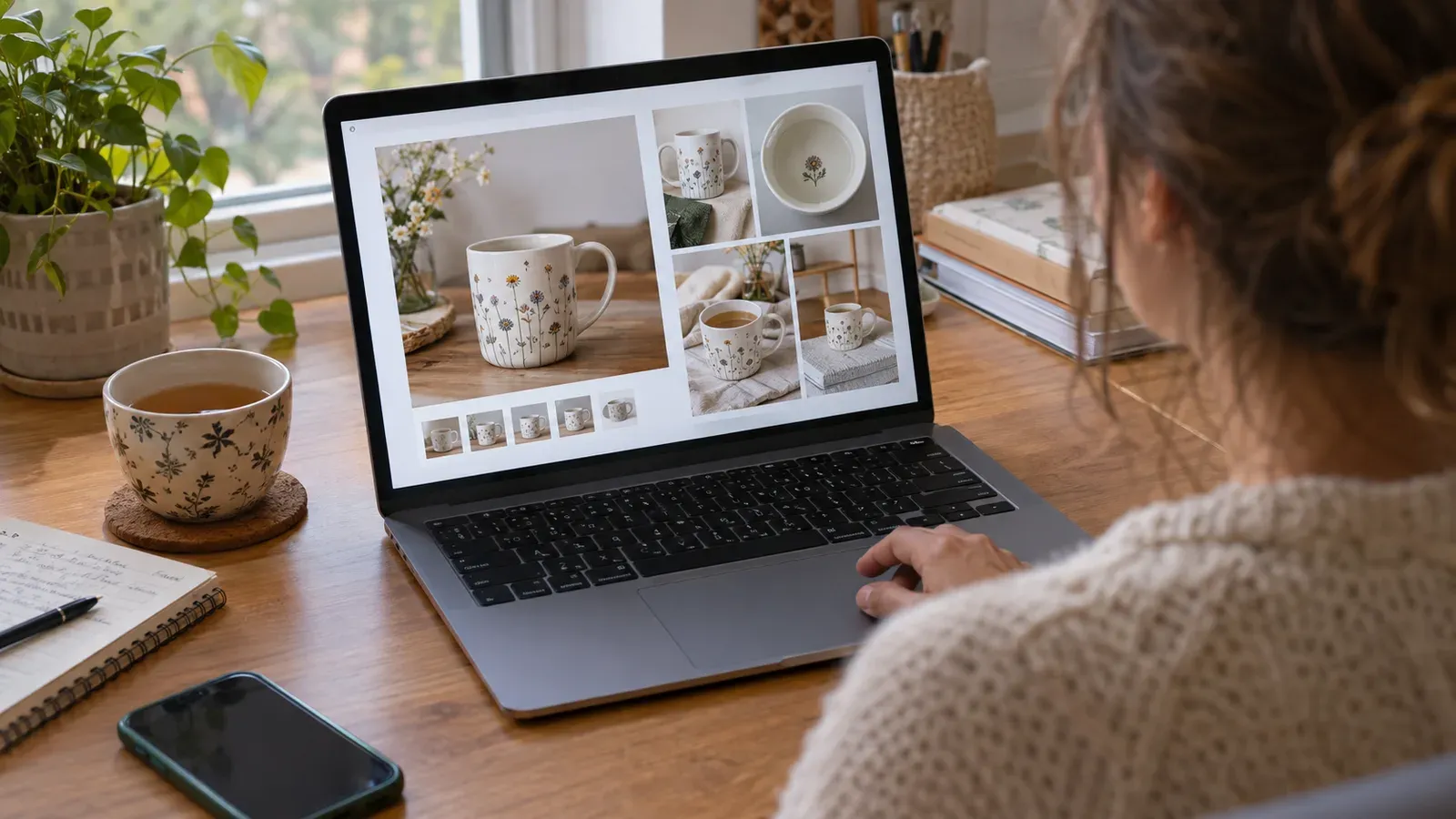
For a step-by-step walkthrough of creating high-converting lifestyle mockups with Listystyle, check out our Listystyle Tutorial: How to Create High-Converting Lifestyle Mockups in minutes (Better than Placeit). It shows exactly how to go from a flat design to a set of listing-ready images without touching Photoshop.
What Features Should I Look for in a Lifestyle Product Photo Generator?
Not all generators are built for the realities of running an Etsy print-on-demand shop. A tool that only outputs pretty pictures but doesn’t connect to your listing workflow will still leave you copying files, renaming images, and manually entering SEO data. Here are the capabilities that actually save time and improve your shop’s presentation.
Originality and Scene Variety
A good lifestyle product photo generator produces fresh scenes that aren’t pulled from a stock library. When you generate a “coffee shop” setting, the image should look like a real, candid moment - not a template that appears on ten other Etsy listings. Listystyle creates unique compositions each time, so your mockups stay distinct even if you generate dozens of images for the same product.
Integration with Your Listing Workflow
Standalone mockup generators force you to download images, then upload them to Etsy manually. An integrated platform like Listybox ties photo generation directly to the listing builder. You generate lifestyle images inside the Creation Wizard, pair them with your product variants, and move straight to SEO optimization with Magic Wand. No file juggling, no duplicate uploads.
Editing and Placement Control
Even the best generated photo sometimes needs a small tweak - a design that’s slightly too low on a hoodie or a graphic that feels cramped on a mug. The Placement Editor lets you adjust the design position on any product and apply that change across all your creations. Combined with the Background Remover, you can isolate your artwork and reuse it across different product types without starting from scratch.
Batch and Scheduling Capabilities
When you’re building a catalog of 50 or 100 listings, generating lifestyle photos one by one is still a bottleneck. Listybox’s Creation Wizard lets you combine multiple designs with multiple products at once, creating hundreds of mockup-ready creations in minutes. After finalizing your images and content, use Scheduled Publish to drip-feed listings to Etsy on a set interval - like one every six hours - so your shop stays active without manual publishing.
No Extra Subscription Stacking
Many sellers end up paying for a mockup tool, a separate SEO tool, and a listing manager. A platform that bundles these functions means you aren’t piling on monthly subscriptions. Listybox includes Listystyle, Magic Wand, the Creation Wizard, and fulfillment automation under one account. You can start with the free plan - no credit card required - and explore the full workflow before deciding if a paid plan fits your volume.
💡 Practical tip: Before committing to any generator, test how it handles your specific product types. A tool that works well for apparel might struggle with home decor or accessories. Listybox’s catalog covers over 100 POD products, so you can verify lifestyle photo quality across mugs, canvases, hoodies, and more.
If you’re curious how AI-generated lifestyle scenes compare to traditional mockup platforms, our deep-dive Listystyle vs Smartmockups: Why AI-Generated Realistic Scenes Are the Future of POD Product Images breaks down the differences in realism, uniqueness, and workflow integration.
Putting It All Together: From Design to Published Listing
Let’s return to Lucas. After struggling with free mockups, he tried a lifestyle product photo generator approach. He uploaded his cat-themed designs to My Artworks, used the Background Remover to clean up the artwork, and opened the Creation Wizard. He selected a unisex t-shirt, a hoodie, and a tote bag, then activated Listystyle with a “cozy home” scene style.
Within minutes, he had 15 unique lifestyle images - his cat design on a shirt draped over a reading chair, on a hoodie hanging by a window, and on a tote bag sitting on a kitchen island. He used the Placement Editor to center the graphic perfectly on each product, then let Magic Wand write his titles, tags, and descriptions. He scheduled the listings to publish one per day using Scheduled Publish, and moved on to designing his next collection.
Lucas didn’t become a photographer overnight. He simply used a tool that turned his flat artwork into story-driven product images, all inside the same platform that handled his SEO and publishing. The time he used to spend wrestling with Photoshop now goes into researching trends and creating new designs.
If you’re tired of generic mockups and want to see what your designs look like in real-life settings, you can start building your own lifestyle photo workflow today. Start free - no credit card required and generate your first lifestyle product images in minutes, not hours. Your designs deserve more than a white rectangle.
Listybox
Create listings 10x faster with Listybox.
Frequently asked questions
Put this into practice in your shop.
Every step from design to live listing, on one platform. Start on the free plan.
Related posts

Want to go deeper? Read our in-depth Etsy guides · Browse 100 Etsy niche guides