


Key takeaways
Social media templates are a low-risk digital product that can generate passive income on Etsy.
Design niche-specific templates to stand out and attract targeted buyers.
Use tools like Canva to create editable templates without advanced design skills.
Expand your product line by using your designs on physical POD products with Listybox.
Automate listings and fulfillment to free up time for creating more designs.
Imagine you’re Maya, a graphic designer with a passion for clean, modern aesthetics. You’ve been creating social media templates for your own projects, and friends keep asking if you sell them. The idea of turning your designs into a passive income stream sounds perfect. But the reality of manually creating each listing, optimizing descriptions, and handling customer questions quickly becomes a full-time job. There has to be a better way to scale your design business without burning out.
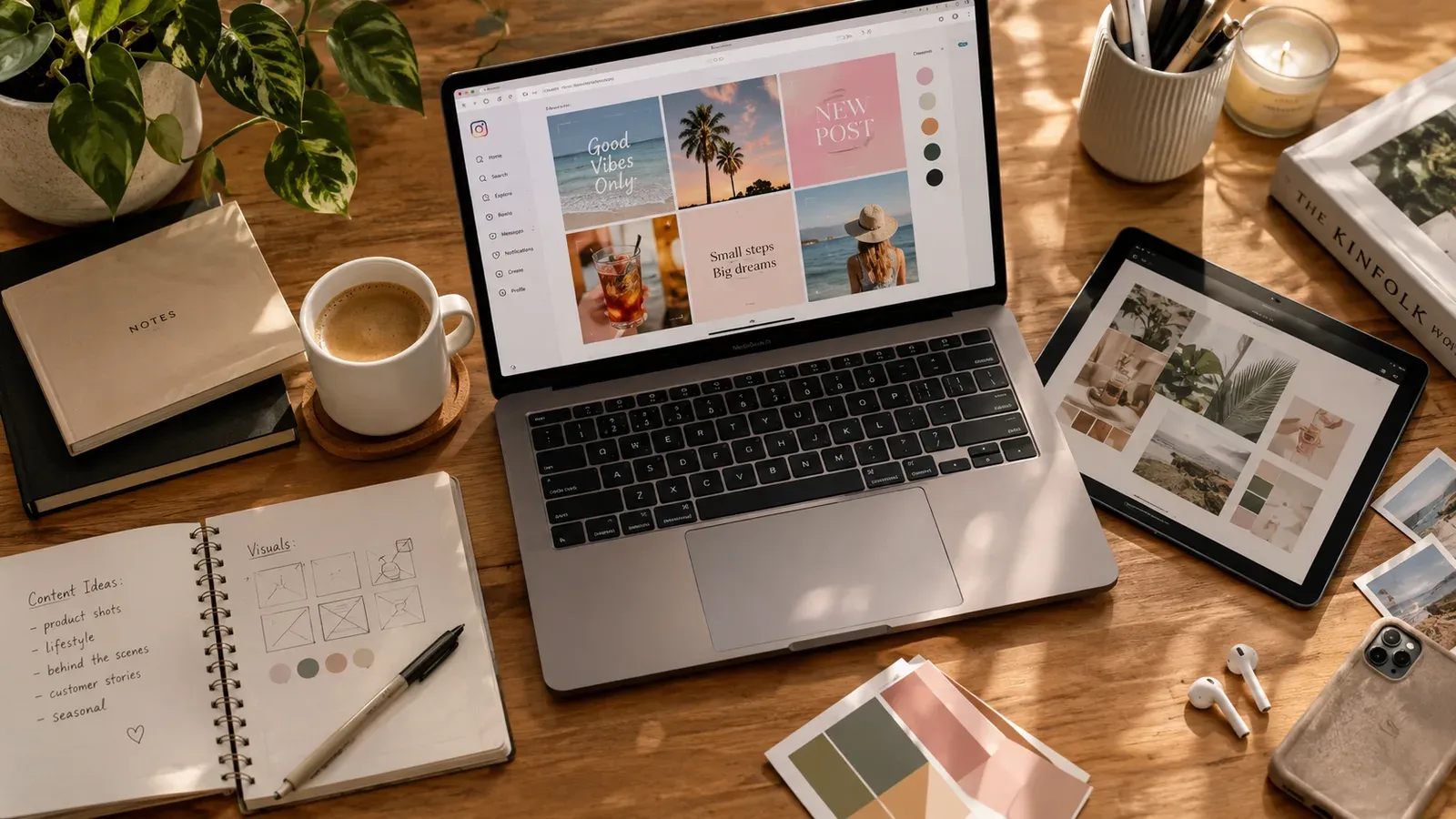
Selling social media templates is a smart choice for creative entrepreneurs. Digital products have no inventory, no shipping, and you can sell the same file over and over. But scaling from a few sales to a steady income requires more than just good design skills. You need a system. In this guide, we’ll walk through every step of selling social media templates, from concept to marketing, and then show you how to expand your business into physical products using the same designs you already have.
What Are Social Media Templates and Why Sell Them?
Social media templates are pre-designed layouts for platforms like Instagram, Facebook, or Pinterest. Customers buy them, then customize the text, colors, and images to fit their brand. They’re popular with small business owners, influencers, and marketers who want a professional look without hiring a designer. For a designer like Maya, they’re a way to package her aesthetic into a product that sells while she sleeps.
From a business perspective, digital templates are a low-risk entry point into ecommerce. You don’t need a manufacturer, and Etsy’s digital download system handles delivery automatically. If you’re looking for other digital product ideas, check out our article on What Can I Sell in Ecommerce?. But simply uploading a template and waiting for sales won’t cut it. The market is competitive, and buyers are savvy. They want templates that are easy to use, visually on-trend, and well-organized. That’s why the design phase is so critical.
💡 Focus on a specific niche like ‘Instagram Story templates for fitness coaches’ rather than generic templates. Niche templates often attract more targeted buyers and face less competition.
How to Design Social Media Templates That Sell
Good design is the foundation of your template business. But selling templates isn’t just about aesthetics; it’s about usability. Your customers need to be able to edit the template quickly, even if they have no design experience. That means using tools like Canva, which is the most popular platform for editable templates. Canva allows you to create a design, share it as a template link, and sell that link on Etsy.
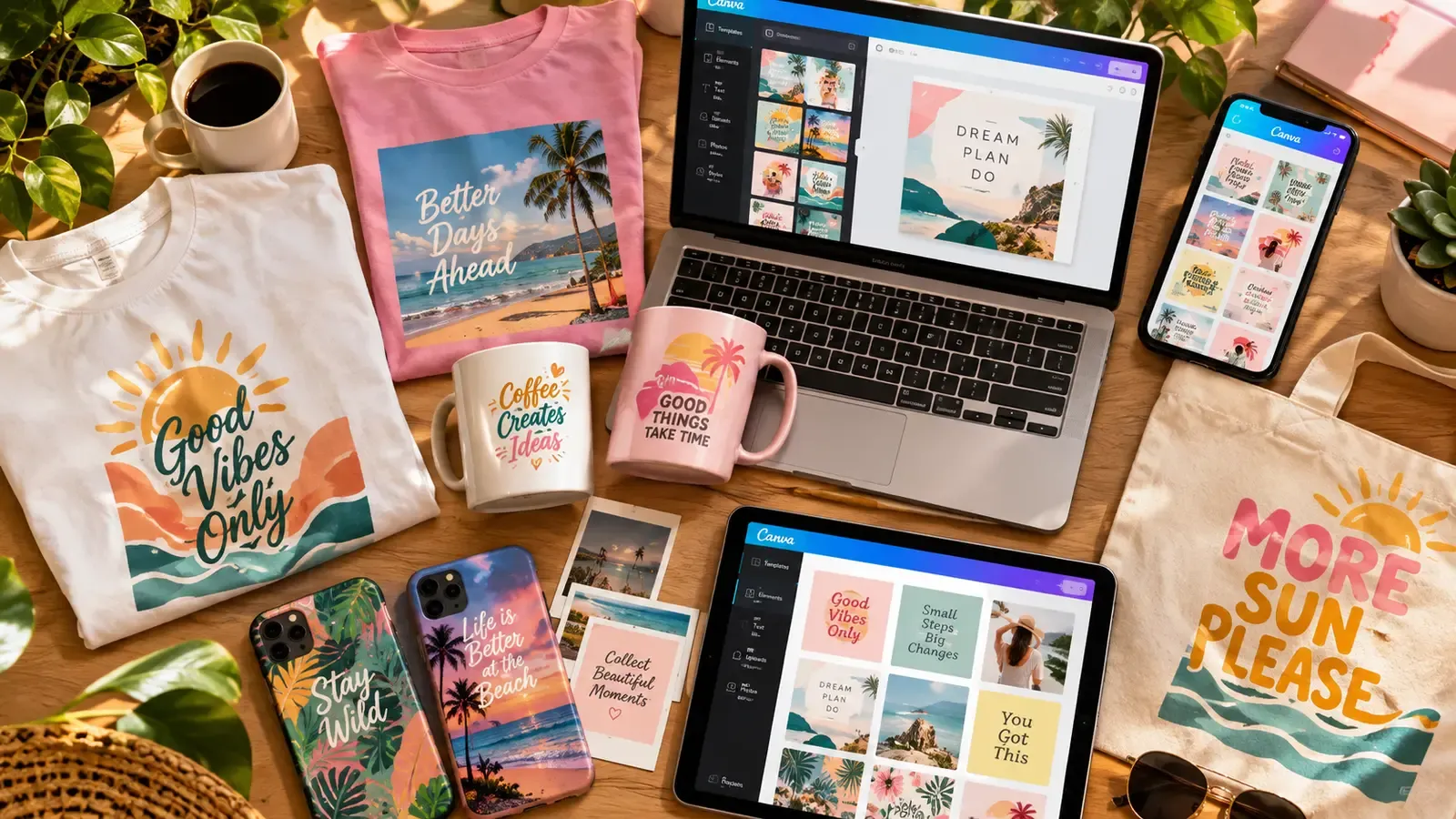
If you’re already a Canva user, you know how powerful it is. But did you know you can connect your Canva designs directly to a print-on-demand workflow? Listybox’s Canva Integration bridges the gap between your digital designs and physical products. You can edit a design in Canva and push it to Listybox’s Artwork Gallery with one click. This is a huge time-saver when you decide to expand your templates into actual merchandise.
When designing templates, keep these principles in mind:
Use a consistent color palette that aligns with popular brand aesthetics.
Include multiple layout options within a single template pack (e.g., 3 variations for an Instagram post).
Provide clear instructions in a PDF or a readme file so customers know exactly how to edit.
Name your layers and elements if you’re using Photoshop or Illustrator, so users can navigate easily.
⚠️ Avoid using too many custom fonts that aren’t available in the free version of Canva. Stick to widely available fonts, or include a note about fonts to ensure your customers can edit without extra purchases.
Where to Sell Social Media Templates Online
Etsy is the go-to marketplace for digital products. It has millions of buyers actively searching for templates, and its built-in traffic means you don’t have to drive all the visits yourself. Setting up a shop is straightforward, and you can list your first template in under an hour. For a complete walkthrough, read our guide on How to Sell on Etsy in 2026.
Other platforms like Creative Market or your own website can supplement your income, but they require more marketing effort. Etsy’s search algorithm favors listings that are optimized with the right keywords, so you’ll need to invest time in SEO. That’s where many sellers hit a wall. Maya found that writing unique titles, tags, and descriptions for each template took hours. It’s repetitive, and if you’re not a copywriter, it’s easy to get it wrong.
Optimizing Your Etsy Listings for Digital Products
Even though you’re selling a digital file, Etsy’s best practices still apply. Your listing title should include keywords like “Instagram Template,” “Social Media Kit,” and the specific niche. Use all 13 tags, and write a description that explains the benefits, not just the features. For example, instead of “10 Instagram post templates,” say “10 Instagram post templates to save you 5 hours of design work per week.” This kind of benefit-driven copy can make a difference.
But if the thought of doing this for every listing drains your energy, you’re not alone. Many sellers end up with a handful of templates listed and never scale because the manual work is too heavy. This is a hidden trap: the design is fun, but the listing creation is a grind. And that’s before you even think about marketing.
Pricing Your Social Media Templates for Profit
Pricing digital products is tricky because there’s no physical cost, but you’re still selling the value of your time and expertise. A common approach is to research what similar templates sell for on Etsy, then set a comparable price. Templates range from a few dollars for a single post to $30 or more for a large bundle. Your goal is to find a price that feels fair to the customer but also reflects the effort you put into design.
Let’s do a hypothetical exercise: if you price a template pack at $12 and sell 15 units per month, you’d earn $180 from that single listing. If you have 10 template packs, that’s $1,800 monthly. But this is entirely hypothetical - your actual sales depend on demand, quality, and marketing. The key is to create a catalog of products that can each contribute a steady trickle of sales. The more listings you have, the more opportunities to be found.
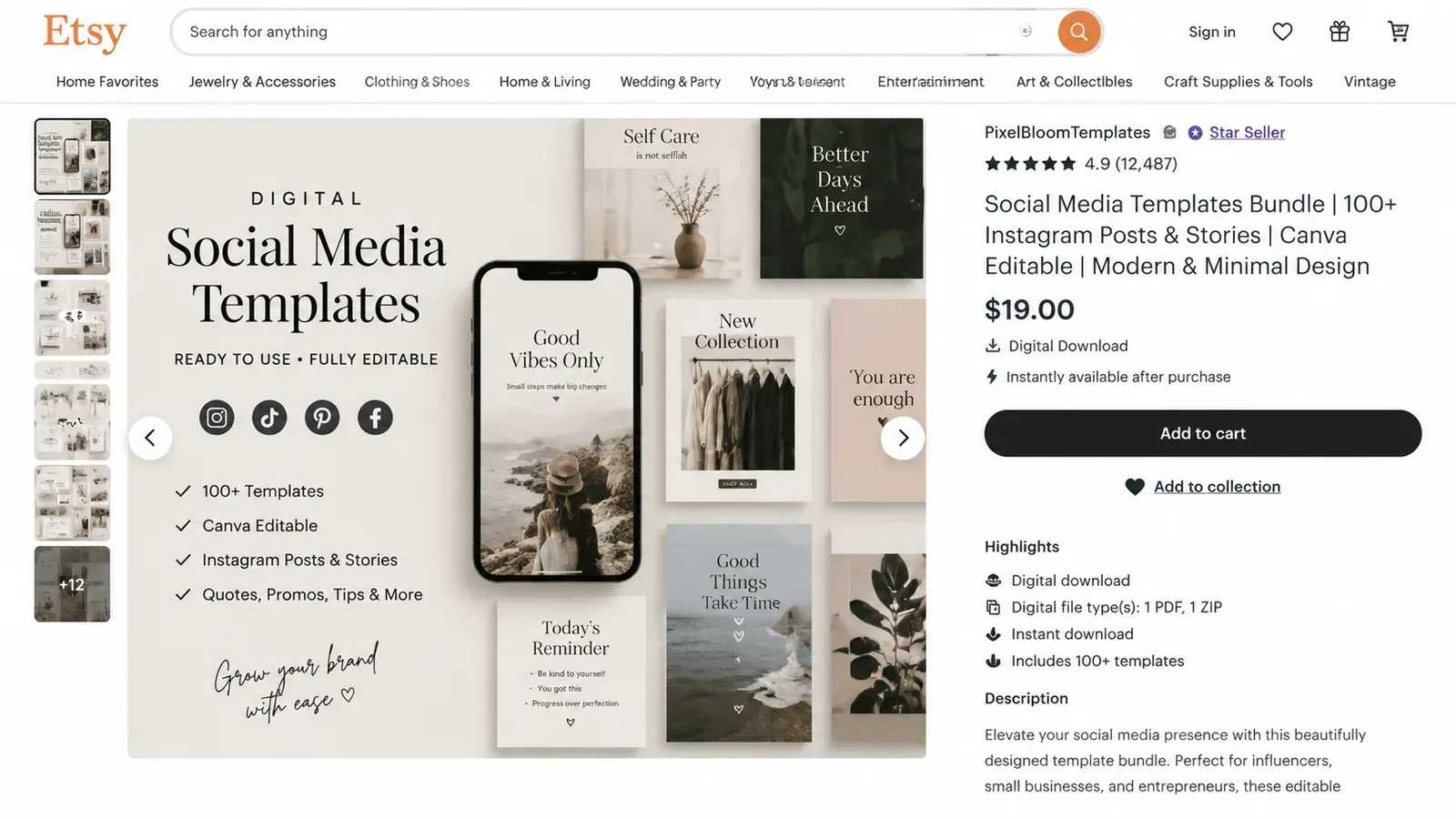
One way to increase your average order value is to offer bundles. Instead of selling a single template, group related items into a “Social Media Starter Kit” with 50 templates across Instagram, Facebook, and Pinterest. This not only raises the price but also appeals to buyers who want a complete solution.
Marketing Your Social Media Templates on Etsy
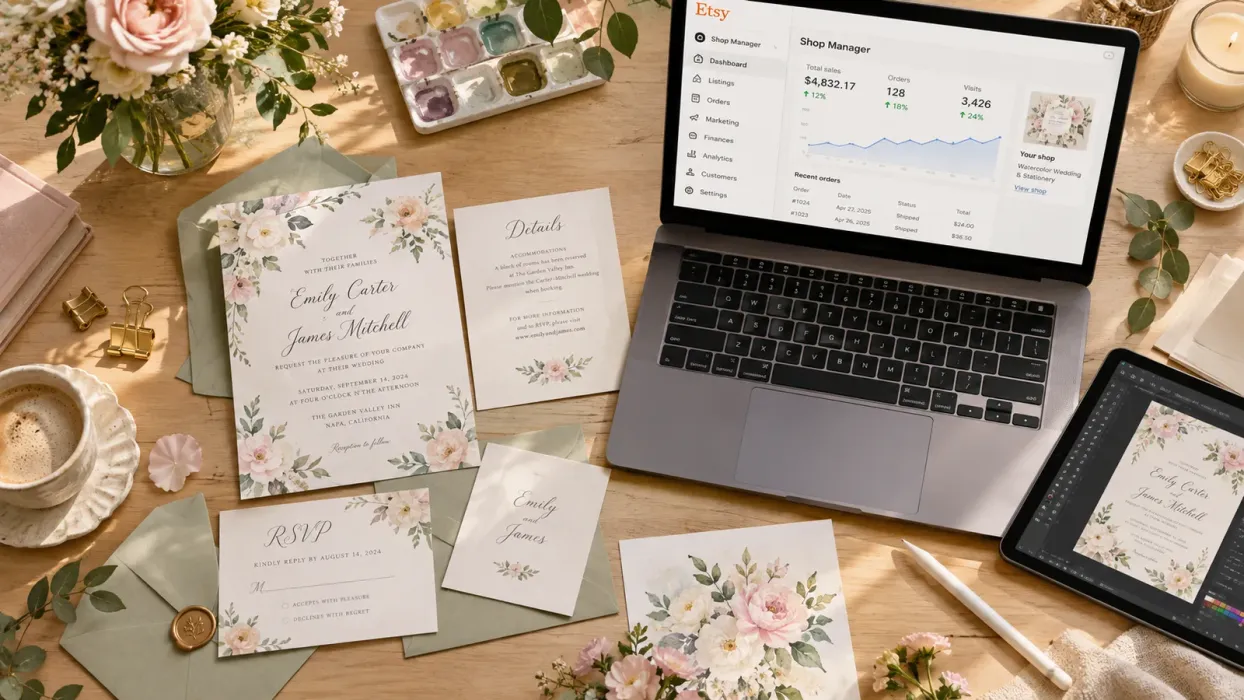
Once your templates are listed, you need to get them in front of buyers. Etsy SEO is your first line of attack. But beyond that, product visuals are crucial. For digital products, your main image is often a mockup showing the template on a phone screen or laptop. The quality of that mockup can make or break a click. If you’re using the same generic mockup as everyone else, your listing blends in.
For a deeper dive into creating compelling product images, check out our Etsy Product Photography guide. Even though you’re selling a digital item, the principles of lighting, composition, and context still apply. You can also use lifestyle mockups that show your template in a real-world scenario, like a desk setup or a coffee shop. These images help the buyer imagine using your product.
Social media promotion is another powerful channel. Since you’re selling social media templates, you can demonstrate your own expertise by using your templates on your Instagram or Pinterest account. Share before-and-after edits, or show how a template can be customized. This builds trust and drives traffic back to your Etsy shop.
But here’s the reality Maya faced: she was spending more time on listing creation and marketing than on actual design. The very thing she loved - designing - was getting pushed aside by the busywork of running a business. She needed a way to expand her revenue without adding more hours to her day.
From Digital to Physical: Scaling Your Design Business with Print on Demand
This is where the story takes a turn. One day, Maya realized something: her social media templates were full of illustrations and patterns that would look amazing on a t-shirt or a mug. She had a library of designs that could be sold as physical products. But the thought of dealing with inventory, printing, and shipping stopped her cold. That’s when she discovered print on demand.
With print on demand, you can take your existing designs and apply them to over 100 products - t-shirts, hoodies, canvas prints, phone cases, and more - without holding any stock. When a customer orders, the product is printed and shipped directly to them. It’s a natural extension for template sellers because you already have the creative assets. You’re just putting them on a different medium.
Listybox is built for this exact scenario. Its My Artworks feature acts as a central design vault where you can upload up to 5,000 of your designs. Once uploaded, the system automatically analyzes each image and enriches it with relevant SEO keywords. Then, you can start combining your designs with products using the Creation Wizard. In just a few clicks, you can create hundreds of product variations, each with its own mockup and listing data.

Turning One Design into Dozens of Products
Let’s say you have a floral pattern you used in an Instagram template. You upload that design to My Artworks. Then, using the Creation Wizard, you select the design and choose multiple products: a t-shirt, a tote bag, a wall print. The wizard automatically generates all the mockups, ready for review. You can adjust the placement with the Placement Editor if needed, and then move on to the listing stage.
What used to take Maya hours of manual Photoshop work now happens in minutes. She keeps full control over the final look, but the assembly is handled by the platform. And because the designs are already hers, she doesn’t have to worry about originality or copyright issues that often come with pre-made POD designs.
Automating the Boring Parts
Once the creations are ready, the next hurdle is getting them listed on Etsy. Writing SEO-optimized titles, tags, and descriptions for each product is a massive time sink. Listybox’s Magic Wand feature analyzes the design and product combination and generates a complete listing package in one click. You can review and tweak the copy, so you’re never handing over control. But instead of starting from a blank page, you start with a solid, keyword-rich draft.
If you have dozens of listings, you can also use Scheduled Publish to drip them out over time. Instead of flooding your shop all at once, you can set a schedule (like one listing every 6 hours) to keep your shop active and engage Etsy’s algorithm.
When orders start coming in, the Zero-Touch Fulfillment system takes over. It detects the sale, routes it to the best-performing print provider, and automatically updates the tracking number on Etsy. Maya never touches a package or talks to a supplier. She can focus on what she does best: designing new templates and patterns.
Is This the Right Move for You?
If you’re already selling social media templates, you have a head start. You understand Etsy’s ecosystem, you know how to create designs people want, and you have a customer base. Adding physical products diversifies your income and lets you tap into a different type of buyer. Someone who loves your template might not buy a t-shirt, but a new customer searching for “floral tote bag” might find your product and become a lifelong fan.
Does all of this feel overwhelming? You don’t have to start from scratch. With Listybox Store Setup, our expert team sets up your Etsy store, lists your first 10 products, and optimizes everything for SEO. It’s available on the Starter and Professional annual plans. That means you can skip the setup grind and jump straight into designing.
💡 Start small. Pick your three best-selling template designs and turn them into physical products. Test the market, see what sells, and then expand your catalog. You don’t need to launch 50 products on day one.
Scaling a design business doesn’t have to mean more hours. With the right tools, you can grow your income beyond social media templates and into a full-fledged brand. The designs are already yours. The only missing piece is a system that handles the heavy lifting. Start free - no credit card required and see how your designs look on real products today.
Listybox
Create listings 10x faster with Listybox.
Frequently asked questions
Put this into practice in your shop.
Every step from design to live listing, on one platform. Start on the free plan.
Related posts
Want to go deeper? Read our in-depth Etsy guides · Browse 100 Etsy niche guides