


Key takeaways
Sell wedding invitation templates without inventory using print on demand.
Use Listybox’s design integrations and Artwork Gallery to speed up template creation.
Generate unique, high-converting mockups with Listystyle instead of generic templates.
Optimize your listings with Magic Wand to rank higher in Etsy search.
Automate bulk listing creation and fulfillment to scale your shop.
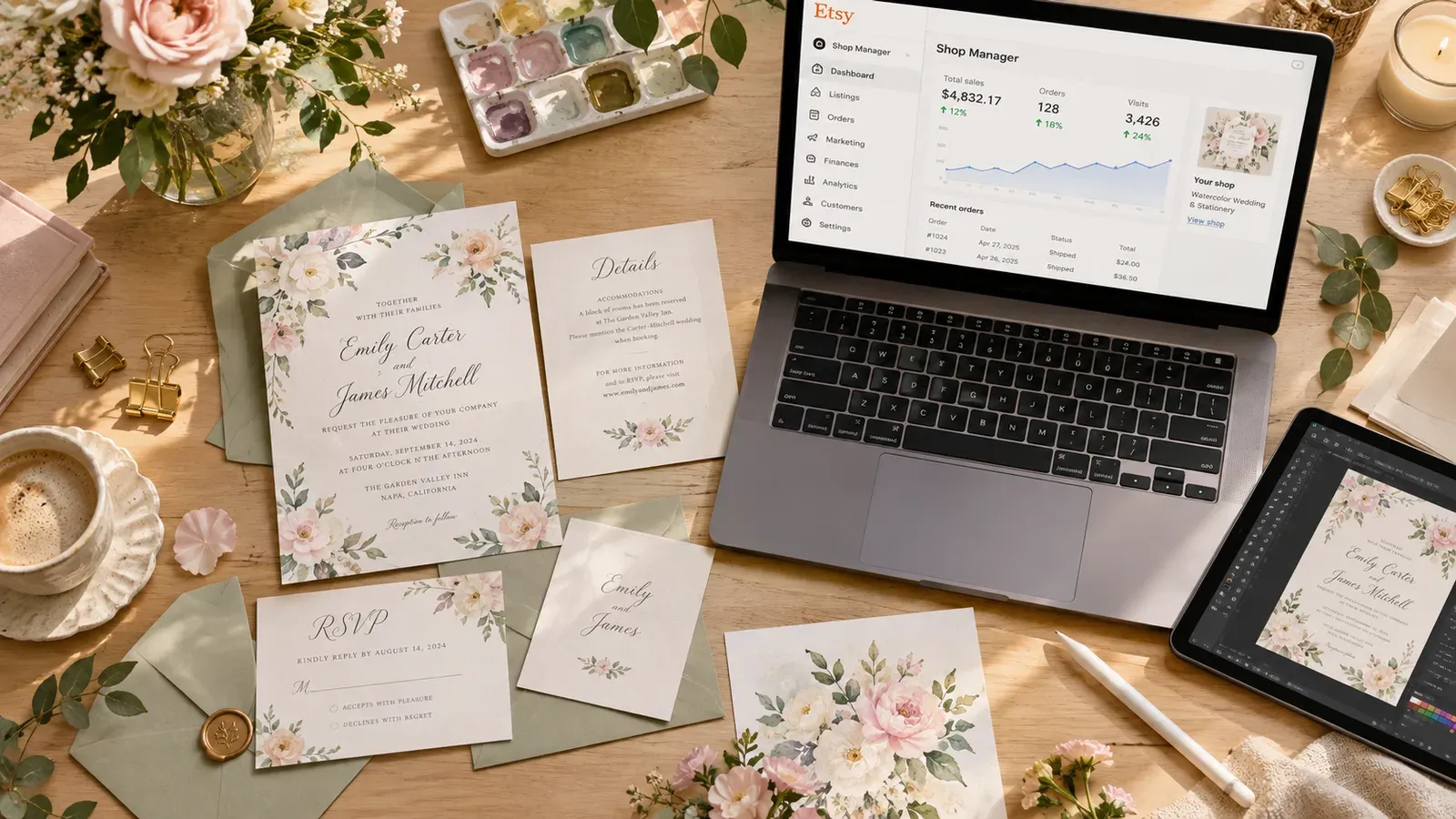
Ava is a talented illustrator who spent years perfecting her watercolor wedding invitation suites. Her designs are stunning, but her Etsy shop is stuck. She spends every evening manually creating listings: photographing mockups on her kitchen table, writing titles and tags, and uploading each variation one by one. She dreams of scaling her business, but the repetitive tasks steal the time she could use to design new collections.
The hidden trap isn’t her design skill - it’s the manual grind of running an Etsy print on demand shop. Many creative sellers face the same wall: they love designing, but the operational side keeps them from growing. What if you could automate the tedious parts and focus purely on creating beautiful wedding invitation templates? That’s exactly what this guide will show you, using practical steps and tools that handle the heavy lifting.
How Can I Sell Wedding Invitation Templates on Etsy?
Selling wedding invitation templates on Etsy starts with understanding the print on demand model. Instead of printing and shipping invitations yourself, you upload your designs to a platform that prints and fulfills orders when a customer buys. You never touch inventory, and your designs can be applied to paper goods like invite cards, RSVP cards, and thank you notes. This model is perfect for artists like Ava who want to sell physical products without managing a print shop.
If you’re new to Etsy, check out our guide on How to Sell on Etsy: The Ultimate Guide to Automating Your Success. It walks you through store setup, policies, and first listings.
Setting Up Your Shop for Wedding Templates
Your Etsy shop needs to reflect the elegance of your wedding stationery. Choose a shop name that hints at your style - something like “Blush & Bloom Paperie” or “Elegant Ink Studios.” Your banner and logo should use your own design aesthetic. Listybox’s Store Setup service can handle all of this for you: the team opens your store, configures branding, and even lists your first 10 products with SEO optimization. If you’d rather jump straight into designing, this is a fast path to a professional storefront.
Choosing the Right Print on Demand Products
Wedding invitation templates work beautifully on a variety of print on demand items. Standard 5x7 invitation cards are the core, but you can also sell matching RSVP cards, save-the-date magnets, menu cards, and even table numbers. With Listybox, you can see our product catalog to find paper products and other items that pair well with your designs. The key is to offer suites that customers can mix and match.
💡 Use Combo Listing to offer invitation suites with matching RSVP cards and thank you notes in a single Etsy listing. Customers can select the item from the variation dropdown, and the photos update automatically.
Creating Your First Listing
When you list a wedding invitation template, you’re selling the design printed on a physical product. Your listing needs clear photos, a compelling title, and a description that explains what the customer will receive. Listybox’s Magic Wand can generate SEO-friendly titles and descriptions for you. You simply select your creation (design + product), and it writes copy that includes relevant keywords like “boho wedding invitation template” or “editable rustic invite.” This removes the guesswork from getting found in Etsy search.
What Are the Best Tools to Design Wedding Invitation Templates?
Designing wedding invitation templates doesn’t require a graphic design degree, but the right tools make a huge difference. Ava used to spend hours in complex software, tweaking layers for each new color variation. Now she uses tools that let her design once and apply to multiple products.
For a deeper dive into automating your art sales, read Sell Art Online Without the Struggle: The Automation Guide for Creatives. It covers how to turn your designs into a product line without burnout.
Using Canva Integration for Fast Design
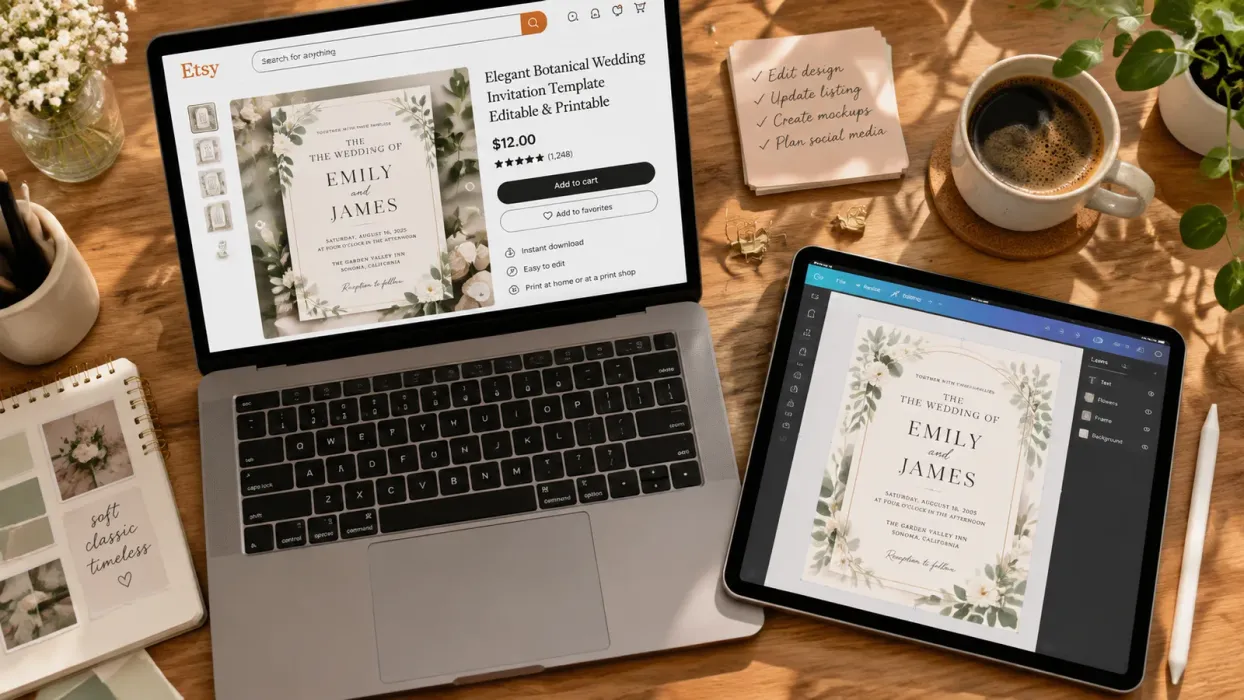
If you’re comfortable in Canva, Listybox’s Canva Integration bridges your design work and your shop. From your Artwork Gallery, click any design and choose “Edit in Canva.” Make your changes - adjust colors, add a new floral motif, swap fonts - then hit “Save to Listybox.” The updated design is in minutes available to use on products. You can also import your Canva designs directly into your gallery with one click. This means you can design a wedding suite in Canva, then push it to Listybox for listing creation without re-uploading files.
Accessing Ready-Made Designs in Artwork Gallery
Not every seller starts with original artwork. Listybox’s Artwork Gallery holds over 100,000 data-driven designs that you can browse and reserve. Search for “wedding,” “floral,” or “elegant” and you’ll find designs ready to apply to products. You can reserve a design to make it exclusive to your shop, so no other seller uses the same graphic. This is a fast way to test wedding styles without spending days creating from scratch.
Uploading Your Own Designs with My Artworks
If you already have a portfolio of invitation designs, My Artworks is your cloud-based design vault. You can bulk upload up to 5,000 images. The system analyzes each design and enriches it with relevant SEO keywords, so when you go to create listings, the tags are already suggested. This saves hours of manual keyword research for every single design. Your artwork stays organized and ready to use across any product.
How Do I Create Mockups for Wedding Invitation Templates?
Mockups are the single most important visual element for selling wedding stationery. Customers need to imagine the invitation in a real setting - on a table with flowers, next to a ring, or held by a bride. Ava’s old method of printing samples, setting up a photoshoot, and editing images took an entire weekend. Now she creates hundreds of unique lifestyle mockups in the same time it used to take to style one.
Unique mockups outperform generic ones, as explained in Listystyle vs Placeit: Why Unique AI Images Outsell Generic Templates on Etsy. When every shop uses the same free mockup, your listing blends in. Distinctive photos catch the eye and build trust.
Generating Lifestyle Mockups with Listystyle
Listystyle is a feature that analyzes your design and target audience, then places your product into realistic lifestyle scenes. For wedding invitations, it might create a flat lay with eucalyptus and lace, or a close-up of the invite against a silk dress. You decide how many images you want, click a button, and you’ll have a batch of high-resolution photos ready to upload to Etsy. No photography equipment, no styling, no editing. And because each image is generated uniquely for your design, you won’t find the same photo in another seller’s shop.
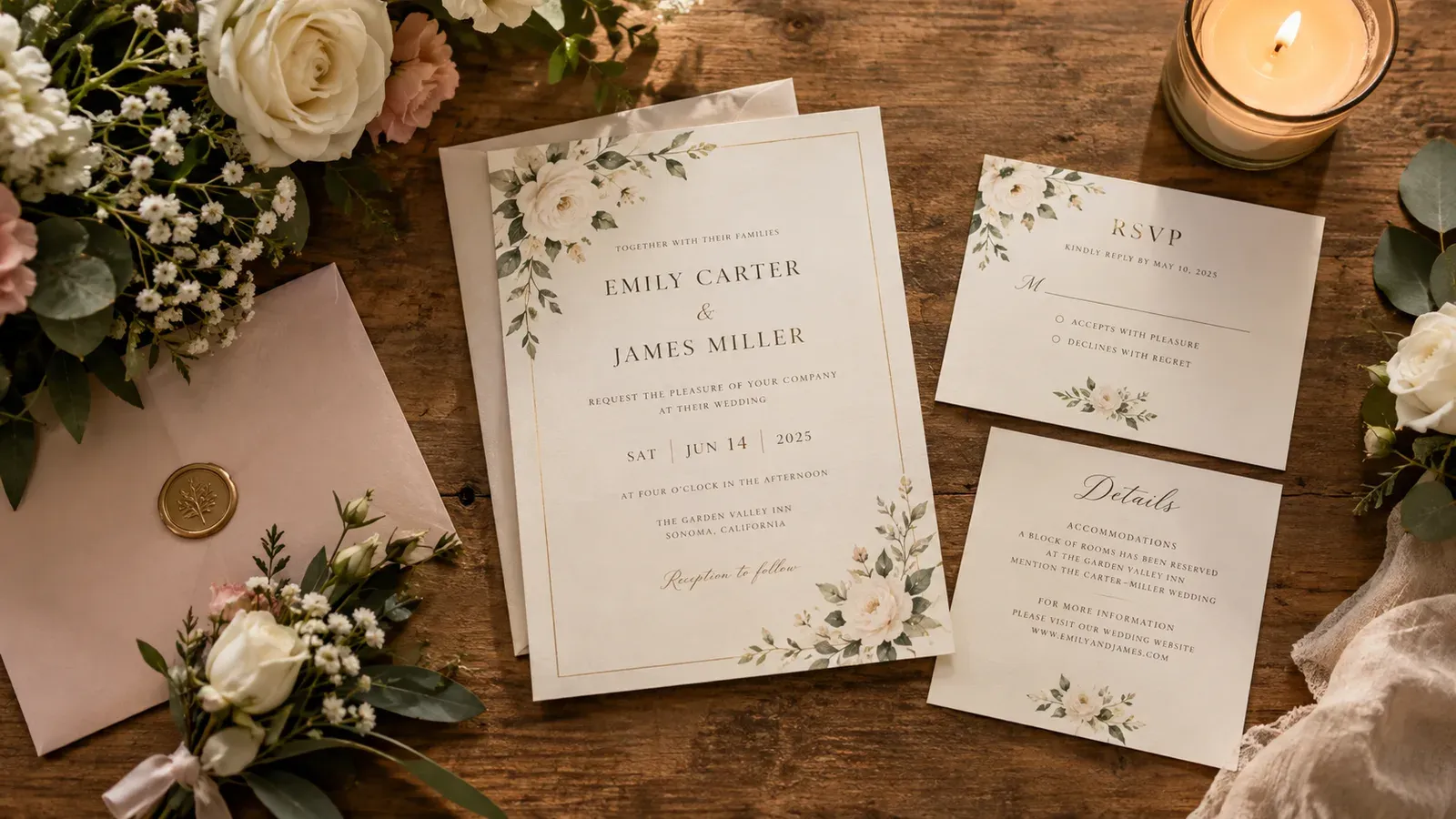
⚠️ Avoid using the same free mockup templates as everyone else. Etsy shoppers recognize generic images, which can hurt your conversion rate. Unique lifestyle photos set your shop apart.
Editing Placements with Placement Editor
When you apply a design to a product like an invitation card, you want the artwork positioned perfectly. The Placement Editor lets you drag, resize, and adjust the design on the product preview. You can also choose fit or fill modes, and then apply that exact placement to all other products in the same creation batch. This ensures your floral border isn’t cut off on the RSVP card but looks balanced on the main invite.
Removing Backgrounds for Clean Templates
If your invitation design has a background you want to remove - say you want a transparent PNG to overlay on a textured paper mockup - the Background Remover does it in one click. It saves a new, transparent version of your artwork right next to the original in My Artworks, at no extra cost. This is handy when you’re creating digital download versions of your templates or need a clean graphic for other product types.
For more on product photography without a studio, see Etsy Product Photography: The Complete Guide to Images That Sell (Without the Studio).
What SEO Strategies Work for Wedding Invitation Templates on Etsy?
Etsy search works by matching a shopper’s query with your listing’s title, tags, and description. Wedding invitations are a competitive category, so your SEO needs to be precise. Ava used to guess at keywords, but now she relies on a tool that does the research for her.
Crafting SEO-Optimized Titles with Magic Wand
Listybox’s Magic Wand analyzes best-selling products and trends to write titles that include the most searched terms. For a boho wedding invitation, it might produce: “Boho Wedding Invitation Template, Editable Printable Invite, Rustic Floral Suite, Instant Download.” The title is packed with keywords but still reads naturally. You can edit any part of it - you keep final control - but the heavy lifting is done.
Writing Descriptions That Convert
A good description tells the customer what they’ll receive, how to personalize the template, and why your design is perfect for their wedding. Magic Wand generates a description that includes those details and naturally weaves in secondary keywords. It understands the product and design combination, so the copy is highly relevant. For example, it might highlight that the template is editable in Canva or that the paper is eco-friendly.
Using All 13 Tags Effectively
Etsy gives you 13 tag slots, and using all of them with relevant phrases is critical. Magic Wand automatically generates 13 tags for each listing. These tags cover variations like “rustic wedding invite,” “printable invitation,” “floral stationery,” and long-tail phrases like “boho wedding invitation template editable.” You can review and tweak them, but starting with a full set saves you from brainstorming and missing opportunities.
💡 When writing titles, include the wedding style (boho, rustic, modern) and the template format (editable PDF, printable). Magic Wand can incorporate these details automatically.
How Can I Automate Selling Wedding Invitation Templates?
Scaling a wedding stationery shop means listing dozens or hundreds of variations: different color schemes, card types, and design themes. Doing this manually is a full-time job. Automation turns that workload into a few clicks, so you can grow your shop without hiring help.
Bulk Creating Listings with Creation Wizard
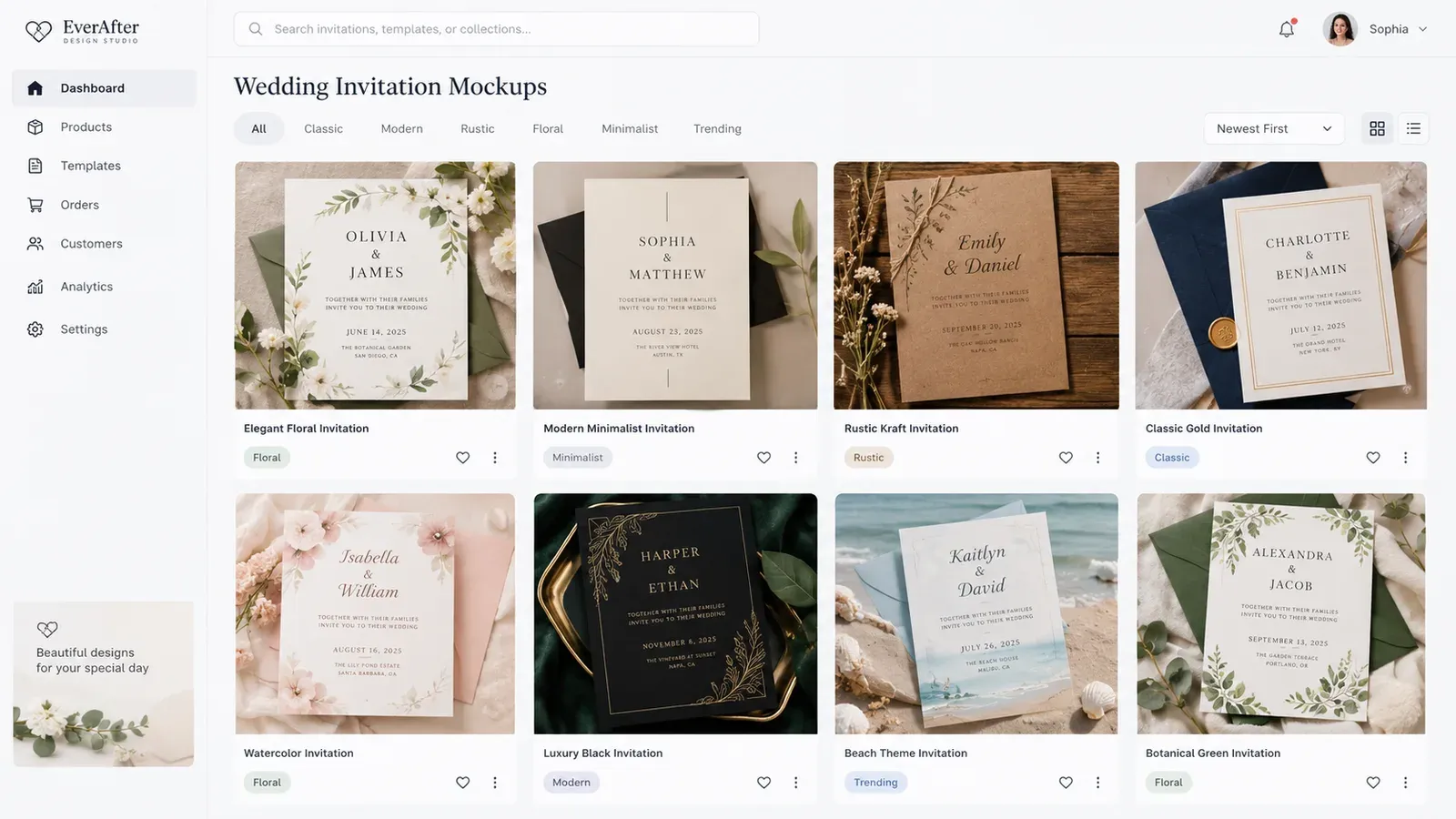
The Creation Wizard is where you combine designs and products in bulk. Select multiple designs from My Artworks or the Artwork Gallery, select multiple products (invitation card, RSVP card, thank you card), and click once. The system creates every combination, complete with mockups and variations. In minutes, you have hundreds of ready-to-list creations. You can then review each one, adjust placements if needed, and push them to Etsy.
Scheduling Publications for Consistency
Etsy’s algorithm favors shops that post regularly. Instead of publishing all your listings at once, Scheduled Publish lets you set a drip schedule - like “every 6 hours” or “once a day.” Listybox will automatically publish your listings according to that schedule. This keeps your shop active and signals to Etsy that you’re a consistent seller, without you having to log in at specific times.
Hands-Off Fulfillment with Zero-Touch
When an order comes in, Zero-Touch Fulfillment handles the rest. It detects the Etsy order, routes it to the best-performing manufacturer, and sends the production details. Once shipped, it pulls the tracking number, marks the order complete in Etsy, and notifies the customer. You don’t have to forward orders or copy-paste addresses. This is the final piece that turns your shop into a mostly automated business, leaving you free to design the next collection.
Does all of this feel overwhelming? You don’t have to start from scratch. With Listybox Store Setup, our expert team sets up your Etsy store, lists your first 10 products, and optimizes everything for SEO. See the pricing page for what this service covers and what it costs.
Ready to start selling wedding invitation templates without the manual grind? Start free - no credit card required.
Listybox
Create listings 10x faster with Listybox.
Frequently asked questions
Put this into practice in your shop.
Every step from design to live listing, on one platform. Start on the free plan.
Related posts
Want to go deeper? Read our in-depth Etsy guides · Browse 100 Etsy niche guides