


Key takeaways
Placeit is a large template mockup library with plans from $7.47 a month billed yearly; its templates can appear in many shops.
Canva Mockups and Dynamic Mockups are template alternatives; Dynamic Mockups adds store integrations on Pro.
Photoroom suits sellers who photograph real products and need background removal and staging.
Listybox’s Listystyle creates lifestyle scenes for each design inside a POD workflow; pick it if you also want listings and publishing in one place.
Liam is an engineer who loves building things. Last year, he started an Etsy shop selling print-on-demand t-shirts as a side hustle. He had a handful of clever designs, a Printify account and a Placeit subscription for mockups.
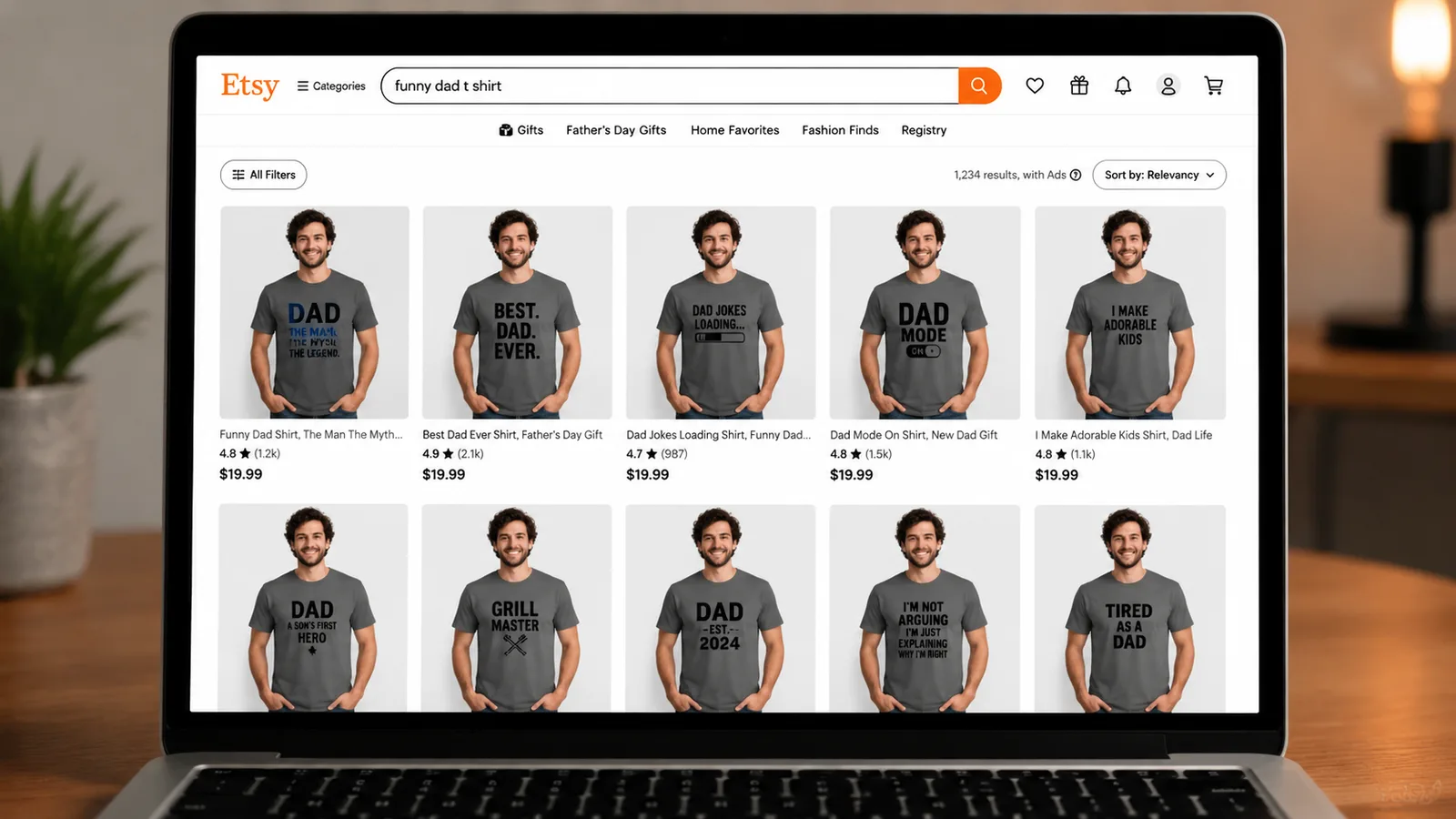
Three months in, his shop had seven sales. When he scrolled through Etsy search results, he saw his t-shirts surrounded by listings that looked almost identical: same kind of model, same pose, same kind of background. His mockups did not stand out.
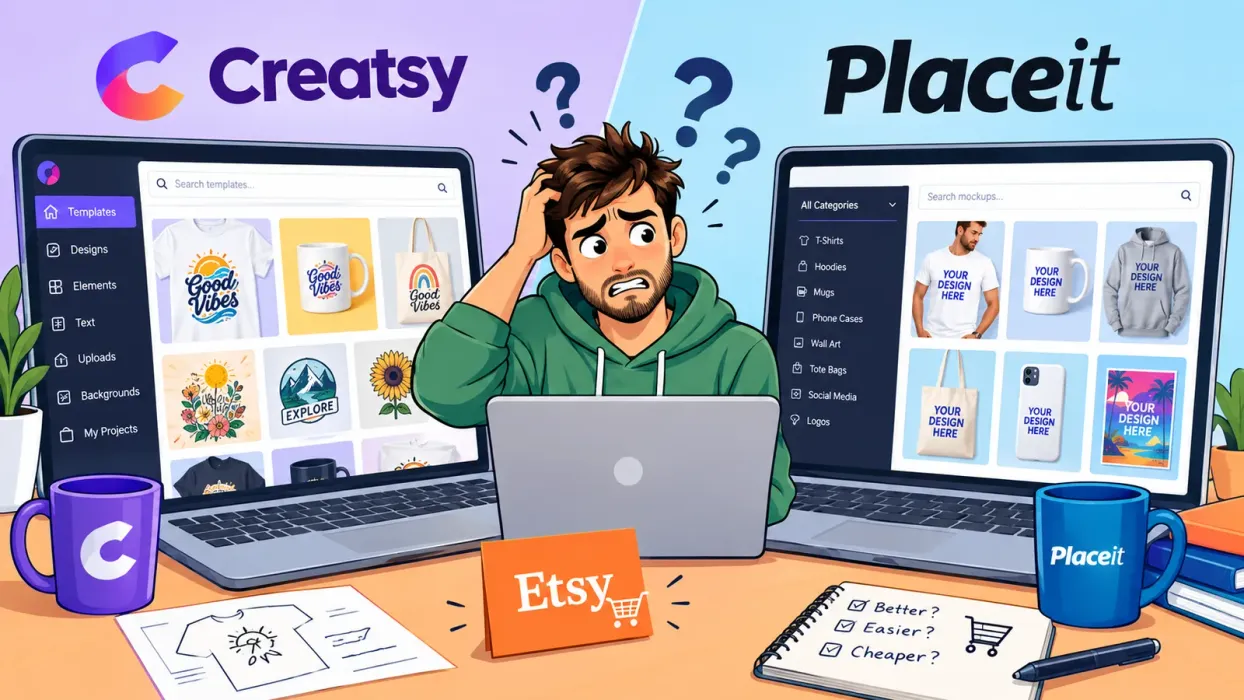
That is the usual reason sellers look for a Placeit alternative. Below are four options with what each says on its own site and who it suits. Claims and prices were read on each vendor’s page on 4 October 2026.
What Placeit Offers
Placeit’s pricing page calls it “the largest mockup library online”. Its subscription starts from $7.47 a month billed yearly, it includes commercial usage, and you can open a free account. The trade-off is the one Liam ran into: popular templates appear in many shops.
Try it in your shop.
Every step from design to live listing, on one platform. Start on the free plan.
What to Look for in a Placeit Alternative
Variety: scenes that do not look like the next listing.
Fit with your workflow: mockups that connect to your designs, products and publishing, so you are not downloading and uploading every image.
Control: the ability to adjust placement and backgrounds without a full design program.
For a feature-level comparison, see Listystyle vs Placeit: Why Unique Images Outsell Generic Templates on Etsy.
Placeit Alternatives at a Glance
| Tool | What it does | Free option | Suits |
|---|---|---|---|
| Canva Mockups | Template mockups, including mockups from your own photo | Yes | Sellers who already design in Canva |
| Dynamic Mockups | Mockup templates with store integrations | 50 free exports | Sellers who want mockups tied to their store |
| Photoroom | Background removal, product staging, video | Start for free | Sellers who photograph physical products |
| Listybox (Listystyle) | Lifestyle scenes per design inside a POD listing workflow | Free plan | POD sellers who also want listing creation and publishing in one place |
1. Canva Mockups: free templates
Canva offers free online mockups, including t-shirt mockups and mockups made from your own photo.
Suits: sellers who already make their designs in Canva and want a free start.
2. Dynamic Mockups: templates with store integrations
Dynamic Mockups starts free with 50 watermark-free exports and no credit card. Dynamic Mockups Pro is $15 a month billed annually, and its Pro plan lists all integrations, including Shopify and Etsy. It says it is trusted by 45,000+ sellers.
Suits: sellers who want a template library connected to their store.
3. Photoroom: background removal and staging
Photoroom’s core tools include a background remover, product staging with lifestyle backgrounds and a video generator. You can start for free; the Pro plan is $7.50 a month billed yearly.
Suits: sellers who photograph real products rather than use digital mockups.
4. Listybox: lifestyle scenes inside a POD workflow
Listystyle is a feature in Listybox, not a template library. It studies your design and intended audience, then creates a set of realistic lifestyle scenes for it, and you choose how many images to generate. Because it sits inside Listybox, the images stay attached to your products, which you build with the Creation Wizard and publish to Etsy. The Placement Editor and Background Remover handle placement and transparent copies of your designs, which you upload in bulk to My Artworks.
Suits: print-on-demand sellers who want images, listings and publishing in one place. If you only need mockups, the three tools above are simpler.
For more on scene-based mockups, read Beyond Placeit: Why Unique AI Mockups Are the Future of Etsy Sales.
Frequently Overlooked Mistakes When Using Mockups
Using the same mockup across many listings: shoppers who see the same background on three of your products may read your shop as generic.
Ignoring small thumbnails: check that your first image still reads clearly at thumbnail size.
Skipping video: Etsy supports listing videos; tools such as Photoroom and Listystyle Video can make one from existing photos.
Not updating seasonal mockups: a winter design on a summer beach scene looks out of place.
Is a Free Placeit Alternative Really Possible?
Yes, within limits. Canva Mockups is free, Dynamic Mockups gives 50 free exports, and Photoroom lets you start for free. Free tiers usually limit volume or features, so check what you need before you build a shop around one. For a wider list, read our Free T-Shirt Mockup Guide: Top Sources & The Automated Alternative.
How Do I Choose?
If you design in Canva, start there. If you want templates connected to your store, look at Dynamic Mockups. If you photograph real products, try Photoroom. If you want lifestyle scenes for each design along with listing creation and publishing, try Listybox.
Frequently asked questions
Put this into practice in your shop.
Every step from design to live listing, on one platform. Start on the free plan.
Related posts

Want to go deeper? Read our in-depth Etsy guides · Browse 100 Etsy niche guides