

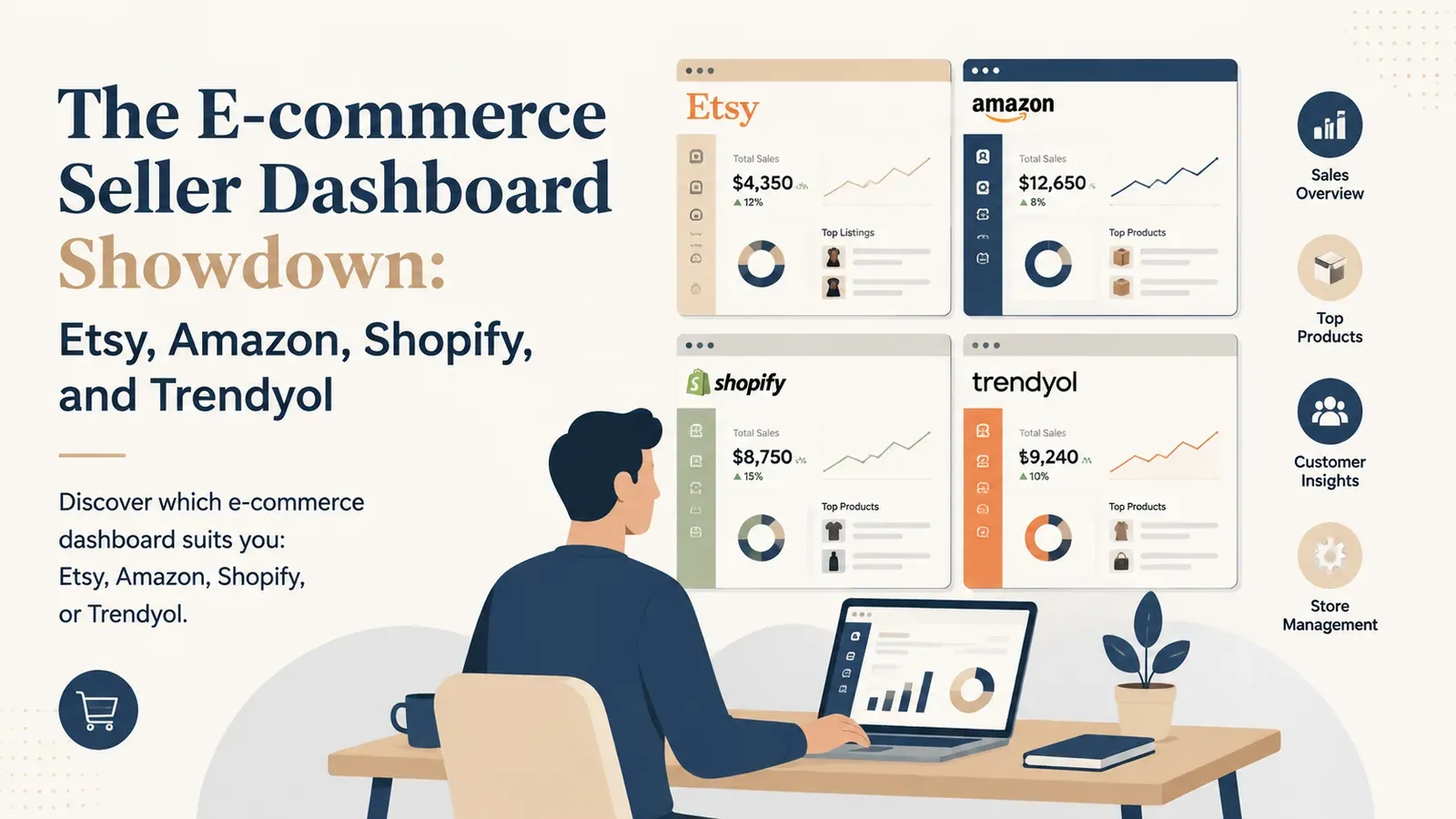
The E-commerce Seller Dashboard Showdown: Etsy, Amazon, Shopify, and Trendyol

Key takeaways
Each platform’s dashboard reflects its ecosystem: Amazon is data-heavy but clunky, Shopify is customisable, Etsy is seller-friendly, and Trendyol is campaign-focused.
Trendyol’s dashboard stands out with real-time inventory and integrated campaign management, especially useful for sellers in the Turkish market.
Shopify vs Etsy boils down to independence vs marketplace reach; choose the dashboard that supports your business model.
The modern e-commerce landscape demands a presence across multiple channels. Relying on a single storefront is a risky strategy in 2026. If an algorithm changes or a marketplace experiences downtime, your entire income stream can vanish overnight. However, expanding to multiple platforms introduces a severe operational headache: logging into a different seller dashboard for every single marketplace.
Imagine starting your morning routine. You open your laptop and load your browser. First, you check your main store. You navigate through the menus to see your overnight sales. Then, you open a new tab for your second marketplace. You spend ten minutes trying to decipher the latest fee changes. Next, you log into your independent website to check your direct traffic. Finally, you open a regional marketplace panel to ensure you have not missed any strict shipping deadlines.
By the time you actually start working on growing your business, you have already spent an hour just collecting basic numbers. This fragmented approach creates blind spots in your business strategy. You cannot make fast, accurate decisions when your data is scattered across the internet.
What Makes a Highly Effective E-commerce Seller Dashboard?
Before we compare the biggest players in the industry, we must define what a truly effective administrative panel looks like. A seller dashboard is the heartbeat of your business. It is where you spend the majority of your working hours.
A poorly designed panel will drain your energy and hide critical financial leaks. A well-designed panel will highlight opportunities and speed up your daily tasks. When evaluating these systems, you should look for four core pillars of functionality.
Visibility and Clear Analytics
You need to know exactly how much money you are making after all fees, shipping costs, and advertising expenses are deducted. Many platforms intentionally make this difficult to calculate. A good panel gives you a clear, easily readable profit margin at a single glance. If you have to export data to a spreadsheet just to find your true profit, the dashboard has failed you.
Actionable Order Management
When a customer places an order, the next steps should be clear and simple. You need to see shipping addresses, product variations, and customer notes without clicking through multiple screens. The best systems automate the tracking process entirely, removing the need for manual data entry. If you want to see how automation changes this process, you can explore all features that modern tools offer.
Centralized Customer Communication
Missing a customer message can result in a bad review, which permanently damages your store ranking. An effective panel brings all buyer messages to the forefront. It should highlight urgent inquiries and allow you to respond quickly using pre-saved templates.
Rapid Catalog Control
Updating your product catalog should not take days. If you need to change prices for a holiday sale or update a specific keyword across hundreds of items, the system must support bulk actions. Doing this one by one is an outdated practice.
Try it in your shop.
Every step from design to live listing, on one platform. Start on the free plan.
How Does the Etsy Seller Dashboard Compare to Amazon?
Etsy and Amazon represent two completely different philosophies in e-commerce. Their administrative panels reflect these differences perfectly. One is built for independent creators, while the other is built for massive, data-driven retail operations.
The Etsy Shop Manager: Built for Creatives
The Etsy Shop Manager is widely considered one of the most user-friendly interfaces in the industry. It is designed for artisans, vintage curators, and print-on-demand sellers who may not have a background in complex data analysis. The navigation is straightforward, with clear tabs for Listings, Messages, Orders, and Stats.
Etsy excels at visual presentation. Adding a new product feels intuitive. The process of uploading photos, writing descriptions, and setting tags is broken down into easy steps. However, this simplicity comes at a cost when you start to scale your business.
Once you have hundreds of products, the Etsy panel becomes incredibly tedious to manage. The bulk editing tools are very limited. If you want to run a store-wide update for a specific holiday, you will find yourself clicking through endless pages. This is where external tools become necessary. For example, with Bulk Edit you select the listings, choose whether to add, remove, or replace text in titles, descriptions, or tags, and apply the change to the full selection.
Additionally, Etsy’s analytics are somewhat surface-level. They tell you how many visits you received and your overall revenue, but digging into the exact conversion rate of specific search terms is difficult. You often have to guess which keywords are actually driving your sales.
Amazon Seller Central: The Data Labyrinth
If Etsy is a friendly local market, Amazon Seller Central is a massive, complex corporate headquarters. Amazon provides an overwhelming amount of data. You can track almost every conceivable metric, from detailed session percentages to the exact performance of your inventory over time.
However, the interface is notoriously difficult to navigate. It looks and feels like a massive spreadsheet. New sellers often experience a steep learning curve, spending weeks just figuring out how to properly list a product without triggering an error code.
The biggest pain point in Seller Central is finding your actual profit margin. Amazon has numerous fees: referral fees, FBA fulfillment fees, storage fees, and advertising costs. These are often buried in different reports. A seller might see a healthy revenue figure on the main screen, only to realize their actual payout is much lower after navigating through five different financial sub-menus.
While Amazon offers incredible scale, the dashboard requires you to become a data analyst just to survive.
Shopify vs Trendyol: Which Seller Dashboard Gives You Better Control?
Moving away from the global giants, we look at Shopify and Trendyol. Shopify represents the independent website model, while Trendyol represents the high-volume, hyper-competitive regional marketplace.
Shopify: The Independent Command Center
Shopify is praised for giving sellers complete control over their brand. The main dashboard is clean, modern, and highly customizable. Because you own the store, Shopify gives you direct access to your customer data, including email addresses and exact browsing behavior.
The core analytics are excellent. You can clearly see your returning customer rate, your average order value, and where your traffic is coming from. According to recent research from Shopify, independent merchants who utilize detailed customer data see significantly higher repeat purchase rates.
However, there is a major catch. The base Shopify dashboard is quite minimal. To get advanced functionality like product reviews, complex shipping rules, or print-on-demand connections, you must install third-party apps. Soon, your clean dashboard becomes cluttered with a dozen different app interfaces. You end up paying multiple monthly subscriptions, and the data between these apps often conflicts, leaving you confused about which numbers are accurate.
Trendyol: The High-Volume Partner Panel
Trendyol operates on a massive scale, and its seller panel is built strictly for high-volume order processing. The interface is highly functional but very rigid. It is entirely focused on campaigns, Buybox competition, and shipping metrics.
The Trendyol dashboard excels at pushing you to sell more. It constantly suggests campaigns to join and shows you exactly how much you need to lower your price to win the Buybox.
The pain point here is the intense pressure and lack of flexibility. Trendyol enforces strict shipping deadlines. If you miss a deadline by even a few hours, the dashboard immediately reflects penalty points. The interface is less about building a unique brand and more about moving inventory as fast as possible while adhering to strict marketplace rules.
Why Managing Multiple Seller Dashboards is Hurting Your Profit Margins
Many sellers believe that opening stores on Etsy, Amazon, and Shopify is the key to wealth. They open the accounts, list their products, and wait for the money to roll in. This is the hidden trap of multi-channel e-commerce.
You are not just multiplying your sales; you are multiplying your administrative workload. This constant context switching is actively hurting your business.
The Mental Cost of Context Switching
Every time you switch from the Etsy Shop Manager to Amazon Seller Central, your brain has to adjust to a completely different layout and set of rules. This mental fatigue leads to mistakes. You might accidentally apply an Etsy pricing strategy to Amazon, resulting in a massive loss due to different fee structures.
Sellers managing three or more platforms manually repeat the same data entry across different panels. That effort could go into designing new products or planning marketing campaigns.
The Nightmare of Manual Inventory Sync
If you sell the same physical product on three platforms, a sale on one platform means you must manually reduce the inventory on the other two. If you forget to do this, you risk selling an item you no longer have. This leads to canceled orders, angry customers, and severe account penalties from the marketplaces.
The Copy-Paste Shipping Trap
Fulfilling orders manually across multiple dashboards is a soul-draining task. You copy the customer’s address from Etsy. You paste it into your supplier’s website. You pay for the item. Two days later, you get a tracking number from the supplier. You copy that tracking number. You log back into Etsy. You paste the tracking number.
Now multiply that by 50 orders a day across three different platforms. It is completely unsustainable. You become a data-entry clerk for your own business. For your Etsy orders, this is where Zero-Touch Fulfillment helps: after you pay for each order, Listybox sends the details to the selected manufacturer and brings tracking back to the Etsy order and customer.
How Listybox Unifies Your E-commerce Seller Dashboard Experience
Managing these platforms calls for a better system rather than one more app for your collection. Listybox gives you one workspace where you run your Etsy shop: you create products, publish listings and fulfill orders in the same place.
Listybox brings product creation, listing work, Bulk Edit, Scheduled Publish and orders together, so you work from one place instead of scattered dashboards.
Single Panel Multi-Marketplace Management
Imagine waking up and logging into one single screen. Your Etsy orders, including custom product orders, appear in My Orders in Listybox. You do not need to open five tabs to see what is happening in your shop.
With the Custom Product Hub, you can clone catalog products to adjust costs and suppliers, or create custom products with your own mockups, variants, and production SKUs. Those products then connect with features such as Magic Wand and Bulk Listing in the same workspace. You manage your catalog in one place instead of jumping between different websites.
Automated Order Tracking and Fulfillment
Zero-Touch Fulfillment removes the manual fulfillment process. When a customer places an order on your Etsy shop, it appears in My Orders in Listybox. You pay the production and shipping cost for that order there, and production does not start before payment. Listybox then sends the required details to our partner print providers in the US, who print the item and ship it straight to your buyer.
When the item ships, Listybox retrieves the tracking number and updates your Etsy order and your customer. You do not copy and paste addresses or tracking numbers by hand.
Advanced Analytics and SEO Command
Instead of guessing which keywords work on the basic Etsy dashboard, you can use Tag Health in Listybox. It checks every tag of a listing against live Etsy competition, shows the number of competing listings per tag, and suggests lower-competition alternatives you can apply in one click.
If your listings are sitting on page ten, you do not need to research tags by hand. Magic Wand studies relevant products and trends, then writes an SEO-focused title, a full tag set, and a sales-focused description for each product and design combination. You can edit everything before publishing.
Product Visuals That Drive Clicks
Even the best dashboard cannot help you if your product photos look amateur. Buyers scroll past generic, flat lay images. To win the click, you need lifestyle photography that helps the buyer imagine the product in their own life.
You can handle your visual branding within the same workspace. Listystyle studies the design and intended audience, then creates a selected set of realistic lifestyle scenes that keep the product presentation relevant. This keeps image work in the same workspace as your listings.
Stop Switching Tabs and Start Scaling Your Business
The difference between a struggling seller and a highly profitable business owner is how they spend their time. If you spend your days matching tracking numbers and clicking through complex, confusing menus, you are limiting your own growth.
You need a system that keeps your operations in one place: one workspace for your products and listings, with Zero-Touch Fulfillment handling the order steps after you pay for each order.
Does all of this feel overwhelming? You don’t have to start from scratch. With Listybox Store Setup, our team sets up your Etsy store, prepares core branding, publishes an initial product set from the Listybox catalog with SEO-focused copy, and guides your onboarding. It is available inside a custom Enterprise+ offer, so plan a demo or write to [email protected].
Take control of your time and your profit margins today. Start for free - no credit card required and see how a unified command center can change your entire e-commerce experience.
Listybox
Listybox keeps your Etsy shop work in one place. Create products, publish listings, edit them in bulk and pass print-on-demand orders to production.
Frequently asked questions
Put this into practice in your shop.
Every step from design to live listing, on one platform. Start on the free plan.
Related posts


Want to go deeper? Read our in-depth Etsy guides · Browse 100 Etsy niche guides