


Key takeaways
Vela is a listing management tool for Etsy, Shopify, eBay, and Faire: it creates, optimizes, and bulk edits listings, with monthly per-shop pricing and a one-week trial.
Listybox adds Trend Compass designs and sends orders to its partner print providers in the US for printing and shipping, which Vela leaves to your print-on-demand platform.
For basic bulk changes, Vela is sufficient; for scaling your Etsy business with automation, Listybox is the more powerful choice.
Managing an Etsy shop often feels like a balancing act between creativity and administration. As your store grows, the administrative work, such as updating tags, adjusting prices, and managing inventory, can crowd out the creative side. This is where tools like Listybox, the one workspace where you create products, write and publish listings, and handle print-on-demand orders, and Vela enter the conversation.
Both platforms promise to make your life easier, but they approach the problem from fundamentally different angles. Vela has long been the go-to utility for bulk editing, acting as a reliable wrench in a seller’s toolbox. However, in the fast-paced world of Print-on-Demand (POD), a wrench might not be enough when you need an entire assembly line. This comparison dives deep into the capabilities of both platforms to help you decide which one will truly power your business forward.
The Core Philosophy: Utility vs. Operating System
To understand which tool fits your needs, you must first define your goal. Are you looking to maintain your current status, or are you looking to scale aggressively?
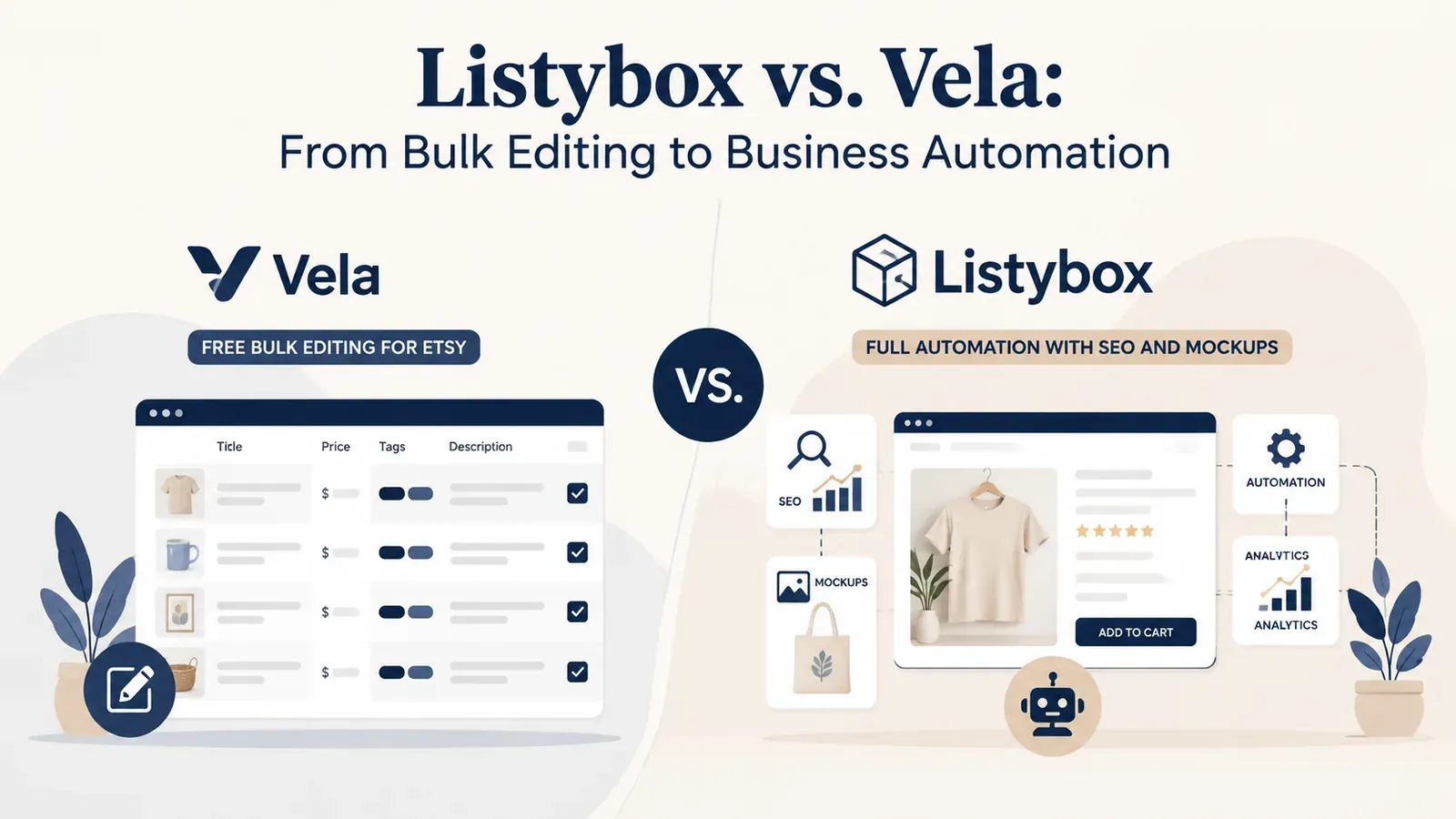
Vela is designed as a listing management tool. Its primary strength lies in connecting to your active Etsy listings and allowing you to edit them in bulk. If you need to add a “Spring Sale” banner to 50 photos or change a tag across a specific section, Vela is efficient and effective. It excels at maintenance.
Listybox, on the other hand, is built as the one workspace where an Etsy seller runs the shop. It includes Bulk Edit for changing titles, descriptions, and tags across many listings, but it also covers creation. Listybox gives you the tools to create new products with Creation Wizard, write SEO copy with Magic Wand, build lifestyle scenes with Listystyle, schedule publishing, and send paid orders to production with Zero-Touch Fulfillment. You can edit everything before publishing.
Publish your next batch.
Prepare your products and publish listings to Etsy in bulk. Start on the free plan.
Creating vs. Editing: The Scale Factor
The biggest bottleneck for most Etsy sellers is not editing existing products, but getting new ones live. This is where the divergence between the two platforms becomes most apparent.
The Vela Approach
Vela can create listings too: from scratch, from a saved profile, by copying an existing listing, or in bulk with CSV import. What it doesn’t handle is the product behind the listing. Print partners and fulfillment connections stay on your print-on-demand platform, and you reconnect them there after copying a listing.
The Listybox Advantage
Listybox takes a different approach with the Creation Wizard. Instead of creating one listing at a time, you can pick a design from the Artwork Gallery and apply it to dozens of selected products in bulk. Creation Wizard prepares the variants and mockups for review, and you can edit everything before publishing.
This allows you to try several niches with the same design rather than building around a single concept.
SEO and Visibility: Manual Input vs. Intelligent Automation
Visibility is the currency of Etsy. No matter how great your bulk editing tool is, it cannot help you if buyers cannot find your products.
Optimization with Vela
Vela allows you to update titles and tags in bulk, which is a massive time-saver compared to Etsy’s native editor. Its AI Optimize tool can also draft titles, descriptions, and tags, and each listing gets a score as feedback.
Intelligent Automation with Listybox
Listybox builds listing copy directly into the workflow. Magic Wand studies relevant products and trends, then writes an SEO-focused title, a full tag set, and a sales-focused description for each product and design combination. It doesn’t just apply changes; it writes the content, and you can edit everything before publishing.
Visual Merchandising: Mockups and Branding
In online retail, your photo is your sales pitch. The quality of your mockups often determines your click-through rate.
Vela’s Photo studio edits and organizes your product photos. AI mockup generation and photo-to-video creation are listed as coming soon on its pricing page.
Listybox covers this with Listystyle. This feature studies your design and its intended audience, then creates a selected set of realistic lifestyle scenes that keep the product presentation relevant. You can review the images and edit your listings before publishing.
Real-World Scenario: The Q4 Scale-Up
To see the true impact of these differences, let’s look at a typical scenario for a growing seller.
Meet Sarah, a vintage enthusiast who has pivoted to a specialized POD niche. She has a modest store with 50 listings and set a goal to scale to 500 products before the holiday rush.
Sarah starts by using Vela. She organizes her existing 50 listings beautifully, updating their tags for the holidays. But then she faces the mountain: 450 new products. Vela can draft and publish the listings, but she still has to go to her print provider, upload art one by one, and connect 450 products for fulfillment. After three weeks of late nights, she has only managed to add 60 new products. She is exhausted and misses the prime window for trend adoption.
Then, she discovers Listybox. She uploads her designs to My Artworks. Using the Creation Wizard, she applies her art to hoodies, mugs, and totes in bulk. Magic Wand writes SEO-focused descriptions for all of them, which she can edit before publishing. Finally, she uses Scheduled Publish to release these listings on a daily interval.
Before Listybox, Sarah was doing this work manually, which capped her growth. With Listybox, she launched 450 products: she prepared them, wrote their listing content and scheduled publishing in one workspace, and she could edit everything before it went live.
Fulfillment and Profitability
Finally, consider fulfillment. Vela is purely a software interface; it does not handle fulfillment, which stays with your print-on-demand platform.
Listybox takes care of the order hand-off. With Zero-Touch Fulfillment, each Etsy order appears in My Orders in Listybox. After you pay the production and shipping cost for that order, Listybox sends the required details to the selected manufacturer, and our partner print providers in the US print it and ship it to your buyer. Listybox retrieves tracking after shipment and updates the Etsy order and customer.
Conclusion: Making the Right Choice for Growth
Vela is an excellent tool for specific tasks. If you strictly need to bulk edit existing listings and have no intention of rapidly expanding your catalog, it serves its purpose well.
However, if your goal is to grow your shop beyond maintenance, Listybox gives you one workspace for running it. By combining product creation, SEO copy, lifestyle mockups, scheduling, and fulfillment in one place, Listybox keeps that work together while you keep control and can edit everything before publishing.
Does all of this feel overwhelming? You don’t have to start from scratch. With Listybox Store Setup, our team sets up your Etsy store, prepares core branding, publishes an initial product set from the Listybox catalog with SEO-focused copy, and provides onboarding guidance. It is available inside a custom Enterprise+ offer, so plan a demo or write to [email protected].
Ready to experience the difference? Start Listybox now - no credit card required and transform your Etsy workflow today.
Listybox
Listybox keeps your Etsy shop work in one place. Create products, publish listings, edit them in bulk and pass print-on-demand orders to production.
Frequently asked questions
Put this into practice in your shop.
Every step from design to live listing, on one platform. Start on the free plan.
Related posts


Want to go deeper? Read our in-depth Etsy guides · Browse 100 Etsy niche guides